
Glimbench
VerifiedFree on-device AI tools for background removal, image to Excel and HEIC to JPG
Product preview
Glimbench
What it is
Glimbench is a small suite of file tools that process images on the user's own device rather than on a server. Its background remover cuts people and products out of photos and returns transparent PNGs at original resolution with no watermark. Image to Excel recognizes tables in screenshots or document photos, lets users fix recognition errors and downloads a real XLSX workbook. A HEIC to JPG converter handles batches of iPhone photos. The free tier covers unlimited single images and modest batch sizes, while a Pro plan adds larger batches, e-commerce presets for marketplaces such as Amazon and Shopify, custom backgrounds, a higher quality cutout model on WebGPU devices and future local tools.
Key features
- Full-resolution background removal
- Table screenshot to XLSX
- Batch HEIC to JPG conversion
- E-commerce cutout presets
What we liked
- + Files are processed on your device
- + No watermark or low-res previews
- + Very low Pro pricing
Worth noting
- · Small tool lineup so far
- · Best cutout model needs a WebGPU device
Editor's notes
More context from AI BirdView
Glimbench stands out for its privacy-first design. Because every tool runs locally in the browser, product photos and document screenshots never need to be uploaded, which is reassuring for anyone handling client files or internal spreadsheets.
- Background removal returns full-size transparent PNGs without watermarks
- Image to Excel lets you correct recognized cells before downloading
- HEIC conversion handles whole batches and zips the results
- Pro adds marketplace presets for Amazon, Shopify, Etsy and eBay
- One Pro plan covers every current and future local tool
Glimbench is best for online sellers preparing product shots, office workers digitizing tables and iPhone users who need JPGs that open anywhere. Our tip: check fine edges like hair or transparent packaging after a cutout, as the site itself notes AI edges can need a closer look, and try the free batch limits first; the yearly and founding lifetime options are inexpensive if you regularly process images in bulk. For marketplace listings, the Pro presets save you from resizing and padding each product photo manually.
Reader reviews
From people who've used Glimbench. Emails are never shown publicly.
No reviews yet. Be the first to share your experience.
Alternatives to Glimbench
Other tools we like in this space.
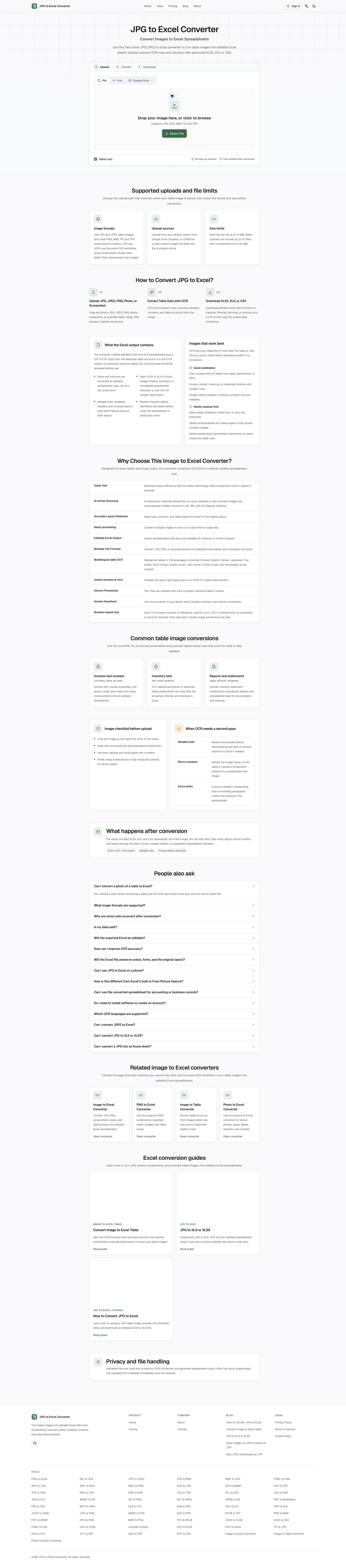
JPG2Excel
Convert images to Excel online with OCR

remove.bg
Instant, pixel-perfect background removal

Photoroom
Product photos that sell, straight from your phone
EasyRemoveBG
Free AI background remover for JPG, PNG and WebP