
Imgkits
VerifiedRemove objects, swap backgrounds, restore and upscale photos with AI
What it is
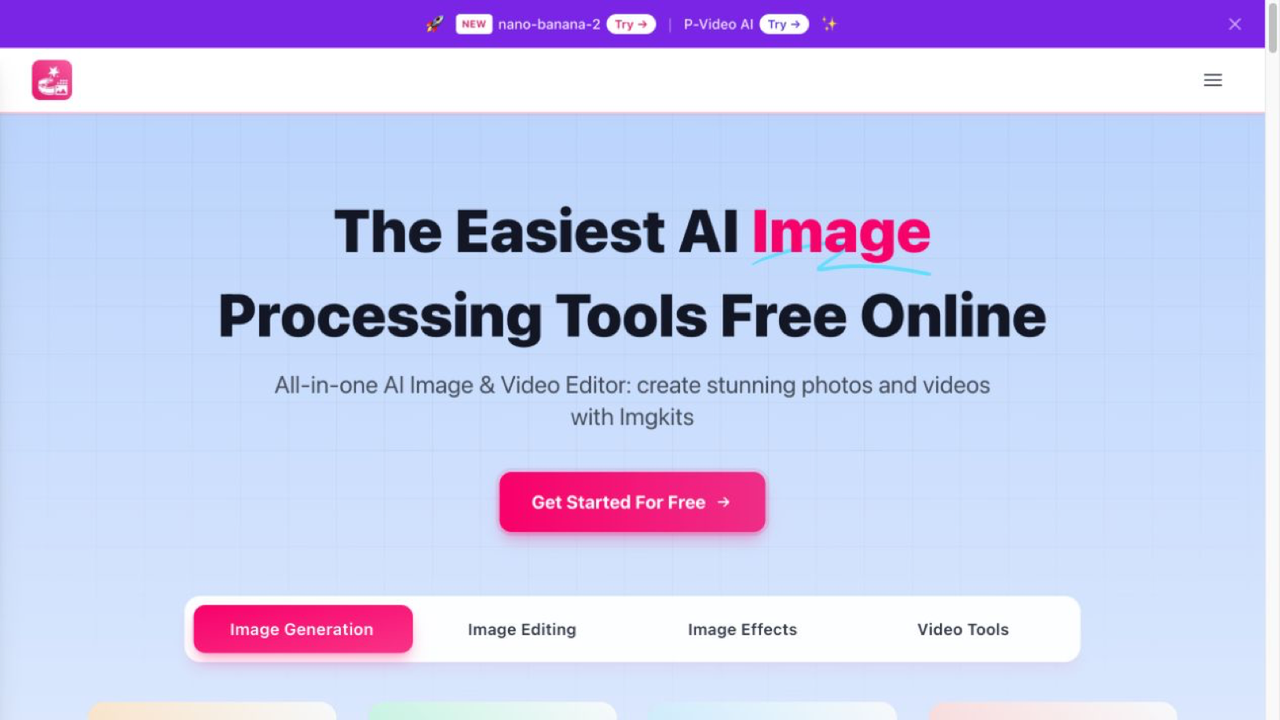
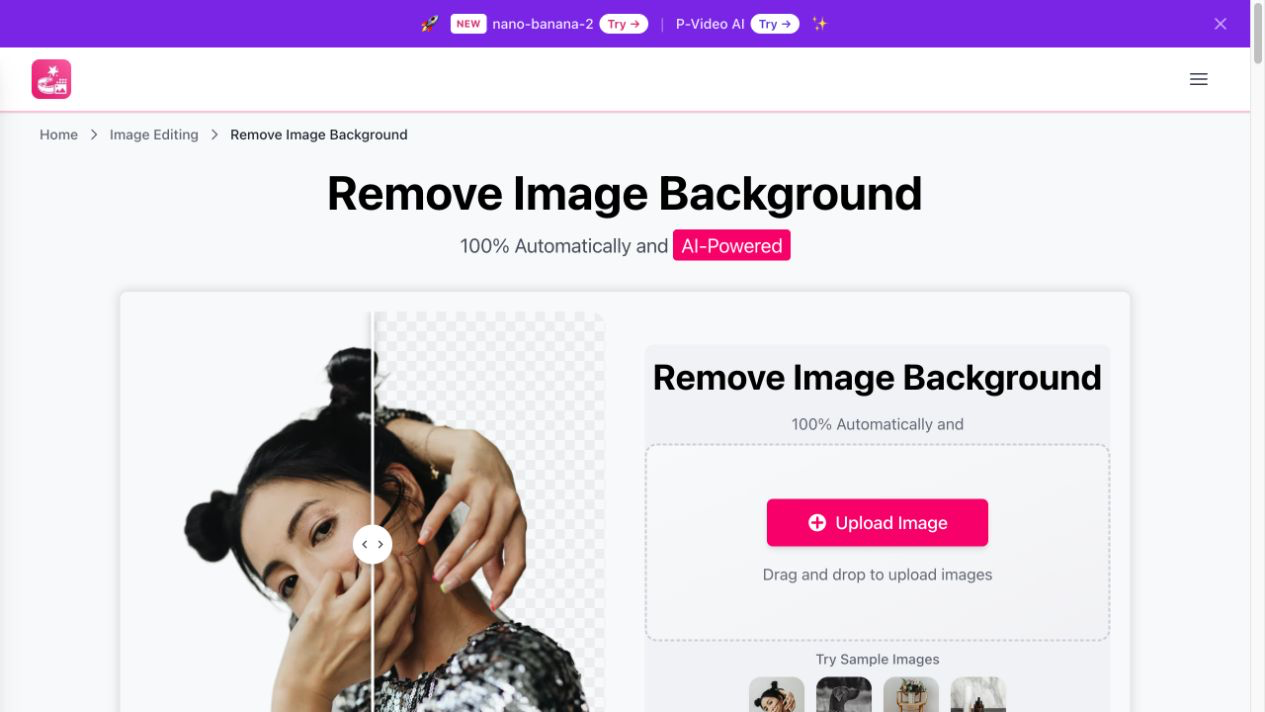
Imgkits is a browser-based AI photo editor for creators, online sellers and anyone with a camera roll. It handles the fiddly edits in one step: erase objects or watermarks, cut out or replace backgrounds, repair and colorize old photos, and upscale small images. No installs or design skills needed, with a free tier to start.
Editor's notes
More context from AI BirdView
Imgkits is a handy all-in-one toolbox for the everyday image fixes that usually send people hunting across several apps. It now covers video and generation too, and you can browse tools by task or simply describe what you want done, which keeps it friendly for non-designers.
- An AI image editor accepts natural-language instructions, so you can describe an edit instead of masking it manually.
- Restoration tools colorize black-and-white photos, unblur images and enhance clarity, which is great for family archives.
- Video features include image-to-video animation and text-to-video generation.
- Creative generators produce logos, flyers, wallpapers, tattoo designs, emojis, action figures and even fantasy maps for tabletop games and novels.
- Photo-to-art filters turn pictures into anime, cartoon, sketch and painting styles, and a stencil maker creates clean black-and-white templates.
Imgkits suits online sellers cleaning up product shots, social creators, crafters and anyone reviving old photos. Everything runs in the browser, and limited free access lets you try the tools before choosing a paid plan. A practical tip is to chain tools: remove the background first, then upscale or enhance the cutout, and finish by placing it on a new background, which gives cleaner results than one heavy edit.
Reader reviews
From people who've used Imgkits. Emails are never shown publicly.
No reviews yet. Be the first to share your experience.