
Kling 3.0 AI Video Generator
VerifiedCreate 4K cinematic AI videos from text and images
What it is
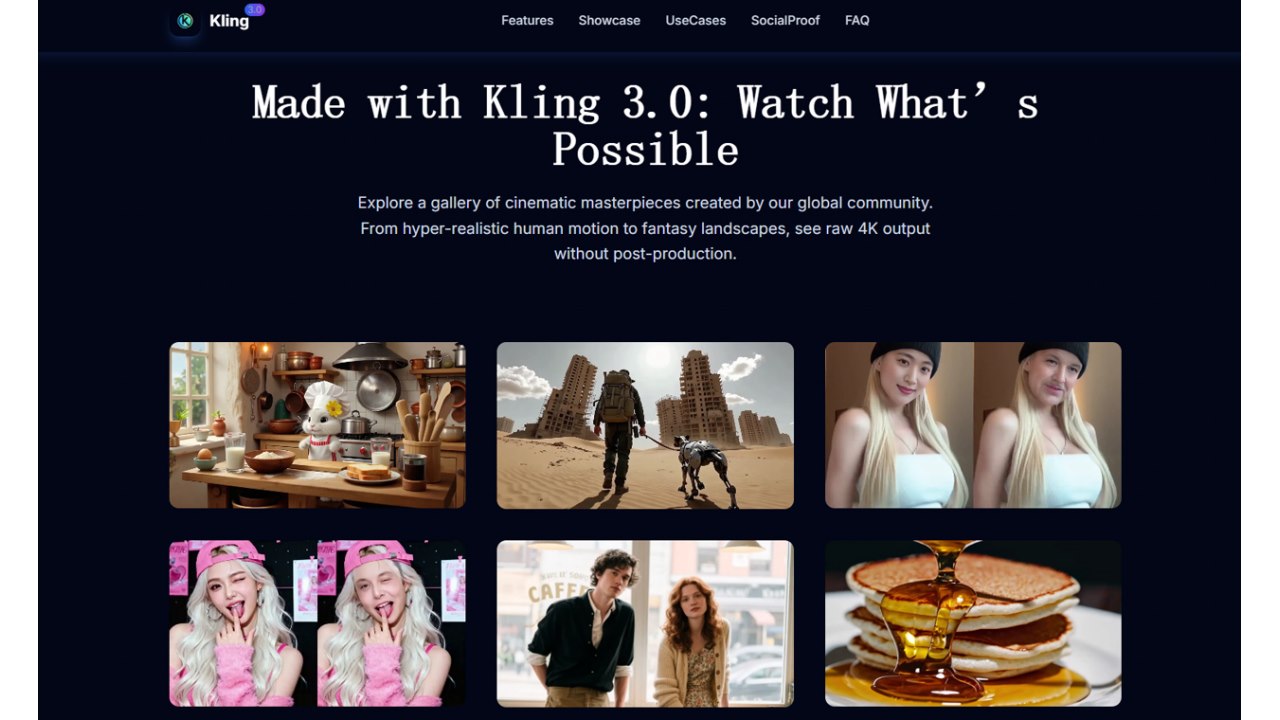
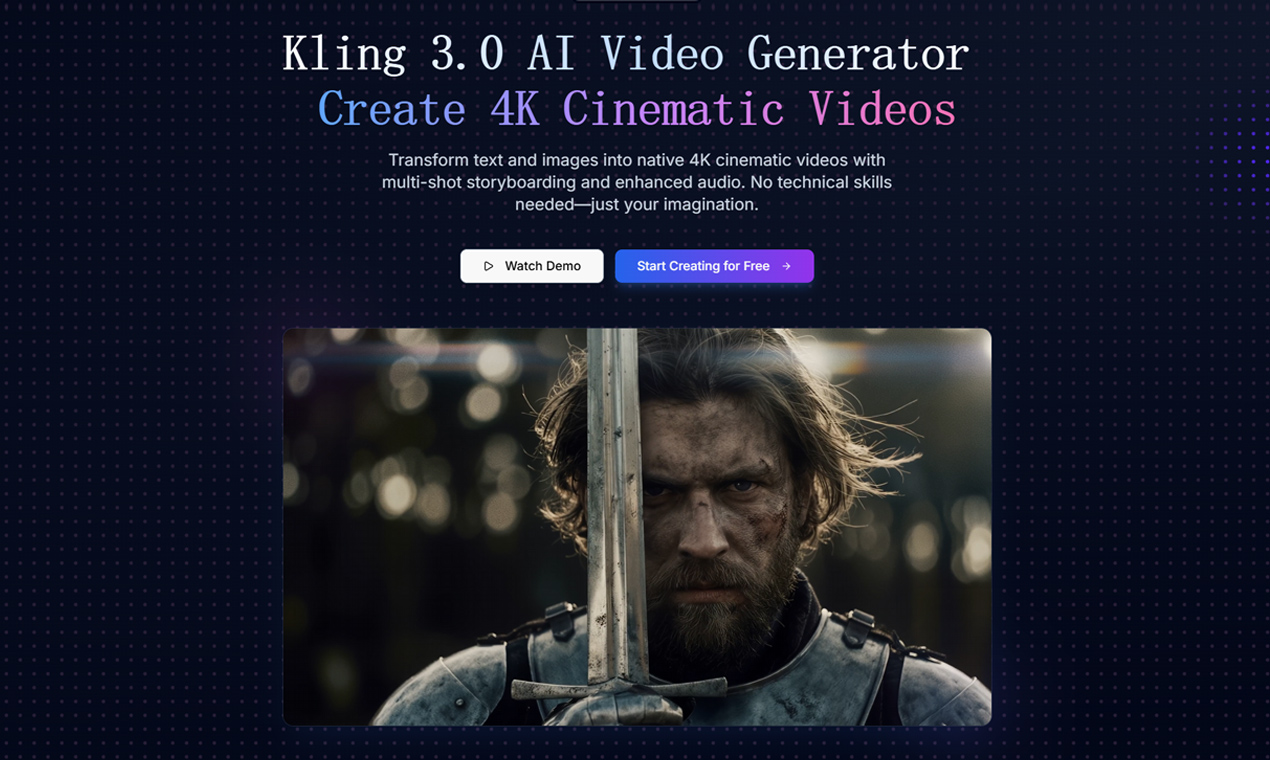
Kling 3.0 turns text prompts and source images into native 4K cinematic video, with multi-shot storyboarding, locked-in character consistency, and native multilingual audio. Key features: multi-shot AI-directed output with automatic camera angles and shot-reverse-shot editing; multi-reference image-to-video that locks characters, items and environments across shots; Native Audio 2.0 with character-level lip sync in English, Chinese, Japanese, Korean and Spanish; controllable motion and cinematic visual styles. Use cases: product marketing videos, ad creatives, 4K short-form social content, story-driven multi-shot sequences without a film crew. Freemium: free tier available, paid credits from $9.9.
Editor's notes
More context from AI BirdView
Kling3 AI offers a straightforward browser studio built around the Kling 3.0 video model, wrapping text-to-video and image-to-video generation in a simple, credit-based interface. It appears to be an independent site rather than the official Kling platform from Kuaishou (which lives at kling.ai), and it gives quick access to the model without navigating a larger creative suite.
- The studio bundles several Kling variants, including Kling 3.0, Kling 2.6 Pro, and Kling Motion Control, so you can match the model to the job at hand.
- Motion Control transfers movement from a reference clip onto your character, which is handy for dance, gesture, and product demo shots.
- Everything runs in the browser, so there is nothing to install and no powerful GPU needed on your side.
- A free starting option lets new users test prompts and styles before committing to a paid plan.
It suits marketers, social media creators, and indie filmmakers who want fast access to Kling 3.0 for ads, teasers, and short narrative clips. Because this is a third-party service, compare its pricing and terms with the official Kling app before buying credits. For the best multi-shot results, write prompts shot by shot, describing the subject, action, and camera move for each beat.
Reader reviews
From people who've used Kling 3.0 AI Video Generator. Emails are never shown publicly.
No reviews yet. Be the first to share your experience.