
Photo2Skin
VerifiedAI Minecraft skin generator from photos, images, text or Roblox avatars
Product preview
Photo2Skin
What it is
Photo2Skin is an AI tool for Minecraft players that generates real, wearable skin files rather than just Minecraft-style pictures. You can start from a photo of yourself, a piece of character art, a text description or screenshots of a Roblox avatar, compare generated variations and preview the result on a rotating 3D model. A built-in editor lets you paint pixels in 2D or directly on the model before downloading a standard 64x64 PNG for Java or Bedrock editions. Extra tools include photo pixelation, a real-world map generator, AI builds, a skin grabber and a community skin library. It runs on the web and as an iPhone and iPad app. It is not an official Minecraft product.
Key features
- Photo, image, text and Roblox to skin
- 3D preview and pixel skin editor
- Java and Bedrock ready PNG export
- Community skin and build library
What we liked
- + Produces playable skin files
- + Free editor, library and skin grabber
- + Available on web and iOS
Worth noting
- · AI generation requires a subscription
- · Not affiliated with Mojang or Microsoft
Editor's notes
More context from AI BirdView
Photo2Skin solves a specific annoyance for Minecraft fans: many AI tools make pretty pictures of blocky characters, but you cannot actually wear them in the game. This one outputs a proper skin file you can load into Java or Bedrock, and it gives you several ways to get there, from a selfie to a Roblox avatar you want to bring across.
- Four starting points: a photo, a character image, a text prompt or Roblox avatar screenshots
- A rotating 3D preview lets you compare variations before choosing one
- The editor supports painting individual pixels in 2D or on the 3D model
- Extras include pixel art from photos, a real-world map generator and AI-made builds
- The skin library, editor and skin grabber stay free, with credits only needed for AI features
It is best for younger players, parents and content creators who want a personal skin without learning pixel art from scratch. A practical tip: use a clear, well-lit photo with a plain background for the photo-to-skin option, then fine-tune small details like hair color or accessories in the editor rather than spending extra credits on more generations.
Reader reviews
From people who've used Photo2Skin. Emails are never shown publicly.
No reviews yet. Be the first to share your experience.
Alternatives to Photo2Skin
Other tools we like in this space.
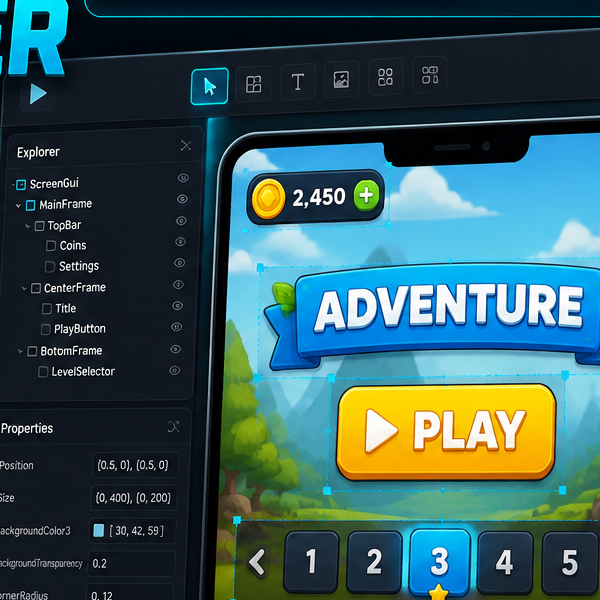
Roblox GUI Maker
AI Roblox GUI maker for Roblox Studio layout plans and component trees

Leonardo AI
Production-grade image generation for games and marketing
Sprite Sheet Builder
Free browser-based sprite sheet maker for game devs