Retouchia
Verified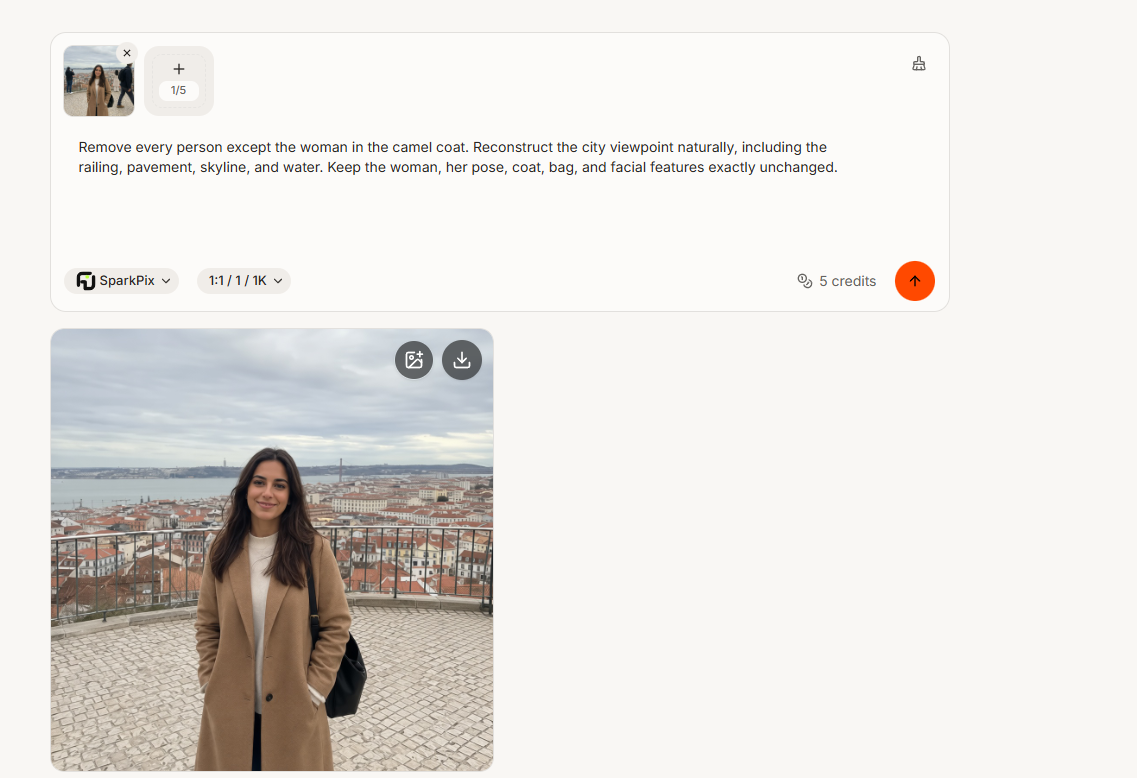
What it is
Free online AI image editor — retouch photos in seconds (remove backgrounds, erase objects, upscale to 4K, restore and colorize). Browser-based freemium, no watermark on free tier.
Editor's notes
More context from AI BirdView
Retouchia brings a full photo retouching kit into the browser, with no software to install and no watermark stamped on your downloads. It gathers the edits people reach for most often, from cleanup to restoration, behind one simple editor, and adds a creative layer for generating and editing images from prompts.
- Dedicated tools cover AI upscaling to 4K, object removal, photo restoration and colorization of old black-and-white images.
- Prompt-based edits can change hairstyles or outfits and create or modify images with a GPT image model.
- A credit system charges based on the model and number of outputs, and credits are returned if a generation fails or is blocked.
- It accepts JPG, PNG and WebP files up to 24 MB, with output at 1K, 2K or 4K depending on the model.
- Privacy handling is spelled out clearly: uploads are deleted after an hour, results after seven days, and inputs are not used for training without consent.
Retouchia is a good fit for online sellers, social media users and anyone fixing family photos who wants fast results without learning Photoshop. You can browse and open the editor for free, then sign in to start generating. Tip: download finished images promptly, since results are cleared after a week, and save upscaling for your final step so cleanup edits are applied at the original resolution first.
Reader reviews
From people who've used Retouchia. Emails are never shown publicly.
No reviews yet. Be the first to share your experience.