
Veevid AI
VerifiedTurn your text and images into high-quality videos with sound in seconds.
What it is
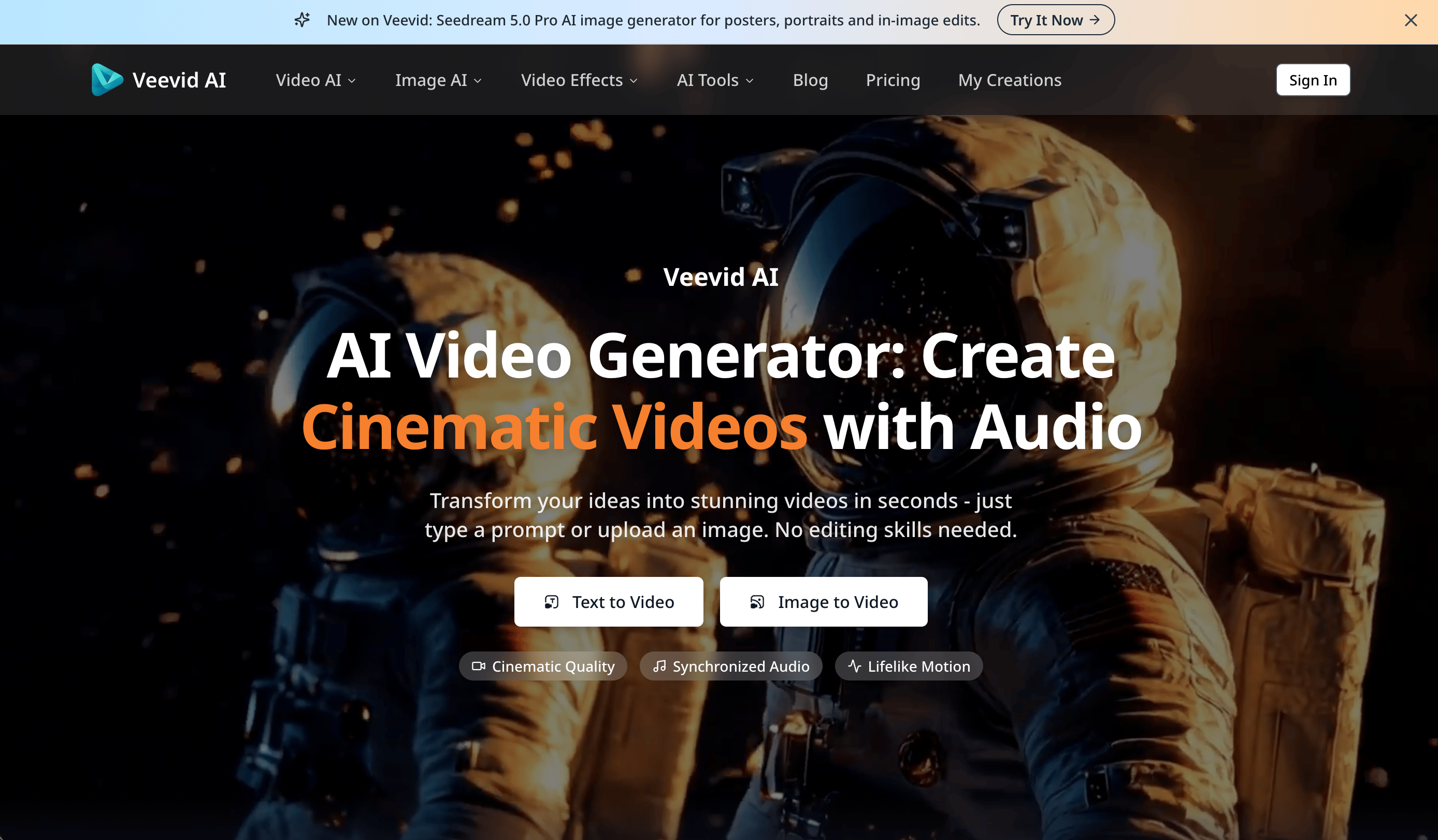
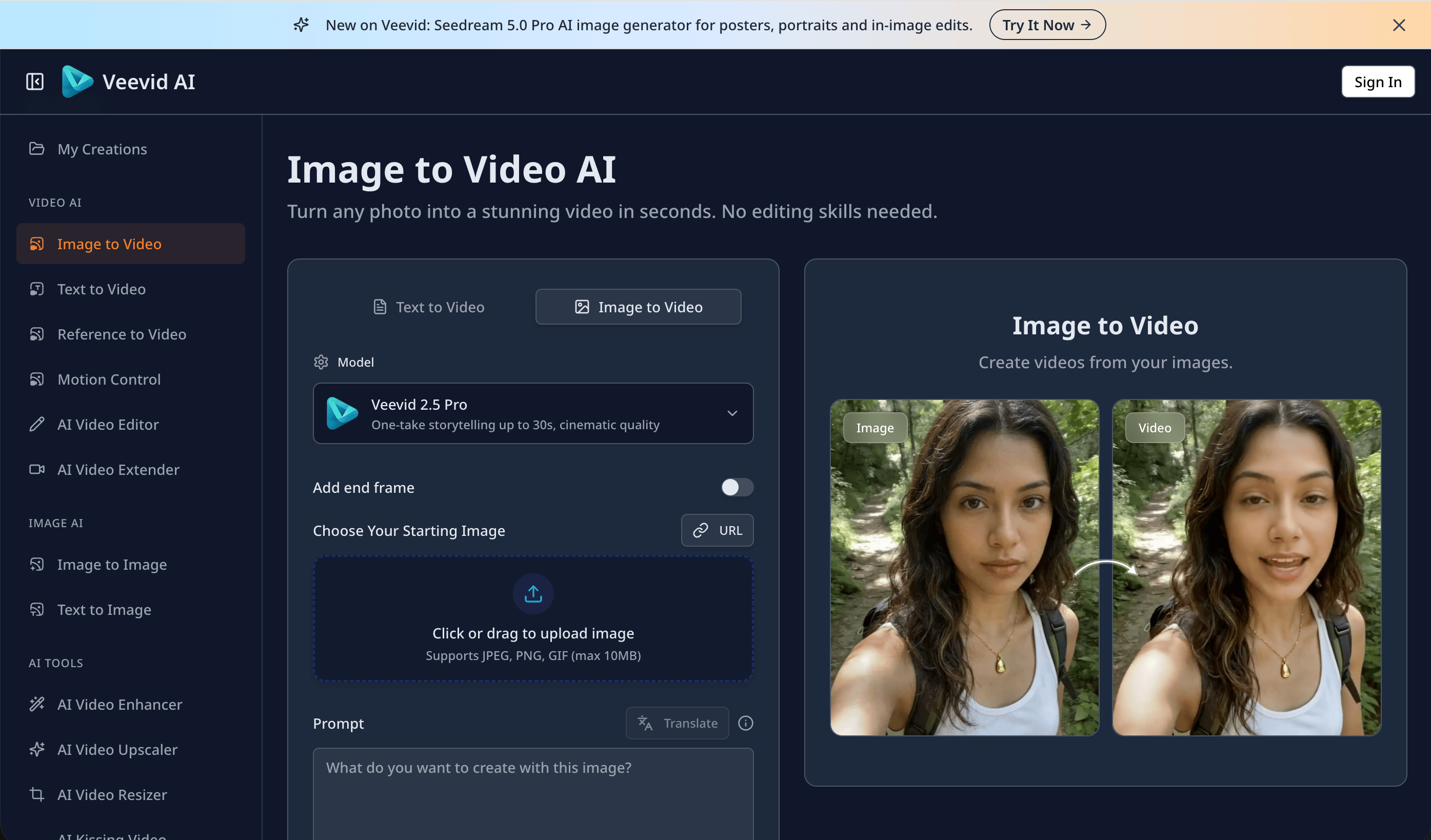
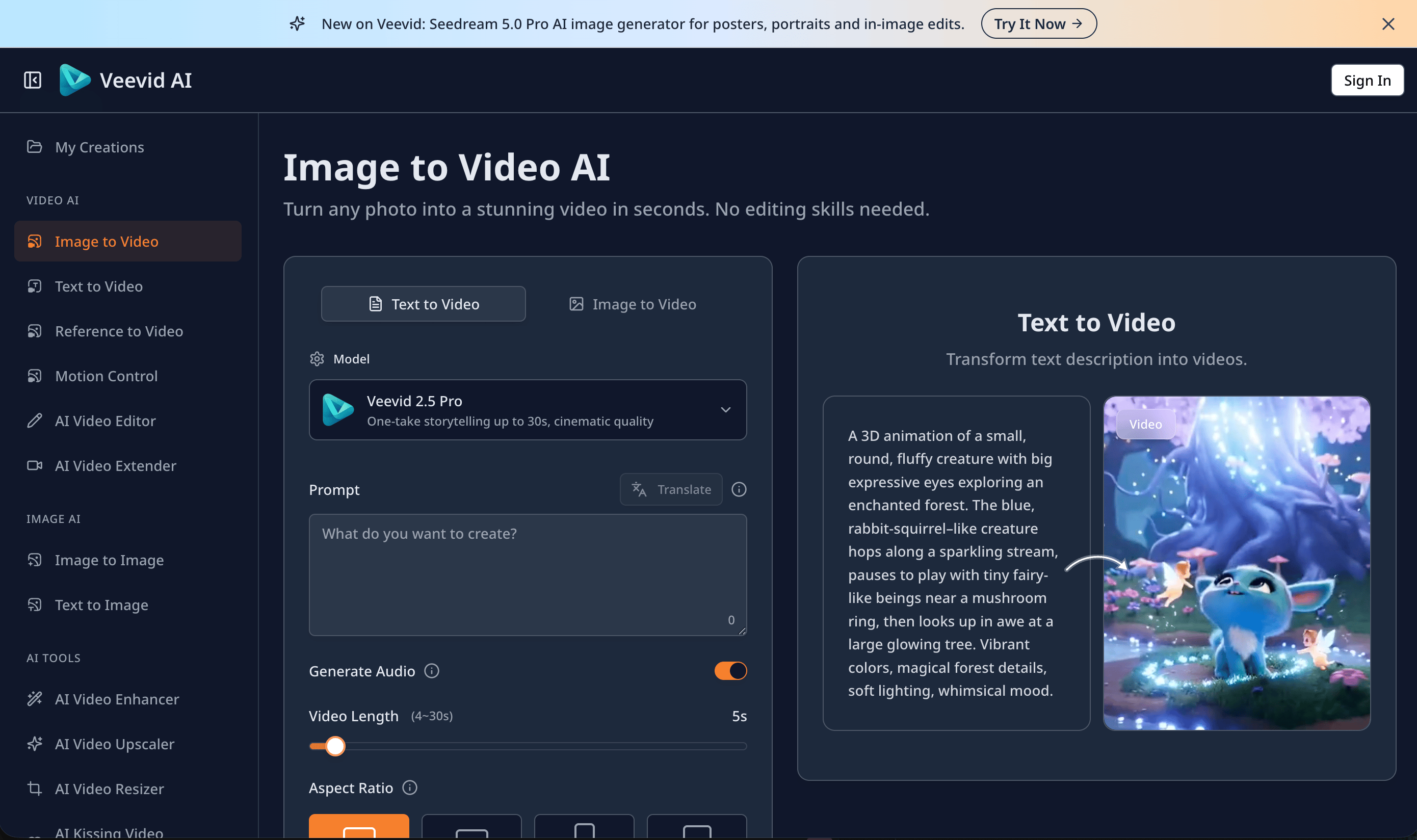
This tool helps you turn simple ideas into professional videos without needing any video editing skills or expensive equipment. It solves the problem of slow content creation by generating cinematic visuals and matching audio instantly from just a text prompt.
Editor's notes
More context from AI BirdView
Veevid AI stands out for treating sound as part of the video rather than an afterthought. Its generations can include synchronized audio, with background ambience and effects matched to what happens on screen, and the platform surrounds that with a wide set of audio tools, so a finished clip can be ready to post straight from the browser.
- Synchronized audio generation adds sound effects and ambience that line up with on-screen action.
- Dedicated tools for lip sync, text-to-speech, speech-to-text, noise removal, and music generation let you build a complete soundtrack in one place.
- Motion control and reference-to-video features give you more say over how subjects move and how characters stay consistent.
- Plans are offered monthly, annually, or as a lifetime option, and the company says more than 50,000 creators use the platform.
- The site states that user images and scripts are not shared with third parties, and content safety filters are applied to generations.
Veevid AI is ideal for content creators, educators, and marketers who want short videos with sound without stitching together separate audio apps. To get the most from it, describe the sounds you want right in your prompt (for example rain on a window or a crowd cheering), since explicit audio cues tend to produce more convincing synchronized results.
Reader reviews
From people who've used Veevid AI . Emails are never shown publicly.
No reviews yet. Be the first to share your experience.