
Video Watermark Remover
VerifiedThe easiest way to remove unwanted watermarks and logos from any video.

What it is
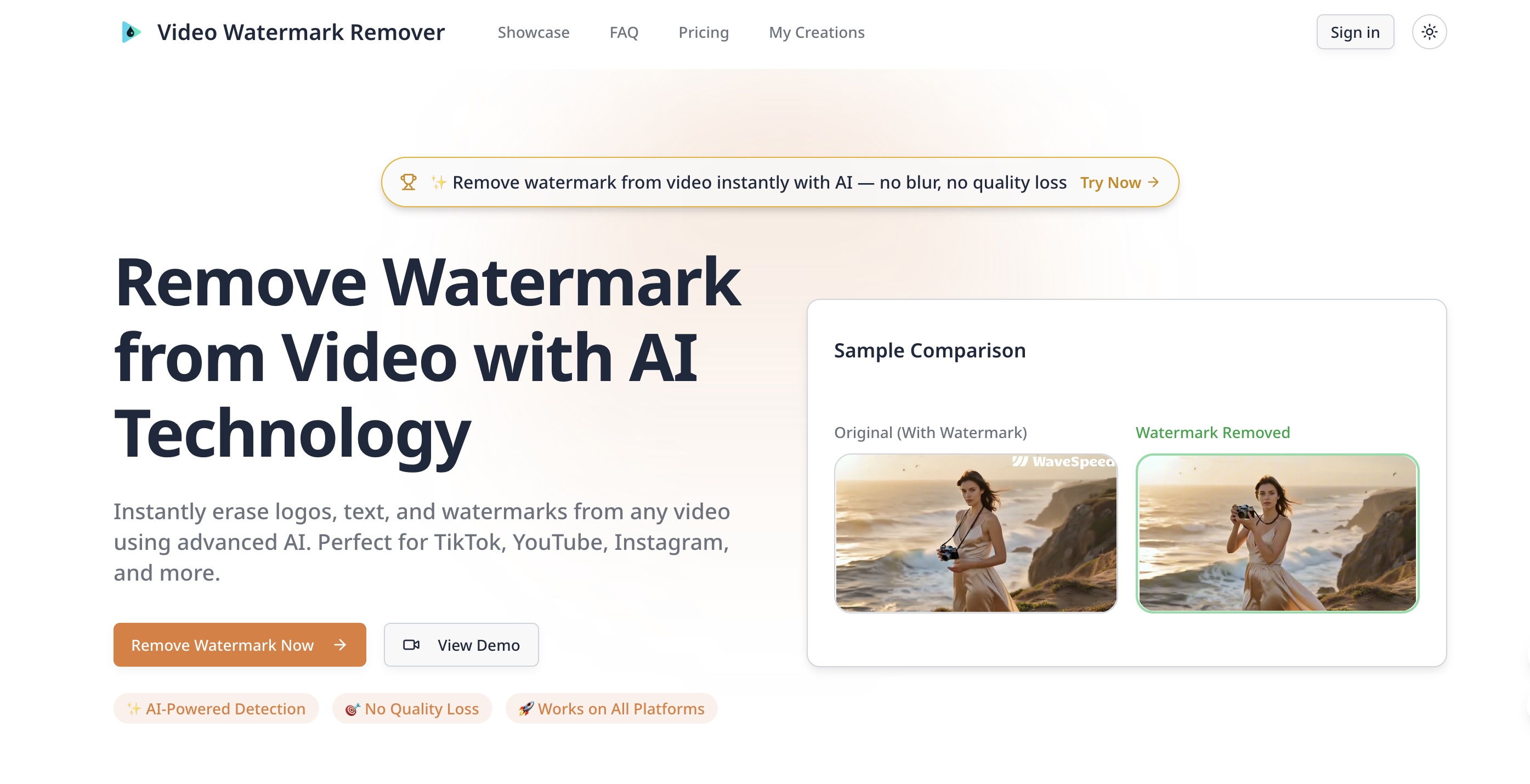
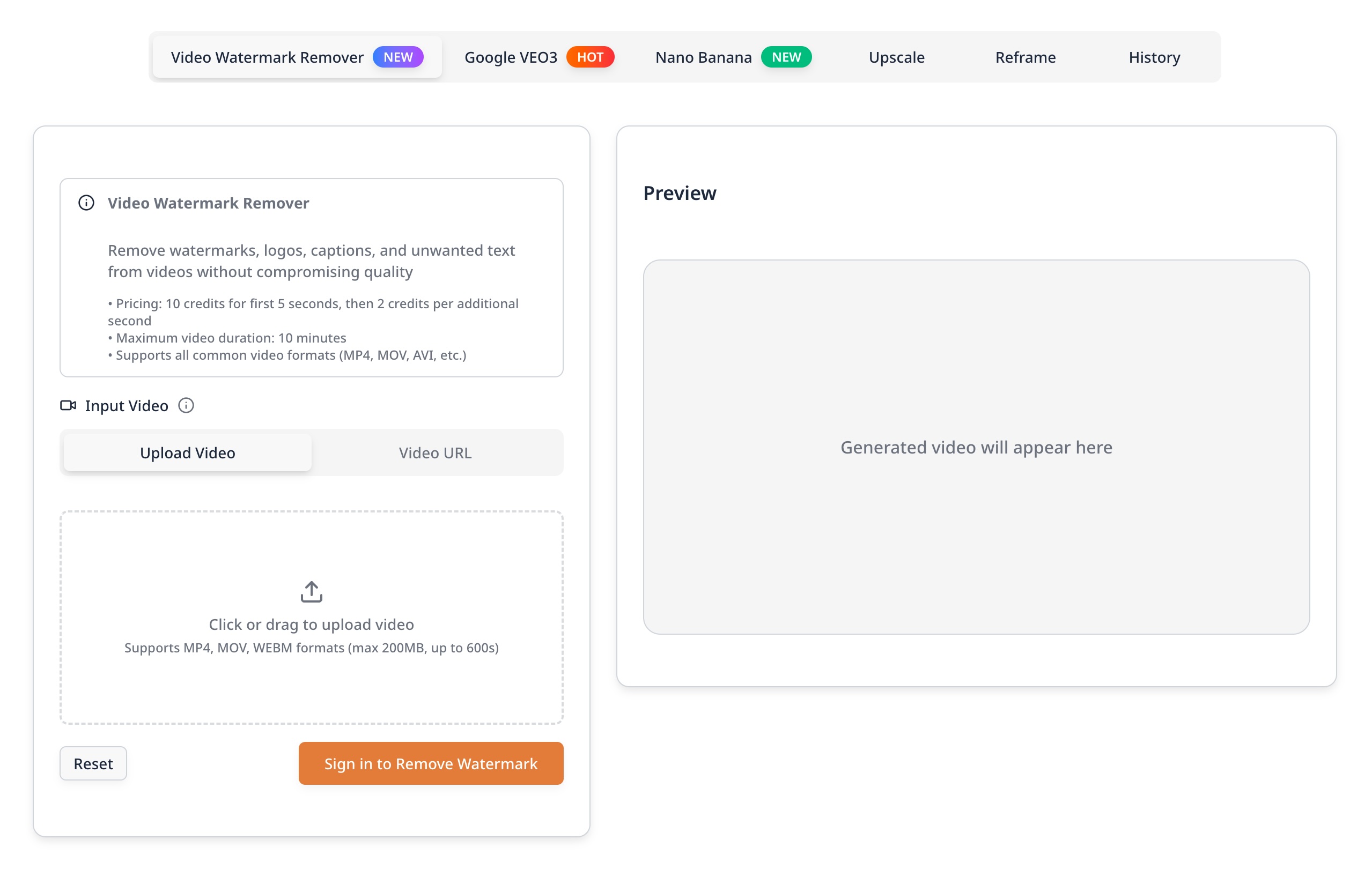
A simple online tool that lets anyone remove logos, text, and watermarks from videos in seconds. You don't need any editing skills—just upload your file and let the AI clean it up while keeping the original video quality.
Editor's notes
More context from AI BirdView
Video Watermark Remover tackles a fiddly editing job with a browser-based workflow that needs no software or editing skills. Its AI scans every frame, detects overlays, and rebuilds the covered area from surrounding pixels, so the result looks like clean footage rather than a blurred patch.
- It accepts a wide range of formats, including MP4, MOV, AVI, MKV, WMV, and FLV, and you can upload a file or paste a URL.
- The site says it handles animated watermarks and moving logos, not just static corner marks.
- Batch processing lets you clean several clips in one session, which saves real time for creators with a backlog.
- Browser extensions are offered for quicker access from the pages where you work.
- The company states that videos are encrypted during processing and deleted automatically afterward.
This tool is best for creators cleaning up their own footage, for example removing a trial editor's watermark, a generator's overlay on content they made, or an outdated logo on their brand videos. Use it only on videos you own or have permission to modify, and for the cleanest result, upload the highest-quality original you have, since the reconstruction works best with more surrounding detail to draw from.
Reader reviews
From people who've used Video Watermark Remover. Emails are never shown publicly.
No reviews yet. Be the first to share your experience.