Graphite vs CodeRabbit (2026): Which AI Code Review Tool Should Your Team Use?
Graphite is a code review platform built around stacked pull requests, with an AI reviewer included. CodeRabbit is a dedicated AI reviewer that works across GitHub, GitLab, Bitbucket and Azure DevOps. Here is how they compare on review quality, workflow, platforms and pricing.
Short verdict: pick Graphite if your team is on GitHub and wants to change how code review works: stacked pull requests, a faster review inbox, a stack-aware merge queue, and an AI reviewer that is unlimited on the Team plan. Pick CodeRabbit if you want the deepest AI reviewer you can drop into your existing workflow, on any major Git host, with reviews in the pull request, in your IDE and in the CLI. Graphite is a review platform with AI built in. CodeRabbit is an AI reviewer that fits around the platform you already use.
Both tools leave AI comments on pull requests, flag bugs and suggest fixes, and both learn from how your team reacts. The real difference is scope. Graphite wants to be where your engineers open, review and merge code. CodeRabbit wants to be the smartest reviewer in whatever tool they already use. This comparison is based on each vendor's official documentation, pricing pages and public developer feedback, not on our own testing.


Quick verdict by use case
Teams on GitLab, Bitbucket or Azure DevOps: CodeRabbit. Graphite works with GitHub only.
Teams that want stacked PRs and a merge queue: Graphite, which is built around both.
Deepest AI review with linters, security checks and one-click fixes: CodeRabbit.
Unlimited AI reviews at a predictable per-seat price: Graphite Team at $40 per user per month (annual).
Reviewing code in VS Code, Cursor or Windsurf before you push: CodeRabbit, with its IDE extension and CLI.
Open source maintainers: CodeRabbit, which is free on public repositories.
Teams already invested in Cursor: Graphite, which Cursor acquired and which now runs Cursor Cloud Agents.
Pricing compared (as of October 2026)
Prices come from the official Graphite pricing page and CodeRabbit pricing page in October 2026. Both are billed per seat, and both change plans from time to time, so confirm before you buy.
| Plan | Graphite | CodeRabbit |
|---|---|---|
| Free | Hobby: personal repos, stacking CLI, VS Code extension, MCP, limited AI reviews and Graphite Chat | Free forever on public (open source) repositories; 14-day trial of paid plans |
| Entry plan | Starter: $20/user/mo billed annually. Adds GitHub organization repos, Slack notifications, team insights | Essentials: $24/dev/mo annual or $30 monthly. 5 reviews per developer per hour, 1 linked repo |
| Main team plan | Team: $40/user/mo billed annually. Unlimited AI reviews and Chat, review customizations, automations, merge queue | Team: $48/dev/mo annual or $60 monthly. 8 reviews per hour, unit tests, finishing touches, Triage |
| Higher tier | None between Team and Enterprise | Advanced: $72/dev/mo annual. 10 reviews per hour, security prioritization, Blast Radius, PR security review |
| Enterprise | Custom: ACLs, SAML/SSO, audit log, GitHub Enterprise Server, SLAs | Custom: SSO, audit logs, custom roles, API, self-hosting option, SLA |
| Usage-based extras | None listed | $0.25 per reviewed file beyond the hourly allowance; CodeRabbit Agent $0.40 per agent minute |
Graphite lists annual prices only and says annual billing saves 20%, so month-to-month seats cost more. Graphite also offers its paid plans free for the first 30 days. On paper Graphite is cheaper per seat, but the comparison is not apples to apples: Graphite's price covers a whole review platform, while CodeRabbit's covers a more extensive AI reviewer that works alongside your current tools.
What each tool actually is
Graphite in one paragraph
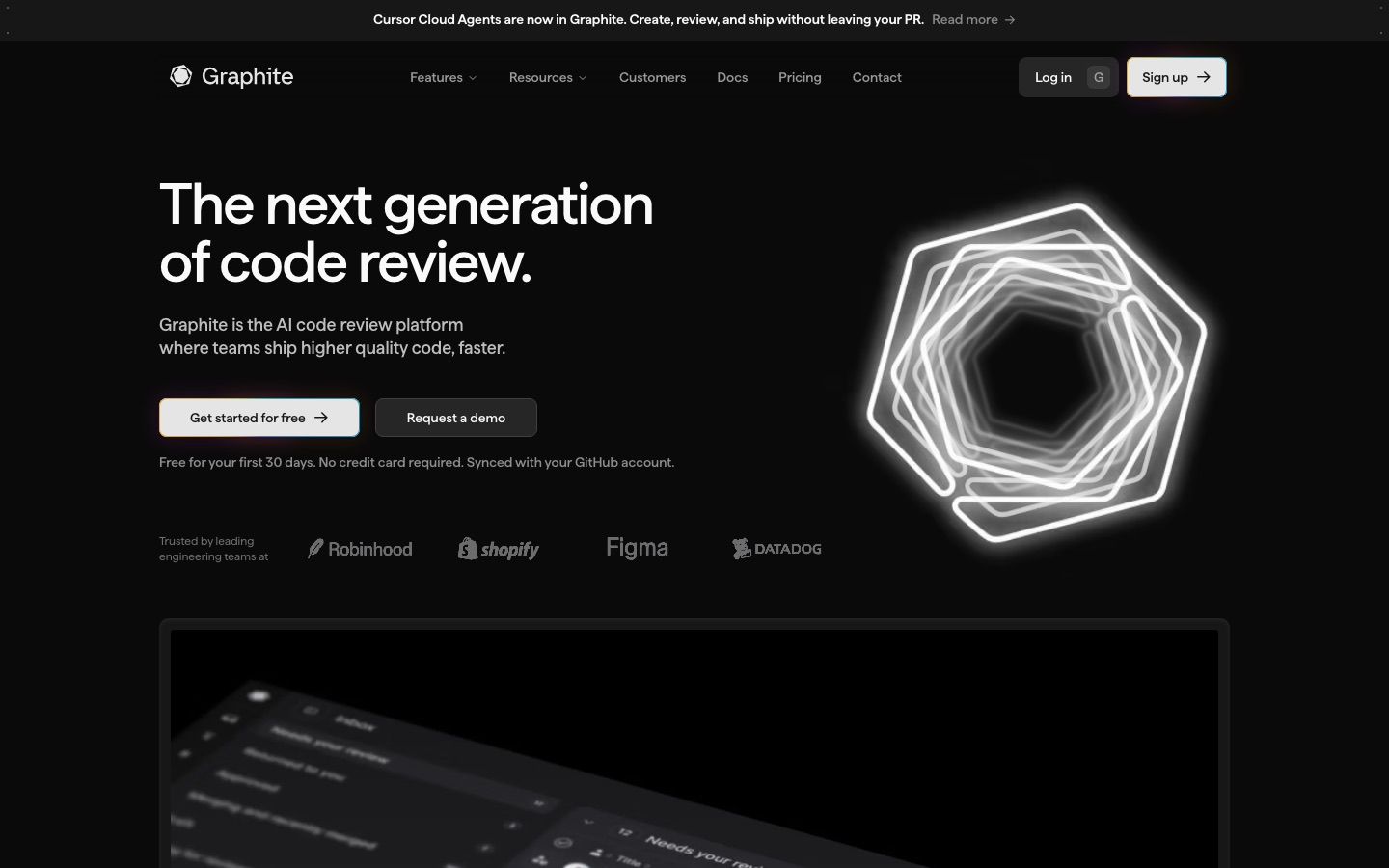
Graphite began as a tool for stacked pull requests: you split a big change into a chain of small, dependent PRs, keep building on top while earlier ones wait for review, and Graphite handles rebasing the stack. Around that it built a faster PR page, a review inbox, a Mac menu bar app, Slack notifications, a stack-aware merge queue, and AI reviews powered by Graphite Agent, plus Graphite Chat for asking questions and applying fixes on the PR. Cursor announced it was acquiring Graphite in December 2025, Graphite continues as its own product, and Cursor Cloud Agents now run inside Graphite.
CodeRabbit in one paragraph
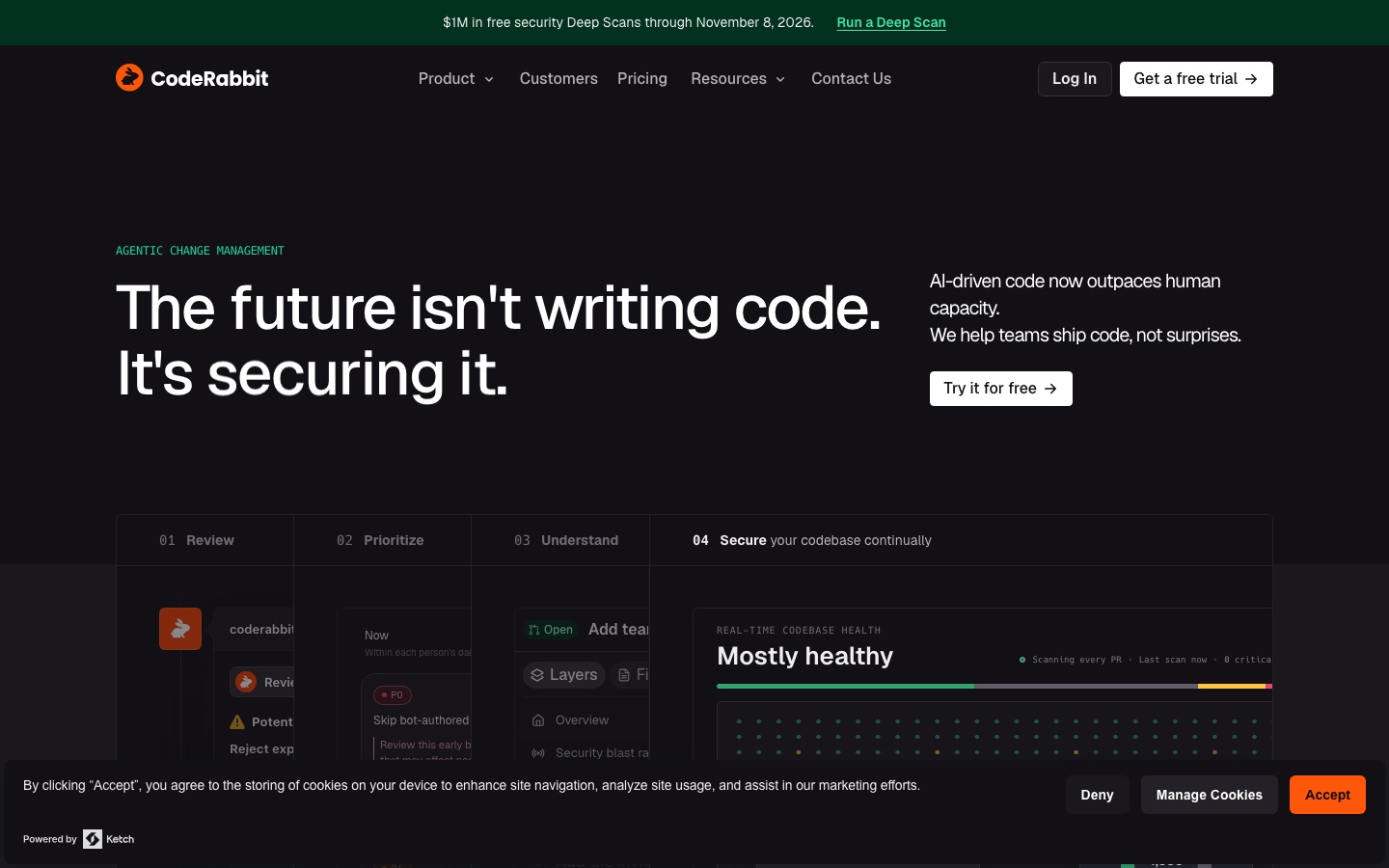
CodeRabbit is an AI code reviewer that installs on your Git host and comments on every pull request within minutes: a summary, a walkthrough of the changes, line-by-line findings and suggested fixes you can commit. It runs 50+ linters and security analyzers alongside its models, reads guideline files like AGENTS.md, CLAUDE.md and .cursorrules, learns from your replies, and pulls context from Jira, Linear and MCP servers. It also reviews uncommitted changes in VS Code-based editors and from a CLI, so coding agents can get feedback before a PR exists.
Head-to-head: how they compare
AI review quality and depth
Graphite Agent is tuned to focus on real bugs, such as logic errors, edge cases, performance issues and security problems, rather than style nitpicks. Graphite's documentation stresses actionable comments with suggested fixes, and its dashboard tracks acceptance rates so you can see whether comments are useful. Graphite positions that restraint as a feature: fewer comments, but ones worth reading.
CodeRabbit casts a wider net. Each review combines several AI models with static analysis, secret scanning, dependency and infrastructure checks, and on higher plans security review that considers exploitability and reachability. You get more findings per PR and more ways to act on them, including generated unit tests, merge conflict resolution and custom pre-merge checks. The tradeoff, which some developers mention, is that it can be chattier until you tune it with path instructions and learnings.
Winner: CodeRabbit for depth and breadth, Graphite for a lower-noise default.
Workflow: stacked PRs and merge queue
This is Graphite's home ground and CodeRabbit does not try to compete with it. The `gt` CLI and VS Code extension create and restack branches, the PR inbox shows what needs your attention, and the merge queue lands stacks in order while keeping the main branch green. Teams that adopt stacking often report smaller PRs and faster review cycles, which also make AI and human reviews more accurate.
CodeRabbit leaves your workflow as it is. It adds Triage on Team plans, a prioritized queue of PRs with review guidance, and approval policies, but it does not change how branches are created or merged.
Winner: Graphite, clearly.
Git platform support
Graphite is built on GitHub's APIs and supports GitHub.com, plus GitHub Enterprise Server on its Enterprise plan. If your code lives on GitLab, Bitbucket or Azure DevOps, Graphite is not an option. CodeRabbit supports all four major hosts, with documented differences per provider for some features.
Winner: CodeRabbit.
IDE, CLI and coding agents
CodeRabbit reviews code before it reaches a pull request. Its extension works in VS Code, Cursor, Windsurf and other VS Code-based editors, and its CLI can run inside agent loops with Cursor, Codex, Gemini and other coding agents, so an AI-written change gets reviewed by another AI before a human sees it.
Graphite's IDE and CLI tools focus on creating and managing stacks rather than reviewing code locally. It offers an MCP server for its CLI so agents can create stacked PRs, and through Cursor Cloud Agents you can ask an agent to create or update a PR directly from Graphite.
Winner: CodeRabbit for pre-PR review, Graphite for agent-driven PR creation.
Customization and team learning
Both learn. Graphite supports custom rules and exclusions written in plain language, and shows metrics for how each rule performs. CodeRabbit offers path-based instructions, learnings captured from chat replies, YAML or TypeScript configuration, custom pre-merge checks and finishing recipes on paid plans, plus automatic pickup of existing guideline files.
Winner: CodeRabbit, for more levers, though Graphite's rule metrics are a useful touch.
Pricing and value
For a 10-person GitHub team on annual billing, Graphite Team costs $400 a month and CodeRabbit Team costs $480. Graphite includes unlimited AI reviews plus stacking and a merge queue. CodeRabbit includes hourly review allowances per developer, with $0.25 per reviewed file beyond that, and adds tests, security checks and IDE reviews. Open source projects pay nothing for CodeRabbit.
Winner: Graphite for per-seat value on GitHub, CodeRabbit for open source and multi-platform teams.
Security and enterprise
Both offer SSO, audit logs and enterprise contracts. CodeRabbit's Enterprise plan includes a self-hosting option, which matters for regulated teams, and its Advanced plan adds continuous security monitoring. Graphite Enterprise adds ACLs, SIEM audit logs, GitHub Enterprise Server support and private uploads.
Winner: CodeRabbit, for the self-hosted option.
Feature comparison
| Feature | Graphite | CodeRabbit |
|---|---|---|
| AI PR review | Yes (Graphite Agent) | Yes |
| Unlimited AI reviews | Team plan and up | Hourly allowance per developer, then usage-based |
| Stacked pull requests | Yes (CLI, VS Code extension) | No |
| Merge queue | Yes, stack-aware | No |
| PR inbox and custom PR page | Yes | No, works in your Git host's UI |
| Chat on the PR | Graphite Chat | Yes, via @coderabbitai |
| Linters and static analysis | Not a focus | 50+ tools built in |
| Security scanning | Bug-focused review | Secrets, dependencies, Deep Scan, PR security review |
| Unit test generation | No | Team plan and up |
| IDE review before commit | No | VS Code, Cursor, Windsurf |
| CLI | Stacking CLI with MCP | Review CLI for agents and CI |
| Git hosts | GitHub, GHES (Enterprise) | GitHub, GitLab, Bitbucket, Azure DevOps |
| Issue trackers | Autolinks | Jira, Linear, GitHub, GitLab issues |
| Self-hosting | No | Enterprise |
| Free option | Hobby plan, personal repos | Public repositories |
Who should pick which
Choose Graphite if...
Your code lives on GitHub and you want to adopt stacked pull requests.
Large PRs and slow review cycles are your real bottleneck, not missed bugs alone.
You want a merge queue and a review inbox as well as an AI reviewer.
You prefer a flat per-seat price with unlimited AI reviews.
Your team already uses Cursor and wants its agents tied into review.
Choose CodeRabbit if...
You use GitLab, Bitbucket or Azure DevOps, or a mix of hosts.
You want the most thorough automated review, with linters and security checks folded in.
Developers or coding agents should get review feedback in the IDE or CLI before opening a PR.
You maintain open source projects.
You need a self-hosted deployment.
Some teams run both: Graphite for stacking and merging, CodeRabbit as the reviewer on each PR in the stack. If you try that, turn off one of the two AI reviewers on overlapping repos so engineers are not reading the same finding twice.
Alternatives to Graphite and CodeRabbit


[Greptile](/tools/greptile): an AI reviewer that indexes your whole codebase for context-heavy comments. Paid from $30/mo.
[Qodo](/tools/qodo): AI code review and test generation across the IDE and pull requests. Paid from $19/mo.
[GitHub Copilot](/tools/github-copilot): includes Copilot code review on GitHub pull requests alongside its coding assistant. Paid from $10/mo.
[Sourcery](/tools/sourcery): a lighter, lower-cost AI reviewer for GitHub and GitLab. Paid from $12/mo.
[Cursor](/tools/cursor): its Bugbot reviewer is a natural fit for teams already writing code in Cursor.
Choosing the editor or agent that writes the code in the first place? See our guide to the best AI coding tools and our Cursor vs Windsurf vs Trae comparison.
FAQ
What is Graphite code review?
Graphite is a code review platform for GitHub. It combines stacked pull requests, a PR inbox, a faster PR page, a merge queue and AI reviews from Graphite Agent, which comments on pull requests with bugs it finds and suggested fixes. Teams can keep using GitHub while Graphite adds its tools on top.
How much does Graphite cost for code review?
As of October 2026, Graphite's Hobby plan is free with limited AI reviews on personal repositories. Starter costs $20 per user per month and Team costs $40 per user per month, both billed annually. Unlimited AI reviews, review customizations and the merge queue come with Team. Enterprise is custom priced.
Is CodeRabbit free?
CodeRabbit is free for public repositories, and paid plans come with a 14-day free trial. Private repositories need a paid plan, starting with Essentials at $24 per developer per month on annual billing or $30 monthly.
Does Graphite work with GitLab?
No. Graphite is built on GitHub's APIs and supports GitHub.com, plus GitHub Enterprise Server on Enterprise plans. For GitLab, Bitbucket or Azure DevOps, CodeRabbit is the better fit.
Is Graphite owned by Cursor?
Cursor announced its acquisition of Graphite in December 2025. Graphite still runs as its own product with its own pricing, and it now integrates Cursor Cloud Agents for creating and updating pull requests.
Which is better for AI-generated code?
CodeRabbit is the stronger pick when coding agents write a lot of your code, because it can review in the IDE and CLI inside the agent loop and includes slop detection for low-quality AI pull requests. Graphite helps by keeping AI-generated changes in small, stacked PRs that are easier for humans to check.
Final verdict
Graphite is the better choice for GitHub teams who want to rethink their review process. Stacked PRs, the inbox and the merge queue address the slow, oversized pull requests that make review painful, and unlimited AI reviews on the Team plan are good value. CodeRabbit is the better choice if you simply want the most capable AI reviewer, on any Git host, reaching into the IDE and CLI, with security checks and test generation included. If you are on GitHub and unsure, trial both on the same repositories for two weeks and keep the one whose comments your engineers actually accept.
Compare every AI coding assistant, reviewer and developer tool we track in the AI code tools category.