Krisp vs Adobe Podcast vs Cleanvoice (2026): Which AI Audio Cleanup Tool Should You Use?
Krisp cleans your voice live during calls, Adobe Podcast repairs recordings in the browser, and Cleanvoice edits out filler words and mouth sounds. Here is how their noise removal, editing features, free plans and pricing compare in 2026.
Short verdict: these three tools solve different problems, so the right choice depends on when the noise happens. Pick Krisp if you need clean audio live, on Zoom, Teams, Google Meet or any calling app, because it filters your microphone in real time. Pick Adobe Podcast if you have a finished recording that sounds bad (echo, room noise, a cheap mic) and want one-click repair in the browser, free for up to an hour a day. Pick Cleanvoice if your recordings are already decent but full of "ums", stutters, mouth clicks and long pauses, because it edits those out automatically and pairs that with noise removal.
Many podcasters end up using two of them: Krisp while recording remote calls, then Adobe Podcast or Cleanvoice in post-production. This comparison is based on each vendor's official pricing pages and product documentation as of October 2026, plus public user feedback. We did not run our own listening tests, so try each on your own audio before you commit.



Quick verdict by use case
Noisy home office, live calls and meetings: Krisp, the only one of the three that works in real time.
Rescuing a bad recording for free: Adobe Podcast Enhance Speech, with up to 1 hour of enhancement a day on the free plan.
Removing filler words, breaths and mouth sounds: Cleanvoice, which is built for exactly that.
Recording a remote podcast in the browser: Adobe Podcast Studio, with separate tracks for each guest.
Lowest cost for heavy podcast editing: Cleanvoice, at $11/mo for 10 hours of processed audio.
Teams that also want AI meeting notes: Krisp, which bundles transcription and summaries with noise cancellation.
Audio engineers who finish in a DAW: Cleanvoice, for timeline export to Audition, REAPER, Audacity and DaVinci Resolve.
Pricing compared (as of October 2026)
The pricing models differ as much as the products. Krisp charges per user per month. Adobe Podcast has a free plan and moved its premium features into the Adobe Firefly Pro plan. Cleanvoice charges for hours of processed audio, either as a subscription or as prepaid credits. Prices are in USD from each official pricing page, before tax. Confirm current terms on the Krisp pricing page, the Adobe Podcast plans page and the Cleanvoice pricing page.
| Tool and plan | Billed monthly | Billed yearly | Usage included | Key limits and inclusions |
|---|---|---|---|---|
| Krisp Free Trial | $0 for 7 days | Not applicable | All premium features | No credit card required |
| Krisp Core | $16/user/mo | $8/user/mo | Unlimited noise cancellation and AI notes | Multilingual transcripts, AI chat, 1 hr/day accent conversion, 10 GB storage, integrations |
| Krisp Advanced | $30/user/mo | $15/user/mo | Unlimited, plus unlimited accent conversion | Salesforce and ConnectWise integrations, manager view, admin controls, 60 GB storage |
| Krisp Enterprise | Custom | Custom | Unlimited | SSO and SCIM, on-device private transcription, HIPAA, unlimited storage |
| Adobe Podcast Free | $0 | $0 | 1 hour of Enhance Speech per day | Audio only, files up to 30 minutes and 500 MB, one at a time, 2 Studio downloads a day |
| Adobe Firefly Pro (includes Podcast premium) | $19.99/mo | Check Adobe | Up to 4 hours of Enhance Speech per day | Video files, bulk upload, strength control, files up to 2 hours and 1 GB, 4,000 generative credits |
| Cleanvoice Free | $0 | $0 | 30 minutes of credits | All features, credits do not expire, no credit card |
| Cleanvoice subscription | $11, $28 or $90/mo | $110, $300 or $900/yr | 10, 30 or 100 hours/mo | All features, unused credits roll over up to 3x the plan limit |
| Cleanvoice pay as you go | $11, $20 or $45 once | Not applicable | 5, 10 or 30 hours | Credits valid for 2 years |
Krisp's per-seat price includes unlimited use, so it scales with people, not hours. Cleanvoice scales with hours of audio, which makes it cheap for a weekly podcast and predictable for agencies. Adobe Podcast's free plan is generous enough that many casual users never pay. Note that Krisp's pricing page leads with a 7-day trial. Krisp has offered a limited free tier in the past, so check at sign-up what remains free after the trial.
What each tool actually is
Krisp in one paragraph
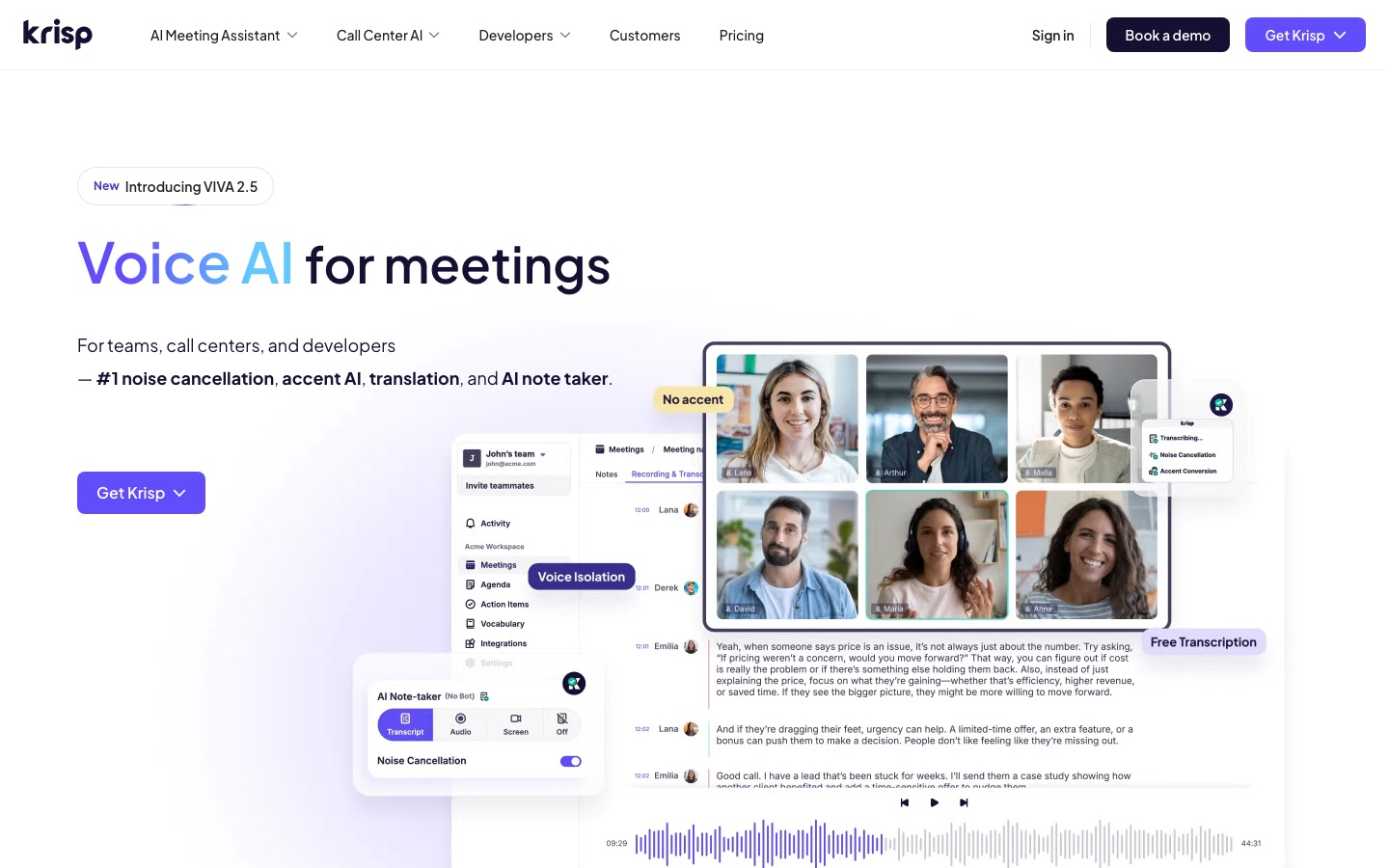
Krisp is a desktop app for Mac and Windows that sits between your microphone and your calling app. You select "Krisp Microphone" and "Krisp Speaker" in Zoom, Teams, Meet, Webex or Slack, and it removes background noise, other people's voices and room echo from your side of the call, and can also clean up noisy audio coming from other participants. Over time Krisp has grown into an AI meeting assistant with bot-free recording, transcription, summaries and accent conversion, but noise cancellation is still included on every plan.
Adobe Podcast in one paragraph
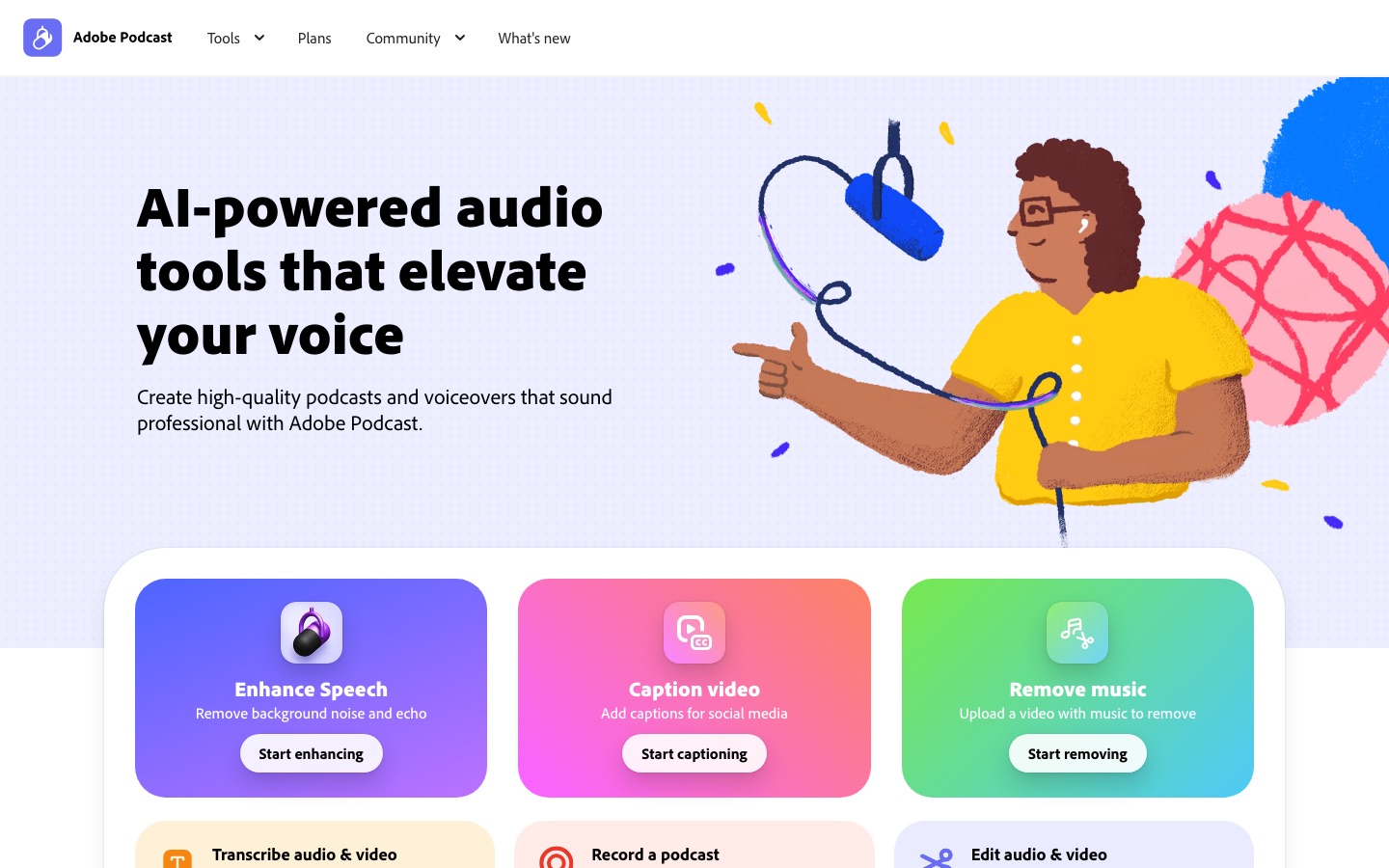
Adobe Podcast is a free, browser-based set of audio tools from Adobe. Its best-known feature, Enhance Speech, takes a voice recording with noise, echo or a poor microphone and makes it sound closer to a studio recording. Adobe Podcast Studio adds remote recording with guests (each person captured as a separate 16-bit, 48 kHz WAV track), transcript-based editing, royalty-free music, captions for social video and a tool that removes music from a video. Nothing needs to be installed.
Cleanvoice in one paragraph
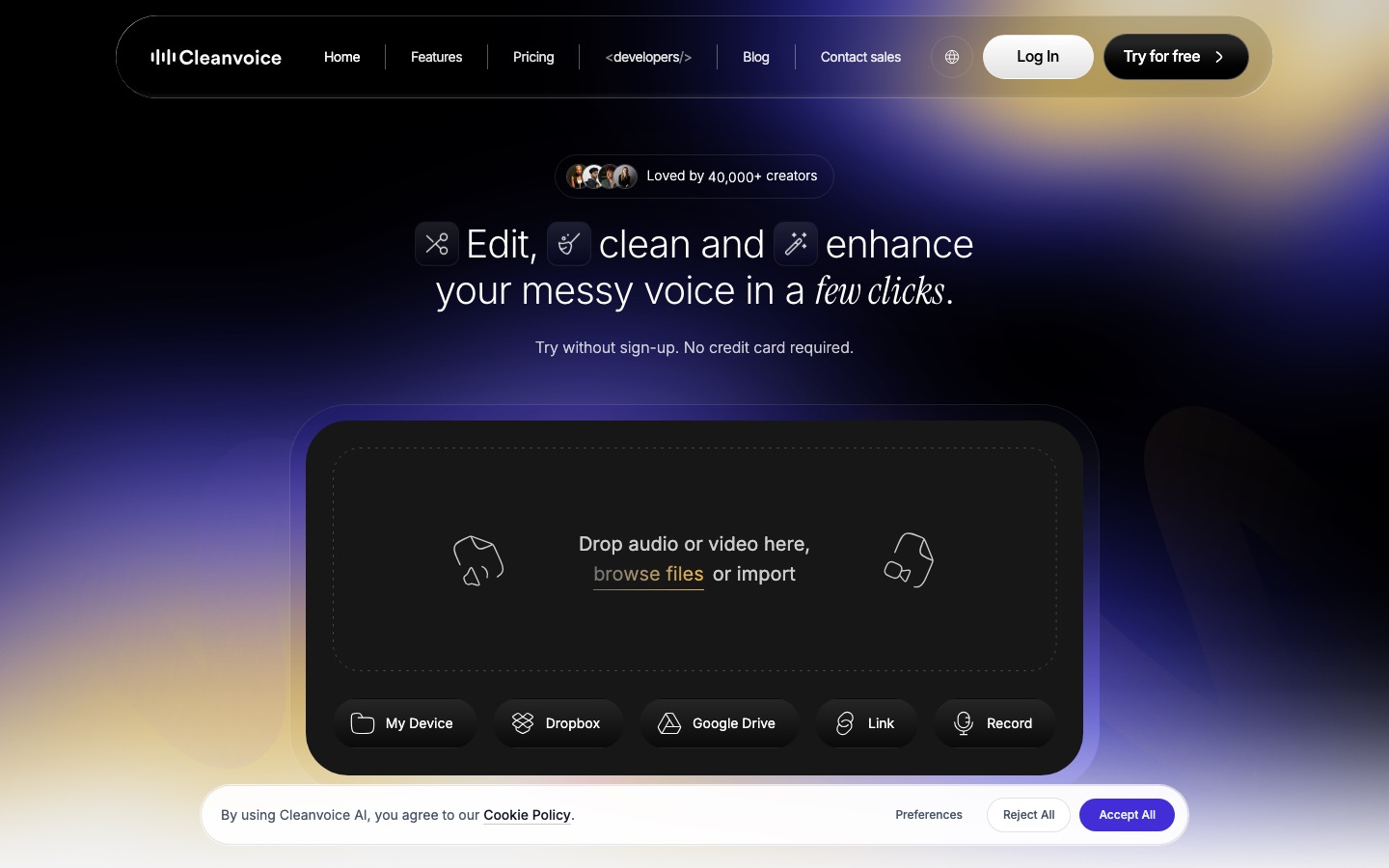
Cleanvoice is an AI podcast editor that works on uploaded files. It finds and removes filler words, stutters, long silences, mouth sounds and breaths, then cleans up background noise, hum, echo and reverb, with an Audio Enhancer for a studio-style tone. It handles multitrack recordings so each speaker stays in sync, works on video podcasts, writes transcripts, summaries and show notes, and exports edit markers to Adobe Audition, Audacity, REAPER, DaVinci Resolve and Ultraschall. A developer API is available too.
Head-to-head: how they compare
Real-time noise cancellation
Only Krisp does this. It processes your audio live, so the people on your call never hear the dog, the leaf blower or the coworker in the next room. It also offers voice isolation, which keeps the main speaker and suppresses nearby voices, a common problem in open offices and call centers. Adobe Podcast and Cleanvoice both work after the fact, on files you upload.
Winner: Krisp, by default.
Cleaning up a bad recording
For a recording made in a noisy or echoey room, Adobe Podcast's Enhance Speech is the tool most people reach for, and public feedback consistently praises how much it can rescue. The common complaint is that, at full strength, it can make voices sound processed or slightly synthetic. Paid users can adjust the enhancement strength and balance speech, music and ambience, which helps. Cleanvoice also removes noise, hum, echo and reverb, and some users report that it sounds more natural on recordings that only need moderate cleanup. Krisp can record and clean calls, but it is not designed as a post-production repair tool.
Winner: Adobe Podcast for badly damaged audio. Cleanvoice for natural results on decent recordings.
Filler words, mouth sounds and silences
This is Cleanvoice's core feature and the reason most podcasters choose it. It detects "ums", "uhs", stutters, long pauses, lip smacks and breaths, removes them automatically, and lets you choose which edits to apply. For video podcasts, its Mute Edits option keeps the video in sync. Adobe Podcast Studio lets you edit by deleting words from the transcript, which works for removing fillers, but you do it by hand. Krisp does not edit recordings this way.
Winner: Cleanvoice, clearly.
Recording and editing workflow
Adobe Podcast is the only one with a full recording studio. You can invite remote guests, capture each person on a separate track even if their connection is weak, edit like a document and add music, all in the browser. Cleanvoice fits into an existing workflow: record anywhere, upload, then download a cleaned file or a marker list for your editor. Krisp sits at the start of the chain, making your live mic sound better and optionally recording the meeting itself.
Winner: Adobe Podcast for an all-in-one browser workflow. Cleanvoice for editors who use a DAW.
Video support
Adobe Podcast's free plan enhances audio files only, while the Firefly Pro plan adds MP4, MOV and other video formats. Its free caption and music removal tools also work on video. Cleanvoice accepts video files on all plans, including the free credits. Krisp works on live video calls, and its paid plans record audio and video of your meetings.
Winner: Cleanvoice for cleaning video podcasts without a premium subscription.
Privacy and security
Krisp has the most detailed security documentation of the three: SOC 2 Type II, GDPR and HIPAA compliance, encryption at rest and in transit, and a stated policy that meeting data is never used to train its models. Enterprise plans add on-device private transcription. Cleanvoice states GDPR compliance, EU data storage and ISO 27001 certification, and says files are stored for 7 days. Adobe Podcast falls under Adobe's general privacy and terms. If you handle sensitive recordings, read each policy before uploading.
Winner: Krisp for regulated teams, Cleanvoice for EU-based podcasters.
Value for money
For a weekly one-hour podcast, Cleanvoice's $11/mo plan covers about 10 hours, more than enough with room to spare, and unused credits roll over. Adobe Podcast's free plan can handle a short show at no cost if each file is under 30 minutes, or you can split longer recordings. Krisp at $8/user/mo on annual billing is good value if you spend hours on calls every day and will also use its meeting notes. If you only want noise cancellation, check what the free tier includes after the trial.
Winner: Adobe Podcast free for light use, Cleanvoice for regular podcast editing, Krisp for daily calls.
Feature comparison
| Feature | Krisp | Adobe Podcast | Cleanvoice |
|---|---|---|---|
| Works in real time on calls | Yes | No | No |
| Cleans uploaded recordings | Not its focus | Yes, Enhance Speech | Yes |
| Background noise removal | Yes, live | Yes | Yes |
| Echo and reverb removal | Echo cancellation, live | Yes | Yes |
| Filler word removal | No | Manual, via transcript editing | Automatic |
| Mouth sounds and breaths | No | Not listed | Automatic |
| Remote podcast recording | Meeting recording | Yes, separate tracks per guest | No, upload only |
| Video files | Live video calls | Firefly Pro plan | All plans |
| Transcription and summaries | Yes, AI meeting notes | Transcription | Transcripts, summaries, show notes |
| Export to a DAW | No | Speaker-separated originals (paid) | Markers for Audition, REAPER, Audacity, DaVinci |
| Accent conversion | Yes | No | No |
| API | SDKs for developers | Not listed | Yes |
| Platforms | Mac, Windows, mobile app | Web browser | Web browser |
Who should pick which
Choose Krisp if...
You work from a noisy home, cafe or open office and spend hours a day on calls.
You need clean audio on every app, not just one recording tool.
Your team would also use AI meeting notes and transcripts.
You work in a regulated industry and need HIPAA or SOC 2 documentation.
Choose Adobe Podcast if...
You have a recording with echo or room noise and want the fastest fix for free.
You want to record remote guests in the browser without installing software.
You are a beginner who wants good-sounding voice audio with one click.
Choose Cleanvoice if...
You publish a podcast regularly and spend hours cutting filler words and pauses.
You record multitrack audio and need edits applied in sync.
You finish episodes in Audition, REAPER, Audacity or DaVinci Resolve.
You want predictable per-hour pricing for yourself or clients.
Alternatives to Krisp, Adobe Podcast and Cleanvoice
These audio tools in our directory are worth comparing. If you also produce video, our Autopod review covers automatic multicam editing for Premiere Pro.




[Auphonic](/tools/auphonic): automatic leveling, loudness normalization and noise reduction, a long-time favorite of podcasters and radio producers.
[Descript](/tools/descript): a text-based audio and video editor with Studio Sound enhancement and filler word removal in one app.
[Podcastle](/tools/podcastle): a browser podcast studio with recording, AI voice enhancement and editing.
[iZotope](/tools/izotope): professional audio repair software (RX) for engineers who need precise, manual control.
[Riverside](/tools/riverside): high-quality remote recording with built-in AI editing and audio cleanup.
Need clean narration without recording at all? See our guide to the best AI voice cloning tools, or browse the full AI audio tools category.
FAQ
Is Krisp worth it? (Krisp audio review summary)
For people who take many calls in noisy places, public reviews are consistently positive about Krisp's noise and background voice removal, and it works across almost every calling app. The main criticisms are that the product has expanded into a meeting assistant, which some users do not need, and that paid plans are priced per user. Core costs $8/user/mo on annual billing or $16 monthly.
Is Adobe Podcast free?
Yes. The free plan includes Enhance Speech for audio files up to 30 minutes and 500 MB, with up to 1 hour of enhancement per day, plus Studio recording with 2 project downloads a day. Premium features, such as video support, bulk upload, strength control and 4 hours a day, now come with the Adobe Firefly Pro plan at $19.99/mo.
What happened to Adobe Podcast Premium?
As of October 2026, Adobe's plans page offers Adobe Podcast's premium features through the Adobe Firefly Pro plan instead of a standalone Podcast subscription. That plan also includes generative credits and premium features in Adobe Express.
Does Adobe Podcast Enhance Speech work on video?
On the paid Firefly Pro plan, yes, with support for MP4, MOV and other formats. The free plan enhances audio only, so free users need to extract the audio track first.
Does Cleanvoice have a free plan?
Cleanvoice gives 30 minutes of free credits when you sign up, with access to every feature and no expiry date. After that, subscriptions start at $11/mo for 10 hours, or you can buy 5 hours once for $11.
Is Krisp better than Adobe Podcast?
They do different jobs. Krisp is better for live calls because it removes noise in real time. Adobe Podcast is better for fixing a recording after it was made. Many creators use Krisp while recording and Adobe Podcast or Cleanvoice afterwards.
Can Cleanvoice remove background noise as well as filler words?
Yes. Every Cleanvoice plan includes background noise, hum, echo and reverb removal, plus an Audio Enhancer, along with filler word, silence and mouth sound removal.
Final verdict: choose by when your audio problem happens. Krisp is the best way to sound clean live on calls, especially for remote workers and support teams. Adobe Podcast is the best free fix for a recording that already sounds rough, and its browser studio is a strong bonus. Cleanvoice is the best value for regular podcasters who want filler words, breaths and noise handled automatically. Try all three free options on the same 10-minute clip and you will know within an afternoon which one fits your workflow.