Best AI Productivity Tools (2026): 14 Picks Sorted by the Job They Do
The best AI productivity tools each fix one bottleneck: your calendar, your inbox, your meetings, your notes or your typing. Here are 14 picks sorted by job, with October 2026 pricing, free plans and a simple way to build a stack that actually saves time.
The best AI productivity tools in 2026 are a general assistant (ChatGPT or Claude) plus one specialist for whatever eats most of your week: Motion or Reclaim AI for your calendar, Superhuman or Fyxer AI for email, Granola or Fathom for meetings, Notion AI for docs, and Wispr Flow for dictation. Two or three well-chosen tools beat ten half-used subscriptions.
"AI productivity tool" is a loose label. A calendar that reschedules itself, an inbox that drafts replies and a notepad that listens to your calls all claim it. So this guide sorts the field by job. Picks are based on official pricing pages, documentation and public user feedback, checked in October 2026, not timed hands-on tests.






Quick picks: the best AI productivity tool for each job
Best all-round assistant: ChatGPT.
Best for writing and long documents: Claude.
Best AI calendar and task planner: Motion.
Best free AI scheduling: Reclaim AI.
Best AI workspace for docs and wikis: Notion AI.
Best AI email client: Superhuman.
Best AI email assistant inside Gmail or Outlook: Fyxer AI.
Best meeting notes without a bot: Granola.
Best free meeting recorder: Fathom.
Best voice dictation: Wispr Flow.
Best AI project workspace: ClickUp Brain, or Taskade on a budget.
Best AI productivity tools compared (pricing as of October 2026)
| Tool | Best for | Free plan | Starting paid price |
|---|---|---|---|
| ChatGPT | All-round assistant | Yes | Go $8/mo, Plus $20/mo |
| Claude | Writing, analysis, long files | Yes | Pro $20/mo ($17 yearly) |
| Google Gemini | Gmail and Google Docs users | Yes | AI Plus $4.99/mo, AI Pro $19.99/mo |
| Microsoft Copilot | Word, Excel, Outlook users | Yes (Copilot app) | Microsoft 365 Premium $19.99/mo |
| Motion | Auto-planned calendar | No (trial) | $19/seat/mo |
| Reclaim AI | Focus time and habits | Yes (Lite) | $10/mo yearly, $12 monthly |
| Notion AI | Docs, wikis, knowledge | AI trial only | Business $20/seat/mo |
| Mem | Personal notes with AI | Yes | Plus $9/mo |
| Superhuman | Fast email with AI | No | About $25 to $30/mo |
| Fyxer AI | Inbox sorting and drafts | Yes | Pro $37/mo yearly, $49 monthly |
| Granola | Bot-free meeting notes | Yes (30-day history) | $14/user/mo |
| Fathom | Free call recording | Yes (unlimited) | Premium $16/mo yearly |
| Wispr Flow | Voice to text anywhere | Yes (2,000 words/week) | Pro $12/mo yearly |
| ClickUp Brain | AI across tasks and docs | Yes (trial credits) | Core $9/user/mo yearly |
| Taskade | AI agents in projects | Yes | Starter $6/mo yearly |
Prices are per person per month in US dollars and change often. Annual billing is usually 15% to 35% cheaper than monthly, so check which figure you are looking at on each official pricing page.
General AI assistants: the base of every productivity stack
1. ChatGPT: best all-round AI assistant
ChatGPT is still the default for a reason. It handles writing, spreadsheet analysis, image generation, voice chat and agent-style browsing in one app. Custom GPTs and Projects save repeatable workflows.
Pricing: free plan; Go at $8/mo; Plus at $20/mo; higher Pro and Business tiers (check the official page).
Pros: the widest feature set and a generous free tier.
Cons: answers can be confidently wrong, and the free tier now shows ads in some regions.
Best for: anyone who wants one assistant for everything.
2. Claude: best for writing, analysis and long documents
Claude from Anthropic is the pick for people whose work is mostly words: reports, proposals, policy documents and long research files. It tends to write natural, less formulaic prose. Paid plans add Research mode, Claude Code, Claude in Chrome and add-ins for Microsoft 365, according to Claude's pricing page.
Pricing: free plan; Pro at $20/mo or $17/mo billed yearly; Max from $100/mo; Team Standard seats at $25/mo ($20 yearly).
Pros: excellent writing quality, strong with long PDFs and code.
Cons: no native image generation, and usage limits can bite on heavy days.
Best for: writers, analysts, consultants and developers.
Torn between the two? Our Claude vs ChatGPT comparison goes task by task.
3. Google Gemini and Microsoft Copilot: best inside your office suite
If you run on Google Workspace or Microsoft 365, the assistant built into your suite is often the most productive choice, because it can see your mail, files and calendar. Google Gemini works across Gmail, Docs, Sheets and Meet, with consumer plans from Google AI Plus at $4.99/mo to Google AI Pro at $19.99/mo. Microsoft Copilot is free as a chat app, is included with Microsoft 365 Personal and Family, and is fullest in Microsoft 365 Premium at $19.99/mo. Businesses add Copilot per seat.
Pros: works on your real documents and email without copy and paste.
Cons: less flexible outside the suite, and plan names change often. See ChatGPT vs Gemini.
AI scheduling and calendar tools
4. Motion: best AI planner for people with too many tasks
Motion takes your tasks, deadlines and priorities and builds your calendar for you, then reshuffles everything when a meeting moves or a task runs long. It is now a full workspace with AI projects, docs and meeting notes, running on monthly credits (7,500 per seat on Pro AI).
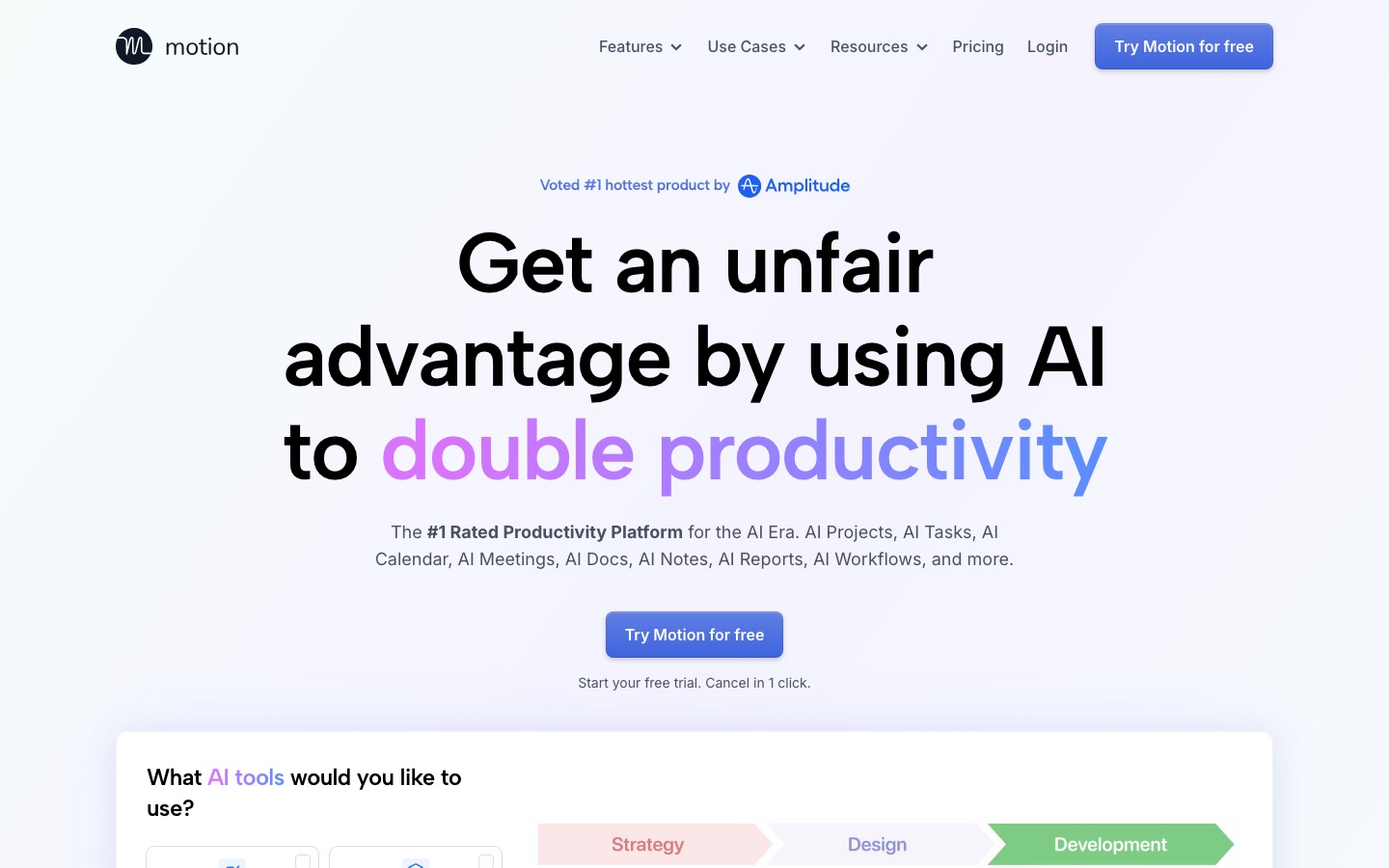
Pricing: Pro AI at $19 per seat per month and Business AI at $29, with a free trial and annual billing discounts. No free plan.
Pros: true auto-scheduling.
Cons: a learning curve; it only works if every task goes in.
Best for: founders, consultants and project leads with more tasks than hours.
5. Reclaim AI: best free AI calendar assistant
Reclaim AI is less of a workspace and more of a calendar bodyguard. It defends focus time, schedules recurring habits like workouts or weekly reviews, adds buffers between meetings and finds the best time for team meetings. It sits on top of Google Calendar or Outlook.
Pricing: free Lite plan (one calendar sync, one week of scheduling range); Starter at $10/mo yearly or $12 monthly; Business at $15/mo yearly or $18 monthly, per the Reclaim pricing page.
Pros: a usable free plan and light setup.
Cons: less task and project management than Motion.
Best for: people whose problem is meetings eating their calendar, not task overload.
Choose Motion if you have too many tasks. Choose Reclaim if you have too many meetings.
AI notes, docs and knowledge tools
6. Notion AI: best AI workspace for teams
Notion AI puts an assistant inside the place many teams already keep their wikis, meeting notes and project docs. The Notion Agent drafts pages, fills databases and answers questions across your workspace, and AI Meeting Notes summarizes calls. The catch is that full AI now lives on the Business plan. On Free and Plus you only get a limited trial, according to Notion's pricing page.
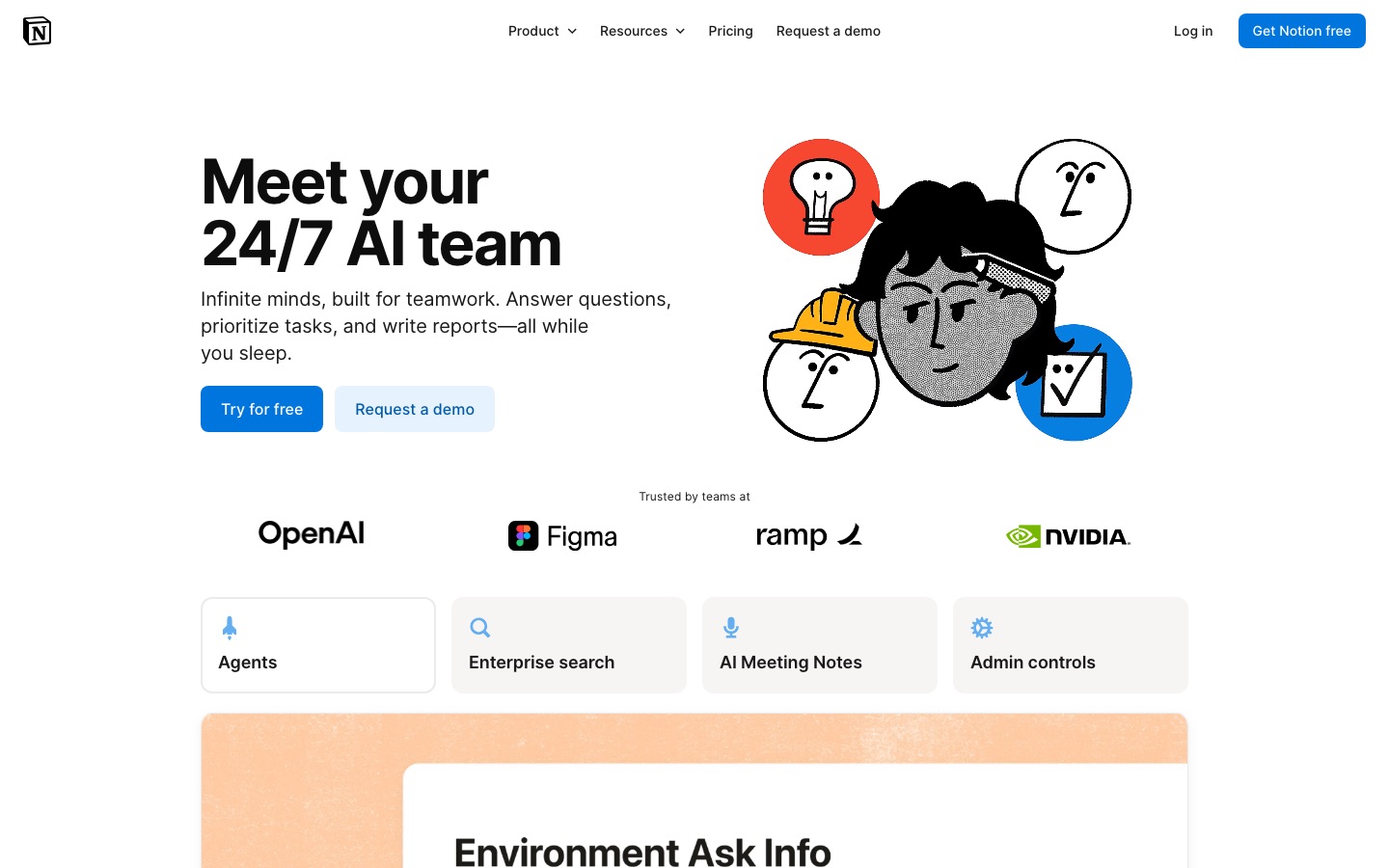
Pricing: Free and Plus ($10/seat/mo) include an AI trial only; Business at $20/seat/mo includes Notion Agent, AI Meeting Notes and Enterprise Search. Custom Agents use Notion credits at $10 per 1,000 credits per month.
Pros: AI that knows your company's docs.
Cons: the jump to Business for AI adds up for larger teams.
Best for: teams that already document their work in Notion.
7. Mem: best AI notes app for individuals
Mem is a personal notes app built around AI from the start. You capture notes, voice memos and meeting notes, and Mem organizes and connects them so you can ask questions later instead of filing everything into folders.
Pricing: free plan with 25 AI messages and 25 new notes a month; Plus at $9/mo; Pro at $29/mo with custom routines and connections.
Pros: no filing system to maintain, good voice capture.
Cons: monthly usage caps on every plan, and it is not a team wiki.
Best for: solo knowledge workers who hate organizing notes.
AI email tools
8. Superhuman: best AI email client
Superhuman is a keyboard-driven email client for Gmail and Outlook with AI on top: split inboxes that auto-sort mail, Auto Drafts that write replies in your voice, Ask AI to search your inbox in plain English, and reminders for follow-ups. Mail is sold separately from the wider Superhuman suite (Grammarly and Superhuman Docs), so read plan names carefully.
Pricing: no free plan for Mail. Third-party pricing trackers put Starter at about $25/mo yearly ($30 monthly) and Business, where Auto Drafts and Ask AI sit, at about $33/mo yearly ($40 monthly). Confirm on Superhuman's official site.
Pros: the fastest email workflow if you learn the shortcuts.
Cons: expensive, and you have to switch email apps.
Best for: executives and salespeople handling hundreds of emails a day.
9. Fyxer AI: best AI email assistant without switching apps
Fyxer AI works inside your existing Gmail or Outlook. It labels incoming mail by priority, drafts replies in your tone so they are waiting when you open a thread, sends a daily briefing and records meetings to produce notes and follow-up drafts.
Pricing: free plan with daily briefings and meeting notes; Pro at $49/mo monthly or $37/mo yearly; Team at $99/mo monthly or $64/mo yearly, per the Fyxer pricing page.
Pros: no new app, drafts are ready before you need them.
Cons: it takes a few weeks to learn your style, and Pro is pricey for individuals.
Best for: busy professionals and small teams on Gmail or Outlook.
AI meeting notes
Meetings are where AI saves the most obvious time. For the full field, see the best AI meeting transcription tools and our Otter vs Fireflies comparison.
10. Granola: best meeting notes without a bot
Granola captures audio straight from your device, so no bot joins the call. You jot rough notes during the meeting and it turns them into a clean summary using your templates. Paid plans push notes to Slack, Notion and CRMs.
Pricing: free Basic plan with 30 days of meeting history; Business at $14 per user per month; Enterprise at $35, per Granola's pricing page.
Pros: invisible to other attendees, your own notes guide the summary.
Cons: no video recording, and the free plan forgets meetings after 30 days.
Best for: consultants, founders and anyone in back-to-back external calls.
11. Fathom: best free AI meeting recorder
Fathom joins Zoom, Google Meet and Teams calls, records and transcribes them, and delivers a summary seconds after you hang up. Its free plan includes unlimited recordings and instant summaries, which is rare in this category.
Pricing: free forever plan; Premium at $20/mo monthly or $16/mo yearly; Team from $15 per user per month yearly.
Pros: the best free tier for meeting notes.
Cons: a visible bot joins calls, and some AI features are limited on free.
Best for: anyone who wants meeting notes at no cost.
AI dictation
12. Wispr Flow: best voice dictation for knowledge work
Wispr Flow turns speech into clean, formatted text in any app: email, Slack, docs, even code editors. It removes filler words and learns names and jargon. Speaking is usually much faster than typing, so dictating first drafts and replies is one of the cheapest speedups on this list.
Pricing: free plan with 2,000 words a week on desktop; Pro at $15/mo monthly or $12/mo yearly with unlimited dictation, per Wispr Flow's pricing page.
Pros: works in any app on Mac, Windows, iOS and Android, in 100+ languages.
Cons: awkward in open offices, and you still need to read what it wrote.
Best for: people who write a lot of messages and email.
AI task and project management
13. ClickUp Brain: best AI for teams already on ClickUp
ClickUp Brain is the AI layer inside ClickUp. It writes tasks, summarizes threads, drafts status updates and runs agents across tasks, docs and chat. AI is now bundled into every plan as a monthly credit allowance instead of a separate per-user add-on.
Pricing: Free Forever plan with trial AI credits; Core at $9 per user per month and Business at $17, both billed yearly, each with pooled AI credits.
Pros: no extra AI seat fee.
Cons: ClickUp's depth can overwhelm small teams.
Best for: teams that want project management and AI in one place.
14. Taskade: best budget AI workspace with agents
Taskade combines lists, projects, mind maps and docs with custom AI agents you can train on your files and assign to tasks.
Pricing: free plan with one AI agent; Starter at $6/mo, Pro at $10/mo and Business at $25/mo, all billed yearly.
Pros: cheap, with strong agent features for the price.
Cons: less polished than Notion or ClickUp for large teams.
Best for: freelancers and small teams who want AI agents without enterprise pricing.
If you want to connect these apps to each other, automation platforms do the glue work. See n8n vs Zapier vs Make, or our roundup of the best AI agents for tools that act on your behalf.
How to choose AI productivity tools that actually save time
Find your biggest time sink. If email takes two hours a day, start there, not with a fancy planner.
Start with one general assistant that fits your office suite and writing style.
Add one specialist at a time. Try it for two weeks. If you stop opening it, cancel it.
Prefer tools inside your existing apps. Fyxer inside Gmail is easier to stick with than a new email client.
Check data handling and consent. Use business plans for company data, and tell attendees when a notetaker is running.
Sample AI productivity stacks
| Budget | Stack | Approx. monthly cost |
|---|---|---|
| Free | ChatGPT or Claude free + Reclaim Lite + Fathom free + Wispr Flow free | $0 |
| Solo professional | Claude Pro or ChatGPT Plus + Granola Business + Wispr Flow Pro | About $46 |
| Inbox-heavy executive | ChatGPT Plus + Superhuman + Motion Pro AI + Fathom free | About $64 to $69 |
| Small team (per person) | Notion Business + ClickUp Core or Taskade + Fathom Team | About $41 to $44 |
Looking for zero-cost options only? Our list of the best free AI tools covers more tools that stay free.
FAQ
What is the best AI productivity tool?
For most people the best single AI productivity tool is a general assistant like ChatGPT or Claude, because it helps with writing, research, planning and summaries across your whole day. After that, add one specialist for your biggest bottleneck, such as Motion for scheduling, Fyxer for email or Granola for meetings.
What is the best free AI productivity tool?
The strongest free options are the free plans of ChatGPT, Claude and Gemini for general work, Fathom for unlimited meeting recordings, Reclaim AI Lite for calendar time blocking and Wispr Flow for up to 2,000 dictated words a week. Together they make a capable stack that costs nothing.
Is Motion or Reclaim better?
Motion is better if your problem is too many tasks, because it plans your whole day from tasks and deadlines and doubles as a project workspace. Reclaim AI is better if your problem is meetings crowding out focus time, and it has a free plan. Reclaim also keeps your existing calendar app.
Is Notion AI worth it?
Notion AI is worth it if your team already keeps its docs, wikis and meeting notes in Notion, because the AI can answer questions across all of it. Full AI features now require the Business plan at $20 per seat per month. If you only want a writing assistant, a general chatbot is cheaper.
Which AI tools save the most time at work?
The biggest, most reliable time savings usually come from AI meeting notes (no manual notes or recap emails), AI email drafting (replies ready when you open a thread) and dictation (speaking is faster than typing). Auto-scheduling saves time too, but only if you commit to putting every task into the tool.
Are AI productivity tools safe for company data?
Business and team plans from major vendors generally do not train models on your content and add admin controls, SSO and audit logs. Consumer free plans may have looser terms. Before connecting email, calendars or client files, read the vendor's data policy and use a company-approved plan.
How many AI productivity tools should I use?
Two to four is a good range for most people: one general assistant plus one to three specialists. Each extra app adds cost, logins and context switching. If you have not used a tool in two weeks, it is probably not earning its subscription.
Final verdict
Pick one general assistant first: ChatGPT for range, Claude for writing quality, or the Gemini or Copilot built into your office suite. Then fix your worst bottleneck. Calendar chaos points to Motion or Reclaim AI. Inbox overload points to Fyxer AI or Superhuman. Meeting overload points to Granola or Fathom. Test free plans for two weeks and keep only what sticks.
Browse more options in our productivity category, or explore autonomous helpers in the AI agents category. If you build an AI productivity tool we have not listed, submit it for a listing.