n8n vs Zapier vs Make (2026): Pricing, AI Agents and Which Automation Tool to Pick
n8n bills per workflow run and can be self-hosted, Zapier bills per action and connects 9,000+ apps, and Make bills per module credit with a visual canvas. Here is how they compare on cost at real volumes, AI agents, ease of use and error handling.
Short verdict on n8n vs Zapier vs Make: pick Zapier if you are non-technical and want the most app connections with the least setup. Pick Make if you want a visual builder with branching logic at the lowest entry price. Pick n8n if you are technical, run long or high-volume workflows, build AI agents, or need to self-host for cost or data control. At volume, n8n is usually the cheapest of the three by a wide margin, because it charges per workflow run instead of per step.
All three tools connect apps and move data between them without a full engineering project. The real differences are how they count usage, how much logic and code they let you add, and where your data runs. This comparison is based on the official pricing pages, product documentation and public user feedback as of October 2026, not hands-on benchmarking. Prices change often, so confirm on each vendor's site before you commit.



Quick verdict by use case
Non-technical team, simple app-to-app automations: Zapier.
Lowest cost to start on a paid plan: Make, from about $9/mo billed annually.
Complex branching, loops and data transformation on a visual canvas: Make or n8n.
High volume or many-step workflows: n8n, since a 20-step run still counts as one execution.
Self-hosting, data residency or air-gapped environments: n8n (the only one of the three you can run on your own servers).
Custom AI agents with your own models, memory and tools: n8n.
Plain-English agents that work across thousands of SaaS apps: Zapier Agents.
Developers who want JavaScript or Python inside workflows: n8n.
How each tool charges: executions vs tasks vs credits
This is the single most important difference, and it decides most cost comparisons. Each vendor uses a different unit.
n8n: executions
n8n's pricing page says an execution is one run of an entire workflow. The number of steps and the amount of data do not change the count. A workflow with 2 nodes and one with 40 nodes both use 1 execution per run. That makes n8n cheap for long, complex workflows and AI agents that call many tools in a single run.
Zapier: tasks
Zapier counts a task each time an action step in a Zap succeeds. Triggers, failed actions and built-in utilities such as Filter, Formatter, Paths, Delay and Looping do not use tasks, according to Zapier's pricing page. A Zap with one trigger and four app actions uses 4 tasks per run. AI steps and Zapier MCP calls can use more than one task each (an MCP tool call uses 2).
Make: credits (formerly operations)
Make switched its billing unit from operations to credits in 2025. Most modules cost 1 credit each time they run, including the trigger module, while routers and error handlers are free. AI modules that use Make's own AI provider are billed dynamically by tokens, files or pages, as Make's credits documentation explains. A five-module scenario therefore uses about 5 credits per run, and a scheduled trigger that checks for data still uses a credit each time it polls.
n8n vs Zapier vs Make pricing (as of October 2026)
Figures come from the official n8n, Zapier and Make pricing pages. n8n lists prices in euros. Make's prices sit behind an interactive slider, so its tiers above the entry level are approximate.
| Plan | Price | Included usage and key limits |
|---|---|---|
| n8n Community (self-hosted) | Free software; you pay for hosting | Unlimited executions and workflows on your own server |
| n8n Starter (cloud) | €20/mo billed annually | 2,500 executions/mo, 5 concurrent executions, unlimited users and workflows |
| n8n Pro (cloud) | €50/mo billed annually | 10,000 executions/mo, up to 50 concurrent, admin roles, workflow history, evaluations |
| n8n Business (self-hosted) | €667/mo billed annually | 40,000 executions/mo, SSO, Git version control, multiple environments, queue mode |
| n8n Enterprise | Contact sales | Custom executions, cloud or self-hosted, SLA support, log streaming |
| Zapier Free | $0 | 100 tasks/mo, two-step Zaps only, 15-minute polling |
| Zapier Professional | From $19.99/mo annual ($29.99 monthly) | 750 tasks/mo at entry tier, multi-step Zaps, Paths, premium apps, 2-minute polling |
| Zapier Team | From $69/mo annual ($103.50 monthly) | 2,000 tasks/mo at entry tier, 25 users, shared connections, SAML SSO |
| Zapier Enterprise | Contact sales | Annual task limit, unlimited users, SCIM, technical account manager |
| Make Free | $0 | 1,000 credits/mo, 2 active scenarios, 15-minute minimum interval |
| Make Core | About $9/mo annual ($10.59 monthly) for 10,000 credits | Unlimited scenarios, 1-minute interval, 40-minute max run time |
| Make Pro | About $16/mo annual ($18.82 monthly) for 10,000 credits | Priority execution, custom variables, full-text log search |
| Make Teams | About $29/mo annual ($34.12 monthly) for 10,000 credits | Team roles, shared templates, larger file sizes |
| Make Enterprise | Contact sales | Custom credits, extended log retention, enterprise security |
A few details that matter when you budget. On n8n Starter and Pro, workflows keep running if you exceed your quota, with capped overage fees. n8n also offers 50% off Business for companies under 20 employees. Zapier's pay-per-task overage costs 1.25 times the base rate on annual plans and 2.5 times on monthly plans, and work pauses at 3 times your plan's tasks. Make sells extra credit bundles, but they expire.
Cost at real volumes: three worked examples
To compare like for like, assume a typical workflow: one trigger plus four app actions (five steps). Prices are the annual-billing figures above. Make's higher tiers are approximate slider values reported in September 2026.
| Monthly volume | n8n (executions) | Zapier (tasks) | Make (credits) |
|---|---|---|---|
| 500 runs of a 5-step workflow | 500 executions: Starter, €20/mo | 2,000 tasks: Pro 2K tier, $49/mo | 2,500 credits: Core, about $9/mo |
| 2,000 runs of a 5-step workflow | 2,000 executions: Starter, €20/mo | 8,000 tasks: Pro 10K tier, $129/mo | 10,000 credits: Core, about $9/mo (at the cap) |
| 10,000 runs of a 10-step workflow | 10,000 executions: Pro, €50/mo, or self-host for server cost only | 90,000 tasks: Pro 100K tier, $489/mo | 100,000 credits: Core 150K tier, roughly $99/mo |
Three patterns stand out. Make is cheapest for small, short workflows. Zapier gets expensive fastest as steps and volume grow, though some steps (filters, formatters, paths) are free, which narrows the gap. n8n's cost barely moves with complexity, and a self-hosted Community install on a small cloud server costs a few dollars to a few tens of dollars a month in hosting, plus your time to maintain it.
One caveat: n8n Cloud's lower tiers cap concurrent executions (5 on Starter) and run time (5 minutes on Starter, 40 on Pro). Bursty webhooks or long AI agent runs can push you to Pro even at low volume.
What each tool actually is
n8n
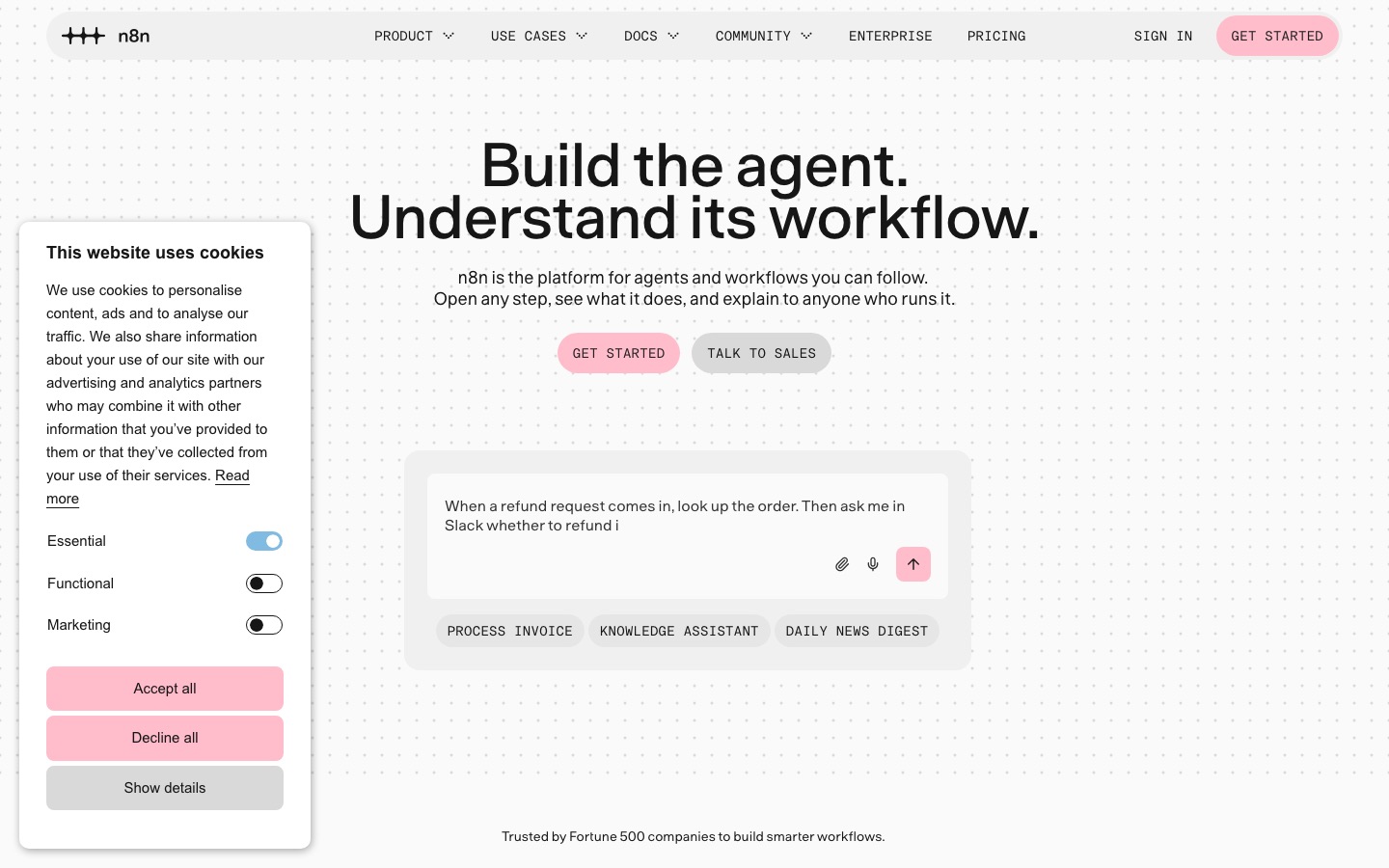
n8n is a source-available workflow automation platform from Berlin. Its homepage cites 500+ native integrations, plus an HTTP Request node that connects to any API, over 200,000 GitHub stars and a community of 250,000+ developers. You can use n8n Cloud or self-host the free Community edition with Docker. Workflows are built on a node canvas where you can drop into JavaScript or Python at any step, branch and merge data, and inspect every item that passes through.
Zapier
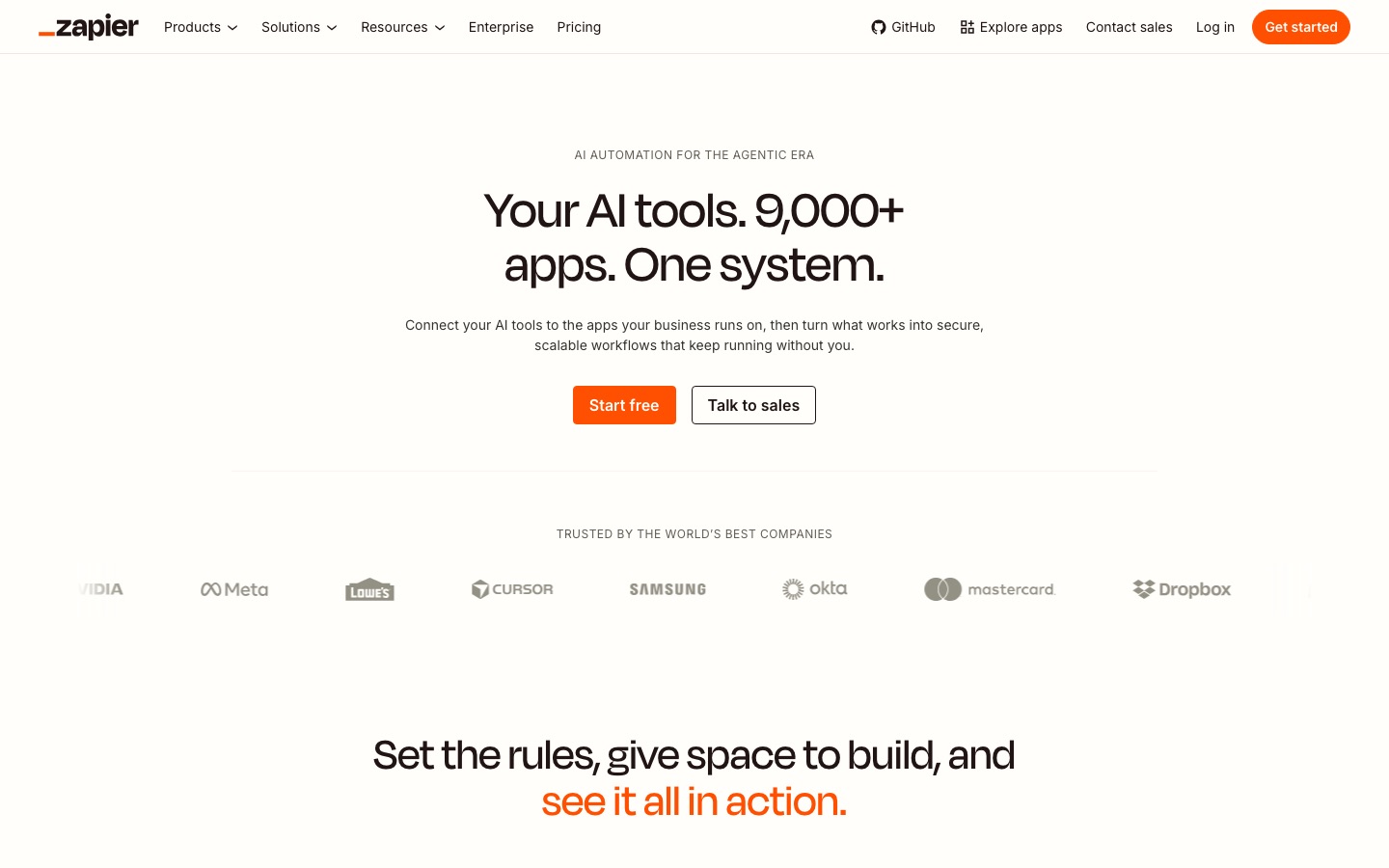
Zapier is the best-known automation service and has the largest catalog, with 9,000+ apps. Zaps run from a trigger through a series of actions, and newer products sit around them: Zapier Agents (AI teammates that act across your apps), Tables, Forms, Chatbots, Canvas for mapping processes, Copilot for building Zaps in plain English, and Zapier MCP, which lets AI assistants call Zapier actions.
Make
Make, formerly Integromat, uses a visual canvas where each app module is a bubble and data flows between them through routers, iterators and aggregators. Make claims 3,000+ native apps (3,500+ on some pages), and offers Make AI Agents on all plans plus the Maia assistant for building scenarios from a description. It is popular with agencies and operations teams who want more logic than Zapier at a lower price.
n8n vs Zapier vs Make: head-to-head
Ease of use
Zapier is the easiest. The step-by-step editor reads like a form, and Copilot can draft a Zap from a sentence. Make's canvas is intuitive once you understand bundles, iterators and aggregators, but that mental model takes a few hours. n8n has the steepest curve: you see raw JSON items, write expressions and sometimes code.
Winner: Zapier.
Integrations
Zapier's 9,000+ apps is roughly three times Make's catalog and far more than n8n's 500+ native nodes. If you rely on niche SaaS tools, check that they exist on your platform first. n8n closes much of the gap with its HTTP Request node, community nodes and the ability to import cURL commands, but that requires reading API docs.
Winner: Zapier.
Logic, data handling and code
n8n gives you the most control: loops, merges, sub-workflows, JavaScript and Python Code nodes, and full visibility into every item. Make is close behind for visual logic, with routers, filters and powerful array functions. Zapier has Paths, Filters, Looping and Code by Zapier steps, but complex data manipulation is clumsier and each extra action step adds to your bill.
Winner: n8n, with Make a close second.
AI agents and AI features
All three now sell themselves as AI agent platforms, but they approach it differently.
n8n: a dedicated AI Agent node that connects to a chat model (OpenAI, Anthropic, Gemini, Mistral, Groq, Ollama and more), a memory sub-node, tools and output parsers. Any n8n node can become a tool, and the MCP Client Tool and MCP Server Trigger nodes let agents call MCP servers or expose n8n workflows to Claude, Cursor and other clients. Human-review gates, evaluations and guardrails are built in. Cloud plans can also use AI models without bringing your own API key.
Zapier: Zapier Agents are configured in plain English, can use your company knowledge and act across 9,000+ apps. Agent activities do not consume tasks; Free includes 400 activities a month and Pro 1,500. AI by Zapier steps and Zapier MCP are also available.
Make: Make AI Agents live inside scenarios, show their reasoning step by step and can trigger other scenarios as tools. They are available on all plans and can use Make's AI provider or your own model connection.
If you want to design a real agent (custom prompts, memory stored in Postgres, a dozen tools, structured output, approval steps), n8n is the most capable. If you want a business user to set up an agent without touching nodes, Zapier is simpler. Our step-by-step guide on how to build an AI agent with n8n walks through a full example.
Winner: n8n for builders, Zapier for non-technical teams.
Self-hosting and data control
Only n8n can be self-hosted. The Community edition runs with a single Docker command, as shown in the n8n Docker docs, and enterprises can run it in their own VPC or fully air-gapped. That matters for healthcare, finance, government and anyone who cannot send customer data through a third-party cloud. Zapier and Make are cloud-only, though both offer enterprise security features and Make lets you choose EU or US data centers.
Note that n8n is source-available under its Sustainable Use License, not a classic open-source license: free for internal business use, with restrictions on reselling it as a hosted service.
Winner: n8n, clearly.
Error handling and debugging
n8n lets you set each node to retry on failure, stop the workflow, or continue through an error output branch, and you can attach a dedicated error workflow (via the Error Trigger) that alerts you or cleans up. Every execution is saved with the data at each node, which makes debugging fast. Make has the most structured model: error handler routes with Resume, Ignore, Break, Commit and Rollback directives, plus stored incomplete executions you can replay. Zapier offers error notifications, Autoreplay of failed steps on paid plans, custom error-handling paths and version history (1 month on Pro, 6 months on Team).
Winner: Make for structured recovery, n8n for debugging visibility.
Feature comparison
| Feature | n8n | Zapier | Make |
|---|---|---|---|
| Billing unit | Execution (one full run) | Task (each successful action) | Credit (each module run) |
| Free option | Self-hosted Community edition | Free plan, 100 tasks/mo | Free plan, 1,000 credits/mo |
| Entry paid price | €20/mo (annual) | $19.99/mo (annual) | About $9/mo (annual) |
| Native integrations | 500+, plus any API via HTTP | 9,000+ | 3,000+ |
| Self-hosting | Yes | No | No |
| Code steps | JavaScript and Python | JavaScript and Python (Code by Zapier) | Make Code app for JavaScript and Python; check plan availability |
| AI agent builder | AI Agent node with memory, tools, parsers | Zapier Agents | Make AI Agents |
| MCP support | MCP client and MCP server nodes | Zapier MCP (2 tasks per call) | MCP server |
| Users included | Unlimited on all plans | 1 on Pro, 25 on Team | Varies by plan |
| Learning curve | Steepest | Easiest | Moderate |
Who should pick which
Choose n8n if...
Someone on your team is comfortable with JSON, APIs or a little code.
Your workflows have many steps or run thousands of times a month.
You are building AI agents with custom tools, memory and models.
You need self-hosting for compliance, data residency or cost control.
Choose Zapier if...
Your team is non-technical and wants automations live today.
You depend on niche SaaS apps that only Zapier supports.
Your volume is modest and simplicity is worth paying for.
You want plain-English agents connected to thousands of apps.
Choose Make if...
You want visual branching and data mapping at a low price.
You are an agency building client automations on a budget.
Your workflows are mostly short and run at small to medium volume.
You want structured error recovery without writing code.
Alternatives worth a look
If none of the three fits, consider an agent-first platform instead of a workflow tool. Lindy builds AI assistants for email, meetings and calls without nodes. Relevance AI focuses on teams of specialist business agents. WEXTL offers visual automation with AI agent nodes and a plain-English builder. For a broader view, see our guide to the best AI agents and the full AI agents category.



FAQ
Is n8n better than Zapier?
For technical users, high volumes and AI agents, yes. n8n charges per workflow run rather than per action, can be self-hosted, and gives you code steps and full data visibility. Zapier is better for non-technical teams that want the widest app catalog and the fastest setup. The right answer depends on who builds and maintains the workflows.
Is n8n really free?
The self-hosted Community edition is free to download and run with unlimited executions, under n8n's Sustainable Use License. You still pay for the server and spend time on updates, backups and security. n8n Cloud, the hosted version, starts at €20 per month billed annually for 2,500 executions.
Is Make cheaper than Zapier?
Usually, yes. Make's Core plan starts around $9 per month on annual billing for 10,000 credits, while Zapier's Professional plan starts at $19.99 per month for 750 tasks. The gap widens as volume grows. Zapier claws some back because filters, formatters and paths are free, while Make charges for nearly every module run.
What is the difference between n8n and Make?
Both use visual canvases with branching logic. Make is cloud-only, easier for non-developers and bills per module run. n8n can be self-hosted, supports JavaScript and Python code nodes, has a deeper AI Agent node, and bills per full workflow run, which makes it cheaper for long or frequent workflows.
Can I self-host Zapier or Make?
No. Zapier and Make are cloud-only services. If self-hosting is a requirement, n8n is the main option among popular automation tools, and you can run it with Docker on your own server, a cloud VM or a Kubernetes cluster. Enterprise customers of n8n can also run it fully air-gapped.
Which is best for AI agents: n8n, Zapier or Make?
n8n is the strongest for building custom agents, with an AI Agent node, memory options, any node as a tool, MCP client and server support, and human approval steps. Zapier Agents are simpler to set up in plain English and reach more apps. Make AI Agents sit in between and are available on all plans.
Final verdict
Zapier remains the easiest way for non-technical teams to automate across thousands of apps, and it is worth the premium at low volumes. Make is the best value for visual, moderately complex workflows at small to medium scale. n8n wins for technical teams, AI agent builders and anyone running serious volume, because per-run pricing and self-hosting change the economics completely. If you are unsure, prototype the same workflow on Make's and Zapier's free plans and a local n8n install, then compare the bill at your expected volume.
Looking for more tools to automate your work? Our roundups of the best AI productivity tools and best AI tools for small business cover the apps you will most likely connect.
Browse every automation platform and agent builder we track in the AI agents category and the AI productivity category. Building an automation tool we have missed? Submit it for a listing.