Runway vs Kling vs Luma (2026): Which AI Video Generator Is Worth Paying For?
Runway, Kling and Luma are the three AI video platforms creators compare most. Kling 4.0 now makes 30-second clips with sound, Runway wins on editing and workflow, and Luma's Ray3.2 targets HDR and VFX pipelines. Here is how they compare on quality, length, audio, credits and commercial use.
Short verdict: in the Runway vs Kling debate, pick Kling if you want the most video per dollar, long single takes (up to 30 seconds with Kling 4.0) and native sound with lip sync. Pick Runway if you edit for clients and need a full production workspace: Aleph 2.0 video editing, an AI agent, Adobe and DaVinci Resolve plugins, and access to third-party models, including Kling, in one account. Pick Luma if your footage goes into a color grade or VFX pipeline, because Ray3.2 outputs native HDR with EXR export and its Modify Video tool restyles real footage with up to 16 keyframes.
The three are not as separate as they used to be. Runway and Luma both host Kling models inside their own apps, so the real question is which workspace, credit system and in-house model fits your work. This comparison is based on official pricing pages, product documentation, changelogs and public user feedback as of October 2026, not on our own hands-on tests. If you are still deciding whether you need a generator at all, start with our guide to the best AI video generators.



Quick verdict by use case
Best value per second of video: Kling. Its Standard plan is about $10 a month and native-audio clips cost less per second than Runway or Luma at 1080p.
Longest single clip: Kling 4.0, with 3 to 30 seconds per generation.
Editing existing footage: Runway Aleph 2.0 for targeted edits, Luma Ray3.2 Modify Video for full restyles that keep the original performance.
HDR, EXR and color grading: Luma Ray3.2.
Client and agency work in one tool: Runway, thanks to projects, brand kits, a team plan, Adobe and Resolve plugins and ProRes export.
Dialogue and lip sync from a prompt: Kling 4.0 (stereo audio, eight languages).
Cheapest way to try: Kling's free daily credits. Luma has no free plan on its pricing page.
Want all three model families: Runway or Luma, since both include Kling 4.0 alongside their own models.
The latest models, explained
Model names change every few months, which is why so many Runway vs Kling articles are out of date. Here is where each company stands at the end of October 2026.
Runway: Gen-4.5, Gen-4 Turbo and Aleph 2.0
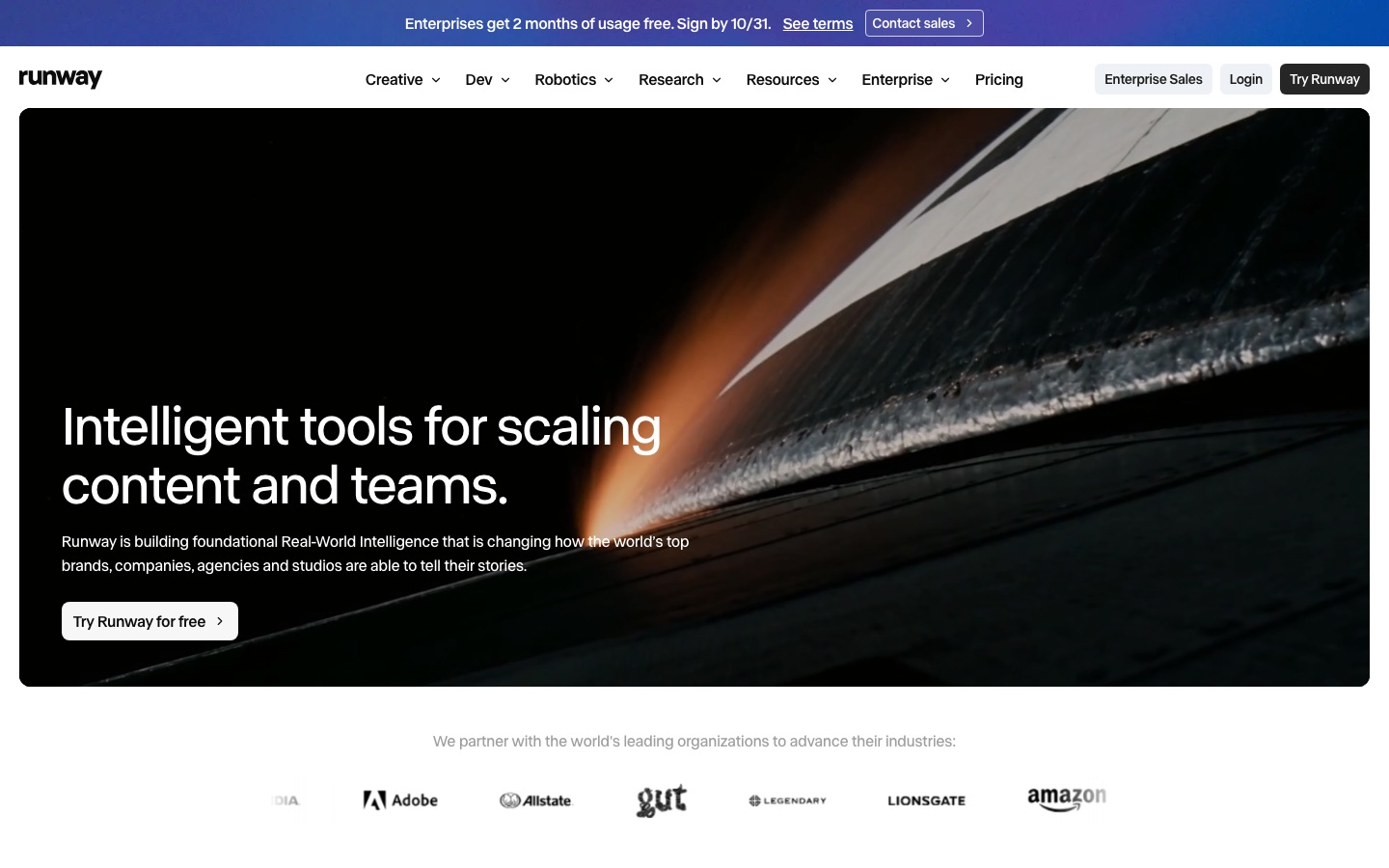
Runway's flagship generator is Gen-4.5, released in December 2025 and extended in January 2026 to accept a first-frame image alongside a text prompt. Developer listings show clips of 2 to 10 seconds, and Gen-4.5 does not generate synchronized audio, so sound comes from Runway's separate audio tools or a third-party model. Gen-4 Turbo is the fast, cheap image-to-video option. Aleph 2.0, launched in May 2026 with the new Edit Studio, is a video-to-video model: you change one frame or one region and it carries the edit through the rest of the shot.
Around those models, Runway has spent 2026 building a production platform. Its changelog lists Runway Agent and Agent 2.0, agent workflows with a timeline, Runway Characters, compositing nodes, ProRes and PNG sequence export, a Team plan, plugins for Adobe apps and DaVinci Resolve, and an MCP server so other AI tools can drive Runway. It also hosts third-party models, including Kling 4.0, Seedance 2.0 and 2.5, Wan 3.0 and Nano Banana.
Kling: Kling 4.0 and 4.0 Flash
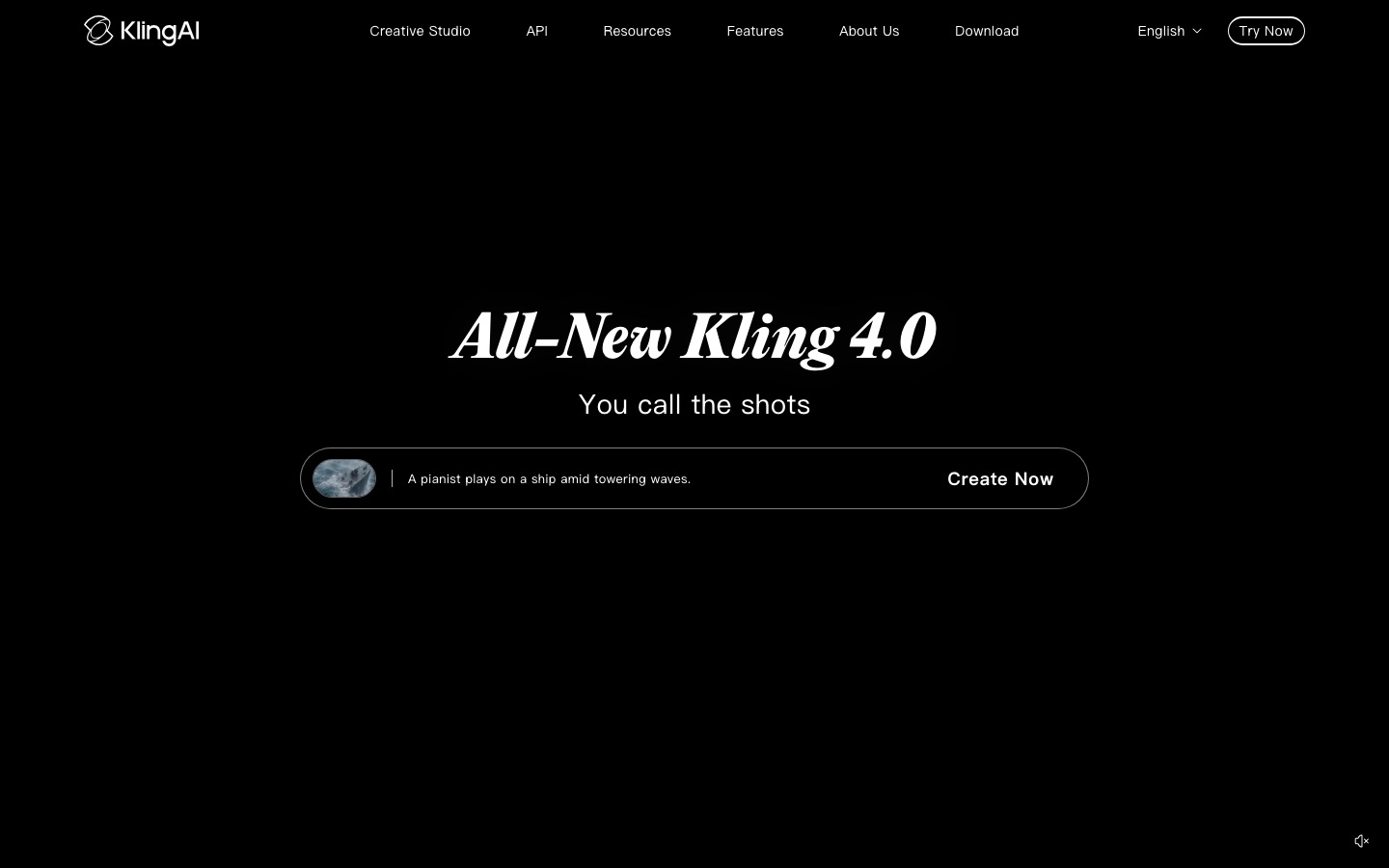
Kling, built by Kuaishou, launched Kling 4.0 on October 15, 2026. The headline change is length: 3 to 30 seconds in a single generation, where most rivals stop at 10 or 15. Published specs list 720p, 1080p and 4K output, two-channel audio with improved lip sync in eight languages (including English, Chinese, Japanese, Korean, Spanish and German), up to 10 keyframes, and Omni Reference with up to 15 reference images, videos and voice samples. A video editing mode lets you change expressions, motion, camera, style, background or characters in an existing clip. 10-bit HDR is announced as coming soon rather than live.
Kling 4.0 Flash is the cheaper, faster variant: 720p, 8-bit SDR and up to 20 seconds. Kling 3.0 and its Omni version remain available and are still widely used, with native audio and clips up to 15 seconds.
Luma: Ray3.2 inside Luma Agents
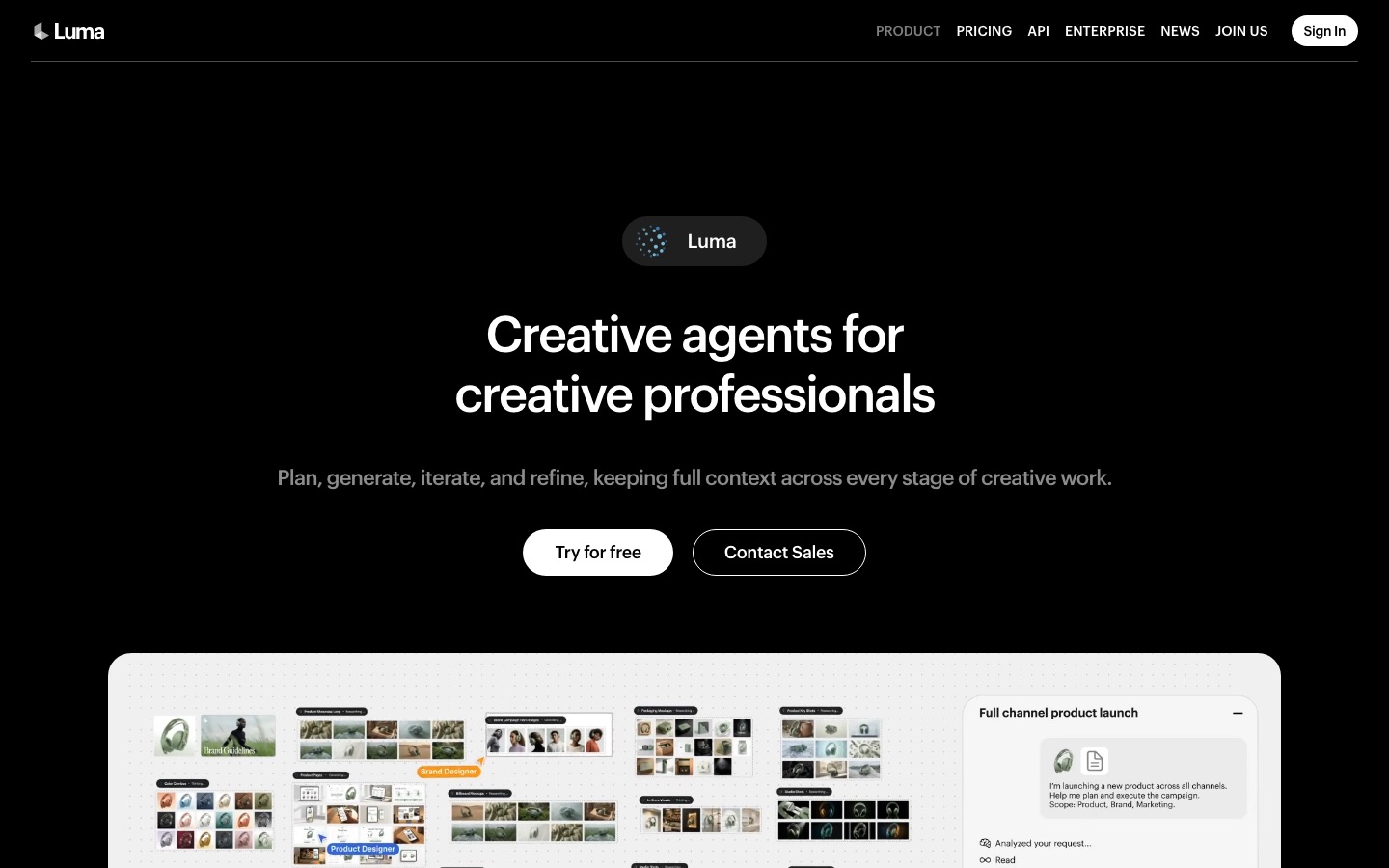
Luma rebranded Dream Machine as Luma Agents, an agent-driven creative platform. Its newest video model, Ray3.2, arrived in June 2026. According to Luma's Ray page, text-to-video and image-to-video clips are 5 or 10 seconds, from a 360p draft up to 1080p. What sets it apart is native 16-bit HDR and 16-bit EXR export in ACES color, which slots into professional grading and VFX work. Ray3.2 accepts up to 16 keyframes per clip, and Modify Video restyles real footage up to 20 seconds at 24fps while tracking body performance and facial expression for up to eight people.
The catch: Ray3.2 text-to-video and image-to-video do not generate audio. Modify Video and Reframe keep the original soundtrack, but new shots need sound added separately, or you can switch to one of the third-party models in Luma's app (Kling 4.0, Veo 3.1, Seedance and MiniMax H3 all generate audio).
Side-by-side specs
| Spec | Runway (Gen-4.5) | Kling (4.0) | Luma (Ray3.2) |
|---|---|---|---|
| Text-to-video and image-to-video | Yes | Yes | Yes |
| Clip length per generation | About 2 to 10 sec | 3 to 30 sec (Flash up to 20) | 5 or 10 sec; Modify Video up to 20 sec |
| Max native resolution | 1080p, 4K via upscaling | Up to 4K (Flash 720p) | 1080p |
| Native audio | No (separate audio tools) | Yes, stereo with lip sync | No for new shots; keeps source audio when modifying |
| HDR | HDR on Max plan output | 10-bit HDR announced, not yet live | Native 16-bit HDR, EXR export |
| Keyframes and references | First frame image | Up to 10 keyframes, 15 references | Up to 16 keyframes |
| Video-to-video editing | Aleph 2.0 | Kling 4.0 edit mode | Modify Video, Reframe |
| Third-party models in app | Yes (Kling, Seedance, Wan and more) | Kling models only | Yes (Kling, Veo, Seedance, MiniMax and more) |
| Free plan | 125 one-time credits, watermarked | Daily free credits, watermarked | No free plan listed |
Video quality: what public feedback says
Quality rankings shift with every release, and leaderboard snapshots from earlier in 2026 put Kling 3.0 and Runway Gen-4.5 within a few points of each other. Kling 4.0 is too new for reliable independent rankings. With that caveat, public feedback and published samples point to clear strengths.
Motion and physics
Kling has the strongest reputation for large, fast motion: people running, fighting, dancing, or cars and animals moving through a scene. Kling 4.0's launch notes focus on steadier large-scale motion and continuity in high-speed action and complex camera moves. Runway Gen-4.5 is praised for controlled, cinematic camera work and prompt adherence. Luma's Ray models tend to produce natural, photographic lighting, and Ray3.2's strength is fidelity rather than wild motion.
Winner: Kling for action and long takes.
Character consistency
Kling's Omni Reference (up to 15 references, including voice) and Runway's Characters feature both aim to keep the same person across shots. Luma's answer is performance tracking: film a real actor, then use Modify Video to transform them while keeping every expression. For a recurring AI character across many scenes, Kling and Runway are the safer bets. For turning a real performance into something else, Luma is unusually strong.
Winner: tie between Kling and Runway, Luma for performance transfer.
Editing real footage
This is where Runway and Luma pull ahead of pure generation. Runway Aleph 2.0 edits only the region you specify and leaves the rest of the shot untouched, which suits removing objects, changing a prop or relighting a scene. Luma Modify Video is built for wholesale transformation: new environment, new costume, new style, same timing. Kling 4.0 adds an edit mode, but Runway's toolset around it (timeline, compositing nodes, plugins) is deeper.
Winner: Runway for targeted edits, Luma for full restyles.
Audio
Only Kling's in-house model generates synchronized sound, dialogue and lip sync from a prompt. Runway and Luma can give you audio, but only by switching to a third-party model in their apps or adding sound in a separate step. If your clips need people talking on camera, this alone can decide it.
Winner: Kling.
Pricing compared (as of October 2026)
All three use credits, and each model burns credits at a different rate. Runway and Luma figures come from the official Runway pricing page and Luma pricing page. Kling's plan prices below are list prices as reported in mid-2026; Kling often runs first-month discounts and regional pricing, so confirm on the official Kling site before you budget.
| Plan | Monthly price | Annual price (per month) | Credits per month |
|---|---|---|---|
| Runway Free | $0 | n/a | 125 one-time |
| Runway Standard | $15 | $12 | 625 |
| Runway Pro | $35 | $28 | 2,250 |
| Runway Max | $95 | $76 | 9,500 (1 month rollover) |
| Kling Free | $0 | n/a | 66 per day (expire daily) |
| Kling Standard | About $10 | About $6.60 | 660 |
| Kling Pro | About $37 | About $24.42 | 3,000 |
| Kling Premier | About $92 | About $60.72 | 8,000 |
| Kling Ultra | About $180 | Monthly only | 26,000 |
| Luma Plus | $30 | $25 | 10,000 |
| Luma Pro | $90 | $75 | 40,000 |
| Luma Ultra | $300 | $250 | 150,000 |
What a second of video actually costs
Credit counts are meaningless without burn rates, so here is the math at monthly list prices for a 1080p clip, ignoring failed generations and rerolls:
Runway Gen-4.5: 12 credits per second. At $15 for 625 credits, that is roughly $0.29 per second, or about 52 seconds of Gen-4.5 video on Standard. Gen-4 Turbo costs 5 credits per second.
Kling 3.0 with native audio: 12 credits per second at 1080p (8 without audio). At about $10 for 660 credits, that is roughly $0.18 per second, sound included. Check Kling 4.0's live rate in the app, since it launched after most published price lists.
Luma Ray3.2: 400 credits for 5 seconds at 1080p (80 per second). At $30 for 10,000 credits, that is roughly $0.24 per second in SDR, double for HDR. At 720p it drops to about $0.06 per second.
Two more things change the picture. Running Kling 4.0 inside Runway costs about 118 credits per 5 seconds at 1080p (a 25% launch discount runs to November 30), and inside Luma about 79 credits per second, so Kling's own app is usually the cheapest place to use Kling. And none of the three roll over unused credits on lower tiers; only Runway Max carries credits forward, for one month.
Commercial use, watermarks and rights
Runway: paid plans remove the watermark. Runway's help center says content you create is yours to use without non-commercial restrictions from Runway, while free plan exports carry a watermark, so treat free output as unsuitable for client work.
Kling: the free plan is watermarked, capped at low resolution and excludes commercial use. Standard and above remove the watermark and include commercial rights.
Luma: commercial use is listed from the Plus plan up. There is no free tier to worry about.
Read each company's current terms before using output in paid ads, and remember that likeness, trademarks and copyrighted characters in your prompts are your responsibility, whatever the plan says.
Workflow and ease of use
Runway feels like a production suite: projects, asset comments, brand kits, an agent that can plan and assemble a sequence on a timeline, and export to ProRes or image sequences on Max. That depth is a plus for agencies and a little overwhelming for someone who just wants one clip. Kling is the simplest: pick a model, write a prompt or upload references, and generate. Its web app and mobile apps are built for creators who iterate quickly. Luma is built around agents and a canvas, and its strongest features (keyframes, Modify Video, HDR) reward people who already think like editors or VFX artists.
If your edit happens elsewhere, all three export standard video files. For finishing, captions and short-form cutdowns, see our AI video editors guide and our comparison of Descript vs CapCut.
Who should pick which
Choose Kling if...
You want the lowest cost per finished second, with sound.
You need long single takes or talking characters with lip sync.
You are a solo creator or social team producing a high volume of clips.
Choose Runway if...
You do client or agency work and need projects, teams, brand kits and pro export formats.
You edit existing footage as often as you generate new shots.
You want one subscription that also gives you Kling, Seedance and other third-party models.
Choose Luma if...
Your shots go into DaVinci Resolve, Nuke or another grading or VFX pipeline and HDR matters.
You want to transform real performances rather than invent new ones.
You like an agent-driven canvas and can add sound separately.
Alternatives worth a look
If none of the three fits, these are the closest rivals. For presenter-style videos with avatars instead of cinematic shots, see HeyGen vs Synthesia.




Gemini Omni: Google DeepMind's multimodal video model, in the Gemini app and Google Flow, with audio and strong world knowledge.
Hailuo AI: MiniMax's H3 model, with native 2K output, stereo audio and expressive character acting.
Dreamina: ByteDance's creative platform running Seedance 2.5, with up to 30-second clips and native audio.
Pika: cheaper, effect-driven video for social content, from $10 a month.
LTX Studio: storyboard-first filmmaking that strings generated shots into scenes.
FAQ
Is Kling better than Runway?
For raw generation value, often yes. Kling 4.0 makes longer clips (up to 30 seconds), generates synchronized audio and costs less per second on its own plans. Runway is better as a complete production tool, with Aleph 2.0 editing, an AI agent, team features and pro export. Many professionals use Kling models inside Runway to get both.
Is Luma Dream Machine still available?
Dream Machine has been folded into Luma Agents, Luma's agent-driven creative platform. The video model inside it is now Ray3.2, released in June 2026, alongside third-party models such as Kling 4.0 and Veo 3.1. Plans start at $30 a month for Plus, and Luma's pricing page does not list a free plan.
Which AI video generator has the longest clips?
Of these three, Kling 4.0, at 3 to 30 seconds per generation. Runway Gen-4.5 makes clips of about 2 to 10 seconds, and Luma Ray3.2 makes 5 or 10 second clips from text or images, or up to 20 seconds when modifying existing footage. Longer videos are built by extending or stitching shots.
Does Runway Gen-4.5 generate sound?
No. Gen-4.5 outputs silent video. Runway offers separate audio tools for text-to-speech and sound effects, and some third-party models inside Runway, such as Seedance 2.5 and Wan 3.0, generate audio with the picture. Kling 4.0 is the only in-house model of the three that generates synchronized sound.
Can I use Kling videos commercially?
Yes, on paid plans. Kling's Standard plan and above remove the watermark and include commercial rights. Free plan videos carry a watermark and are not licensed for commercial use. Check Kling's current terms before using clips in paid advertising, and avoid prompts that copy real people or protected characters.
Which is cheapest: Runway, Kling or Luma?
Kling, by most measures. Its Standard plan is about $10 a month, and a 1080p clip with audio works out to roughly $0.18 per second at list price. Runway Gen-4.5 is about $0.29 per second on Standard, and Luma Ray3.2 about $0.24 per second at 1080p, or $0.06 at 720p.
Do Runway and Luma include Kling?
Yes. Both host Kling 4.0 as a third-party model, alongside other models such as Seedance. It costs more credits there than in Kling's own app, but it means one subscription and one workspace for several model families, which suits teams that switch models shot by shot.
Final verdict
Kling wins the Runway vs Kling vs Luma matchup on value: the longest clips, built-in sound and the lowest price per second. Runway is the best choice when generation is one step in a real production, and its access to Kling narrows Kling's lead for anyone willing to pay more per clip. Luma is the specialist pick for HDR, EXR and transforming real footage. If you are unsure, spend a month on Kling's Standard plan, note where you hit limits, and move to Runway or Luma only for the jobs that need their editing tools.
Browse every AI video generator and editor we track in the AI video category. Building a video tool we have missed? Submit it for a listing.