Best AI Video Generators (2026): 12 Picks for Every Kind of Video
The best AI video generator depends on the job: Google's Gemini Omni for realism with sound, Kling for value and 30-second clips, Runway for filmmakers, Luma for HDR, and HeyGen or Synthesia for avatar presenters. Here are 12 picks with current pricing, free options and who each one suits.
The best AI video generator for most people in 2026 is Google's Gemini Omni (with Veo 3.1 alongside it) for realistic clips with sound, or Kling if you want the most video per dollar and 30-second takes. Filmmakers who edit real footage should look at Runway, VFX and color teams at Luma, and anyone who needs a talking presenter rather than a cinematic shot should use HeyGen or Synthesia.
The market moved fast this year: Kling 4.0 shipped in October, Gemini Omni succeeded Veo as Google's headline model, ByteDance released Seedance 2.5, MiniMax launched H3, and OpenAI discontinued Sora. This guide ranks 12 tools by what they are best at, based on official pricing pages, product documentation, changelogs and public user feedback as of October 2026, not hands-on testing. Each pick links to its full listing in our AI tools directory.





Quick picks: the best AI video generator for each job
Best overall for realism and sound: Gemini Omni, in the Gemini app and Google Flow.
Best value and longest clips: Kling, with Kling 4.0 making 3 to 30 second clips with stereo audio.
Best for filmmakers and editing footage: Runway, with Gen-4.5, Aleph 2.0 and third-party models in one workspace.
Best for HDR and VFX pipelines: Luma, with Ray3.2 and EXR export.
Best for multi-reference, 30-second scenes: Dreamina, running ByteDance's Seedance 2.5.
Best for expressive characters: Hailuo AI, with MiniMax H3 at native 2K.
Best for playful effects on a budget: Pika.
Best for anime and viral templates: PixVerse.
Best for storyboarding a whole film: LTX Studio.
Best for script-to-video YouTube and ads: invideo AI.
Best avatar presenter videos: HeyGen for marketing, Synthesia for training.
All 12 picks at a glance
Starting prices are monthly list prices as of October 2026. Credit-based tools change prices and run promotions often, so confirm on each official site.
| Tool | Best for | Free plan | Starting price |
|---|---|---|---|
| Gemini Omni | Realism with audio, any-input video | No (free for students on Google AI Plus) | Google AI Plus; Pro $19.99/mo |
| Kling | Value, 30-sec clips, lip sync | Yes, 66 credits a day | About $10/mo |
| Runway | Filmmakers, editing footage | 125 one-time credits | $15/mo ($12 annual) |
| Luma | HDR, VFX, restyling footage | No | $30/mo ($25 annual) |
| Dreamina | Seedance 2.5 scenes with sound | Yes, daily credits | About $15/mo |
| Hailuo AI | Character acting, 2K output | Yes, daily credits | About $10/mo (check site) |
| Pika | Effects and social clips | Account only, credits via packs | $10/mo ($8 annual) |
| PixVerse | Anime, templates, free testing | Yes, daily credits, watermarked | Check site |
| LTX Studio | Storyboards and short films | 800 one-time credits | $15/mo |
| invideo AI | Script-to-video, faceless YouTube | Check site | $20/mo ($10 annual) |
| HeyGen | Avatars, translation, marketing | 3 videos/mo, watermarked | $29/mo ($24 annual) |
| Synthesia | Training and internal video | 10 min/mo, watermarked | $19/mo ($14 annual) |
How to choose an AI video generator
Three questions narrow the list quickly:
Do you need a cinematic shot or a person talking to camera? Generators like Kling and Gemini Omni make scenes. Avatar tools like HeyGen and Synthesia make presenters reading a script.
Do you need sound? Gemini Omni, Veo 3.1, Kling, Seedance and Hailuo generate synchronized audio. Runway Gen-4.5 and Luma Ray3.2 make silent clips, so you add sound later.
How much video do you need each month? Everything runs on credits. Work out the cost per second (we do it for the big three in our Runway vs Kling vs Luma comparison) and budget for rerolls, since you will rarely keep the first take.
Text-to-video and image-to-video generators
1. Gemini Omni (and Veo 3.1): best overall for realism and sound
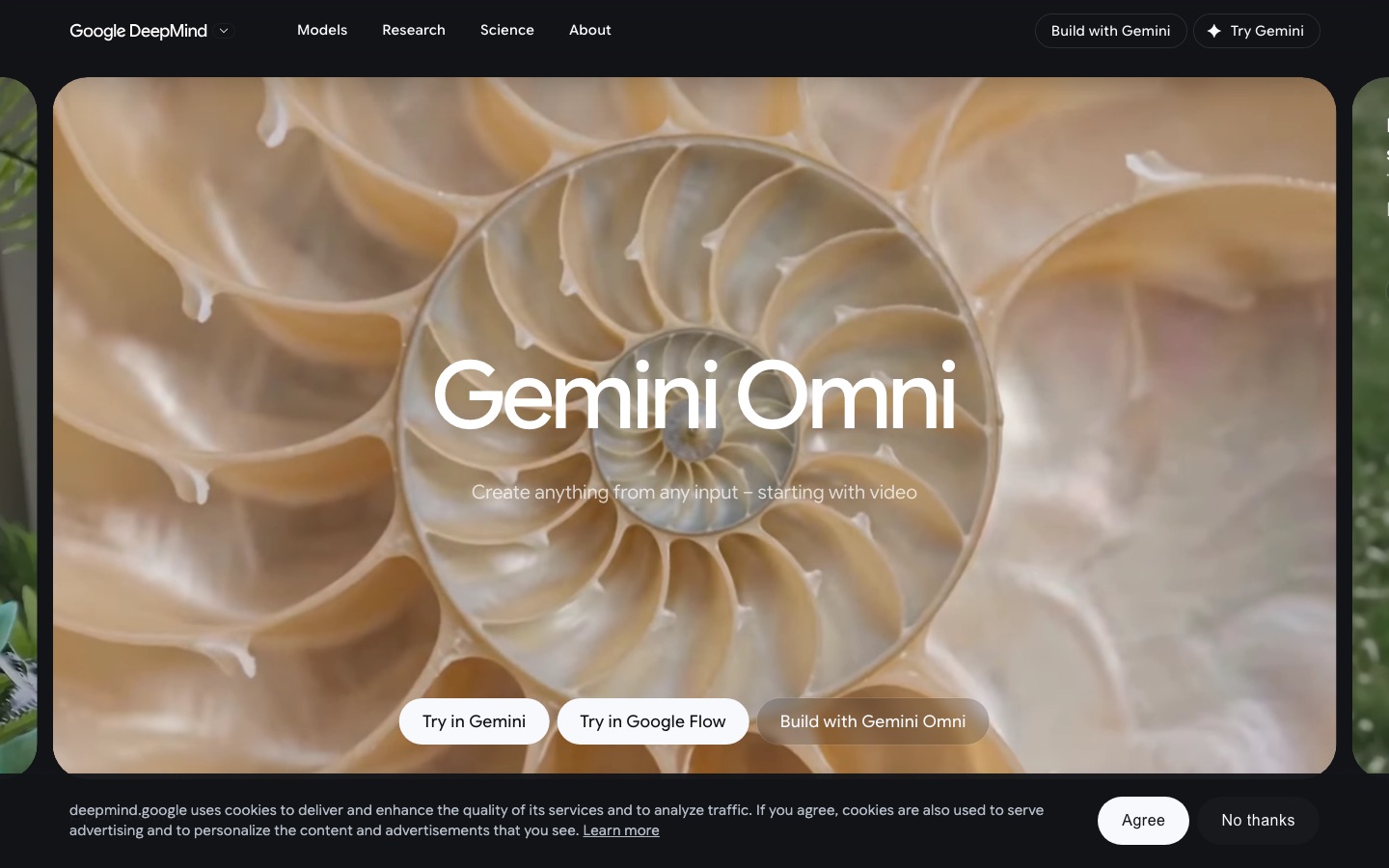
Gemini Omni is Google DeepMind's "any-to-any" model family, announced at Google I/O in May 2026 as the successor to Veo as Google's headline video model. It takes any mix of text, images, video and voice references and generates video with synchronized audio, grounded in Gemini's knowledge of the world. Omni Flash makes 10-second clips, and the August update (Omni 1.1 Flash) added scene extension and first-and-last-frame control. Veo 3.1 remains available in Google Flow and through the API.
Access comes through the Gemini app and Google Flow on Google's AI plans: Flow credits are 200 a month on AI Plus, 1,000 on AI Pro ($19.99/mo in the US), 10,000 on AI Ultra 5x and 25,000 on AI Ultra 20x, per the Google AI plans page. Developers can use Omni Flash in Google AI Studio and the Gemini API, which Google priced at $0.10 per second of output at launch.
Pros: excellent realism, audio included, bundled with Gemini and storage.
Cons: 10-second generations, credits shared across Flow tools, and Google's own model card notes that accurate on-screen text and complex motion remain hard.
Best for: marketers, creators and anyone already paying for a Google AI plan.
2. Kling: best value and longest clips
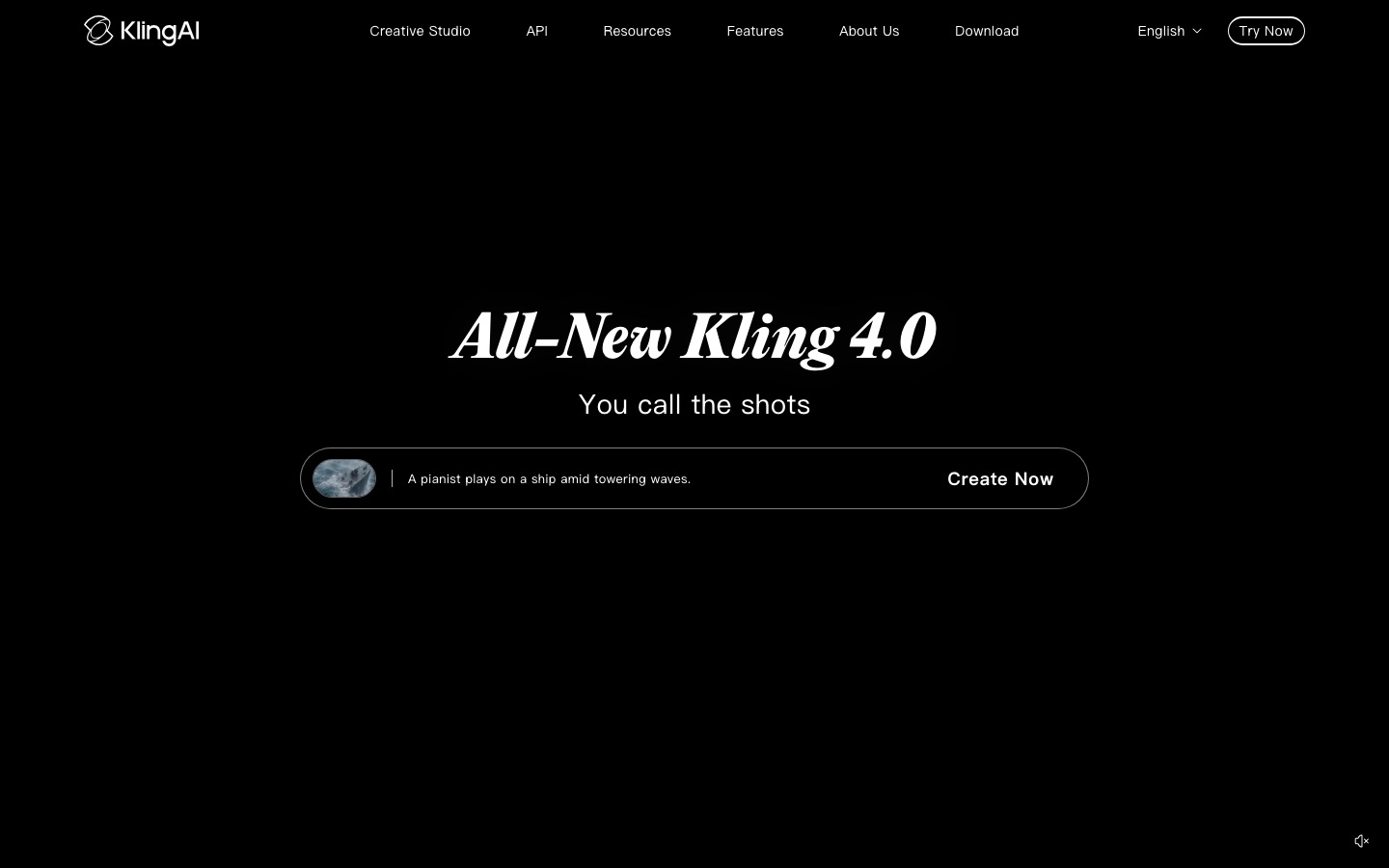
Kling, from Kuaishou, launched Kling 4.0 on October 15, 2026. It generates 3 to 30 seconds in a single take, at up to 4K, with two-channel audio and improved lip sync in eight languages. Omni Reference accepts up to 15 images, videos and voice samples, and up to 10 keyframes let you plan scene changes inside one clip. A 720p Flash version is faster and cheaper.
Plans start with free daily credits (watermarked, no commercial use), then Standard at about $10 a month for 660 credits. A 1080p Kling 3.0 clip with audio costs 12 credits per second, roughly $0.18 per second at list price, which is the best value among the premium generators.
Pros: longest single clips, strong motion and action, native audio, low cost per second.
Cons: prices and promotions vary by region, and free output is watermarked and low resolution.
Best for: social creators, short-film makers and anyone producing at volume.
3. Runway: best for filmmakers and editing footage
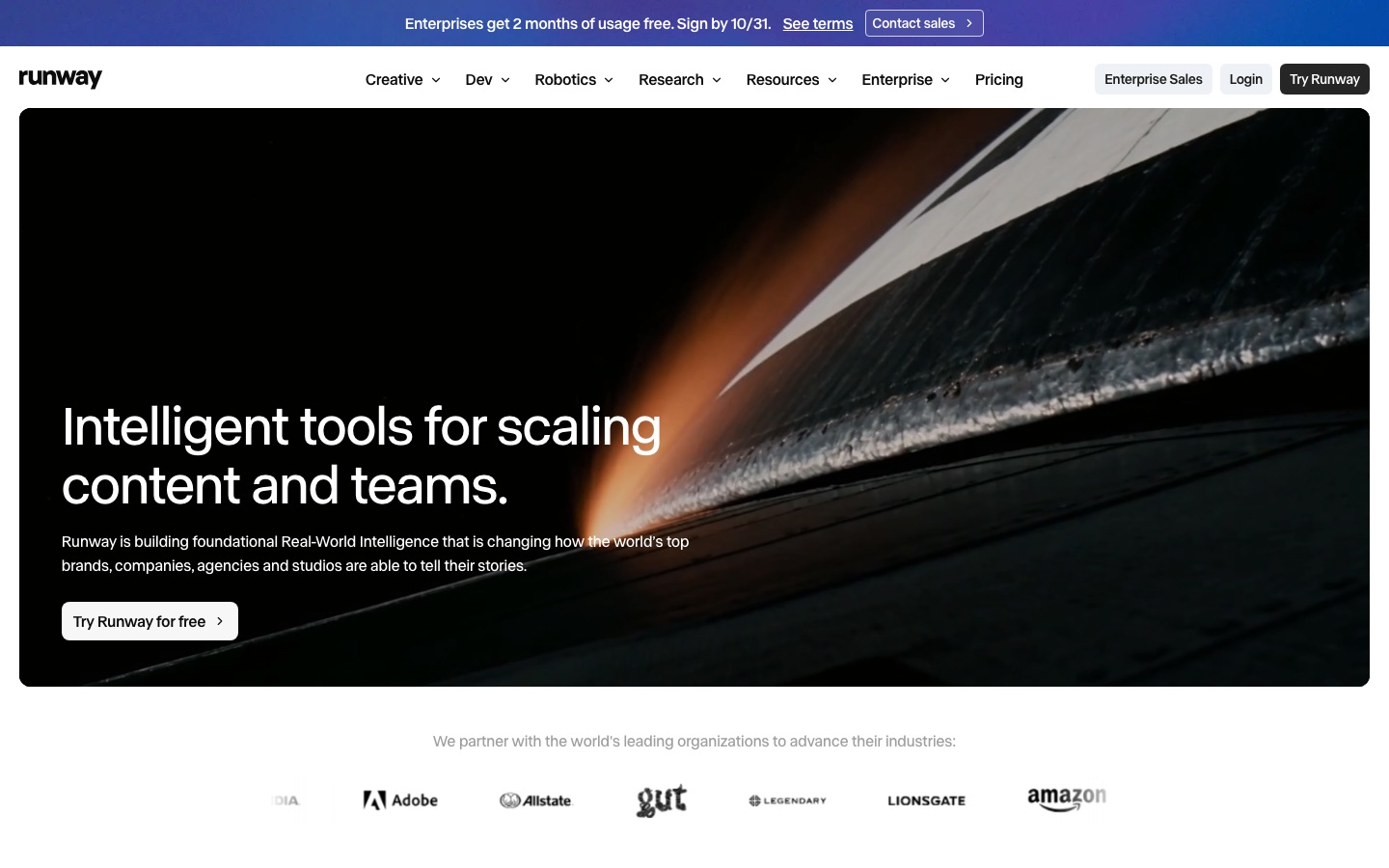
Runway is less a single model than a production platform. Its own Gen-4.5 handles text-to-video and image-to-video, while Aleph 2.0 edits existing footage by carrying a change to one frame or region through the whole shot. Around them sit Runway Agent, compositing, ProRes export, Adobe and Resolve plugins, and third-party models including Kling 4.0 and Seedance.
Plans run from Standard ($15/mo, 625 credits) to Max ($95/mo, 9,500 credits), per the Runway pricing page. Gen-4.5 costs 12 credits per second and does not generate audio.
Pros: deepest editing and workflow tools, many models in one account, team and brand features.
Cons: expensive per second, Gen-4.5 is silent, and the interface has a learning curve.
Best for: filmmakers, agencies and editors who mix real and generated footage.
4. Luma: best for HDR and VFX pipelines
Luma, now branded Luma Agents (formerly Dream Machine), runs the Ray3.2 model released in June 2026. It makes 5 or 10 second clips from text or images up to 1080p, but its standout features are native 16-bit HDR, EXR export in ACES color, up to 16 keyframes per clip, and Modify Video, which restyles real footage up to 20 seconds while preserving the actors' performance. Ray3.2 does not generate audio for new shots, though Luma's app also includes Kling 4.0, Veo 3.1 and other models that do.
Pros: professional color output, excellent footage transformation, many third-party models.
Cons: no free plan, Plus starts at $30/mo, and 1080p clips burn credits quickly.
Best for: colorists, VFX artists and studios.
5. Dreamina (Seedance 2.5): best for long, multi-reference scenes
Dreamina is ByteDance's creative platform, and its video engine is Seedance 2.5, released in mid-2026. It generates up to 30 seconds of video with native audio, accepts dozens of multimodal references (images, video, audio and storyboard frames), and supports localized edits after generation. Seedance also powers AI video inside CapCut, and it is available as a third-party model inside Runway and Luma.
Pros: long clips with sound, strong reference control, free daily credits (120 a day in the US, per Dreamina).
Cons: pricing varies by region and promotion; Basic renews at about $15 a month. Some businesses restrict ByteDance apps.
Best for: creators who storyboard with references and want a single long take.
6. Hailuo AI: best for expressive characters
Hailuo AI is MiniMax's video app. Its H3 model, released at the end of July 2026, outputs native 2K at 24fps with stereo audio covering dialogue, effects and music, makes 4 to 15 second clips that can be extended to about 30 seconds, and accepts up to 12 reference files. It is known for convincing facial acting.
Pros: high native resolution, good acting, competitive API pricing.
Cons: plan prices reported anywhere from $8 to $15 for the entry tier, so check the official site.
Best for: character-driven shorts and dialogue scenes.
7. Pika: best for playful effects on a budget
Pika focuses on fun, shareable video: effects that squish, inflate or transform objects, swaps and quick social clips, all built on its Pika 2.5 model. Plans are simple: Starter at $10 a month (900 credits), Creator at $35 and Fancy at $95, all with commercial use and no watermark. The free account has no monthly credits, so you buy packs to try it.
Pros: cheap, fast, easy, every model on every plan.
Cons: less realistic than the top generators, and no real free tier.
Best for: social posts, memes and quick creative experiments.
8. PixVerse: best for anime and viral templates
PixVerse released its V6 model in March 2026 with native audio and more cinematic camera control, and it remains known for anime styles and one-tap viral effect templates. Its free tier gives daily credits at reduced resolution with a watermark. Paid prices vary by region, so check the official site.
Pros: generous free testing, strong stylized output, trend templates.
Cons: free renders are watermarked and capped below 1080p.
Best for: anime fans, social creators and beginners.
Full video and storytelling platforms
9. LTX Studio: best for storyboarding a whole film
LTX Studio, from Lightricks, starts from a script or idea and builds a storyboard of scenes and shots, with consistent characters and locations, then renders them with its own LTX-2 models or third-party models such as Kling and Seedance. Plans reported in 2026: a free tier with 800 one-time credits, Lite at $15, Standard at $35 (the first tier with a commercial license) and Pro at $125.
Pros: scene-level planning, character consistency, pitch decks from storyboards.
Cons: commercial use only from Standard, and the credit system takes some learning.
Best for: directors, pitch videos and narrative shorts.
10. invideo AI: best for script-to-video YouTube and ads
invideo AI turns a prompt or script into a finished video with voiceover, music, stock and generated footage, then lets you refine it with text commands or on a real timeline. It pairs AI agents with access to generation models such as Seedance 2.5 and Nano Banana Pro on higher plans. Per the invideo pricing page, Starter is $20 a month ($10 billed annually), Plus is $60 ($30 annual) and Max is $250, per seat.
Pros: finished videos, not just clips.
Cons: Starter only includes selected models, and credits do not roll over.
Best for: YouTubers, marketers and small businesses who need complete videos fast.
Avatar and presenter video generators
If you need a person speaking to camera, a cinematic generator is the wrong tool. Avatar platforms give you a consistent presenter, voice cloning and translation. We compare the two leaders in depth in HeyGen vs Synthesia.
11. HeyGen: best for marketing avatars and translation
HeyGen creates custom avatars from a short clip of you, translates videos with your cloned voice and matched lip sync, and now offers a Video Agent that drafts whole videos from a prompt. Higher plans add Seedance 2.5 and Veo 3.1 for B-roll. The free plan allows 3 watermarked videos a month up to 1 minute; Creator is $29 a month ($24 annual) and Pro starts at $49.
Pros: realistic custom avatars and strong video translation.
Cons: credit system, and avatar quality depends on your source footage.
Best for: marketers, sales teams and creators publishing in several languages.
12. Synthesia: best for training and internal video
Synthesia is built for companies producing training, onboarding and internal communication at scale, with 140+ languages and voices, templates and enterprise security. Its free Basic plan includes 10 minutes of video a month with a watermark; Starter is $19 a month ($14 annual) and Pro is $89 ($59 annual), per the Synthesia pricing page.
Pros: polished output, strong governance, a usable free plan.
Cons: less suited to social content; personal avatars start on Pro.
Best for: L&D, HR and internal comms teams.
Honorable mentions
Adobe Firefly: video generation trained for commercial safety and built into Creative Cloud, a sensible default for brand teams.
Moonvalley: cinema-grade video trained only on licensed footage, for studios worried about training data.
Vidu: reference-to-video with strong character memory across shots.
What about OpenAI Sora? OpenAI discontinued it in 2026 (details in the FAQ), so it is no longer an option. Gemini Omni, Kling and Seedance are the closest replacements.
Best free AI video generators
No premium generator is truly free, but several give recurring credits you can use without paying:
Kling: 66 credits a day, enough for a few short clips. Watermarked and not for commercial use.
Dreamina: free daily credits, which Dreamina puts at 120 a day in the US.
PixVerse: daily credits at reduced resolution with a watermark.
HeyGen and Synthesia: 3 avatar videos a month and 10 minutes a month respectively, for presenter content.
One-time trials: Runway (125 credits) and LTX Studio (800 credits). Students can also get Google AI Plus, with Gemini Omni in Flow, free for a year.
For more no-cost options across categories, see our list of the best free AI tools.
After you generate: editing, captions and clips
Generators give you shots; you still need an editor to cut, caption and publish. Our AI video editors guide covers the options, Descript vs CapCut compares the two most popular editors for creators, and Vizard vs OpusClip vs Munch covers turning long videos into shorts.
FAQ
What is the best AI video generator right now?
For realism with synchronized sound, Google's Gemini Omni and Veo 3.1 lead, and they come bundled with Google AI plans. For value and long clips, Kling 4.0 is the strongest, with 30-second generations and audio from about $10 a month. Runway is the best choice when you also need to edit real footage.
Is there a free AI video generator with no watermark?
Rarely. Almost every free tier watermarks output, including Kling, PixVerse, Runway, HeyGen and Synthesia. Removing the watermark usually requires the cheapest paid plan, such as Kling Standard at about $10 a month or Pika Starter at $10. Check each tool's terms, since free output is often not licensed for commercial use either.
Which AI video generator makes the longest videos?
Kling 4.0 and Seedance 2.5 both generate up to 30 seconds in one take. Hailuo H3 makes up to 15 seconds and extends to about 30. Gemini Omni Flash, Runway Gen-4.5 and Luma Ray3.2 cap single clips at around 10 seconds. Full-length videos are assembled from many shots in tools like LTX Studio or an editor.
Which AI video generators create sound?
Gemini Omni, Veo 3.1, Kling 3.0 and 4.0, Seedance 2.5, Hailuo H3 and PixVerse V6 generate synchronized audio, including dialogue and sound effects. Runway Gen-4.5 and Luma Ray3.2 produce silent clips, though both apps include third-party models with audio. Avatar tools like HeyGen and Synthesia always produce speech from your script.
What happened to OpenAI Sora?
OpenAI discontinued Sora. It announced the decision on March 24, 2026, closed the Sora app on April 26, 2026, and shut down the Sora API on September 24, 2026. If you relied on Sora, Gemini Omni, Kling and Seedance are the closest replacements for realistic clips with sound.
Can I use AI-generated videos commercially?
Usually yes on paid plans, and usually no on free ones. Kling, Pika, Runway, Luma and LTX Studio (from Standard) grant commercial use on paid tiers. Read the current terms, and avoid prompting real people's likenesses, logos or copyrighted characters.
Bottom line
There is no single best AI video generator, but there is a best one for your job. Start with Gemini Omni if you already pay for Google AI, or Kling if you want the most footage for the least money. Move to Runway or Luma when generation becomes part of a professional edit, and to HeyGen or Synthesia when you need a presenter rather than a scene. Test two tools on the same prompt before committing.
Browse every AI video generator, editor and avatar tool we track in the AI video category. Building a video tool we have missed? Submit it for a listing.