Descript vs CapCut (2026): Edit by Transcript or by Timeline?
Descript lets you edit video by editing its transcript, which makes it the faster tool for podcasts, interviews and tutorials. CapCut is a free-first timeline editor built for TikTok, Reels and Shorts. Here is how they compare on editing, AI features, captions, pricing, platforms and privacy.
Short verdict: in the Descript vs CapCut decision, pick Descript if your videos are mostly people talking (podcasts, interviews, tutorials, webinars, YouTube explainers), because editing the transcript like a document is far faster than scrubbing a timeline, and its audio cleanup is excellent. Pick CapCut if you make short, visual, trend-driven clips for TikTok, Reels and Shorts, want to edit on your phone, and want the most features for little or no money. Businesses with strict data policies should read the privacy section before choosing CapCut.
Both tools now market themselves as AI video editors, and both have auto captions, silence removal and AI voices. The difference is the editing model underneath, and that decides which one saves you time. This comparison is based on official pricing pages, help center documentation, published terms and public user feedback as of October 2026, not on our own hands-on testing. For a wider view of the category, see our guide to the best AI video editors.


Quick verdict by use case
Podcasts and video podcasts: Descript, with transcript editing, Studio Sound, multicam and remote recording.
TikTok, Reels and Shorts: CapCut, with templates, effects, trending sounds and a strong mobile app.
YouTube talking-head videos and tutorials: Descript.
Editing on a phone: CapCut. Descript has no full mobile editor.
Free editing with no subscription: CapCut's free plan is more capable. Descript's free plan is a trial with 720p watermarked exports.
Cleaning up bad audio: Descript's Studio Sound.
Generating AI video inside the editor: CapCut, with ByteDance's Seedance models on paid plans.
Companies with security or data residency requirements: Descript, which offers SSO, SCIM and enterprise controls.
The core difference: transcript vs timeline
Descript: edit the words, the video follows

Descript transcribes every file you import and shows the transcript as a document. Delete a sentence and the matching video and audio disappear. Drag a paragraph and the clip moves. One click removes filler words like "um" and "you know", and another shortens long pauses. A full multitrack timeline still sits underneath for B-roll, music, titles and transitions, but most of the rough cut happens in text.
That model is why Descript dominates spoken content. Finding the best 40 minutes in a two-hour interview means reading and searching, not watching. The tradeoff is that it feels less natural for highly visual edits, where timing to a beat or layering effects matters more than what is said.
CapCut: a fast, visual timeline built for short-form
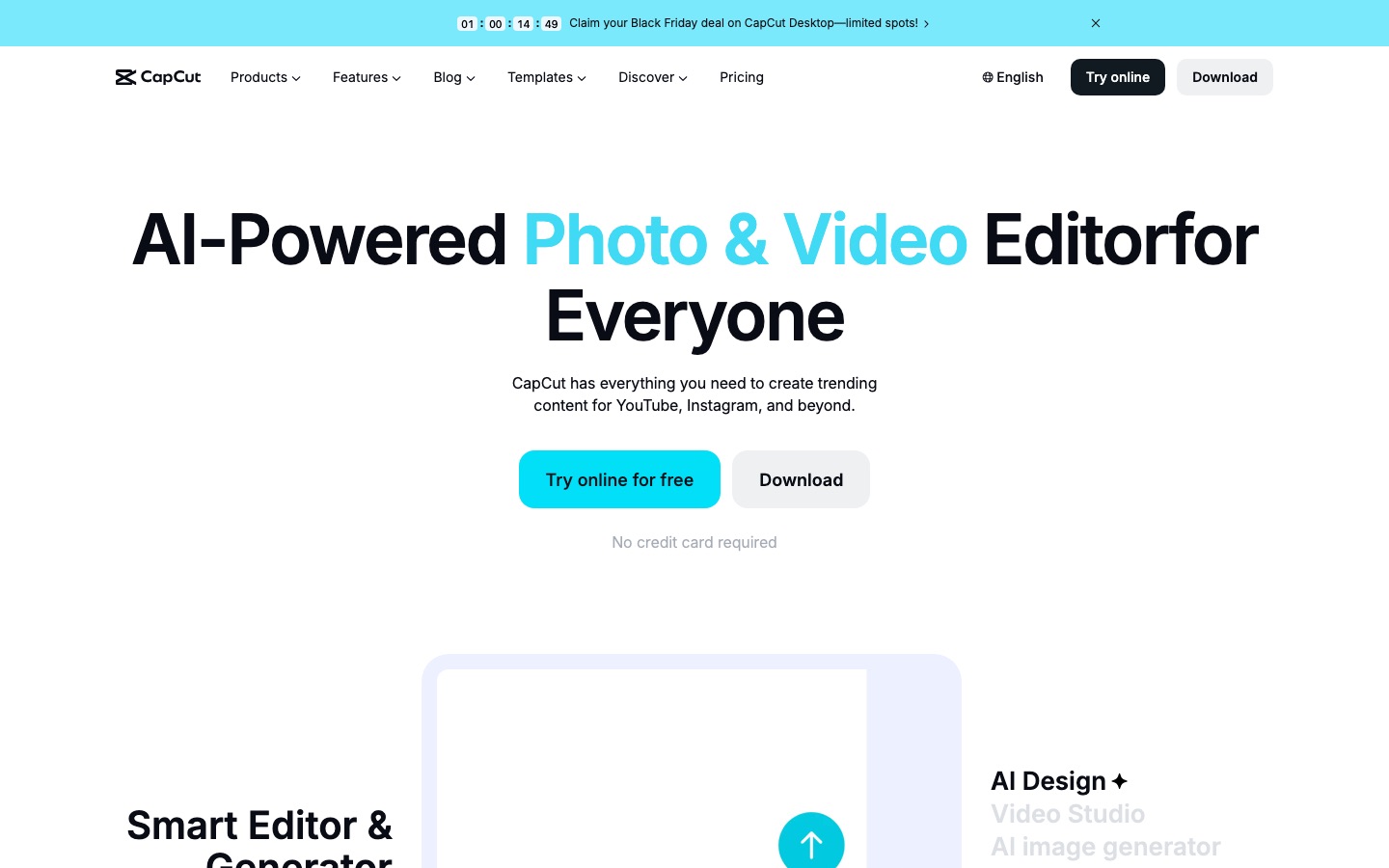
CapCut, made by ByteDance (the company behind TikTok), is a traditional timeline editor: clips, layers, keyframes, speed ramps, chroma key, filters, transitions and text animations. Its real advantage is the ecosystem around it: thousands of templates that recreate viral edits in a tap, a huge library of effects and stickers, trending music, and one-tap publishing to TikTok. CapCut has a text-based editing option for spoken clips, but it is secondary to the timeline.
If the words are the content, edit the words. If the visuals are the content, edit the timeline.
AI features compared
Descript's AI: Underlord and audio tools
Descript's AI work centers on Underlord, an AI co-editor you instruct in plain language: remove retakes, tighten pacing, add chapters, write titles and show notes, find clips, or apply your house style. Descript says it has added custom instructions so the agent learns your editing preferences, and in 2026 it opened a public API with MCP support so Underlord actions can be triggered from other tools. Around it sit:
Studio Sound: removes noise and room echo so laptop recordings sound closer to studio audio.
Eye Contact: redirects your gaze toward the camera when you read from a script.
Regenerate and AI voices: fix a misspoken word by typing the correction, using a clone of your voice.
Automatic multicam: switches camera angles to whoever is speaking.
AI clips: finds short highlights in long recordings for social posts.
Translation and dubbing: subtitles and dubbed audio in 20+ languages.
Generate video and avatars: create B-roll or a presenter from a prompt.
CapCut's AI: generation, effects and automation
CapCut's AI is broader and more visual. Paid plans include AI video generation with ByteDance's Seedance models (Seedance 2.5 arrived on CapCut's desktop app in 2026, with generate, edit and extend workflows), plus:
Auto captions in many languages, with animated caption styles.
Long video to shorts: finds highlights, reframes them vertically and adds captions.
Background removal without a green screen, auto reframe and camera tracking.
Text-to-speech, AI voice effects and vocal isolation.
Script-to-video and AI avatars for faceless content.
Retouching, AI filters and image generation through its sister platform Dreamina.
Winner: Descript for spoken-word editing and audio quality, CapCut for visual effects and AI generation. If you want to generate cinematic shots rather than edit footage, see our comparison of Runway vs Kling vs Luma.
Captions and subtitles
Both make captions in one click, but the experience differs. In Descript, captions come straight from the transcript you have already corrected, so fixing a misheard word fixes the caption too. Caption styles are cleaner and more presentation-oriented, and you can export SRT files for YouTube or a podcast host. CapCut's captions are designed for short-form: bold, animated, word-by-word highlight styles, emojis and keyword emphasis that suit TikTok and Reels.
One caveat for budget users: several sources, including competitors, report that CapCut moved auto captions behind a paid plan in some regions during its pricing changes, while other guides still list captions as free. Check your own account before you plan around free captions. If animated captions are all you need, dedicated tools like Submagic and Captions are also worth a look.
Winner: CapCut for social caption styles, Descript for accuracy and long-form subtitles.
Pricing compared (as of October 2026)
Descript figures come from the official Descript pricing page, which shows a lower annual rate and a higher monthly rate for each plan. CapCut does not publish one global price list: prices vary by country, platform and app store, and its pricing change notice confirms the Pro plan was upgraded and repriced. The CapCut figures below are the commonly reported US list prices; check checkout in your region.
| Plan | Price | Key limits and features |
|---|---|---|
| Descript Free | $0 | 1 media hour/mo, 100 one-time AI credits, 720p export with watermark |
| Descript Hobbyist | $16/mo annual, $24 monthly | 10 media hours/mo, 400 AI credits, 1080p, no watermark |
| Descript Creator | $24/mo annual, $35 monthly | 30 media hours/mo, 800 AI credits, 4K, full Underlord access, up to 3 seats |
| Descript Business | $50/mo annual, $65 monthly | 40 media hours/mo, 1,500 AI credits, Brand Studio, priority support |
| Descript Enterprise | Custom | SSO, SCIM, custom credits and minutes |
| CapCut Free | $0 | Timeline editing, templates, 1080p export; some effects and templates watermarked |
| CapCut Standard | About $9.99/mo | More templates and effects, no watermark, 1080p; aimed mainly at mobile |
| CapCut Pro | About $19.99/mo or $179.99/yr | Full AI toolkit, 1,200 AI points, 1TB cloud storage, 4K, works across mobile, desktop and web |
CapCut is cheaper for casual editing, and its free plan is genuinely usable. Once you need the full AI toolkit across devices, CapCut Pro and Descript Creator land within a few dollars of each other. Descript's real limit is media hours: heavy podcasters editing several long episodes a week may need Creator or Business. Buying CapCut directly on capcut.com is often cheaper than through an app store.
Desktop, web and mobile
| Platform | Descript | CapCut |
|---|---|---|
| Windows and Mac desktop apps | Yes | Yes |
| Web browser editor | Yes | Yes |
| Full mobile editing app | No (phone uploads only) | Yes, iOS and Android |
| Remote recording | Yes, Rooms | No |
| Screen recording | Yes | Yes, on desktop |
| Team collaboration | Shared projects, comments, Brand Studio | Team spaces on Pro |
CapCut's mobile app is the main reason creators pick it: you can shoot, edit and post from the same phone. Descript is built for a computer, and that suits long-form work, where a big screen and a transcript beat thumb-scrubbing.
Podcasts vs short-form: which workflow fits
A typical podcast workflow
Record in Descript Rooms or a tool like Riverside, import into Descript, remove filler words and pauses, apply Studio Sound, let automatic multicam switch between speakers, delete tangents by deleting text, then export audio for your host and video for YouTube. Underlord can draft show notes, chapters and titles. Descript then finds short clips for promotion. That entire flow lives in one app, which is why Descript is the default for video podcasts.
For audio-only cleanup outside Descript, see our Krisp vs Adobe Podcast vs Cleanvoice comparison. Teams editing multicam podcasts in Premiere should also read our AutoPod review.
A typical short-form workflow
Shoot on your phone, open CapCut, pick a trending template or cut on the timeline, add animated captions, sound effects and a trending track, use background removal or effects for a hook, and post straight to TikTok or export for Reels and Shorts. CapCut's templates mean you can recreate a viral format in minutes, which no transcript-first editor matches.
Many creators use both: Descript for the long episode, then CapCut (or a clipping tool) for polished vertical clips. If you mostly repurpose long recordings into shorts, a dedicated clipper may beat either; compare them in Vizard vs OpusClip vs Munch.
Privacy and ownership: the CapCut question
This section matters more for CapCut than for most editors, so here are the facts without the hype.
Who runs it: CapCut is a ByteDance product. In the US, it has been operated since January 22, 2026 by TikTok USDS Joint Venture LLC, the entity created by the TikTok deal. ByteDance holds 19.9% of the joint venture, and Oracle, Silver Lake and MGX hold 15% each. The joint venture says its US data protections extend to CapCut, but outside reviewers have not been able to verify exactly how US data is separated.
The 2025 terms controversy: a June 2025 terms update drew criticism for a broad, perpetual, royalty-free license over content you create or upload, including likeness and voice, which critics said survives account deletion. CapCut responded that the user content section had not changed and that it does not claim ownership of your content.
Availability history: CapCut briefly disappeared from US app stores in January 2025 and returned in February 2025. It is available normally today.
Workplace policies: some companies and government agencies restrict ByteDance apps on work devices. Check your policy before editing client or confidential footage in CapCut.
Descript is a US company with enterprise options such as SSO and SCIM. Its help center says its production AI models do not use customer data and that research models only use data from users who opt in, although its terms of service include broader license language about improving its services. Read both companies' current terms before uploading sensitive material.
Winner: Descript for businesses and anyone handling confidential footage. For personal social content, many creators accept CapCut's terms in exchange for its free features.
Feature comparison
| Feature | Descript | CapCut |
|---|---|---|
| Editing model | Transcript first, timeline underneath | Timeline first, text editing secondary |
| AI assistant | Underlord co-editor, API and MCP | AI tools and agents spread across the editor |
| Filler word and silence removal | Yes, one click | Yes |
| Audio enhancement | Studio Sound | Noise reduction, vocal isolation (Pro) |
| Voice cloning and word fixes | Yes, Regenerate with your voice | AI voices and voice effects |
| AI video generation | Generate video and avatars | Seedance models on paid plans |
| Templates and effects | Basic templates | Huge trending template and effect library |
| Auto captions | Yes, from the transcript | Yes, animated styles (free status varies by region) |
| Long video to shorts | AI clips | Long video to shorts |
| Max export | 4K on Creator and up | 4K on Pro |
| Free plan | 1 hour/mo, 720p, watermark | Usable editor, 1080p, some watermarked assets |
Alternatives worth a look




VEED: browser editing with subtitles in 100+ languages, a middle ground for marketing teams.
OpusClip: turns one long video into many captioned shorts automatically.
Riverside: studio-quality remote recording with its own text-based editor.
Adobe Premiere Pro: the professional route, now with Firefly-powered Generative Extend.
Microsoft Clipchamp: a free, simple editor for Windows users who prefer to avoid CapCut.
FAQ
Is Descript better than CapCut?
For podcasts, interviews, tutorials and other spoken content, yes. Descript's transcript editing, filler word removal and Studio Sound make those edits much faster. For short, visual social clips, CapCut is better, thanks to its templates, effects, mobile app and capable free plan. The right answer depends on whether words or visuals carry your content.
Is CapCut still free in 2026?
Yes, CapCut still has a free plan with timeline editing, templates and 1080p export. Some effects and templates are watermarked or reserved for paid plans, and some features, reportedly including auto captions in certain regions, now require Standard (about $9.99 a month) or Pro (about $19.99). Prices vary by country and app store.
Is CapCut safe to use?
For personal social content, millions use it without issues. The concerns are about ownership and data: CapCut is a ByteDance product, its terms grant a broad license over uploaded content, and US operations moved to the TikTok USDS joint venture in January 2026. Businesses handling confidential footage should check their own policies first.
Does Descript have a mobile app?
Not a full editing app. Descript runs on Mac, Windows and in the browser, and it offers a way to upload media from your phone into a project. If you need to edit entirely on a phone, CapCut is the stronger choice, with full iOS and Android apps.
How much does Descript cost?
Descript has a free plan with 1 media hour a month and watermarked 720p exports. Paid plans are Hobbyist at $16 a month billed annually ($24 monthly), Creator at $24 annually ($35 monthly) and Business at $50 annually ($65 monthly), as of October 2026. Enterprise pricing is custom.
Which is better for podcasts, Descript or CapCut?
Descript. It was built for podcasts: remote recording with Rooms, transcript editing, automatic filler word removal, Studio Sound, multicam switching, show notes from Underlord and clip creation for promotion. CapCut can edit a podcast, but it lacks those audio and transcript tools, so long episodes take much longer.
Can I use Descript and CapCut together?
Yes, and many creators do. A common setup is editing the full episode or YouTube video in Descript, then exporting highlight clips and finishing them in CapCut with animated captions, effects and trending sounds for TikTok and Reels.
Final verdict
Descript wins for anyone whose content is mostly speech: podcasters, educators, YouTubers making talking-head videos and teams producing webinars. It turns hours of timeline work into editing a document, and its audio tools are the best in this class. CapCut wins for short-form social creators who want templates, effects and a phone-first workflow at little or no cost, as long as its ownership and data terms are acceptable to you. If you make both long episodes and short clips, use both: Descript for the edit, CapCut for the polish.
Compare every AI video editor, clipper and generator we track in the AI video category. Building a video tool we have missed? Submit it for a listing.