CapCut Review (2026): Still the Best Free Video Editor?
CapCut is still the most capable free-first video editor for TikTok, Reels and Shorts, but 2026 brought a new Standard plan, a $79 Ultra tier, credit-based AI generation with Seedance 2.5 and more paywalled features. Here is what you get for free, what Pro and Ultra really add, the privacy questions, and the best alternatives.
Short verdict: our CapCut review finds it is still the best value video editor for short-form creators in 2026. If you make TikToks, Reels and Shorts, want templates, trending effects and animated captions, and like editing on your phone, CapCut gives you more for free than any rival, and Pro at $19.99 a month adds a deep AI toolkit. Skip it if your videos are mostly long-form talking (a transcript editor like Descript is faster), if you need pro features like multicam, or if your company restricts ByteDance apps or handles confidential footage.
CapCut changed a lot this year. A new Standard plan arrived in April, Pro credits more than doubled, an Ultra tier launched above Pro, and the desktop app became a multi-model AI studio built around ByteDance's Seedance 2.5. At the same time, more features moved behind the paywall. This review is based on CapCut's official pricing and help pages, its product announcements, published reviews and public user feedback as of October 2026, not on our own hands-on testing.

CapCut at a glance
What it is: a free-first timeline video editor from ByteDance, the company behind TikTok, on iOS, Android, Windows, Mac and the web.
Best for: short-form social video, trend-driven content, phone-first creators and small businesses on a budget.
Standout features: viral templates, animated auto captions, background removal, text-to-speech, long video to shorts and AI video generation with Seedance.
Pricing: Free; Standard about $9.99/mo (mobile app stores); Pro $19.99/mo or $179.99/yr; Ultra about $79/mo or $900/yr; Teams per seat. Prices vary by region and store.
Not ideal for: long podcasts, multicam edits, color-critical professional work and confidential client footage.
What changed in CapCut in 2026
New Standard plan (April): a cheaper, mobile-focused tier at about $9.99 a month that removes watermarks and unlocks more templates, with exports up to 1080p.
Bigger Pro plan: Pro AI credits reportedly rose from 550 to 1,200 a month and cloud storage from 100 GB to 1 TB.
Ultra tier (mid-2026): a high-volume plan above Pro, reported at $79 a month, with far more AI credits and exclusive AI features.
Seedance models: Seedance 2.0 rolled out to the US and Europe in April, and CapCut announced Seedance 2.5 on desktop on August 7, 2026, with AI Video, AI Edit and AI Extend workflows for Pro and Ultra members.
More models and agents: published reviews report Kling 3.0, Veo and PixVerse as selectable models on desktop and web, Director Mode for consistent characters in AI shorts, and EditPilot, a conversational editor on the PC app.
New US operator: since January 22, 2026, CapCut in the US has been run by TikTok USDS Joint Venture LLC, the entity created by the TikTok deal.
Key features in depth
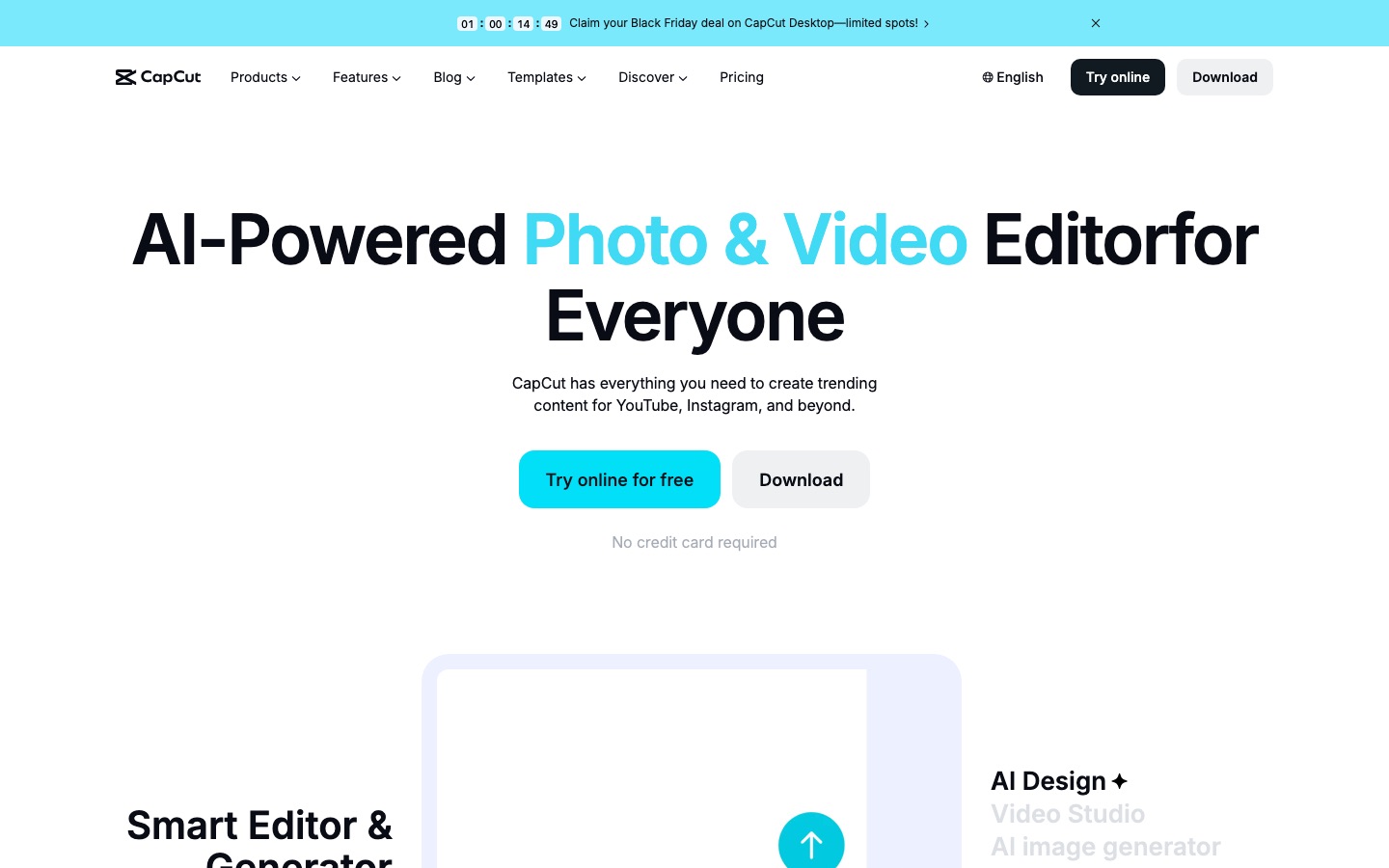
A fast, capable timeline editor
Underneath the AI, CapCut is a proper multitrack editor: split, trim, layers, keyframes, speed curves, chroma key, masks, blending modes, filters, transitions and text animation. It is easy for beginners but deep enough for polished edits, and it runs the same projects across phone, desktop and browser. What it still lacks, per published reviews, are pro tools such as multicam editing, three-point, slip and slide edits.
Templates and trends
CapCut's biggest advantage is its template library. Thousands of templates recreate viral edits: drop in your clips and the cuts, effects, text and music land in place. Because CapCut is tied closely to TikTok, trending sounds, effects and formats show up there quickly, and you can publish straight to TikTok. Many premium templates require a paid plan, and some free ones end with a CapCut logo clip you can delete.
Auto captions and text
Auto captions transcribe speech in many languages and offer animated, word-by-word highlight styles, emoji and keyword emphasis built for short-form retention. You can edit the transcript to fix errors and remove filler. Whether captions are free depends on your region and plan: some 2025 and 2026 reports say auto captions moved behind a paid plan in certain markets, while CapCut's pages still list them as a core feature. Check your own account before planning around free captions. If captions are your whole workflow, compare Captions vs Submagic.
AI video generation with Seedance
Paid plans can generate footage inside the editor. On desktop, Seedance 2.5 powers three workflows: AI Video for longer generated shots (ads, product stories, concept visuals), AI Edit to reshape pacing or create alternate cuts, and AI Extend to lengthen clips without awkward jumps. Usage consumes credits billed by the second. The pricing page shows promotional first-month rates per second for Seedance 2.5 and a cheaper Seedance 2.0 Mini model for 480p and 720p drafts. CapCut's sister platform Dreamina offers the same model family for standalone generation.
Everyday AI tools
Background removal without a green screen, plus auto reframe for vertical, square and horizontal formats.
Long video to shorts: finds highlights in a long video, reframes them and adds captions.
Text-to-speech and AI voices, voice effects and vocal isolation for cleaner dialogue.
Script-to-video and AI avatars for faceless content.
Retouching and AI filters, plus image generation with ByteDance's Seedream models.
EditPilot (PC): a prompt-driven first pass that assembles a rough edit you then refine.
Mobile, desktop and web
CapCut's mobile app is the reason many creators start with it: shoot, edit and post from one phone. Desktop is the most powerful version and where the newest AI tools land first. A published 2026 roundup reports that credit-based AI features run only on desktop and web, not in the mobile app, and that the Standard plan is mobile only. Plan your workflow accordingly if you want Seedance generation.
CapCut pricing (as of October 2026)
CapCut does not publish one global price list. Its pricing page shows local currency and says final prices, taxes and offers appear after you sign in, and its pricing change notice confirms plans were restructured. The US figures below are those reported from the pricing page and US app stores in October 2026.
| Plan | Price (US) | What you really get |
|---|---|---|
| Free | $0 | Timeline editing, free templates and effects, basic AI tools; some assets watermarked or locked |
| Standard | About $9.99/mo or $89.99/yr (app stores) | No watermark, more templates and effects, exports up to 1080p; mobile focused |
| Pro | $19.99/mo or $179.99/yr | All premium templates and AI features, 1,200 AI credits/mo, 1 TB cloud storage, 4K export, Seedance access |
| Ultra | About $79/mo or $900/yr | Everything in Pro plus exclusive AI features and about 8,600 AI credits/mo for heavy generation |
| Teams | From about $12.49/seat/mo | Pro features for every seat, shared brand kit, credits per seat, shared storage |
Which plan makes sense? Stay on Free if you mostly use templates and basic edits. Standard suits phone-only creators who just want to lose watermarks. Pro is the real plan for anyone who wants the full AI toolkit across devices, and annual billing drops it to about $15 a month. Ultra only makes sense if you generate a lot of AI footage every month. Buying directly on capcut.com is often cheaper than through an app store, and regional prices differ sharply, so compare before you subscribe.
Is CapCut free?
Yes. CapCut's free plan is still a usable editor with the timeline, many templates, effects, music and basic AI tools, and the app itself does not stamp a watermark on simple projects. The catch is that using any Pro-only template, effect or AI feature in a project forces you to upgrade or remove it before export, and the list of paid features has grown. Free cloud storage was discontinued in 2024 and has not returned, and color tools such as Auto Adjust and Color Match are paid, according to published reviews.
Pros and cons
Pros
The most capable free plan among mainstream editors.
Unmatched template and trend library for short-form video.
Excellent mobile app plus desktop and web versions that share projects.
Strong animated caption styles and quick social publishing.
Built-in AI generation with Seedance 2.5 and other models on paid plans.
Pro is cheap compared with Premiere Pro or Descript's higher tiers.
Cons
Paywall creep: features move from free to paid, sometimes without notice.
Credit costs for AI generation add up quickly.
Pricing differs by country and store, which makes it hard to compare.
Missing pro tools like multicam, and frequent UI reshuffles that move features around.
Ownership and data concerns tied to ByteDance and its broad content license.
Limitations and common complaints
Public feedback in 2026 clusters around a few themes. The loudest is paywall creep: users report features they relied on, such as audio extraction or certain caption styles, becoming paid. The second is credit math: a single high-end generation with a model like Veo can burn hundreds of credits, so the Pro allowance stretches less far than it sounds. The third is stability on desktop, with reports of playback stalls and failed project loads, often tied to cloud sync. Finally, CapCut frequently moves tools between menus and platforms, which CapCut itself acknowledged in a January 2026 help note.
There are also workflow limits. CapCut is a timeline editor first, so cutting a two-hour podcast is slower than in a transcript editor, and the desktop install is large (over 3 GB, per one review). For spoken content, see our Descript vs CapCut comparison.
Is CapCut safe? Privacy and ownership
Who runs it: CapCut is a ByteDance product. In the US, it has been operated since January 22, 2026 by TikTok USDS Joint Venture LLC, in which ByteDance holds 19.9%. The joint venture says its US data protections extend to CapCut, but outside reviewers have not independently verified how US data is separated.
The content license: a 2025 terms update drew criticism for a broad, royalty-free license over content you upload, including likeness and voice. CapCut said it does not claim ownership of your content. Read the current terms before uploading client work.
AI processing: most generative AI features run on CapCut's servers, so footage leaves your device when you use them.
Workplace rules: some companies and government agencies restrict ByteDance apps on work devices. Check your policy first.
For personal social content, millions of creators accept these trade-offs. For confidential or regulated footage, an editor with enterprise controls is a safer choice.
CapCut vs the alternatives




| Tool | Best for | Free plan | Paid from |
|---|---|---|---|
| CapCut | Short-form, templates, mobile | Yes, generous | About $9.99/mo |
| Descript | Podcasts and talking-head video | Yes, 720p with watermark | $16/mo annual |
| VEED | Browser editing for marketing teams | Yes, watermarked | $12.25/mo annual |
| Microsoft Clipchamp | Simple free editing on Windows | Yes, 1080p | Check site |
| Captions | Phone-recorded talking videos | Yes, basic | $24.99/mo (iOS) |
| Adobe Premiere Pro | Professional editing | Free trial | Check Adobe |
Descript is faster for anything driven by speech, with transcript editing and Studio Sound. Compare them in Descript vs CapCut.
VEED is the closest browser-based rival for teams, with brand kits, subtitles and translation. Read our VEED review.
Clipchamp is a simpler, Microsoft-backed option for people who prefer to avoid ByteDance.
Captions focuses on talking videos shot on a phone, with AI Edit, eye contact and avatars.
Premiere Pro is the route for professional editors who need multicam, color and full control.
For a broader view, see our roundup of the best AI video editors.
Who should use CapCut?
TikTok, Reels and Shorts creators: yes, it is the default for a reason.
Small businesses making social ads: yes, Pro is cheap for what it includes, and Seedance generation helps with product shots.
Students and beginners: yes, the free plan is the best place to learn editing.
Podcasters and educators: use a transcript editor for the main edit, then CapCut for clips.
Agencies with client NDAs or regulated industries: probably not; check data policies first.
FAQ
Is CapCut still free in 2026?
Yes, CapCut still has a free plan with timeline editing, templates, effects and basic AI tools. Some templates, effects and AI features require Standard (about $9.99 a month on app stores) or Pro ($19.99 a month in the US), and using paid assets forces an upgrade before export. Prices vary by country and purchase channel.
Is CapCut Pro worth it?
For regular short-form creators, usually yes. Pro unlocks all premium templates and AI tools, 1,200 AI credits a month, 1 TB of cloud storage and 4K export for $19.99 a month, or about $15 a month billed annually. If you rarely use premium assets or AI generation, the free or Standard plan is enough.
What is the difference between CapCut Pro and Ultra?
Ultra includes everything in Pro plus exclusive AI features and far more AI credits, about 8,600 a month versus 1,200, for heavy AI video generation with models like Seedance 2.5. It is reported at about $79 a month or $900 a year in the US. Most creators do not need it.
Is CapCut safe to use?
For personal social content, millions use it without issues. The concerns are about data and ownership: CapCut is a ByteDance product, its terms grant a broad license over uploaded content, and US operations moved to the TikTok USDS joint venture in January 2026. Businesses handling confidential footage should check their policies first.
Does CapCut add a watermark?
Simple projects on the free plan export without a watermark, although many templates end with a removable CapCut logo clip. Using premium templates, effects or stock elements adds watermarks or requires a paid plan to export. Standard and Pro remove those restrictions.
Is CapCut good for YouTube videos?
Yes for short and mid-length videos, B-roll heavy content and Shorts. For long talking-head videos, podcasts and tutorials, a transcript-based editor such as Descript is faster, and many YouTubers use both: one for the main edit and CapCut for clips and effects.
What is the best alternative to CapCut?
It depends on why you are leaving. Descript is best for spoken content, VEED for browser-based team editing, Microsoft Clipchamp for simple free editing outside the ByteDance ecosystem, Captions for phone-recorded talking videos and Adobe Premiere Pro for professional work.
Final verdict
CapCut remains the best free-first video editor for short-form social content in 2026. Its templates, captions, mobile app and AI tools give creators more per dollar than anything else, and Pro at $19.99 a month is still a bargain for what it unlocks. The trade-offs are real, though: growing paywalls, credit-hungry AI generation, region-dependent pricing and unresolved questions about data and ownership. Use it for personal and social work with your eyes open, and choose Descript, VEED or Premiere Pro when your content, your clients or your company policy demand something else.
Compare every AI video editor, clipper and generator we track in the AI video category. Building a video tool we have missed? Submit it for a listing.