Best AI Text to Speech Tools (2026): 11 Picks for Voiceovers, Reading, Apps and Free Use
The best AI text to speech tool depends on whether you are producing voiceovers, listening to documents, building a voice app or trying to spend nothing. Here are 11 picks sorted by job, with October 2026 prices, free plans, languages and licensing.
The best AI text to speech tool for most people in 2026 is ElevenLabs: it has the most natural voices, 74 languages, voice cloning from $6 a month and a usable free plan. For business voiceovers synced to slides and video, pick Murf AI. For listening to PDFs, articles and books, pick Speechify or the free ElevenReader app. Developers building real-time voice apps should look at Cartesia and Deepgram, and anyone who wants free, self-hosted speech should try the open-source Qwen3-TTS.
"Text to speech" now covers four products: voiceover studios, read-aloud apps, developer APIs and open models you run yourself, so this guide sorts the picks by job. It is based on official pricing pages, documentation and public user feedback as of October 2026, not our own listening tests. Confirm prices on each vendor's site before you pay.





Quick picks: the best text to speech AI for each job
Best overall and most realistic: ElevenLabs. Eleven v4 voices, 74 languages, free plan with about 10 minutes a month, paid from $6/mo.
Best for eLearning and business voiceovers: Murf AI. Timeline studio with Canva, Google Slides and PowerPoint integrations, from $19/mo billed yearly.
Best for enterprise brand voice: WellSaid. Voices built with consenting actors, unlimited generation on paid plans, from $10/mo billed yearly.
Best voice plus video studio: LOVO. Genny combines voiceover, subtitles and video editing, with plans sized by voice hours.
Best budget studio for podcasts and creators: Listnr. 1,000+ voices in 142+ languages and accents, from $19/mo.
Best for reading and accessibility: Speechify. 1,000+ voices, 60+ languages and up to 5x speed on Premium.
Best free reading app: ElevenReader. 10 free hours of listening a month.
Best real-time API for voice agents: Cartesia, with Sonic-3.6 in 44 languages. Deepgram Aura-2 is the low-cost alternative.
Best open-source text to speech: Qwen3-TTS, Apache-2.0 licensed with voice cloning from a 3-second clip.
Best free browser tools: TTSReader and FreeTTS for quick, no-account listening.
Best AI text to speech tools compared (as of October 2026)
Paid prices are the regular monthly rate from each official pricing page. Many vendors discount yearly billing or the first month.
| Tool | Best for | Free plan | Starting price |
|---|---|---|---|
| ElevenLabs | Realistic voiceovers, cloning, dubbing | Yes, 10k credits (about 10 min)/mo, no commercial license | $6/mo ($5/mo yearly) |
| Murf AI | eLearning, explainers, slide narration | Yes, limited trial | $29/mo ($19/mo yearly) |
| WellSaid | Enterprise and brand voiceover | Free trial, 3 download minutes/mo | $19/mo ($10/mo yearly) |
| LOVO | Voiceover plus video editing | Free trial | Basic about $24/mo billed yearly |
| Listnr | Podcasts, YouTube, budget studio | Yes, 1,000 credits to start | $19/mo ($190/yr) |
| Speechify | Listening to documents and books | Yes, 10 basic voices, up to 1.5x | $29/mo or $139/yr |
| ElevenReader | Free audiobook-style reading | Yes, 10 hours/mo | Ultra $11/mo ($99/yr) |
| Cartesia | Real-time voice agents | Yes, 20K credits/mo | $5/mo |
| Deepgram | High-volume TTS API | $200 starting credit | Aura-2 $0.030 per 1K characters |
| Qwen3-TTS | Self-hosted, open source | Free (Apache-2.0) | Free, you pay for compute |
| TTSReader / FreeTTS | Quick free listening in a browser | Yes | Premium voices optional |
How to choose a text to speech AI
Publishing or listening? Publishing a voiceover, course or ad needs a commercial license on a paid studio plan. Listening to your own reading only needs a reader like Speechify or ElevenReader.
Do you need an API? Apps and phone agents need low latency and per-character pricing, which points to Cartesia, Deepgram or the ElevenLabs API.
Which languages? ElevenLabs lists 74 languages and Listnr claims 142+ languages and accents, while WellSaid keeps non-English voices for Enterprise.
What is the billing unit? Credits (ElevenLabs, Cartesia), voice hours (LOVO, Listnr) or download minutes (WellSaid). Plans run out fast if you regenerate lines a lot.
Best for voiceovers and content creation
1. ElevenLabs: best AI text to speech overall
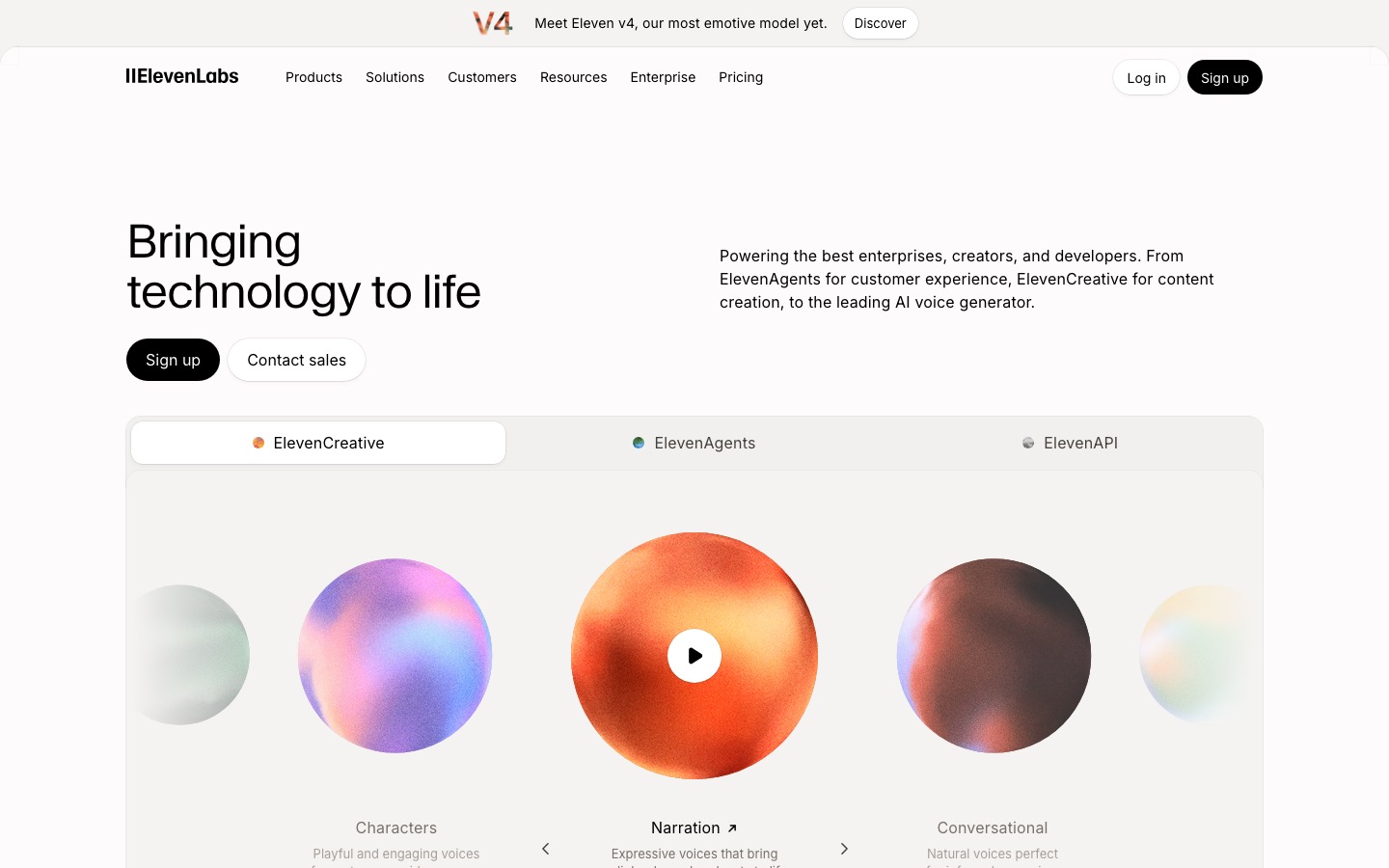
ElevenLabs is the benchmark for realistic AI speech. Its newest model, Eleven v4, is billed as its most emotive yet, alongside Eleven v3 and fast Flash models for real-time use. You get a Studio for long-form narration, a public voice library, voice cloning, dubbing and an API.
Pricing is credit-based. The free plan gives 10k credits a month (about 10 minutes of speech) without a commercial license. Starter costs $6/mo for about 30 minutes and adds instant voice cloning and commercial rights, Creator is $22/mo for about 121 minutes plus one professional clone, and Pro is $99/mo for about 600 minutes. First-month discounts are common. See the ElevenLabs pricing page for current offers.
Pros: the most natural delivery and emotion, 74 languages, cloning from the cheapest paid plan, strong API.
Cons: credits disappear quickly when you regenerate takes, and the free plan cannot be used commercially.
Who it suits: YouTubers, audiobook narrators, podcasters, game studios and developers who want one platform.
For a deeper comparison with its closest rivals, read ElevenLabs vs Resemble AI vs Murf AI.
2. Murf AI: best for eLearning and business voiceovers
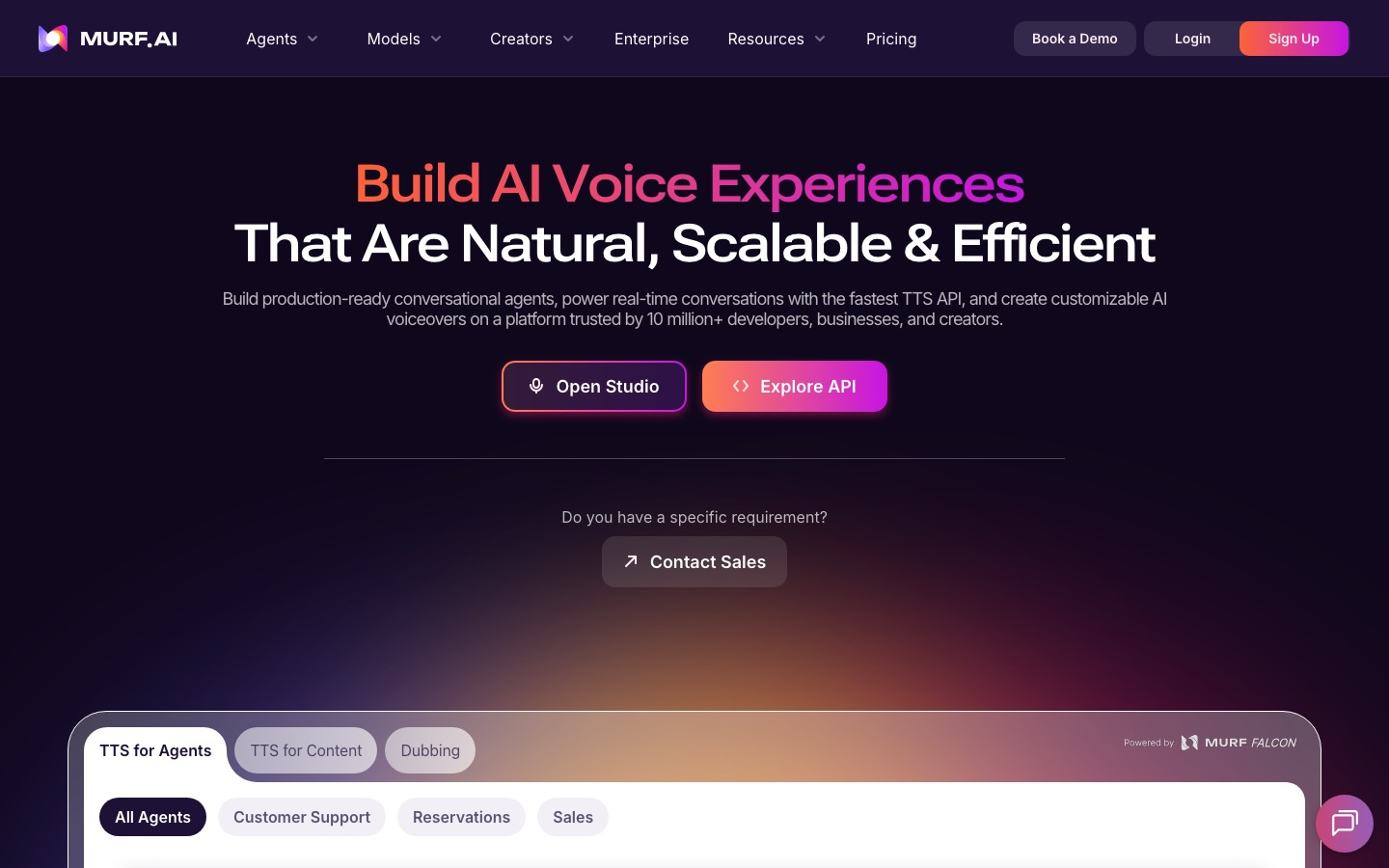
Murf AI is a voiceover studio for training teams and educators. Pick from 200+ voices, adjust pitch, pauses and emphasis word by word, then sync narration to slides or video on a timeline. It integrates with Canva, Google Slides, PowerPoint and Adobe Captivate, and its Falcon API is advertised at about 1 cent per minute.
Creator costs $29/mo ($19/mo billed yearly) and Business is $99/mo ($66/mo yearly). Voice cloning sits on Enterprise. Murf's page loads its plans dynamically, so check the Murf pricing page for the latest allowance of generation time.
Pros: fine control over delivery, slide and video sync, team workspaces, office integrations.
Cons: cloning is Enterprise-only, and voices are polished rather than highly emotional.
Who it suits: L&D teams, explainer video makers and agencies producing corporate narration.
3. WellSaid: best for enterprise brand voice
WellSaid builds its voices with paid, consenting voice actors, which reassures legal teams. Paid plans include unlimited generation and meter download minutes instead, so you can rework a script freely. Pro adds up to 48 kHz audio, and Business adds a team workspace and Premiere Pro integration.
The free trial includes 3 download minutes a month without commercial rights. Starter is $19/mo or $10/mo billed yearly, Pro is $49/mo or $33/mo yearly, and Business is $160 per user per month on annual billing, according to the WellSaid pricing page. The catch: self-serve plans include English voices only, and Spanish, French, German, Japanese and other languages require Enterprise.
Pros: rights-clean voices, unlimited drafts, enterprise security.
Cons: English-only below Enterprise, and unused download minutes do not roll over.
Who it suits: brands, training departments and agencies that need a consistent, legally safe voice.
4. LOVO: best voice plus video studio
LOVO sells its Genny studio as voiceover, subtitles and video editing in one place, plus voice cloning. Plans are sized by voice hours: Basic includes 2 hours a month, Pro 5 and Pro+ 20, according to LOVO's help center.
Basic was listed at $24 per user per month billed annually, with Pro and Pro+ higher. We could not load the live page, so confirm on lovo.ai.
Pros: voice and video in one tool, hour-based plans that are easy to budget.
Cons: less natural than ElevenLabs on emotional reads, pricing is harder to pin down.
Who it suits: marketers and social video creators who want one subscription for narrated video.
For narrated video, Fliki is a similar option. See also the best AI video generators.
5. Listnr: best budget studio for podcasts and YouTube
Listnr is a credit-based voice studio with 1,000+ voices across 142+ languages and accents, voice cloning, and tools for podcast-style audio and embeddable audio players. The Individual plan costs $19/mo for 20,000 credits (about 2 hours of voice), Solo is $39/mo for about 5 hours, and Agency is $99/mo for about 25 hours. Yearly billing gives two months free, and all paid plans include commercial rights, per the Listnr pricing page.
Pros: huge language range, cheap per hour.
Cons: voice quality varies across the library, so audition several voices.
Who it suits: solo creators, podcasters and small agencies on a budget.
Best for reading and accessibility
6. Speechify: best text to speech reader
Speechify is the best-known app for listening to text. It reads PDFs, web pages, Google Docs and scanned pages on iOS, Android, Mac, Chrome and the web, and is popular with students and people with dyslexia or ADHD. Premium adds AI summaries, document chat and voice typing.
The free plan gives 10 basic voices at up to 1.5x speed. Premium costs $29/mo or $139 billed yearly (about $11.58/mo) and unlocks 1,000+ natural voices in 60+ languages and up to 5x speed, per the Speechify pricing page. Speechify also sells a separate Studio for voiceovers and dubbing at $100 or $300 a year.
Pros: best cross-platform reading, OCR for printed pages.
Cons: steep monthly price, robotic free voices.
Who it suits: students, professionals with heavy reading loads, and accessibility users.
More study tools are in our roundup of the best AI tools for students.
7. ElevenReader: best free reading app
ElevenReader is ElevenLabs' read-aloud app for PDFs, EPUBs, articles and pasted text, using the same voice technology as its studio. The free plan includes 10 hours of listening a month, 1,000+ voices, a library of free audiobooks and playback up to 4x. Ultra costs $11/mo or $99 a year and gives near-unlimited listening for your own imports (a fair-use cap of 24 hours a day), offline downloads, custom voice creation and premium audiobooks, according to the ElevenReader pricing page.
Pros: the most generous free tier of any reader here, very natural voices.
Cons: no offline downloads on the free plan, and fewer productivity features than Speechify.
Who it suits: anyone who wants great voices for personal listening without paying.
Best for developers and APIs
8. Cartesia: best real-time text to speech API
Cartesia is built for voice agents that must respond instantly. Its Sonic-3.6 model speaks 44 languages, and the account also includes Ink speech-to-text and an agent platform. Sonic costs 1 credit per character (about 750 to 800 credits per minute).
The free plan includes 20K credits (about 27 minutes of TTS) but no voice cloning. Pro is $5/mo for 100K credits with instant cloning, Startup is $49/mo for 1.25M credits with two professional clone slots, and Scale is $299/mo, per the Cartesia pricing page. Watch the concurrency limits, which start at 2 simultaneous requests on Free.
Pros: built for low latency, cheap entry plan, TTS, STT and agents in one bill.
Cons: a developer product with a smaller voice library than ElevenLabs.
Who it suits: teams building phone agents, AI companions and interactive apps.
9. Deepgram Aura-2: best low-cost TTS for high volume
Deepgram is best known for speech recognition, and its Aura-2 voices are designed for call bots and customer service agents where clarity and cost matter more than drama. Aura-2 costs $0.030 per 1,000 characters on pay as you go and $0.027 on the Growth plan, and new accounts get a $200 credit that does not expire, per the Deepgram pricing page.
Pros: predictable per-character pricing, generous starting credit, strong STT pairing.
Cons: voices are tuned for clarity, not narration or character work.
Who it suits: contact centers and developers shipping voice agents at scale.
Best free and open-source text to speech
10. Qwen3-TTS: best open-source text to speech
Qwen3-TTS is Alibaba's Qwen team's open text to speech family, released in January 2026 under the Apache-2.0 license, which allows commercial use. It comes in 0.6B and 1.7B parameter sizes and speaks 10 languages, including English, Chinese, Spanish, French, German, Japanese and Korean. The Base models clone a voice from about a 3-second reference clip, and the VoiceDesign model creates a new voice from a written description. The team reports streaming latency as low as 97ms, per the Qwen3-TTS GitHub page.
You need a GPU and some Python to run it. For two-speaker dialogue, try Dia 1.6B, and see our voice cloning guide for Resemble AI's open Chatterbox models.
Pros: free, commercial-friendly license, cloning and voice design, runs on your own hardware.
Cons: setup required, fewer languages than ElevenLabs, and you handle consent and safety yourself.
Who it suits: developers, privacy-sensitive teams and anyone generating large volumes of speech.
11. TTSReader and FreeTTS: best free browser tools
For quick, no-cost listening, TTSReader reads text, PDFs, ebooks and web pages in any modern browser with free voices and no usage limit, plus native iOS and Android apps. Premium AI voices and MP3 export are paid. FreeTTS offers device, local AI and cloud voices with a free monthly character allowance and paid credits beyond that, plus free transcription and audio editing. Check each site's commercial terms before publishing audio, because licensing differs by voice. Free Text to Speech Online is another simple option with 100+ voices and MP3 download.
Licensing, consent and AI voice disclosure
Free plans usually forbid commercial use. ElevenLabs, WellSaid and Speechify Studio all reserve commercial rights for paid plans, and Listnr says the same in its FAQ. If you clone a voice, only clone your own or one you have written permission to use, and keep that consent on file. YouTube and other platforms increasingly ask creators to label realistic synthetic voices, so disclose AI narration in your description. If you want to clean up recorded audio instead of replacing it, see Krisp vs Adobe Podcast vs Cleanvoice.
FAQ
What is the most realistic AI text to speech?
ElevenLabs is widely regarded as the most realistic option in 2026, with its Eleven v4 model aimed at emotional, expressive delivery across 74 languages. WellSaid and Murf AI sound very polished for corporate narration, and the open-source Qwen3-TTS is the most natural free option you can run yourself.
What is the best free text to speech AI?
For listening, ElevenReader gives 10 free hours a month with high-quality voices. For creating audio, the ElevenLabs free plan includes about 10 minutes a month but no commercial license. For unlimited free use, self-host Qwen3-TTS or use browser tools like TTSReader.
Is Speechify or ElevenLabs better?
They do different jobs. Speechify is a reading app for listening to documents, books and web pages across devices. ElevenLabs is a production platform for creating voiceovers, clones and dubbing you can publish. If you only want to listen, ElevenLabs' own ElevenReader app is the closer Speechify rival, and it is free for 10 hours a month.
Can I use AI text to speech for YouTube videos?
Yes, if your plan includes commercial rights. Most free plans do not, so use a paid tier on ElevenLabs, Murf AI, Listnr or a similar studio. YouTube allows AI narration, but it asks creators to disclose realistic synthetic content, and channels relying only on low-effort generated audio can struggle with monetization review.
What is the best text to speech API for developers?
For real-time voice agents, Cartesia is built around low latency and starts at $5 a month. Deepgram Aura-2 is cheap at $0.030 per 1,000 characters and pairs with its speech-to-text. The ElevenLabs API has the widest range of voices and models. Test latency from your own region before choosing.
Is there an open-source AI text to speech model?
Yes. Qwen3-TTS is released under Apache-2.0, supports 10 languages, and clones a voice from a few seconds of audio. Dia 1.6B generates two-speaker dialogue, and Resemble AI's Chatterbox models are MIT licensed. All need a GPU for good speed, and you are responsible for consent when cloning.
How much does AI text to speech cost?
Entry plans range from $5 a month (Cartesia) and $6 a month (ElevenLabs Starter) to $19 to $29 a month for studios like Murf, Listnr and WellSaid. APIs charge per character, around $0.03 per 1,000 characters for Deepgram Aura-2. Reading apps like Speechify cost $139 a year, while open-source models are free apart from computing costs.
Final verdict
Start with ElevenLabs if you want the best AI text to speech overall: the free plan is enough to judge the voices, and Starter at $6 a month unlocks commercial use and cloning. Choose Murf AI or WellSaid when a team produces training and brand content at scale, Speechify or ElevenReader when you just want to listen, Cartesia when latency is everything, and Qwen3-TTS when you want free and self-hosted. Whatever you pick, audition voices with your own script before you pay, because a voice that sounds great in a demo can stumble on your jargon.
Want to clone your own voice next? Read our guide to the best AI voice cloning tools. Browse every voice, speech and audio tool in the AI audio category, and if you build a text to speech tool we have missed, submit it for a listing.