Fathom vs Fireflies (2026): Which AI Notetaker Should You Pick?
Fathom gives individuals unlimited free recordings and the simplest notetaker around. Fireflies is the integration-heavy option with 100+ apps, analytics and a credit system. Here is how they compare on free plans, pricing, summaries, languages, integrations and privacy in 2026.
Fathom vs Fireflies, short answer: pick Fathom if you are an individual or small team that wants the best free AI notetaker, with unlimited recordings, video playback and summaries that are ready seconds after the call. Pick Fireflies.ai if you are rolling out a notetaker across a company that meets on many platforms, in many languages, and wants every call piped into a CRM, Slack and project tools. Fathom is the better notetaker. Fireflies is the better meeting data platform.
Both tools send a bot (or, increasingly, a desktop app) to record Zoom, Google Meet and Microsoft Teams calls, then produce a transcript, a summary and action items. The differences are in how generous the free plans are, how pricing scales, which platforms and languages they cover, and how much analytics and automation you get. This comparison is based on the official Fathom pricing page, Fireflies pricing page, product documentation and public user feedback as of October 2026. We did not run controlled accuracy tests.


Quick verdict by use case
Best free plan for one person: Fathom. Unlimited recordings, transcripts and storage, with video.
Cheapest paid seat: Fireflies Pro at $10 per user per month (annual) versus Fathom Premium at $16 (annual).
Multilingual teams: Fireflies, which claims 100+ languages (most in beta) versus Fathom's roughly 28 to 38.
Meetings on Webex, GoTo or a dialer: Fireflies. Fathom supports only Zoom, Meet and Teams.
Sales teams: a close call. Fathom Business has CRM field sync, Deal View and scorecards. Fireflies has deeper analytics and 200+ AI Skills.
Simplicity: Fathom, by a wide margin.
No bot at all: neither is perfect. Fathom has bot-free capture in beta on Mac, and Fireflies has a desktop app. Granola is the fully bot-free option.
Fathom and Fireflies in one paragraph each
Fathom
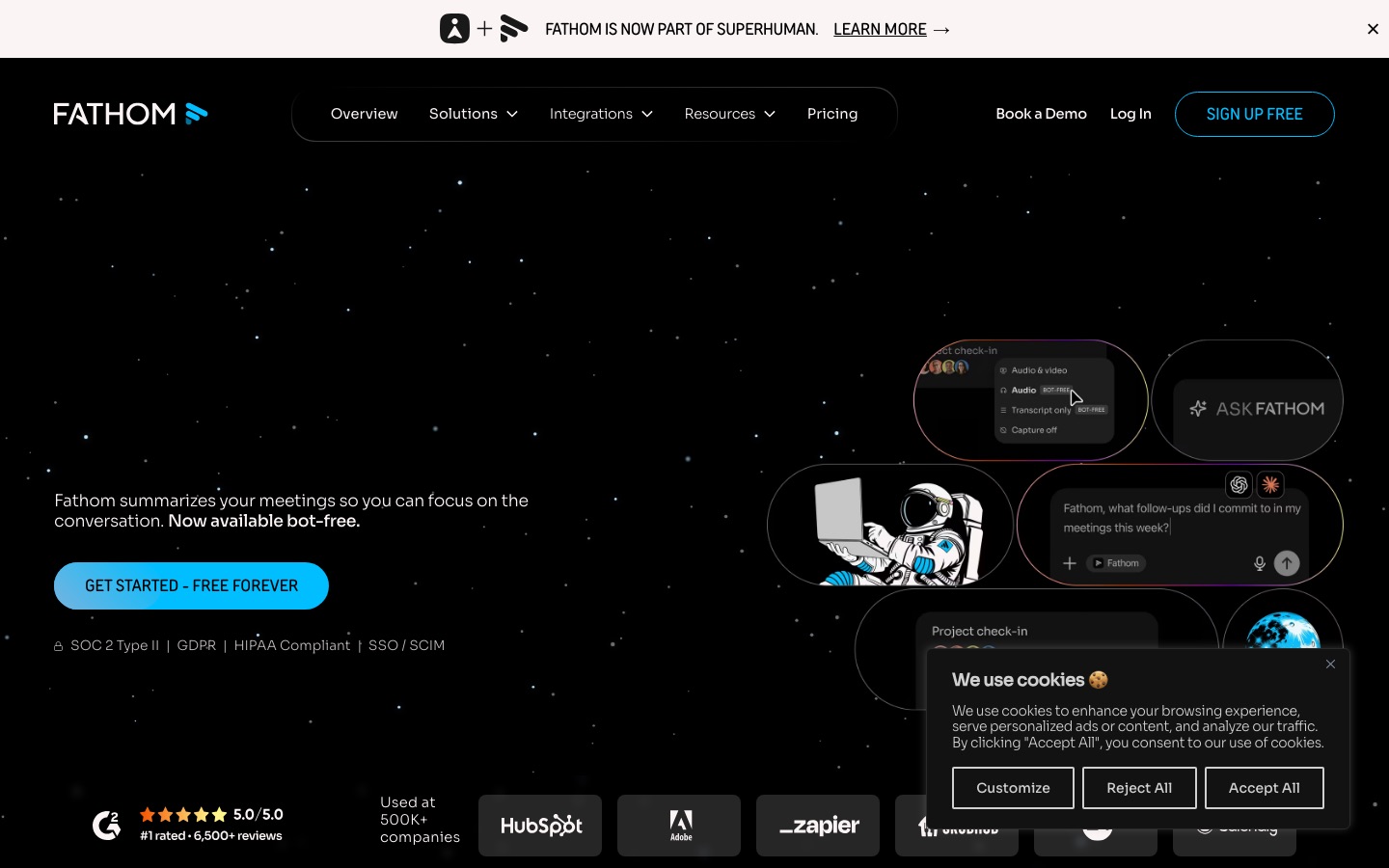
Fathom is the AI notetaker known for its free plan. It records audio and video on Zoom, Google Meet and Microsoft Teams, writes a transcript, and sends a summary with action items within seconds of the meeting ending. Ask Fathom answers questions about a call or your history, highlights and playlists make it easy to share moments, and paid tiers add team folders, CRM sync, Deal View and AI scorecards. Fathom's homepage now notes it is part of Superhuman, and it claims use at more than 500,000 companies.
Fireflies.ai
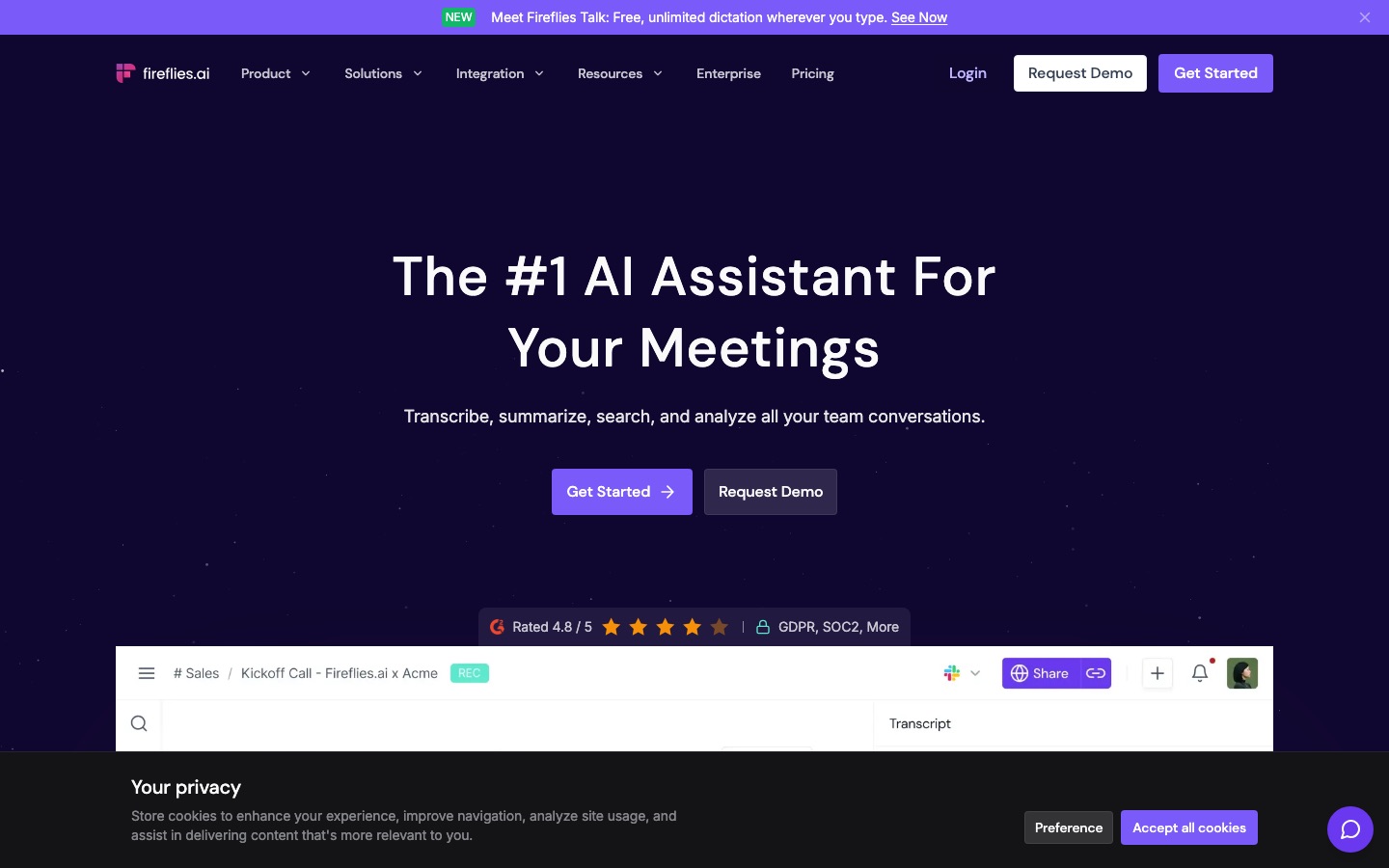
Fireflies.ai is built for organizations that want meeting data everywhere. Its notetaker joins calls on 10+ platforms, transcribes in English and many other languages, and feeds 100+ integrations including Salesforce, HubSpot, Slack, Notion and applicant tracking systems. On top sit AskFred (its AI assistant), conversation intelligence, 200+ AI Skills, Live Assist for real-time help during calls, and Voice Agents that can run screening calls for you. Fireflies says it is used by 75% of the Fortune 500.
Pricing compared (as of October 2026)
Prices are per user per month. Fathom's figures come from its pricing page. Fireflies' pricing page renders plan prices dynamically, so the figures below are the ones widely reported from it in August to October 2026. Verify both before buying.
| Plan | Fathom (annual / monthly) | Fireflies (annual / monthly) |
|---|---|---|
| Free | $0: unlimited recordings, transcripts and storage; limited advanced AI | $0: transcription, summaries, 400 minutes of storage per team, 20 one-time AI credits, audio only |
| Entry paid | Premium: $16 / $20 (individuals) | Pro: $10 / $18 |
| Team | Team: $15 / $19 (2-seat minimum) | Business: $19 / $29 |
| Sales / advanced | Business: $25 / $34 (2-seat minimum) | Included in Business |
| Enterprise | Custom (SSO, SCIM, HIPAA BAA) | $39, annual only (SSO, SCIM, HIPAA) |
What the free plans really include
Fathom Free is the most generous free notetaker for individuals: unlimited recordings, transcription and storage, video included, with instant call summaries, clips and search. The limits are on the extras. Advanced summary templates, AI action items and account-wide Ask Fathom are marked "limited use", and third-party guides report the advanced summaries cap at about five calls per month before falling back to a basic summary. Ask Fathom on Free only searches your own calls.
Fireflies Free does not meter transcription and includes unlimited AI summaries, but storage is capped at 400 minutes per team (older reviews say 800), meetings are capped at two hours, video recording needs a paid plan, and you get a one-time pool of 20 AI credits for AskFred and AI Skills. In practice, a regular user fills 400 minutes in a couple of weeks and has to delete old meetings or upgrade.
Winner: Fathom, clearly, for a single user. Fireflies Free works as a trial.
Paid plans and the AI credit catch
Fireflies looks cheaper on paper: Pro at $10 a seat versus Fathom Premium at $16. But Fireflies uses AI credits for AskFred, AI Skills and AI Apps. Each workspace gets a small pool (20 on Pro, 30 on Business, 50 on Enterprise) that does not grow with seats, and extra packs start at $5 for 50 credits and renew monthly. Transcription and summaries do not use credits, so light users never notice. Heavy users of AskFred and Skills should budget for packs.
Fathom has no credit system on its paid tiers. Premium unlocks advanced summaries, AI action items and the conversational assistant. Team adds shared folders, team search and comments. Business adds CRM field sync, Deal View, coaching metrics and AI scorecards. Fathom's catch is the two-seat minimum on Team and Business.
Winner: Fireflies on headline price, Fathom on predictability.
Side-by-side feature comparison
| Feature | Fathom | Fireflies.ai |
|---|---|---|
| Meeting platforms | Zoom, Google Meet, Microsoft Teams | 10+ including Zoom, Meet, Teams, Webex, GoTo, plus dialers like Aircall and RingCentral |
| Bot-free capture | Beta on Mac desktop app | Desktop app for calls |
| Video recording | All plans, including Free | Paid plans only |
| Languages | About 28 (Fathom help) to 38 (recent reports) | 100+ claimed; English primary, 4 more fully supported, rest in beta |
| AI assistant | Ask Fathom | AskFred, Live Assist, AI Skills |
| Integrations | About 30 (Salesforce, HubSpot, Slack, Notion, Asana, Zapier, MCP) | 100+ (CRMs, ATS, project tools, Zapier, MCP) |
| Analytics | Coaching metrics and scorecards on Business | Talk time, sentiment, topic trackers, filler words |
| Mobile | iOS app | Mobile app for in-person meetings |
| File uploads | Focused on live calls (check docs for uploads) | Upload MP3, MP4, WAV, M4A |
| Compliance | SOC 2 Type II, GDPR, HIPAA | SOC 2 Type II, ISO 42001, GDPR, HIPAA and FERPA on Enterprise |
Head-to-head: how they compare
Recording and transcription
Both produce accurate transcripts on clear audio with speaker labels, and both struggle with heavy crosstalk and jargon, as every notetaker does. Fireflies claims 95% accuracy, which is its own figure rather than an independent benchmark. Fathom's advantage is that video recording is included even on the free plan, so you can rewatch a demo or a customer's screen share. Fireflies is audio only until you pay.
Fireflies has the edge on inputs. It joins more conferencing platforms, connects to phone dialers, and lets you upload recordings, which matters for podcasters, researchers and anyone transcribing calls recorded elsewhere. Fathom is focused on live Zoom, Meet and Teams calls.
Winner: Fathom for video on a budget, Fireflies for platform and file coverage.
Summaries and action items
Fathom's summaries arrive almost instantly and are consistently well structured, with 15+ templates on paid plans for sales calls, interviews, standups and more. Users frequently cite speed and readability as the reason they stay. Fireflies offers more summary formats, expandable bullets and custom notes, and its summaries are unlimited even on Free. Both detect action items, and both get much better when people assign tasks by name out loud.
Winner: Fathom for quality out of the box, Fireflies for flexibility.
AI assistant and search
Ask Fathom handles questions about a single call well, and account-wide search is available on paid tiers (Team plans can search team calls too). AskFred does the same for Fireflies, with timestamped citations into the transcript. Fireflies goes further with Live Assist (suggestions during the call), AI Skills that automate follow-ups and CRM updates, and Voice Agents that can run calls without you. Remember that much of this consumes credits.
Both now offer an MCP server, so you can query meetings from Claude or ChatGPT instead of inside the app.
Winner: Fireflies on breadth, Fathom on simplicity.
Integrations and CRM
Fireflies' 100+ integrations are its biggest strength: notes, tasks and call data flow into Salesforce, HubSpot, Slack, Asana, Notion and recruiting tools like Greenhouse and Lever, with rules on Business. Fathom covers the essentials (Salesforce, HubSpot, Slack, Notion, Asana, Zapier) and, on Business, writes specific insights into CRM fields and builds a Deal View across every call with an account. For a sales team on HubSpot or Salesforce, Fathom Business is good enough. For everything else, Fireflies connects to more.
Winner: Fireflies.
Team features and analytics
Fireflies offers channels, user groups, comments, soundbites and conversation intelligence such as talk-to-listen ratio, sentiment and topic trackers. Fathom's Team plan adds shared folders, team search, comments and keyword alerts, and Business adds coaching metrics and AI scorecards. Fathom lets you share recaps with anyone on any plan, while Fireflies' public sharing links need Business or above. If you need full revenue intelligence, look at dedicated platforms in our Sybill vs Gong vs Avoma comparison.
Winner: Fireflies for analytics, Fathom for easy sharing.
Ease of use
Fathom is the easier product. Connect your calendar, and recordings and summaries appear with very few settings to learn. Fireflies is more powerful but busier, and you have to keep an eye on storage on Free and credits on paid plans. Reviewers consistently describe Fathom as the one they could hand to a non-technical colleague.
Winner: Fathom.
Privacy and consent
Both show a bot in the call by default, which works as a visible notice. Both offer enterprise security, SSO and HIPAA options on top tiers, and Fireflies advertises zero data retention for AI training. Fathom's bot-free mode and Fireflies' desktop capture are convenient, but they remove that visible cue, so tell participants you are recording. Consent rules vary by country and state. Review auto-join settings on day one so neither tool shows up in meetings you are not hosting.
Winner: a tie.
Pros and cons
Fathom
Pros: best free plan for individuals, video on all plans, very fast summaries, simple interface, no AI credit system, CRM field sync on Business.
Cons: only Zoom, Meet and Teams; fewer languages; two-seat minimum on team plans; advanced AI limited on Free; bot-free mode still beta and Mac only.
Fireflies.ai
Pros: 100+ integrations, 10+ meeting platforms plus dialers, file uploads, broad language claims, deep analytics, Live Assist and AI Skills, low Pro price.
Cons: tight free storage, video only on paid plans, AI credits add a variable cost, busier interface, many languages still in beta.
Who should pick which
Choose Fathom if...
You are a freelancer, consultant or founder who wants a free notetaker you never have to think about.
You meet on Zoom, Google Meet or Microsoft Teams only.
You want to rewatch calls or share video clips without paying.
You run a small sales team on HubSpot or Salesforce and want CRM field sync without a big platform.
Choose Fireflies if...
You need one notetaker for a whole company across many conferencing tools and phone systems.
Your meetings happen in several languages.
You want notes and tasks pushed automatically into many apps, including recruiting tools.
Managers want talk-time, sentiment and topic analytics for coaching.
How to test Fathom and Fireflies side by side
Sign up for both free plans and connect your calendar, but turn off auto-join.
Add both to three representative meetings: an internal standup, an external call and one with crosstalk or accents.
Check names, numbers and jargon in both transcripts, where errors hurt most.
Compare summaries and ask which one you would forward without editing.
Test the integration you care about (CRM push, Slack recap) end to end.
Tell participants both tools are recording, then delete the one you drop.
Alternatives to Fathom and Fireflies
Granola: no bot at all, notes-first, free plan with 30 days of history and Business at $14. Read our Granola review.
Otter.ai: the best live transcript during the call. See Otter vs Fireflies.
tl;dv: generous free tier, clips and multi-meeting reports for sales.
Read AI: summaries plus engagement metrics across meetings, email and chat.
Avoma: meeting notes plus revenue intelligence for sales teams.
For the full field, see our roundup of the best AI meeting transcription tools.
FAQ
Is Fathom better than Fireflies?
For individuals and small teams, usually yes. Fathom has the stronger free plan, includes video, delivers faster and cleaner summaries, and is easier to use. Fireflies is better for larger organizations that need more meeting platforms, more languages, 100+ integrations and conversation analytics. Many teams choose based on which conferencing tools and CRM they use.
Is Fathom really free?
Yes. Fathom's free plan includes unlimited recordings, transcription and storage, with video, instant summaries and clips. Some advanced AI features, such as premium summary templates, AI action items and account-wide Ask Fathom, are limited on Free. Paid Premium starts at $16 per month billed annually, or $20 monthly.
How much does Fireflies cost?
Fireflies has a free plan, Pro at $10 per user per month billed annually ($18 monthly), Business at $19 annually ($29 monthly), and Enterprise at $39 per user per month on annual billing. AskFred and AI Skills use a separate AI credit pool, with extra packs from $5 for 50 credits. Check the official page for current prices.
Does Fathom work with Webex?
No. Fathom supports Zoom, Google Meet and Microsoft Teams. If your company uses Webex, GoTo Meeting or a phone dialer, Fireflies supports more platforms. Bot-free capture through a desktop app can be an option, but Fathom's version is in beta on Mac only.
Can Fathom or Fireflies record without a bot?
Partly. Fathom offers bot-free recording as a beta on its Mac desktop app, and Fireflies has a desktop app for calls. Both mainly use a bot. If you want a notetaker that never joins the call, Granola and Tactiq are built around bot-free capture.
Which supports more languages, Fathom or Fireflies?
Fireflies. It advertises 100+ languages for transcription and summaries, though its pricing page lists English as primary, Spanish, French, Portuguese and Italian as supported, and the rest in beta. Fathom's help center lists 28 languages, and some 2026 reports cite 38. Test your languages on both free plans.
Which is better for sales teams?
Both work. Fathom Business adds CRM field sync, Deal View, coaching metrics and AI scorecards at $25 per user per month annually. Fireflies Business adds conversation intelligence and team analytics at $19. Teams needing forecasting and deep deal intelligence should also compare Gong and Avoma.
Final verdict
In the Fathom vs Fireflies matchup, there is no single winner, but there is a clear default. Start with Fathom if you are one person or a small team on Zoom, Meet or Teams: the free plan is unbeatable, the summaries are excellent, and you will never think about storage or credits. Choose Fireflies when the notetaker has to serve a whole organization across many platforms, languages and apps, and someone will configure it properly.
If you dislike meeting bots altogether, skip both and read our Granola review. Sales leaders comparing these against dedicated call platforms should see the best AI sales tools.
Compare every notetaker and meeting assistant we track in the AI productivity tools category. If you build a meeting tool we have missed, you can submit it for a listing.