Grammarly Review (2026): Is Grammarly Pro Still Worth It?
Grammarly is still the most convenient grammar and tone checker you can install, but it is now one product inside the Superhuman suite, with AI agents, a document editor and a few public controversies. Here is what the free plan and Pro really get you in 2026, the common complaints, and the best alternatives.
Grammarly review, short version: Grammarly is still the best grammar and tone checker for people who write emails, documents and messages all day, because it works inside almost every app you use and explains its suggestions. The free plan is genuinely useful. Grammarly Pro, at $12 a month on annual billing, is worth it for professionals who want full-sentence rewrites, tone adjustment and plagiarism checks. Skip Pro if you mainly paraphrase (QuillBot is cheaper), write fiction (ProWritingAid goes deeper) or write mostly in a language other than English.
Grammarly has changed more in the last 18 months than in the decade before. The company renamed itself Superhuman in late 2025, Grammarly now sits next to Coda, Superhuman Mail and the Superhuman Go assistant, and the product has grown a set of AI agents for grading, citations, detection and humanizing. This review covers what is actually in each plan, how the key features work, what users complain about, and when an alternative makes more sense. It is based on Grammarly's official plans and feature pages, product documentation and public user feedback, not lab testing. Prices were checked in October 2026.

Grammarly at a glance
What it is: a real-time writing assistant that checks grammar, spelling, punctuation, clarity and tone wherever you type, plus generative AI and task-specific agents.
Best for: professionals, students and non-native English writers who want mistakes caught before they hit send.
Free plan: yes, with grammar and spelling fixes, tone detection and 100 AI prompts a month.
Paid plan: Grammarly Pro, $12 per member per month billed annually, or about $30 on monthly billing.
Where it works: Chrome, Edge, Firefox and Safari; Windows and Mac desktop apps; iOS, iPad and an Android keyboard; Word, Google Docs, Gmail, Outlook, Slack and more.
Not ideal for: heavy paraphrasing, deep fiction editing, or full grammar checking outside English.
What Grammarly is in 2026 (and what changed)
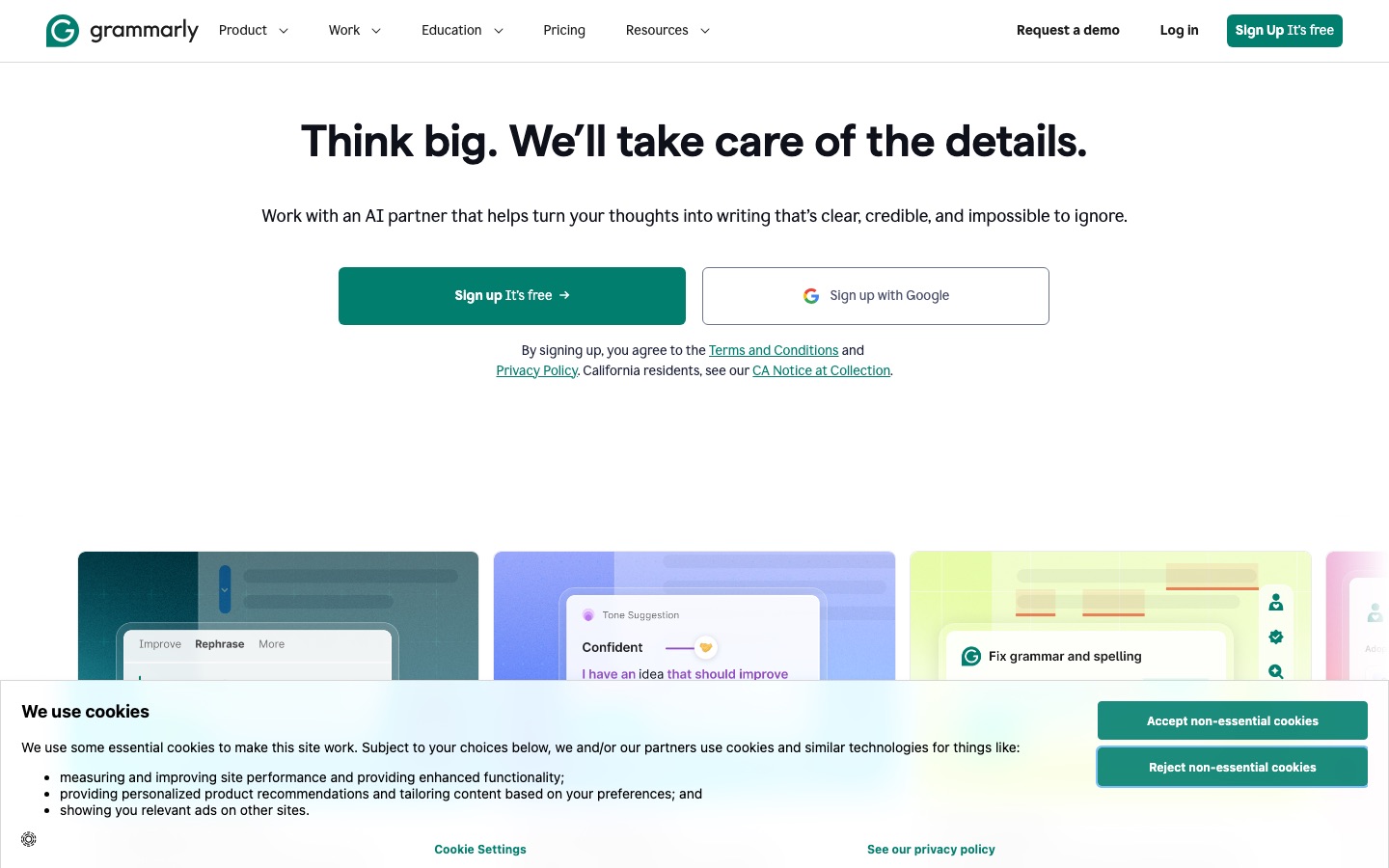
At its core, Grammarly is the same product it has always been: you type, it underlines problems, and you accept or ignore suggestions. Grammarly says it is used by more than 40 million people and 50,000 organizations. What changed is everything around that core.
New parent company. In October 2025 the company behind Grammarly rebranded as Superhuman after buying the Superhuman email app (it had acquired Coda in late 2024). Grammarly is now one product in a suite, and Enterprise plans are sold through Superhuman Go.
AI agents. Grammarly added specialized agents: AI Grader, Citation Finder, Reader Reactions, Proofreader, Paraphraser, Humanizer, AI Detector, Plagiarism Checker and a Resume Builder. Grammarly notes that certain agents are limited to paid customers.
Superhuman Go. A sidebar assistant that works across apps and browser tabs, turned on with a toggle in the Grammarly extension. It can call Grammarly's agents plus partner agents.
Grammarly Docs. An AI-native document editor for drafting and editing inside Grammarly itself, rather than only checking text in other apps.
Multilingual support. Grammarly now advertises real-time writing help in more than 20 languages, with inline translation and paragraph rewrites, although its deepest checks remain in English.
Key features, reviewed
Grammar, spelling and punctuation
This is still Grammarly's strongest feature and the reason most people install it. It catches typos, missing commas, subject-verb agreement, commonly confused words and article errors as you type, and each suggestion comes with a short explanation. That teaching element is underrated: over a few weeks, most users stop making the same mistakes. The free plan includes all of these correctness checks, which makes Grammarly Free one of the best free tools in this category.
It is not perfect. Public user feedback regularly mentions suggestions that are technically valid but change your meaning, overcorrected commas, and advice that flattens a deliberate style. Treat it as a careful second reader, not an authority.
Clarity, tone and full-sentence rewrites
Free users see tone detection: Grammarly tells you how a message might come across, for example confident, friendly or formal. Pro adds the tools to act on it: full-sentence and full-paragraph rewrites for clarity, tone adjustment, and suggestions to make writing more concise and fluent. For workplace writing, this is where Pro earns its price. A wordy status update becomes three tight sentences in one click, and a blunt email can be softened without rewriting it from scratch.
Generative AI prompts
Grammarly's generative AI drafts, rewrites, summarizes and replies from a prompt, right in the text box you are using. The free plan includes 100 prompts a month. The official plans page lists 2,000 prompts per member per month on Pro and unlimited prompts on Enterprise. It is convenient for short tasks such as replying to an email, but it is not a replacement for a full chatbot like ChatGPT or Claude when you need long drafts or research.
AI agents
Grammarly's agents page describes each agent as a focused helper. The most useful ones in practice:
AI Grader: estimates a grade and gives feedback against a rubric and course details you provide. Useful for students checking a draft before submitting.
Citation Finder: looks for sources that support or dispute your claims and generates citations.
Reader Reactions: predicts how a specific audience might react to your writing and suggests revisions.
Paraphraser and Humanizer: rewrite text for audience, tone and style, or make AI-assisted text read more naturally.
AI Detector and Plagiarism Checker: flag likely AI-generated passages and similarities to existing sources.
The agents are a sensible direction, but many users barely notice them. If you only want proofreading, you can ignore them entirely.
Plagiarism and AI detection
Plagiarism detection, which compares your text against web pages and academic sources, is a Pro feature, and so is in-document AI-text detection. Grammarly offers a basic free AI detection check on its website. As with every detector, results are probabilities, not proof. Our guide to the best AI detectors explains why false positives happen and which dedicated tools publishers prefer.
Authorship
Authorship is Grammarly's answer to the AI-detection mess in schools. It records how a document was written, showing which text was typed, pasted from a source or generated with AI, and lets you share a replay or report with an instructor. It is available on the free plan. For students who worry about being falsely flagged by a detector, this alone is a reason to keep Grammarly installed.
Integrations and apps
No competitor matches Grammarly's reach. According to its features page, it runs in Chrome, Firefox, Edge and Safari, as desktop apps for Windows and Mac, on iOS and iPad, and as an Android keyboard, and it works inside Gmail, Outlook, Google Docs, Word, PowerPoint, Slack, Teams, Apple Mail, Notion, LinkedIn and Figma. Grammarly claims support across more than a million apps and websites. If you want help without copying text into a separate editor, this is the main reason to pick Grammarly over cheaper tools.
Team features
Pro includes team basics: one shared style guide and brand tone, two user groups, Snippets for reusable text, Knowledge Share, and account roles. Enterprise adds unlimited style guides, SAML SSO, SCIM, BYOK encryption, data loss prevention, audit log APIs and dedicated support.
Grammarly pricing (as of October 2026)
These figures come from Grammarly's official plans page. Grammarly shows the annual-billing price by default, so the monthly figure is higher, and discounts appear often. Check the live page before you buy.
| Plan | Price | What you really get |
|---|---|---|
| Free | $0 | Grammar, spelling and punctuation fixes, tone detection, 100 AI prompts a month, Authorship, basic AI detection on the website |
| Pro | $12 per member/mo billed annually ($144/yr); about $30 on monthly billing | Full-sentence rewrites, tone adjustment, fluency and inclusive-language suggestions, citation consistency, plagiarism and AI-text detection, 2,000 AI prompts a month, 1 style guide and brand tone, priority support |
| Enterprise | Contact sales | Unlimited prompts, unlimited style guides and brand tones, SSO, SCIM, BYOK encryption, data loss prevention, audit logs, sold through Superhuman Go |
The math is simple: annual Pro costs $144 a year, while paying monthly costs about $360 over a year. If you are going to keep Pro for more than five months, the annual plan is cheaper. If you need it for one deadline, pay monthly and cancel.
Is Grammarly Pro worth it?
Pro is worth it if at least two of these are true: you write for work every day, tone matters in your job (sales, support, management, client services), you need plagiarism checks, or you want rewrites rather than just corrections. It is not worth it if you only need spelling and grammar fixes, because the free plan already does that well. Students on a budget can usually get by on Grammarly Free plus their school's plagiarism tools.
Pros and cons
Pros
Works almost everywhere you type, including desktop apps and mobile.
Clear explanations that help you learn the rules.
The free plan is strong for basic proofreading.
Authorship gives students evidence of their own work, for free.
Pro's tone and clarity rewrites save real time on workplace writing.
Mature team and enterprise controls.
Cons
Pro on monthly billing is expensive compared with QuillBot, Wordtune or ProWritingAid.
Suggestions can flatten your voice or change meaning if you accept them blindly.
Strongest in English; other languages get lighter support.
Paraphrasing controls are thinner than QuillBot's.
Frequent upsell prompts on the free plan.
Billing and cancellation complaints are common in public reviews.
Limitations and common complaints
Public user feedback on Trustpilot, Reddit and software review sites keeps returning to a few themes:
Auto-renewal surprises. Many complaints describe being charged for an annual renewal the user forgot about, and refund requests being refused. Grammarly's terms state that subscriptions renew automatically, so set a calendar reminder and cancel from your account settings before the renewal date. App store purchases must be cancelled through Apple or Google.
Business cancellation messaging. In September 2026, IT administrators reported that when a company cancels a Grammarly business plan, licensed users receive notices encouraging them to ask for it back. These accounts came from users and had not been officially confirmed at the time of writing.
The Expert Review episode. In early 2026 Grammarly faced a proposed class action after its Expert Review feature attributed writing feedback to real journalists and academics who had not agreed to take part. The feature was discontinued, and Superhuman's CEO publicly said it was not a good feature, while calling the lawsuit without merit.
Over-eager suggestions. Writers with a strong style often find Grammarly pushes toward bland, safe phrasing.
Privacy questions. Grammarly reads what you type in supported apps. Grammarly says it does not sell user data, and Enterprise adds controls like BYOK and data loss prevention, but anyone handling sensitive client text should check their company's policy first.
Grammarly vs the alternatives
Grammarly is the default, but it is rarely the cheapest or most specialized option. Here is how it compares with the tools people most often consider instead. For a longer list, see our roundup of Grammarly alternatives.





| Tool | Better than Grammarly for | Paid from (as of October 2026) |
|---|---|---|
| QuillBot | Paraphrasing, summarizing, cheaper premium | About $8.33/mo billed annually |
| ProWritingAid | Fiction and long-form style reports | $10/mo billed annually, or $30 monthly |
| DeepL Write | Natural rewrites, privacy-focused teams, European languages | Write Pro add-on, check the official page |
| LanguageTool | Grammar checking in 30+ languages | Check the official page |
| Wordtune | Sentence rewrites that keep your voice | $6.99/mo billed annually for Unlimited |
Grammarly vs QuillBot: QuillBot is the better rewriter and costs less; Grammarly is the better proofreader and works in more places. Our QuillBot vs Grammarly comparison goes feature by feature, and our QuillBot review covers QuillBot alone.
Grammarly vs DeepL Write: DeepL Write produces more natural phrasing and suits multilingual writers, while Grammarly covers more apps. See DeepL Write vs Grammarly.
Grammarly vs ProWritingAid: ProWritingAid's 20-plus reports on pacing, repetition, dialogue and sentence variety suit novelists better. It also sells a lifetime license.
Grammarly vs ChatGPT or Claude: a chatbot can rewrite anything you paste in, but it does not sit inside your apps and underline mistakes as you type. Many people use both.
Who should use Grammarly
Great fit
Office workers and managers who write email, chat messages and documents all day.
Non-native English speakers who want explanations, not just fixes.
Students who want free proofreading and Authorship as protection against false AI flags.
Customer-facing teams that need consistent tone and shared style guides.
Poor fit
Novelists and screenwriters, who will get more from ProWritingAid or a fiction tool like Sudowrite.
Heavy paraphrasers, who will prefer QuillBot or Wordtune. See our guide to the best AI paraphrasing tools.
People writing mainly in German, French, Spanish or other languages, who should try LanguageTool or DeepL Write first.
FAQ
Is Grammarly worth it in 2026?
Grammarly Free is worth it for almost anyone who writes in English, since it catches errors in nearly every app at no cost. Grammarly Pro is worth it for professionals who want tone adjustment, full-sentence rewrites and plagiarism checks. At $12 a month on annual billing it is fair value, but on monthly billing it is one of the pricier writing tools.
Is Grammarly free?
Yes. Grammarly has a free plan with no time limit that includes grammar, spelling and punctuation checks, tone detection, 100 generative AI prompts a month and the Authorship feature. Full-sentence rewrites, tone adjustment, plagiarism detection and in-document AI detection require Grammarly Pro.
How much is Grammarly Pro per month?
As of October 2026, Grammarly Pro costs $12 per member per month when billed annually, which is $144 a year. On monthly billing it costs about $30 a month. Grammarly regularly runs discounts and shows trial offers on its plans page, so check the official page for the current price before subscribing.
Is Grammarly safe to use?
Grammarly is widely used by businesses and schools, encrypts data in transit and at rest, and says it does not sell user data. Because it reads text you type in supported apps, avoid using it on confidential material unless your employer approves. Enterprise plans add BYOK encryption, data loss prevention and admin controls for sensitive environments.
Can teachers tell if you use Grammarly?
Basic grammar and spelling fixes are rarely an issue and are allowed at most schools. Heavier AI rewrites and generated text can change how your writing sounds and may be flagged by AI detectors. If your course limits AI use, stick to proofreading, follow the syllabus, and consider using Authorship to document your process.
Does Grammarly detect AI writing?
Yes. Grammarly offers a basic free AI detection check on its website, and Grammarly Pro includes AI-generated text detection inside your documents, plus an AI Detector agent. Like all detectors, it estimates probability and can produce false positives, so a score should start a conversation, not settle one.
What is the best alternative to Grammarly?
It depends on the job. QuillBot is the best alternative for paraphrasing and price, ProWritingAid for fiction and long-form editing, LanguageTool for grammar checking in many languages, and DeepL Write for natural-sounding rewrites. Many writers keep Grammarly Free installed and add one specialist tool.
Final verdict
Grammarly is still the best everyday grammar checker, mainly because it is everywhere: browser, desktop, phone and the apps you work in. The free plan is one of the best free AI writing tools available, and Authorship is a genuinely useful free safeguard for students. Pro is a good upgrade for professionals who care about tone and clarity, as long as you pay annually and keep an eye on the renewal date. If your main need is rewriting, fiction, or non-English writing, a cheaper specialist will serve you better.
For more options, browse our list of the best AI writing tools.
Compare every grammar checker, paraphraser and AI editor we track in the AI writing tools category. Built a writing tool we should know about? Submit it for a listing.