Best AI Paraphrasing Tools (2026): 10 Rewriters Compared
The best AI paraphrasing tools in 2026, compared on rewrite quality, modes, free limits, languages and price, from QuillBot and Wordtune to ChatGPT, Claude and DeepL Write. Plus an honest guide to paraphrasing without crossing academic integrity lines.
The best AI paraphrasing tool for most people is QuillBot: it has the most rewriting control (modes, a synonym slider, frozen words), a usable free plan and one of the cheapest paid plans. Choose Wordtune if you rewrite sentence by sentence and want to keep your own voice, Grammarly if you want paraphrasing inside every app, and ChatGPT or Claude when you need to rewrite whole documents from detailed instructions.
A paraphrasing tool rewrites text so it says the same thing in different words: simpler, shorter, more formal, more natural or aimed at a new audience. Tools fall into three types: dedicated paraphrasers, writing assistants that rewrite while editing, and general chatbots. We compared ten tools on rewrite quality, control, free limits, languages, privacy and price. This guide is based on official pricing pages, product documentation and public user feedback, not lab testing. Prices were checked in October 2026.






Quick picks
Best overall: QuillBot, for its modes, synonym control and low price.
Best for keeping your own voice: Wordtune.
Best for paraphrasing inside every app: Grammarly.
Best for rewriting with detailed instructions: ChatGPT.
Best for long documents and nuance: Claude.
Best for natural phrasing and non-native writers: DeepL Write.
Best free multilingual rephraser: LanguageTool.
Best for fiction and long-form: ProWritingAid.
Best for academic papers: Paperpal.
Best budget all-in-ones: Smodin, HIX.AI and Resoomer.
The best AI paraphrasing tools compared
| Tool | Best for | Free plan | Paid from (as of October 2026) |
|---|---|---|---|
| QuillBot | Overall paraphrasing | Yes, 125 words per run, 2 modes | About $8.33/mo billed annually |
| Wordtune | Sentence rewrites in your voice | Yes, 10 rewrites a day | $4.89/mo billed annually (Advanced) |
| Grammarly | Paraphrasing in every app | Yes, free paraphraser and 100 AI prompts a month | $12/mo billed annually |
| ChatGPT | Instruction-based rewrites | Yes | $8/mo (Go) or $20/mo (Plus) |
| Claude | Long documents, tone and nuance | Yes | $17/mo billed annually, or $20 monthly |
| DeepL Write | Natural phrasing, multilingual | Yes | Write Pro add-on, check the official page |
| LanguageTool | Free multilingual rephrasing | Yes, a few rephrases a day | Check the official page |
| ProWritingAid | Fiction and long-form | Yes, 10 rephrases a day | $10/mo billed annually |
| Paperpal | Academic paraphrasing | Yes | Check the official page |
| Smodin, HIX.AI, Resoomer | Budget all-in-one toolkits | Yes (limits vary) | Check the official pages |
How we chose the best paraphrasing tools
We looked at what people actually need from a rewriter, not just feature counts:
Meaning preservation: does the rewrite keep the original claim, numbers and nuance?
Control: modes, tone options, synonym strength, frozen words, custom instructions.
Free limits: words per run, rewrites per day, and which modes are free.
Workflow: browser extension, Word and Google Docs support, mobile apps.
Languages: how many languages it paraphrases, not just translates.
Price and privacy: what a year of use costs and how your text is handled.
The 10 best AI paraphrasing tools, reviewed
1. QuillBot: best overall paraphrasing tool
QuillBot is the tool most people mean when they say "paraphraser". Paste text, choose a mode and it rewrites the passage. Free users get Standard and Fluency modes, up to 125 words per run. Premium unlocks nine predefined modes, including Formal, Academic, Simple, Creative, Expand, Shorten and Humanize, plus unlimited Custom modes where you describe the style you want. A synonym slider controls how aggressive the rewrite is, and you can freeze words such as technical terms. It paraphrases in more than 25 languages.
Pricing: free; Premium $19.95 monthly or about $8.33 a month billed annually ($99.95 a year), per the official Premium page. Premium also adds plagiarism checks, a larger summarizer and unlimited AI detection.
Pros: the most control of any paraphraser, Compare Modes, cheap annual plan, strong student bundle.
Cons: 125-word free limit, Creative and Expand can drift from the meaning, grammar checking is basic.
Best for: students, researchers and ESL writers who reword text often. Full details in our QuillBot review.
2. Wordtune: best for rewrites that keep your voice
Wordtune works at the sentence level. Highlight a sentence and it offers several rewrites, with options to make it casual, formal, shorter or longer. Because it suggests alternatives rather than rewriting a whole passage, it tends to keep your voice better than bulk paraphrasers. It also checks grammar and summarizes articles.
Pricing: according to the official Wordtune plans page, Basic is free with 10 rewrites and AI suggestions a day. Advanced costs $6.99 monthly or $4.89 a month billed annually for 30 a day, and Unlimited costs $9.99 monthly or $6.99 a month billed annually. Paid plans start with a 3-day free trial.
Pros: natural rewrites, several options per sentence, very affordable Unlimited plan.
Cons: 10 rewrites a day on free runs out fast, fewer modes than QuillBot, not built for paraphrasing long documents in one go.
Best for: professionals polishing emails and posts who want help, not a full rewrite.
3. Grammarly: best for paraphrasing inside every app
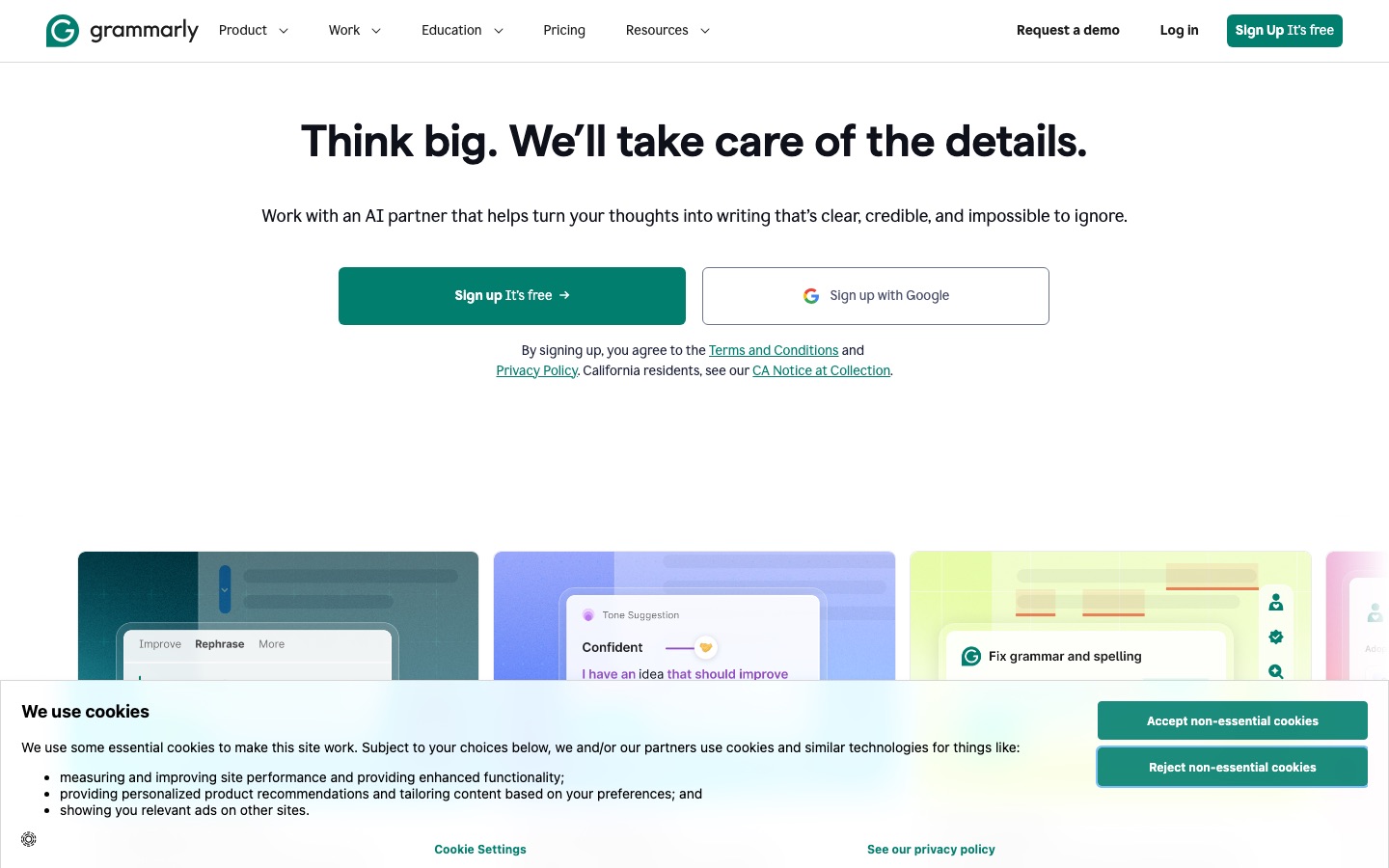
Grammarly is a grammar checker first, but it now paraphrases in three ways: a free online paraphrasing tool with six preset styles and custom tone instructions in English, Spanish, French, German, Portuguese and Italian; a Paraphraser agent; and, on Pro, full-sentence and paragraph rewrites right where you type. The big advantage is that it works in Gmail, Google Docs, Word, Slack and almost any browser text box, so you rarely need to copy and paste.
Pricing: free plan with 100 AI prompts a month; Pro $12 a month billed annually, about $30 on monthly billing.
Pros: rewrites in context everywhere, excellent proofreading, Authorship for students.
Cons: less control over how text changes than QuillBot, Pro is expensive on monthly billing.
Best for: people who want one assistant that proofreads and paraphrases. See our Grammarly review and QuillBot vs Grammarly.
4. ChatGPT: best for rewriting with detailed instructions
ChatGPT is not a dedicated paraphraser, but it is the most flexible rewriter available. You can paste a whole report and ask it to "rewrite for a non-technical board, keep all figures, cut 30%", then ask for a second version. It handles long text, follows style instructions closely, and can explain what it changed. The trade-off: you need good instructions, and it can smooth over nuance, so check the result against your source.
Pricing: free plan; Go at $8 a month (with ads in the US); Plus at $20 a month. Check OpenAI's pricing page for current limits.
Pros: rewrites any length and style, iterates on feedback, available free.
Cons: no modes or synonym controls, needs careful prompts, may alter facts.
Best for: rewriting long documents for a new audience. Our ChatGPT prompts guide has rewrite templates you can copy.
5. Claude: best for long documents and nuance
Claude is the chatbot many writers prefer for rewriting because its prose tends to sound less formulaic and it is good at preserving tone and qualifiers. It can take long documents, such as a full report or a book chapter, and rewrite them consistently from top to bottom. Like ChatGPT, it needs clear instructions and a final check against the source.
Pricing: free plan; Pro is $20 monthly or $17 a month billed annually ($200 a year), according to the official Claude pricing page. Max plans start at $100 a month.
Pros: natural prose, strong at keeping nuance, handles long inputs.
Cons: no dedicated paraphrasing controls, usage limits on the free plan.
Best for: editors, analysts and writers rewriting long or sensitive-tone text. See our Claude review.
6. DeepL Write: best for natural phrasing and non-native writers
DeepL Write comes from the team behind DeepL Translator. It suggests rewrites that sound like a fluent native speaker, with style and tone options, and supports English plus several European languages. It is especially good for non-native English speakers whose sentences are correct but stiff. DeepL emphasizes data security on its paid plans, which matters for business users.
Pricing: a free version is available; DeepL lists Write Pro as an add-on to its paid plans (shown at €6.99 per user a month billed annually on the official page), and it is included in the Business plan.
Pros: very natural output, good for German, French and Spanish too, privacy-focused paid plans.
Cons: fewer controls than QuillBot, smaller integration footprint than Grammarly.
Best for: multilingual teams and ESL professionals. Compare it in DeepL Write vs Grammarly.
7. LanguageTool: best free multilingual rephraser
LanguageTool is a grammar checker for more than 30 languages with an open-source core, and it includes sentence rephrasing. The free Basic plan includes a small daily allowance of AI rephrases and checks up to 2,000 characters per text field. Premium unlocks unlimited sentence paraphrasing, much longer texts and enhanced checks for English, German, French, Spanish, Dutch, Polish and Portuguese, with a 14-day money-back guarantee.
Pricing: free; Premium and Teams prices vary by billing term and region, so check the official page.
Pros: the best language coverage here, browser and office add-ins, privacy-friendly roots.
Cons: rephrasing is lighter than QuillBot's, free limits are tight.
Best for: writers who paraphrase in more than one language.
8. ProWritingAid: best for fiction and long-form
ProWritingAid is a style editor with a Rephrase feature built in. Its strength is that rephrasing sits next to deep reports on pacing, repetition, dialogue tags and sentence variety, so you can see why a sentence needs rewriting, not just get a new version. Free users get 10 rephrases a day and suggestions for 500 words at a time.
Pricing: per the official pricing page, Premium is $30 monthly or $10 a month billed annually ($120 a year), and there is a $399 lifetime option. Premium Pro is $36 monthly or $12 a month billed annually.
Pros: rephrasing plus real style coaching, lifetime license, Word and Google Docs add-ins.
Cons: busy interface, monthly billing is expensive.
Best for: novelists, bloggers and long-form writers.
9. Paperpal: best for academic paraphrasing
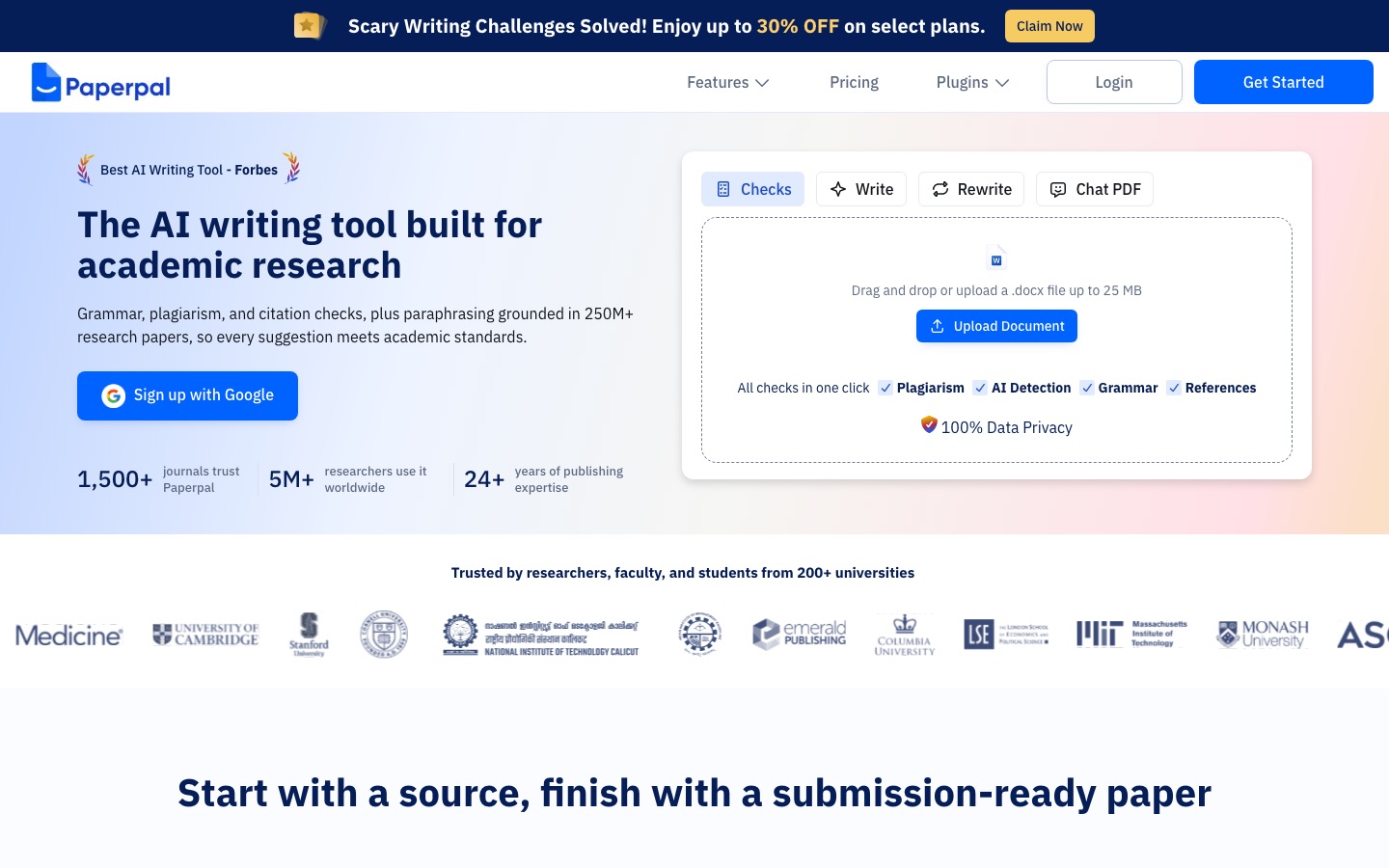
Paperpal is built for researchers. It includes an AI paraphraser and sentence rewriter tuned for academic tone, a plagiarism checker, and submission-readiness checks for journal manuscripts,. Its rewrites stay formal and precise.
Pricing: free plan with limits; paid plans vary by region and billing term, and institutional plans are available. Check the official page.
Pros: academic tone, keeps technical terms intact, journal-focused checks.
Cons: less useful for casual or marketing writing.
Best for: graduate students and researchers. Compare it in Jenni AI vs QuillBot vs Paperpal.
10. Smodin, HIX.AI and Resoomer: best budget all-in-ones
Smodin bundles a text rewriter, AI humanizer, AI detector, plagiarism checker and essay writer, with Starter and Premium tiers. HIX.AI is a credit-based AI workspace with paraphrasing among many writing tools. Resoomer is a free reading and writing studio for summarizing, paraphrasing and translating. All three are useful when you want many tools under one cheap login, but their paraphrasing control and output quality are generally a step below QuillBot and Wordtune.
Pricing: free tiers or trials with limits; check each official page for current prices.
Paraphrasing and academic integrity: an honest guide
Paraphrasing tools are not cheating by themselves, but they are easy to misuse, and schools have become much better at spotting misuse. Here is where the lines usually fall:
| Use | Usually acceptable? | Why |
|---|---|---|
| Rewording an awkward sentence you wrote | Yes, in most courses | The ideas and structure are yours; the tool is like an editor |
| Simplifying your own draft for a different audience | Yes, in most courses | Same as above, but check AI disclosure rules |
| Paraphrasing a source and citing it | Often, but check | Some instructors expect you to paraphrase in your own words as part of the skill being tested |
| Paraphrasing a source without citing it | No | It is still plagiarism, even if a similarity checker misses it |
| Paraphrasing or "humanizing" AI-generated text and submitting it as yours | No, at most schools | Detectors look for this pattern, and policies treat it as misconduct |
Detection has caught up. Turnitin added detection for AI bypasser and humanizer tools in 2025, and instructors can often spot writing that does not match a student's usual voice. At the same time, detectors make mistakes, especially with non-native English. The best protection is a visible process: keep drafts and version history, cite every source, and disclose AI help when your course asks. Grammarly's free Authorship feature records how a document was written. For more, see our guide to AI detectors and our best AI tools for students.
How to paraphrase well with AI
Start from your own understanding. Read the source, close it, and write a rough version in your own words first. Then use the tool to polish.
Pick the lightest setting that works. Low synonym strength and Standard or Fluency modes keep meaning intact. Heavy settings create awkward synonyms.
Freeze key terms. Lock names, technical vocabulary and numbers so they cannot change.
Give chatbots specific instructions. For example:
Rewrite this for a general audience at an 8th-grade reading level. Keep every number and claim. Do not add new information.Compare against the source. Check that every claim, figure and qualifier survived.
Cite the original. A paraphrase of someone else's idea still needs a citation.
Common mistakes to avoid
Paraphrasing whole papers in one pass. You lose control of meaning and voice. Work paragraph by paragraph.
Trusting Creative or Expand modes blindly. They are the most likely to add filler or change claims.
Running text through several paraphrasers. Each pass degrades the writing and can make it more likely to be flagged.
Pasting confidential text into free tools. Check the privacy policy before you paste client, medical or unpublished work.
Using a humanizer to hide AI. It is risky, often detectable, and against most academic policies.
FAQ
What is the best free AI paraphrasing tool?
QuillBot's free plan is the best dedicated free paraphraser, with Standard and Fluency modes, a synonym slider and up to 125 words per run. For longer text, the free versions of ChatGPT and Claude can rewrite whole documents from instructions. Wordtune's free plan is good for a few sentence rewrites a day, and LanguageTool covers many languages.
Is QuillBot the best paraphrasing tool?
For most people, yes. QuillBot offers more control over rewording than any other tool, with nine predefined modes plus Custom modes on Premium, a synonym slider and frozen words, and its annual plan is cheap. Wordtune is better at keeping your voice, and ChatGPT or Claude are better for long, instruction-based rewrites.
Is using a paraphrasing tool cheating?
Not automatically. Using a tool to improve sentences you wrote is allowed in many courses. It becomes cheating when you paraphrase a source without citing it, disguise AI-generated text as your own work, or break a course rule against AI tools. Read your syllabus, cite sources and disclose AI help when required.
Can teachers detect paraphrasing tools?
Often, yes. Turnitin's AI writing detection looks for AI text that has been paraphrased, and it added detection for humanizer and bypasser tools in 2025. Teachers also notice when writing does not match a student's usual voice. Detectors are not perfect, so keeping drafts and version history helps if you are wrongly flagged.
Which paraphrasing tool has no word limit?
Paid plans of QuillBot, Wordtune Unlimited and LanguageTool Premium offer unlimited paraphrasing. Among free options, ChatGPT and Claude accept long inputs, though their free plans have usage limits that reset over time. Most dedicated free paraphrasers cap each run, such as QuillBot's 125 words.
Is ChatGPT better than QuillBot for paraphrasing?
They suit different jobs. QuillBot is faster and more controllable for sentence-level rewording, with modes, synonym strength and frozen words. ChatGPT is better for rewriting long documents for a new audience or style from detailed instructions. Many writers use QuillBot for quick fixes and a chatbot for bigger rewrites.
What is the best paraphrasing tool for academic writing?
Paperpal is the best fit for research papers because it keeps an academic tone and technical terms intact. QuillBot's Academic mode is a cheaper general option for students. Whichever you use, cite the original source for any paraphrased idea and follow your institution's policy on AI tools.
Bottom line
Start with QuillBot if you want a dedicated paraphraser: it has the best controls and a fair price. Add Wordtune if you care most about keeping your voice, Grammarly if you want rewrites and proofreading everywhere you type, and ChatGPT or Claude for long, instruction-driven rewrites. Pick DeepL Write or LanguageTool for multilingual work and Paperpal for research papers. Whatever you choose, paraphrase your own understanding, check meaning against the source, and cite what you borrowed.
Looking for broader writing help? See our roundups of the best AI writing tools and Grammarly alternatives.
Browse every paraphraser, rewriter and grammar checker we track in the AI writing tools category. Built a paraphrasing tool we have missed? Submit it for a listing.