Speechify Review (2026): Is Premium Worth $139 a Year?
Speechify reads PDFs, web pages, docs and printed pages aloud in natural AI voices, and Premium now bundles summaries, voice typing and AI podcasts. This Speechify review covers what each plan really gets, the billing complaints, Speechify Studio, and when ElevenReader or a free built-in reader is enough.
Our Speechify review verdict: Speechify is the most polished app for listening to text, and Premium ($139 a year, about $11.58 a month) is worth it if you read a lot every day, especially if you have dyslexia, ADHD or eye strain, or you study by ear. Skip it if you only listen now and then (the free ElevenReader app and the read-aloud tools built into your browser and phone cover light use), and skip it if you need voiceovers for videos, where ElevenLabs is the better tool. Avoid the $29 monthly plan unless you only need a month.
Speechify started as a text to speech reader and has grown into a voice-first productivity suite with summaries, document chat, dictation, AI podcasts and a meeting notetaker. This review covers what it does today, what the free and paid plans really include, the most common user complaints, and how it compares with the alternatives. It is based on Speechify's official pricing pages, its product site and public user feedback on app stores, Trustpilot and review sites as of October 2026, not hands-on lab testing.

Speechify at a glance
What it is: an AI text to speech reader that turns PDFs, web pages, emails, Google Docs, ebooks and photos of printed pages into audio.
Best for: students, professionals with heavy reading loads, people with dyslexia or ADHD, language learners and commuters.
Pricing: free plan with 10 basic voices at up to 1.5x speed; Premium $29/mo or $139/yr.
Voices: 1,000+ natural voices in 60+ languages on Premium, plus featured celebrity voices.
Platforms: web app, Chrome and Edge extensions, iPhone and iPad, Android, Mac and Windows, with synced reading position.
Separate products: Speechify Studio for voiceovers and dubbing, and a text to speech API.
Quick verdict
Buy Premium annual if you listen to more than an hour of reading most days, or you rely on audio for accessibility.
Use the free plan if you only need a basic voice for web pages and short documents.
Try ElevenReader first if you want natural voices for free: its free plan gives 10 hours of listening a month.
Choose ElevenLabs or Speechify Studio if you are making voiceovers you will publish, since the reader app is for personal listening.
What Speechify is and what changed in 2026
Speechify was created by Cliff Weitzman, who has dyslexia, to make reading by ear practical. The core idea has not changed: open any text, press play, and listen while the app highlights each word. What changed over the last two years is everything around it. Premium now includes AI summaries and chat about your documents, voice typing dictation, AI podcasts generated from a document or a prompt, and a voice AI assistant that answers questions about what you are reading. Speechify's site also now promotes a meeting notetaker and a voice-first docs workspace.
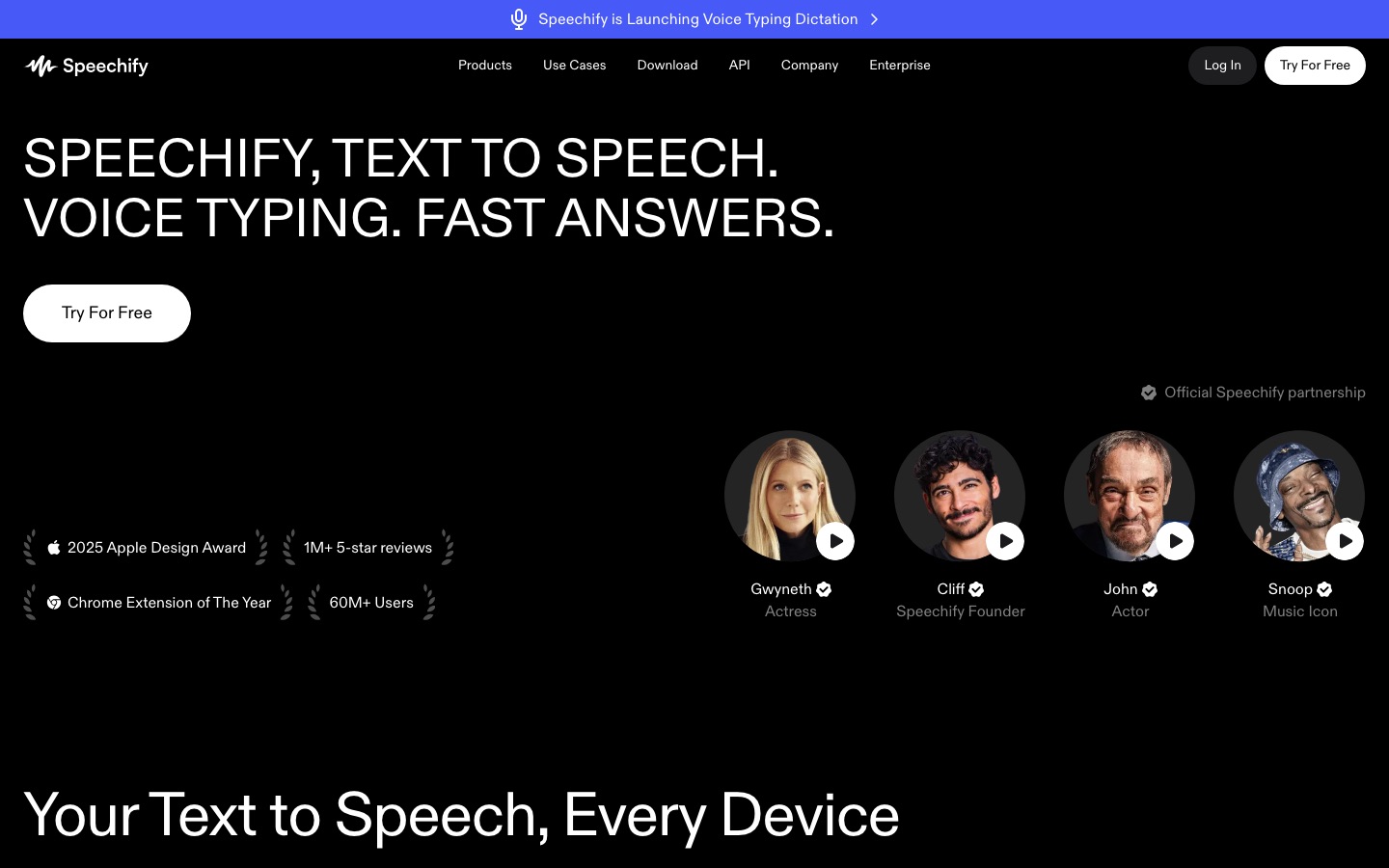
The company won a 2025 Apple Design Award, and its site claims more than 50 million users (the exact figure varies across its own pages, so treat it as a marketing number). The iOS app has a rating of about 4.7 from hundreds of thousands of reviews, and the Chrome extension sits around 4.6.
Speechify features: a deep tour
Listen to anything
Speechify reads PDFs, Word and Google Docs, ebooks (EPUB), emails, web articles and text you paste in. On the web, the Chrome or Edge extension adds a play button to most pages, so you can listen to a long article or a Google Doc without copying it anywhere. Premium connects Google Drive, Dropbox and OneDrive, so your reading library follows you. Word highlighting keeps your eyes and ears in sync, which many dyslexic readers say is the feature that makes it work for them.
Voices and speed
The free plan's 10 voices are the older, more robotic type, which Speechify's own pricing page calls out. Premium unlocks 1,000+ natural voices across 60+ languages and accents, plus celebrity voices featured on the site. Speed is the headline difference: free tops out at 1.5x, while Premium goes up to 5x. In practice most listeners settle between 1.5x and 2.5x, but the ability to push faster on skim reading is useful for students working through long readings.
Scan and Listen
Point your phone camera at a printed page, a textbook or a handout and Speechify runs OCR and reads it aloud. This is Premium only. Reviewers consistently rate it as one of the most useful features for students with physical textbooks, and it works on multiple pages in a row so you can scan a chapter and listen in one go.
AI summaries, chat and the voice assistant
Premium can summarize a document before you commit to listening, and you can ask questions about it by text or voice. That helps you decide which reports or papers deserve full attention. It is not a research tool on the level of a dedicated assistant, so for source-grounded study, pair it with something like NotebookLM; see our guide on how to use NotebookLM.
Voice typing
Speechify's voice typing turns speech into text in any app, and the company claims it is several times faster than typing. It competes with dedicated dictation tools like Wispr Flow, which has more formatting smarts (see our Wispr Flow review), but if you already pay for Premium it is a solid included extra.
AI podcasts
Premium can turn a document or a short description into a podcast-style audio episode, similar in spirit to NotebookLM's Audio Overviews. It is good for revising a topic on a walk, less so for anything you plan to publish.
Speechify Studio (separate)
Studio is a different product for creators: a voiceover editor, dubbing studio and voice changer with commercial rights. Per the Speechify Studio pricing page, the free tier gives 600 credits with no commercial rights, Studio Starter costs $100 a year for 86,400 credits, and Studio Creator costs $300 a year for 345,600 credits. Voiceover uses 1 credit per second, dubbing 3 credits per second, and avatars 30 credits per second, so Starter works out to roughly 24 hours of voiceover a year. Premium reader subscribers do not get Studio included.
Speechify pricing in 2026
Prices below come from the official Speechify pricing page as of October 2026. App store prices can differ, and promotions appear often, so check the checkout screen.
| Plan | Price | Voices and speed | What you really get |
|---|---|---|---|
| Free | $0 | 10 basic voices, up to 1.5x | Text to speech reading on web, mobile and extension; no scanning, summaries or integrations |
| Premium (monthly) | $29/mo | 1,000+ natural voices, 60+ languages, up to 5x | Scan and Listen, AI summaries and chat, voice typing, AI podcasts, voice assistant, Drive, Dropbox and OneDrive |
| Premium (annual) | $139/yr (about $11.58/mo) | Same as monthly | Same as monthly, about 60% cheaper over a year |
| Studio Starter | $100/yr | 1,000+ voices | 86,400 Studio credits, commercial rights, stock media |
| Studio Creator | $300/yr | 1,000+ voices | 345,600 Studio credits, commercial rights |
| Teams and schools | Custom | Varies | Volume licensing, admin controls; also offered through Access to Work and DSA programs in the UK |
If you qualify through a disability support program (Speechify promotes Access to Work and the UK Disabled Students' Allowance), check whether your Premium subscription can be funded before paying yourself.
Pros and cons
Pros
The most polished reader. Clean apps on every platform with reliable sync between devices.
Excellent Premium voices. Natural enough for hours of listening, in 60+ languages.
Scan and Listen. Physical books and handouts become audio in seconds.
Real accessibility value. Word highlighting and fast playback help dyslexic and ADHD readers.
Bundled extras. Summaries, chat, dictation and AI podcasts in one subscription.
Cons
Expensive monthly plan. $29 a month is hard to justify; annual is the only sensible option.
Weak free tier. Robotic voices and 1.5x speed make it a demo rather than a daily plan.
Trial billing complaints. Users report being charged the full annual fee after a free trial without noticing.
Upsells. The apps push Premium prompts often, which some users find intrusive.
Studio is separate. Creators who want commercial voiceovers pay again.
Common complaints and limitations
Public feedback on Speechify is polarized. App store ratings are high, while Trustpilot is more mixed. The recurring issues are:
Trial to annual charges. The single most common complaint. If you start a free trial, set a reminder to cancel before it ends if you do not want the annual plan. Some users report that support refunded them, others did not.
Price versus free alternatives. Phones, Microsoft Edge and Chrome all have built-in read-aloud features now, and ElevenReader's free plan has natural voices.
Formatting quirks. Like every reader, Speechify can stumble on complex PDFs with columns, footnotes, tables and equations.
Feature sprawl. Some long-time users say the app has become busier as AI features were added.
Speechify alternatives
Which alternative fits depends on whether you want to listen to text or create audio for others.
| Tool | Best for | Free plan | Paid from |
|---|---|---|---|
| Speechify | Polished reader, accessibility, scanning | 10 basic voices, 1.5x | $139/yr |
| ElevenReader | Natural voices for free | 10 hours/mo | $8.25/mo annual (Ultra) |
| TTSReader | Simple browser reading | Yes | Check site |
| ElevenLabs | Publishing voiceovers and cloning | Yes, limited | Check site |
| Murf AI | Business voiceovers synced to video | Yes, limited | Check site |
Speechify vs ElevenReader
ElevenReader is the strongest challenger. It uses ElevenLabs voices, and its free plan includes 10 hours of listening a month with 1,000+ voices and up to 4x speed, per the ElevenReader pricing page. Ultra costs $8.25 a month billed annually and adds offline downloads and much higher limits. Speechify still has the edge for scanning printed pages, Office and cloud integrations and its extra productivity features. If you mostly listen to articles and ebooks, try ElevenReader before paying.
Speechify vs free built-in readers
Microsoft Edge's Read Aloud, Chrome's reading mode, Apple's Spoken Content and Android's Select to Speak are free and good enough for occasional use. They lack cross-device sync, scanning workflows and the best voices, which is what Premium pays for.
Speechify vs NaturalReader and Voice Dream
NaturalReader and Voice Dream Reader are long-standing reading apps with loyal users, particularly in education. They are worth comparing if Speechify's pricing or upsells put you off; check their official sites for current plans.
Speechify vs ElevenLabs for voiceovers
If you want audio to publish, such as YouTube narration, ads or audiobooks, ElevenLabs offers more realistic voices, cloning and commercial licenses on paid plans. Read our ElevenLabs review and our roundup of the best AI text to speech tools for the full creator landscape.
Who Speechify is best for
Students with heavy reading lists: Scan and Listen plus fast playback makes textbooks manageable. See more in our list of the best AI tools for students.
People with dyslexia, ADHD or low vision: highlighting, natural voices and speed control are the core value.
Professionals buried in reports and email: listen on the commute and use summaries to triage.
Language learners: listening to text in the target language with highlighted words helps pronunciation and comprehension.
Not for creators publishing audio: use Speechify Studio or a creator tool instead.
Is Speechify worth it?
Speechify Premium is worth it on the annual plan if listening replaces at least several hours of reading a week, or if it makes reading possible for you at all. At about $11.58 a month it costs less than most audiobook subscriptions and works on everything you already have to read. It is not worth it on the monthly plan, or for occasional use, when free readers do most of the job.
FAQ
Is Speechify free?
Yes. Speechify has a free plan that reads web pages, documents and pasted text with 10 basic voices at up to 1.5x speed. Scanning printed pages, AI summaries, voice typing, natural voices and speeds up to 5x require Premium, which costs $29 a month or $139 a year.
Is Speechify worth the money?
For heavy readers and people who rely on audio for accessibility, the annual plan is good value at about $11.58 a month. For casual listeners, free options such as ElevenReader's free tier and the read-aloud tools in Edge, Chrome, iOS and Android are usually enough. The monthly plan is poor value compared with annual.
How do I cancel Speechify?
Cancel where you subscribed. If you paid through the App Store or Google Play, cancel in your phone's subscription settings. If you subscribed on the web, cancel from your Speechify account settings. Cancel before a free trial ends to avoid the annual charge, and contact support quickly if you are billed unexpectedly.
Is Speechify good for dyslexia?
Yes. Speechify was built by a founder with dyslexia, and its word highlighting, natural voices and speed control are designed for dyslexic readers. Many users report reading more and with less fatigue. In the UK, Premium may be funded through Access to Work or the Disabled Students' Allowance, so check eligibility first.
What is better than Speechify?
It depends on the job. ElevenReader is better value for free listening with natural voices. ElevenLabs is better for creating voiceovers you will publish. Built-in readers in Edge, Chrome and your phone are better if you only listen occasionally. For scanning books and a polished all-device reader, Speechify is still the leader.
Can I use Speechify voices commercially?
Not from the reader app. Speechify Premium is for personal listening. Commercial use, such as voiceovers for YouTube or ads, requires a paid Speechify Studio plan (Starter is $100 a year), which includes commercial rights. The free Studio tier does not include commercial rights.
Final verdict
Speechify is the best all-round text to speech reader for people who read a lot, and the annual Premium plan delivers real value through natural voices, scanning, sync and fast playback. Its weak points are commercial: a punishing monthly price, a thin free plan and trial billing that catches people out. Start with the free plan or ElevenReader, and if listening becomes a daily habit, buy Premium annually, set a reminder before any trial ends, and you will get your money's worth.
Explore more voice, reading and text to speech tools in our AI audio tools category and AI education tools category. If you build a reading or voice tool we have missed, you can submit it for a listing.