Best AI Anime Generators (2026): 12 Picks for Art, Characters and Video
The best AI anime generator depends on what you make: Midjourney's Niji 7 for polished illustrations, NovelAI for tag-based character art, Leonardo or SeaArt for free experiments, DomoAI for turning video into anime, and Makiverse for whole manga chapters. Here are 12 picks with pricing, free options and who each suits.
The best AI anime generator for polished illustrations in 2026 is Midjourney with its Niji 7 model, and the best for authentic, tag-driven character art is NovelAI. If you want to start free, use Leonardo AI, SeaArt or Anifun AI. For motion, DomoAI turns real video into anime and PixVerse animates stills, while Makiverse builds whole manga chapters and anime episodes from a one-line pitch.
Anime is a style where general image models often fall short: faces drift between images, hands and line work get muddy, and "anime" prompts default to one generic look. The tools below handle it better, each in a different way. This ranking is based on official pricing pages, documentation and public user feedback as of October 2026, not hands-on testing. Each pick links to its listing in our AI tools directory.





Quick picks: the best AI anime generator for each job
Best overall for anime illustration: Midjourney with Niji 7.
Best for tag-based character art: NovelAI, now on NovelAI Diffusion V5.
Best free plan with control: Leonardo AI, with 150 tokens a day.
Best community anime models: SeaArt, with Tensor.Art and Civitai close behind.
Best free all-in-one anime studio: Anifun AI, for art, OCs, manga pages and video.
Best for consistent original characters: Zoivu.
Best for photo to anime: ChatGPT and Nano Banana Pro.
Best for turning video into anime: DomoAI.
Best for anime video from images: PixVerse.
Best for manga chapters and episodes: Makiverse.
All 12 picks at a glance
Prices are monthly list prices as of October 2026. Credit-based tools change prices and run promotions often, so confirm on each official site.
| Tool | Best for | Free plan | Starting price |
|---|---|---|---|
| Midjourney (Niji 7) | Polished anime illustration | No | $10/mo (Basic) |
| NovelAI | Tag-based characters, comic pages | Trial only | From $10/mo |
| Leonardo AI | Free generation with control | Yes, 150 tokens/day | $12/mo |
| SeaArt | Community anime models, LoRAs | Daily stamina (varies) | About $6/mo |
| Tensor.Art | Running and training models online | Yes, daily credits | About $9.90/mo |
| Civitai | Model hub plus on-site generation | Yes, limited | About $10/mo |
| Anifun AI | Free anime art, OCs, manga, video | Yes | Free |
| Zoivu | Consistent original characters | 60 one-time credits | $9/mo |
| ChatGPT / Nano Banana Pro | Photo to anime, edits by chat | Yes, with limits | Free; paid from about $5 to $20/mo |
| DomoAI | Video to anime restyling | No | $9/mo billed yearly (Basic) |
| PixVerse | Anime video and effects | Daily credits, watermarked | About $10/mo |
| Makiverse | Manga chapters, anime episodes | Yes | Check site |
How to choose an AI anime generator
Stills, characters or motion? Image generators (Niji, NovelAI, Leonardo) make single illustrations. Character tools (Zoivu) keep one person consistent across many images. Video tools (DomoAI, PixVerse) animate. Story tools (Makiverse, Anifun) handle panels, pages and episodes.
Do you want to prompt in sentences or tags? Midjourney and ChatGPT understand natural language. NovelAI and most Stable Diffusion community models respond best to comma-separated Danbooru-style tags such as
1girl, silver hair, school uniform, cherry blossoms.How much control do you need? Community platforms (SeaArt, Tensor.Art, Civitai) let you pick a specific checkpoint, add LoRAs for a character or art style, and use ControlNet poses. That is far more control than any closed app, at the cost of a learning curve.
Will you use it commercially? Free plans often make images public and limit commercial rights. Read each tool's terms, and avoid generating copyrighted characters for anything you sell.
Anime image generators
1. Midjourney (Niji 7): best overall for anime illustration
Midjourney runs a separate model line called Niji, built with Spellbrush for anime and illustrative styles. Niji 7, released on January 9, 2026, was the line's first major update in about a year and a half. Midjourney's docs describe a cleaner, flatter look designed to show off improved line work, along with much better coherency. Niji 7 is also more literal than earlier versions, so vague "vibe" prompts behave differently; describe what you want to see.
You select it in the web app's settings or add --niji 7 to a prompt. Style references, personalization and moodboards work with it, so you can lock in a look across a series. Midjourney's main model is V8.2, which also does anime but with a more painterly default. Plans start at $10 a month for Basic, with no free tier; images on lower plans are public. Our beginner's guide to Midjourney covers prompts and parameters step by step.
Pros: the most polished anime aesthetic, strong composition, style references for consistency.
Cons: no free plan, public images on cheaper plans, less granular control than community models.
Best for: illustrators, cover art, posters and anyone who wants beautiful results with short prompts.
2. NovelAI: best for tag-based character art
NovelAI started as an AI storyteller, but its image generator is one of the most respected anime models in the community. It responds to precise tags, handles multiple characters in one scene, and its current model, NovelAI Diffusion V5, is marketed for sharper details, more characters and full comic pages. Subscriptions start at $10 a month and include both the image and text generators; you can also buy Anlas (its credit currency) on demand.
Top-tier Opus subscribers have historically received free generations at normal sizes. Public reports say V5 moved Opus to a refilling usage limit rather than unlimited images, while older models stay unlimited, so check the NovelAI documentation for current terms.
Pros: authentic anime look, precise tag control, multi-character scenes, bundled storytelling tools.
Cons: tags have a learning curve, no free plan beyond a trial.
Best for: character artists, visual novel makers and fan artists who want control.
3. Leonardo AI: best free plan with control
Leonardo AI has anime-capable models and style presets, a real-time canvas, image guidance from a reference, and character reference tools for keeping a face consistent. The free plan gives 150 tokens a day, though free images are public. Essential is $12 a month with private generations, and Premium at $30 adds unlimited relaxed generation on Leonardo's own models. See our Freepik vs Midjourney vs Leonardo comparison for plan details.
Pros: generous free tier, good controls, strong for game and concept art.
Cons: a busy interface, and its anime output is less distinctive than Niji or NovelAI.
Best for: beginners and game artists who want to experiment free.
4. SeaArt: best community anime models
SeaArt hosts a huge library of community-trained anime checkpoints and LoRAs, with ControlNet tools for poses and line art, all in a browser. You can pick a model built for a specific look (90s cel shading, modern light novel, chibi) rather than hoping a general model gets it. Free users get daily "stamina," but third-party reports on the amount conflict, so check your account. Paid plans start around $6 a month.
Tensor.Art offers a similar model playground with free LoRA training and plans from about $9.90 a month, and Civitai is the largest open model hub, with on-site generation and training from about $10 a month. If you have a capable GPU, you can also run the same community models locally with Stable Diffusion for free.
Pros: the most stylistic range, LoRAs for specific looks, cheap or free.
Cons: quality varies by model, and community galleries include content you may not want to see, so set filters.
Best for: hobbyists who enjoy tinkering and want a specific anime style.
5. Anifun AI: best free all-in-one anime studio
Anifun AI puts several anime tools in one free browser workspace: a text-to-anime art generator with image-to-image refinement, an OC (original character) maker for looks, poses, outfits and expressions, a manga maker with panel templates, speech bubble styles and manga fonts, and an anime video generator with voiceover, music and subtitles. The site describes itself as free to use, with a daily sign-up bonus.
Pros: free, covers art, characters, manga and video in one place.
Cons: the models are not named, and output is less refined than Niji or NovelAI.
Best for: fans and beginners making OCs, simple manga pages and short clips.
6. Zoivu: best for consistent original characters
Keeping the same character across many images is the hardest problem in AI anime. Zoivu is built around it: create an original from a few words or a permitted photo, then generate front, side, back and three-quarter reference sheets, new outfits and scenes, multi-page comics and sticker sets, with saved looks that never overwrite the original. A Character Director assistant handles story and illustration in one conversation.
New users get a one-time 60 credits valid for 14 days. Starter is $9 a month for 500 credits, Creator $29.90 for 2,000 and Pro $59.90 for 5,000, per the Zoivu website.
Pros: built for consistency, reference sheets, comics and stickers.
Cons: video output is keyframes and prompts, not finished video.
Best for: VTuber concepts, webcomic creators and sticker makers.
7. ChatGPT and Nano Banana Pro: best for photo to anime
For turning a photo of yourself, a pet or a place into anime, conversational image models are the easiest route. ChatGPT, with ChatGPT Images 2, and Google's Nano Banana Pro in Gemini, take an upload and a request like "redraw this as a soft, hand-painted anime scene with warm evening light," then let you refine with follow-ups. Both have free tiers with limits.
Pros: no prompt syntax, excellent edits, keeps the subject recognizable.
Cons: daily limits on free plans, less stylistic range than dedicated models, and filters on some requests.
Best for: profile pictures, gifts and quick photo-to-anime conversions.
Anime video and story generators
8. DomoAI: best for turning video into anime
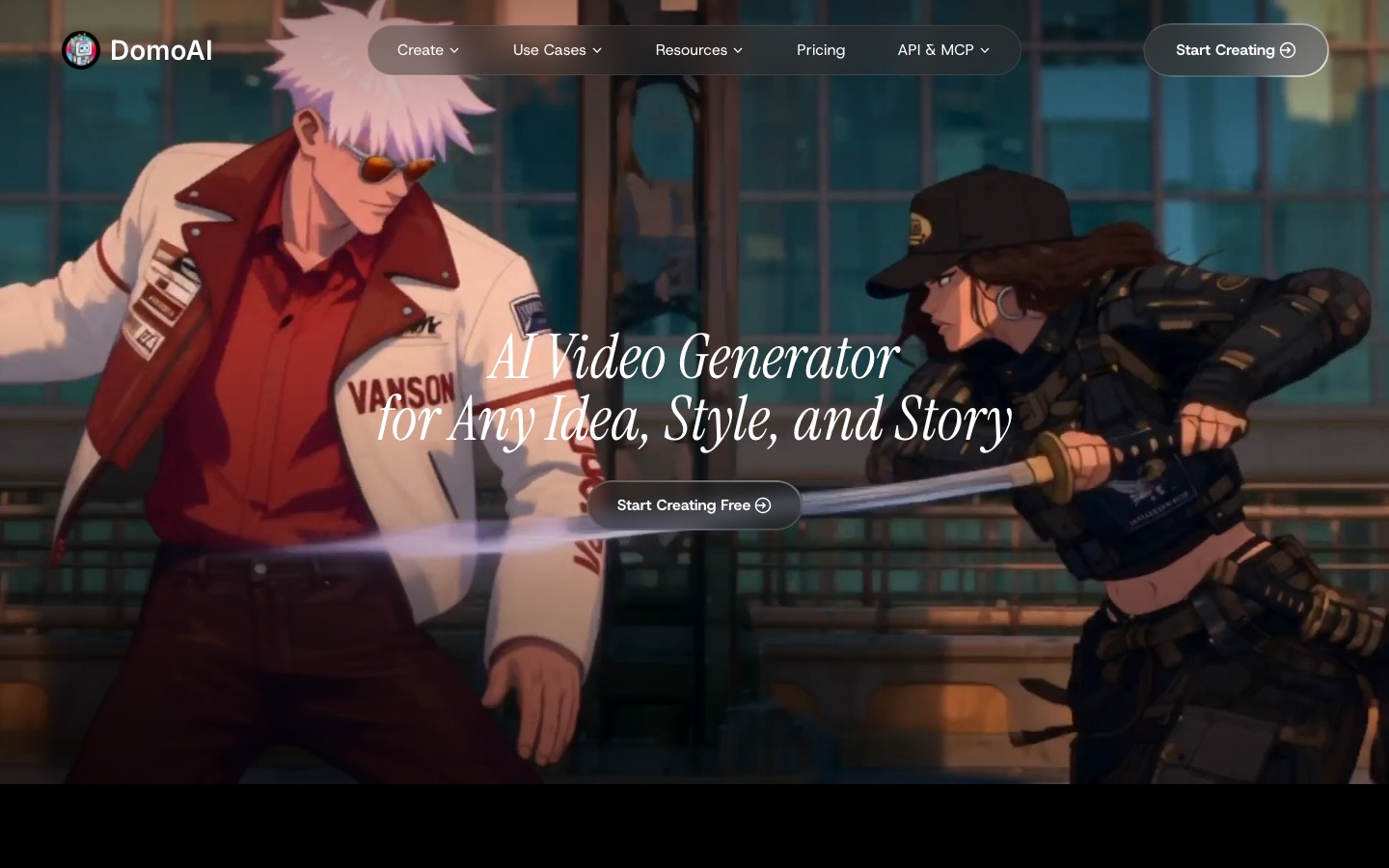
DomoAI is the go-to tool for video-to-anime: upload real footage, a dance clip or a short skit, choose a style, and it restyles every frame with strong temporal stability, so the character does not flicker between looks. It also does image-to-video, with 50+ style templates and access to other video models.
Per the DomoAI pricing page, Basic is $9 a month billed yearly ($13 monthly) for 600 credits, Standard is $29 ($42 monthly) for 2,200 credits with unlimited Relax generations on supported models, and Pro is $99 ($142 monthly). Video-to-video handles 3 to 10 second clips on Relax, and up to 30 seconds on Fast. There is no free plan listed.
Pros: the best video-to-anime results, unlimited Relax mode from Standard.
Cons: no free tier; Basic lacks Relax.
Best for: TikTok and Reels creators, dancers and music video makers.
9. PixVerse: best for anime video from images
PixVerse generates video from text and images and is particularly strong on anime and stylized looks. Its V6 model, released in March 2026, added native audio and better camera control, and it keeps characters consistent with lip sync and viral effect templates. The free tier gives daily credits with a watermark and reduced resolution; paid plans start around $10 a month. For more video tools, see our best AI video generators.
Pros: strong anime motion, generous free testing, templates.
Cons: free renders are watermarked and below 1080p.
Best for: animating your anime stills and making short social clips.
10. Makiverse: best for manga chapters and anime episodes
Makiverse works at the story level. You pitch a series in a sentence, and its agent storyboards the story, casts characters and lays out each panel or shot with you, producing manga chapters or anime episodes rather than single images. It also has generators for webtoons, manhwa, GIFs and short dramas. Check the site for current plans.
Pros: handles story structure, panels and shots, not just pictures.
Cons: less control over each individual frame.
Best for: aspiring mangaka, webtoon creators and storytellers.
11 and 12. ComicStory AI and Manga Translator: for comics and localization
ComicStory AI generates multi-panel comics with the same hero on every page from one character photo, in styles such as manga or watercolor, from about $12.99 a month. Manga Translator solves a different problem: it reads speech bubbles on manga pages, translates them into 100+ languages and re-letters them in a comic font, from about $8 a month.
Prompt tips for better AI anime art
Name the sub-style, not just "anime." Try
90s cel-shaded anime,modern light novel cover,shoujo manga screentone,chibi stickerorwatercolor anime background.Describe the character in fixed terms. Hair color and length, eye color, outfit and one distinctive accessory. Reuse the exact phrase every time.
Use references for consistency. Midjourney's
--srefand character references, Leonardo's character reference and Zoivu's reference sheets keep a face stable.Tags for NovelAI and community models. Put the most important tags first and use negative prompts to remove extra fingers, text and watermarks.
Generate the background separately for complex scenes, then composite, which avoids muddled detail.
For video, start from a strong still. Image-to-video in PixVerse keeps the design you approved instead of inventing one.
Copyright and commercial use
You can usually use original anime-style images commercially on paid plans, but read each tool's terms: free tiers on Leonardo, SeaArt and Midjourney's lower plans make images public, and some restrict commercial rights. Generating recognizable copyrighted characters, or a named studio's exact look, for products you sell is risky regardless of plan. Style is not protected in most places, but characters and logos are. For other image tools, see our guides to the best free AI image generators and best AI avatar generators.
FAQ
What is the best AI anime generator?
For polished illustrations, Midjourney's Niji 7 is the strongest, from $10 a month. NovelAI is best for precise, tag-based character art and comic pages. If you want free, start with Leonardo AI's 150 daily tokens, SeaArt's community models or Anifun AI. For video, DomoAI is best for restyling footage and PixVerse for animating stills.
What is the best free AI anime generator?
Leonardo AI gives 150 free tokens a day, Anifun AI is free for anime art, characters and manga pages, and SeaArt and Tensor.Art give daily free credits on community anime models. ChatGPT and Gemini can turn photos into anime on their free plans. Free images are often public or watermarked, so check terms before posting commercially.
How do I turn a photo into anime with AI?
Upload the photo to ChatGPT or Gemini (Nano Banana Pro) and ask for a specific style, such as "redraw as a 90s cel-shaded anime portrait, keep the face and outfit." Refine with follow-up messages. For more control, use image-to-image in Leonardo or SeaArt with a low strength setting, so the AI keeps your pose and composition.
Is Niji Journey free?
No. Niji is part of Midjourney, which has no free plan or trial. You get Niji 7 on any paid plan, starting with Basic at $10 a month, and you select it in settings or add --niji 7 to your prompt. If you want something free with a similar look, try Leonardo AI or a community anime model on SeaArt.
Which AI can make anime videos?
DomoAI turns real footage into anime and animates images, PixVerse generates anime video from text or a still with native audio, and Anifun AI makes short anime clips free. Makiverse plans whole episodes shot by shot. General video models like Kling also handle anime styles well, as covered in our video generator guide.
Can I sell AI-generated anime art?
Often yes, if the tool's terms grant you commercial rights, which usually means a paid plan. Avoid copyrighted characters, logos and close copies of a specific artist's work. Some marketplaces and contests require you to disclose AI use or ban it entirely, so check the platform's rules before you list anything.
Bottom line
For the best-looking anime stills, pay $10 for Midjourney and use Niji 7. For control and authentic character art, choose NovelAI or a community model on SeaArt. Start free with Leonardo AI or Anifun AI, keep a character consistent with Zoivu, and move to DomoAI, PixVerse or Makiverse when your characters need to move or tell a story.
Browse every AI image generator we track in the AI image category, and anime video tools in the AI video category. Building an anime tool we have missed? Submit it for a listing.