Best AI Fashion Model Generators (2026): 10 Picks
The best AI fashion model generator depends on your catalog: Botika for Shopify brands that want human-checked on-model photos, FASHN for virtual try-on and an API, Photoroom for an all-in-one studio, and Pixelcut or insMind on a budget. Here are 10 tools with pricing, inputs, consistency and the legal points to know.
The best AI fashion model generator for most clothing brands in 2026 is Botika if you sell on Shopify and want on-model photos with retouching included, or FASHN if you want the most flexible virtual try-on studio and an API, from $19 a month. If you also need packshots, backgrounds and video in one app, Photoroom now has reusable AI fashion models from $12.99 a month, and Pixelcut and insMind are the cheapest ways to start.
An AI fashion model generator takes a photo of a garment (a flat lay, a mannequin or ghost mannequin shot, or an existing model photo) and renders it on a realistic AI model, with a choice of body type, skin tone, age, pose and background. This guide compares 10 tools by the job they do best, based on official pricing pages, product documentation and public user feedback as of October 2026, not hands-on testing. Results vary a lot by garment, so test two or three tools on your own products before committing.





Quick picks: the best AI fashion model generator for each job
Best for Shopify fashion brands: Botika, with retouching rounds and a Shopify bulk-update app.
Best for virtual try-on and developers: FASHN, with an agent-based studio and a try-on API.
Best all-in-one product photo studio: Photoroom, with custom brand models, ghost mannequin and flat lay.
Best budget pick: Pixelcut, with virtual try-on included in a $10 plan.
Best free starting point: insMind AI Fashion Model.
Best for digital twins and enterprise pipelines: HautechAI.
Biggest model and pose library: VISBOOM, including shoe try-on.
Best for consistent models across a whole shoot: Limli.
Best for outfits and digital catalogs: Outfica.
Best for creative one-off edits: Nano Banana Pro in the Gemini app.
All 10 picks at a glance
Prices are monthly list prices as of October 2026. Several fashion tools run credit packs or promotional pricing, so confirm on each official site.
| Tool | Best for | Free plan | Starting price |
|---|---|---|---|
| Botika | Shopify brands, retouching included | Free trial | $55/mo ($46/mo yearly) |
| FASHN | Virtual try-on, API, agencies | 10 free credits | $19/mo ($16/mo yearly) |
| Photoroom | All-in-one catalog studio | Yes, limited | $12.99/mo ($7.50/mo yearly) |
| Pixelcut | Budget try-on and editing | Yes, limited | $10/mo ($8/mo yearly) |
| insMind AI Fashion Model | Free starting point, localizing models | Yes, limited | Check site |
| HautechAI | Digital twins, API, workflows | Check site | Credit packs from $10 |
| VISBOOM | Large model library, shoes | Free trial | Credit packs (check site) |
| Limli | Consistent models, lifestyle and video | Free trial | $19/mo |
| Outfica | Outfits, catalogs, PDF export | Yes, watermarked | $49.90/mo |
| Nano Banana Pro | Creative one-off edits | Yes, in Gemini (limited) | Google AI Pro $19.99/mo |
How AI fashion model generators work
Most tools offer three related jobs, and the names get used loosely, so it helps to separate them:
Garment to model (product to model): start from a flat lay, hanger, mannequin or ghost mannequin photo, and the tool generates a person wearing the garment. This replaces most catalog shoots.
Model swap: start from an existing on-model photo and change the model's face, skin tone, age or body, keeping the clothing and pose. This is how brands localize one shoot for several markets.
Virtual try-on: put a specific garment on a specific person, either a reusable AI model or a real shopper's photo. Brand-side try-on creates catalog images; shopper-side try-on runs on your product page.
The quality gap between tools shows up in four places: garment fidelity (prints, logos, knit texture and hardware stay exact), fit and drape (fabric falls naturally, sizes look right), model consistency (the same person across a whole collection), and hands, faces and accessories (where artifacts still appear). Prints, sheer fabrics, layered outfits and anything with text are the hardest cases, so include them in your tests.
The best AI fashion model generators, reviewed
1. Botika: best for Shopify fashion brands
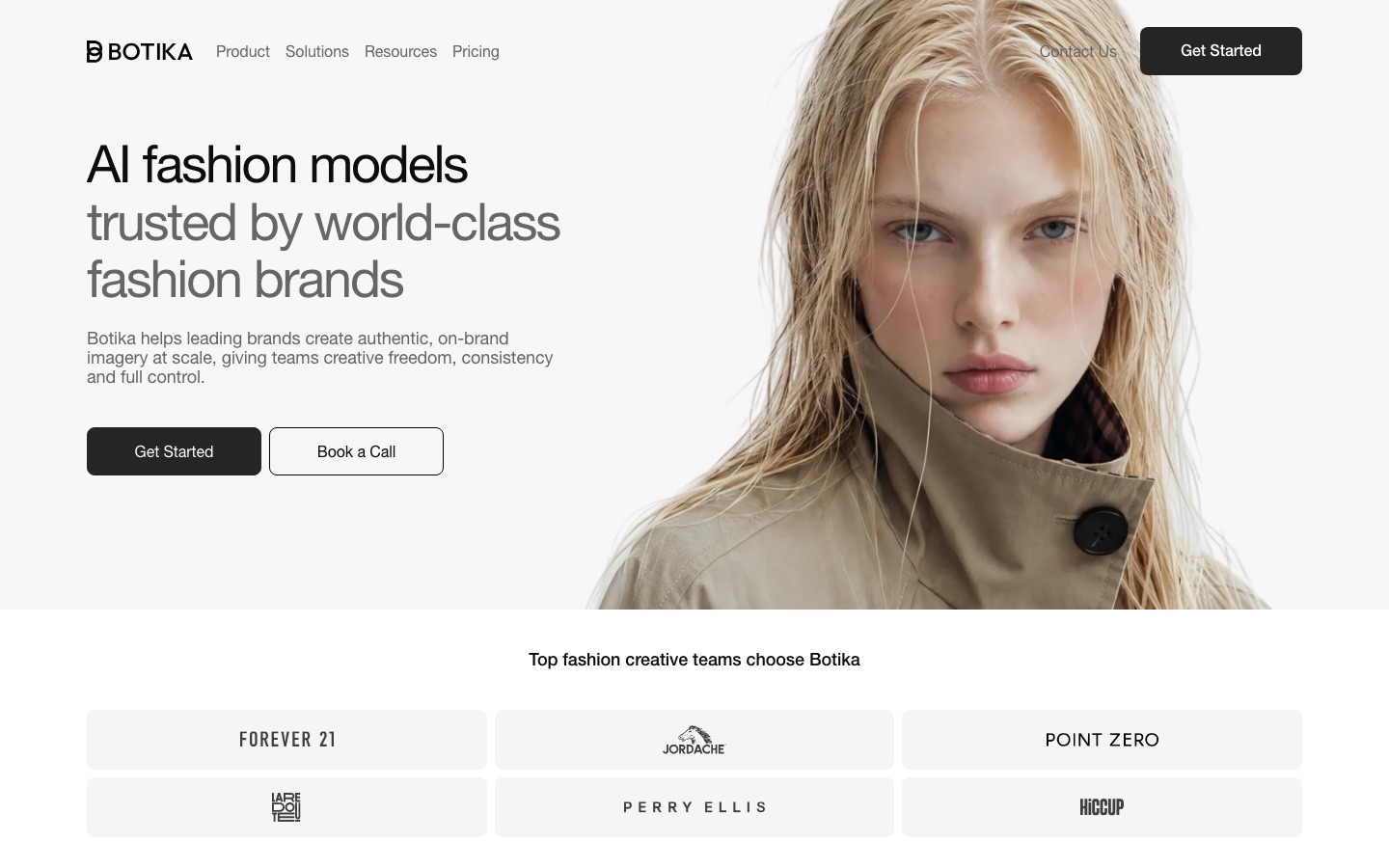
Botika was built for fashion ecommerce from day one. Upload garments on mannequins, real models or as flat lays, pick an AI model and background, and Botika renders the on-model photo. What sets it apart is that plans include retouching rounds handled by its team, so a bad hand or a warped print can be sent back for a fix. A Shopify app updates product images in bulk, and short product videos are available too.
Per the Botika pricing page, Pro costs $55 a month or $46 a month billed yearly, with 2K output, a limited model and background selection and two retouch rounds per photo on yearly plans. Advanced adds 4K, the full library, footwear uploads and team collaboration, and Enterprise adds custom models, exclusive scenes and a dedicated quality team. A photo costs 1 credit and a video 5 credits, and credits roll over while your subscription is active. The pricing page is confusing between billing options, so confirm the total at checkout.
Pros: fashion-specific, human retouching, Shopify bulk sync, rollover credits.
Cons: pricey for small catalogs; full model library only on higher plans.
Best for: Shopify apparel brands replacing regular catalog shoots.
2. FASHN: best for virtual try-on and developers
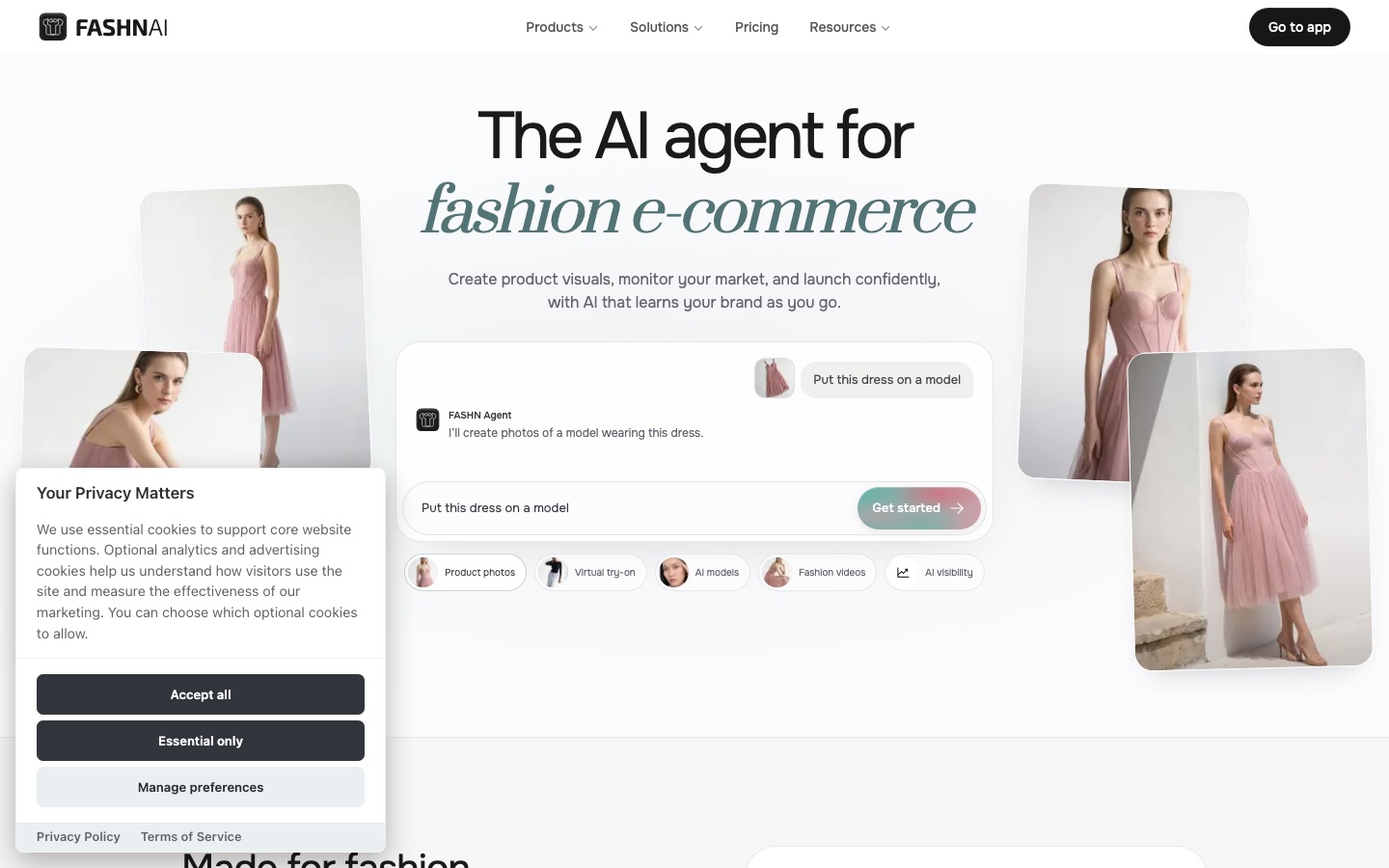
FASHN is a generative studio for fashion teams built around its own virtual try-on model. You upload a garment and ask the FASHN Agent in plain language to put it on a model, change the pose or setting, swap the model or make a packshot. Reusable models, poses and backgrounds keep campaigns consistent, images can become short videos, and the same tools are available through a REST API.
Per FASHN's pricing, every new account gets 10 free credits. Basic is $19 a month ($16 yearly) with 200 credits, two seats, 720p video and up to 4K images. Pro is $49 a month with 750 credits plus 50 daily bonus credits and 1080p video, and Agency is $99 a month with 1,500 credits and 10 seats. Most tools start at 1 credit per image, with more for higher resolution and video. The API is pay-as-you-go at $0.075 per credit, with cheaper tiers at volume.
Pros: flexible agent-based editing, strong try-on, reusable models, developer API.
Cons: small free allowance; high resolution and video consume credits fast.
Best for: brands, agencies and developers who want control and integration.
3. Photoroom: best all-in-one studio
Photoroom is a product photo editor first, but its 2026 fashion features are serious: AI Fashion Model, Ghost Mannequin, Flat Lay, AI Ironing for wrinkles, and custom AI models saved in your Brand Kit so the same face appears across every product and season. One model can wear up to four items in a single generation, and batch mode runs AI fashion models across up to 250 images at once. Pro is $12.99 a month with 8,000 AI credits, and Max ($34.99) adds 2K output, video and Shopify publishing, per the official pricing page. Our Photoroom review covers the plans and caveats.
Pros: fashion and packshot tools in one app, brand-consistent models, batch AI.
Cons: less pose and fit control than specialists; resolution gated by plan.
Best for: small brands that also need white-background images and social content.
4. Pixelcut: best budget pick
Pixelcut includes a virtual try-on tool that fits your garment (on its own or on a person) onto a library of diverse AI models or a custom model you upload, alongside its background removal and product photo tools. Pro costs $10 a month ($8 yearly) with 600 AI credits and a commercial license, per the Pixelcut pricing page. It is not as specialized as Botika or FASHN, but it is the cheapest way to get decent on-model images and clean packshots from the same app.
5. insMind AI Fashion Model: best free starting point
insMind AI Fashion Model is part of the insMind photo editing suite. Upload a mannequin, ghost mannequin or flat lay shot, choose a model by skin tone, age, body size and gender, and it renders the garment on that model. It can also swap the face or skin tone on an existing model photo to localize images for different markets. Free use is available with limits; paid plan pricing is not clearly published, so check the site. Person photos need to show the face and upper body for swaps to work well.
6. HautechAI: best for digital twins and enterprise pipelines
HautechAI targets apparel, beauty and accessory brands that want to build AI imagery into their production. It offers virtual try-on, reusable digital twins of a person, AI models, model swaps, studio product shots and short brand or UGC-style videos. Teams can use a self-serve Studio, an API, a node-based workflow tool called Liana, or an embeddable try-on widget for shoppers. Pricing uses one-time credit packs that do not expire, starting at $10, with commercial rights on high-resolution outputs.
7. VISBOOM: biggest model and pose library
VISBOOM produces on-model photoshoots from flat-lay or on-model inputs and draws on a library the company says holds more than 10,000 models and poses. Shoe try-on shows footwear in full-body or close-up shots, and model swap tools change faces and hairstyles in existing photos. Backgrounds can be swapped for built-in or generated scenes. VISBOOM sells credit packs; its pricing is not clearly listed on the site, so check the current offer.
8. Limli: best for consistent models across a shoot
Limli turns one product image into a campaign. Its Fashion workflow lets you lock a preset model, or upload your own face, and keep the same person across every angle and setting, with presets for lighting, grain and color. Still Life, UGC and Cinema workflows cover non-fashion shots, and finished images can become short videos. Plans start at $19 a month after a free trial.
9. Outfica: best for outfits and digital catalogs
Outfica goes beyond single garments: it generates outfit combinations, dresses models virtually, changes poses and backgrounds, creates flat lays and short outfit videos, and assembles results into catalogs with PDF export. It offers several underlying models, including one tuned for fashion. A free Starter plan has monthly credits with watermarks; paid plans start at $49.90 a month, and the commercial license starts on Premium, so budget for that if you sell.
10. Nano Banana Pro: best for creative one-off edits
Nano Banana Pro, Google's Gemini 3 Pro Image model, can take a garment photo plus a model reference and render a convincing editorial image from a text prompt, in the Gemini app or through many third-party tools. It is excellent for campaign concepts and social posts, but it has no batch processing, no model library and no garment-accuracy safeguards, so details like prints and logos can drift. Use it for creative work, not for a 300-SKU catalog.
Also worth knowing
ProductShot AI includes an apparel studio for on-model and try-on shots alongside listing images, from $19.90 a month. Perfect Corp. offers shopper-facing virtual try-on for beauty, eyewear and jewelry brands. Claid.ai, not yet in our directory, is a popular API-first option for large catalogs. For general product photos, see our guide to the best AI product photo generators.
Feature comparison
| Tool | Inputs | Model consistency | Video | Store or API |
|---|---|---|---|---|
| Botika | Flat lay, mannequin, on-model | Model library; custom on Enterprise | Yes | Shopify app |
| FASHN | Garment, model or text | Reusable models | Yes, 720p to 1080p | REST API |
| Photoroom | Hanger, mannequin, flat lay | Custom models in Brand Kit | Yes, on Max | Shopify, API |
| Pixelcut | Garment alone or on a person | Library or custom model | Via bundled models | API |
| insMind | Mannequin, ghost, flat lay | Model presets | No | Web |
| HautechAI | Garment, person photo | Digital twins | Yes | API, widget |
| VISBOOM | Flat lay, on-model, shoes | Large library | Check site | Web |
| Limli | One product image | Locked model or your face | Yes | Web |
How to create on-model photos with AI: a workflow
Shoot clean garment photos. Flat lays and ghost mannequin shots work best: even light, no wrinkles (or use an AI ironing tool), the whole garment in frame, and close-ups of prints and logos.
Choose and save your models. Pick two to four models that match your customers and save them, so every product in the collection uses the same faces.
Fix the pose and background per collection. Consistency across a grid matters more than variety. Use one background and two or three poses.
Generate a test batch. Run 10 to 20 products, including your hardest items: prints, sheer fabrics, layered looks and anything with text.
Review at 100 percent zoom. Check hands, faces, hems, buttons, logos and print alignment. Send bad images for retouching or regenerate them.
Keep a real reference. Show at least one real photo per product (a flat lay or detail shot) so shoppers can verify color and texture.
Scale up. Once the test batch passes, run the full catalog in batch mode and publish through your store integration.
Legal and ethical points to know
Accuracy is your responsibility. If an AI model makes a garment look longer, slimmer or a different color than it really is, expect returns and complaints. Fit and color must match the real product.
Get consent for digital twins of real people. Laws such as New York's Fashion Workers Act now require clear written consent before creating or using a digital replica of a model. Use contracts that cover AI replicas and their duration.
Check commercial licenses. Several free plans restrict commercial use or add watermarks.
Consider disclosure. Many brands now label AI-generated imagery. Rules vary by country and platform, so check the marketplaces you sell on.
FAQ
What is the best AI fashion model generator?
For Shopify clothing brands, Botika is the strongest pick because it includes retouching and bulk store updates. For virtual try-on, flexible editing and an API, FASHN is the best choice from $19 a month. If you want fashion models plus packshots and video in one app, choose Photoroom.
Is there a free AI fashion model generator?
Yes, with limits. insMind offers free AI fashion model use, FASHN gives 10 free credits, Photoroom and Pixelcut have free plans, and Outfica has a free Starter plan with watermarks. Free plans cap output and some restrict commercial use, so a paid plan is usually needed for a real store.
Can AI put clothes on a model?
Yes. Upload a photo of the garment as a flat lay, on a mannequin or on a person, and an AI fashion model generator renders it on a realistic AI model of your choice. Quality is now good enough for many catalogs, but prints, sheer fabrics and logos still need careful review at full zoom.
How do I create AI models for my clothing brand?
Pick a tool that supports reusable models, such as FASHN, Photoroom, Limli or Botika Enterprise. Generate or select a few models that match your customers, save them, and use the same models, poses and background across a collection. If you want to use a real person's likeness, get written consent first.
What is the difference between virtual try-on and AI model generation?
AI model generation creates catalog images of your garment on a generated model. Virtual try-on puts a specific garment on a specific person, which can be a saved AI model for catalog work or a shopper's own photo on your product page. Many tools, including FASHN and HautechAI, offer both.
Are AI fashion models legal to use?
Generated models that do not resemble a real person are generally fine for commercial use under the tool's license. Digital replicas of real models need consent, and laws like New York's Fashion Workers Act require written agreement. Images must also represent the product accurately to meet consumer protection and marketplace rules.
How much do AI fashion model photos cost?
Plans range from $10 a month (Pixelcut) and $19 a month (FASHN Basic, about $0.10 per credit) to $55 a month or more for Botika with retouching included. API pricing starts around $0.075 per credit with FASHN. That is typically far less per image than booking a model, photographer and studio.
Bottom line
AI fashion models are now good enough to replace most catalog shoots, as long as you protect accuracy. Choose Botika if you want a Shopify-ready service with retouching, FASHN if you want the most control and an API, and Photoroom if you want fashion models alongside every other product photo tool. Save a small set of consistent models, test your hardest garments first, and keep at least one real photo per product so shoppers can trust what they see.
Browse more AI photo generators and editors in the AI image tools category, and see our guides to the best AI image editors and the best AI ad generators for turning on-model shots into campaigns. If you build a fashion AI tool we have missed, you can submit it for a listing.