Best AI Product Photo Generators (2026): 11 Tools for Sellers
The best AI product photo generator for most sellers is Photoroom, with Pixelcut as the budget pick, Flair for art-directed brand scenes and Pebblely for simple themed shots. Here are 11 tools with current pricing, cost per image, marketplace rules and a workflow that keeps your products accurate.
The best AI product photo generator for most online sellers in 2026 is Photoroom: it removes backgrounds, stages lifestyle scenes, generates AI models and publishes to Shopify, from $12.99 a month. Pixelcut is the best budget pick at $10 a month, Flair is best for art-directed brand campaigns, and Pebblely is the simplest way to drop a product into a themed scene. For one-off creative shots, Google's Nano Banana Pro is the strongest general image model to edit a product photo with.
An AI product photo generator takes a picture of your real product, usually shot on a phone, and turns it into a clean packshot, a lifestyle scene, an on-model image or an ad visual. This guide ranks 11 tools by the job they do best. It is based on official pricing pages, product documentation and public user feedback as of October 2026, not hands-on testing, and every pick links to its full listing in our AI tools directory.




Quick picks: the best AI product photo generator for each job
Best overall: Photoroom, for cutouts, AI scenes, AI models, batch edits and Shopify publishing.
Best budget and mobile pick: Pixelcut, with unlimited background removal on Pro.
Best for art-directed brand scenes: Flair, a drag-and-drop canvas with custom product models.
Simplest themed scenes: Pebblely, priced by image count.
Best general model for creative edits: Nano Banana Pro, in the Gemini app and many third-party tools.
Best commercially safe option: Adobe Firefly, for teams in Photoshop and Creative Cloud.
Best for marketplace listing sets: ProductShot AI.
Best for WooCommerce catalogs: PhotoFig.
Best for fashion and lifestyle shoots from one photo: Limli.
Best pure background remover: remove.bg.
Best for turning product photos into ads: Canva Magic Studio.
All 11 picks at a glance
Starting prices are monthly list prices as of October 2026. Credit-based tools change prices and run promotions often, so confirm on each official site.
| Tool | Best for | Free plan | Starting price |
|---|---|---|---|
| Photoroom | All-round catalog studio | Yes, limited | $12.99/mo ($7.50/mo yearly) |
| Pixelcut | Budget, mobile, unlimited cutouts | Yes, limited | $10/mo ($8/mo yearly) |
| Flair | Art-directed brand scenes | Yes, 5 images | $8/mo |
| Pebblely | Simple themed scenes | Check site | $9/mo for 30 images |
| Nano Banana Pro | Creative edits from a reference photo | Yes, in Gemini (limited) | Google AI Pro $19.99/mo |
| Adobe Firefly | Commercially safe, Photoshop workflow | Daily free generations | Firefly Standard (check Adobe) |
| ProductShot AI | Amazon and Etsy listing image sets | Free starter credits | $19.90/mo |
| PhotoFig | Consistent catalogs, WooCommerce | Yes, monthly allowance | $9.95/mo |
| Limli | Fashion, still life and UGC shoots | Free trial | $19/mo |
| remove.bg | Clean cutouts and API | Free previews | About $9/mo |
| Canva Magic Studio | Product photos into social ads | Yes | About $15/mo |
What does a product photo AI actually do?
Most tools combine four jobs. Knowing which one you need narrows the list fast:
Cutout and cleanup: remove the background, fix lighting, erase dust and tags, and place the product on pure white. This is what marketplaces require for main images.
Scene generation: place the product into a generated setting (a marble counter, a beach, a kitchen) with matching shadows and reflections. This is for secondary listing images, social posts and ads.
On-model and try-on: put clothing, jewelry or accessories on an AI model. If this is your main need, see our guide to the best AI fashion model generators.
Ads and video: turn product photos into ad creatives and short videos. Covered in depth in our best AI ad generators guide.
The hard part is not making a pretty picture. It is keeping the product exactly as it is: the same logo, label text, stitching, color and proportions. Dedicated product tools keep your original pixels and generate only the surroundings, while general image models redraw the whole frame and can quietly change details. That difference matters more than any feature list.
The best AI product photo generators, reviewed
1. Photoroom: best overall
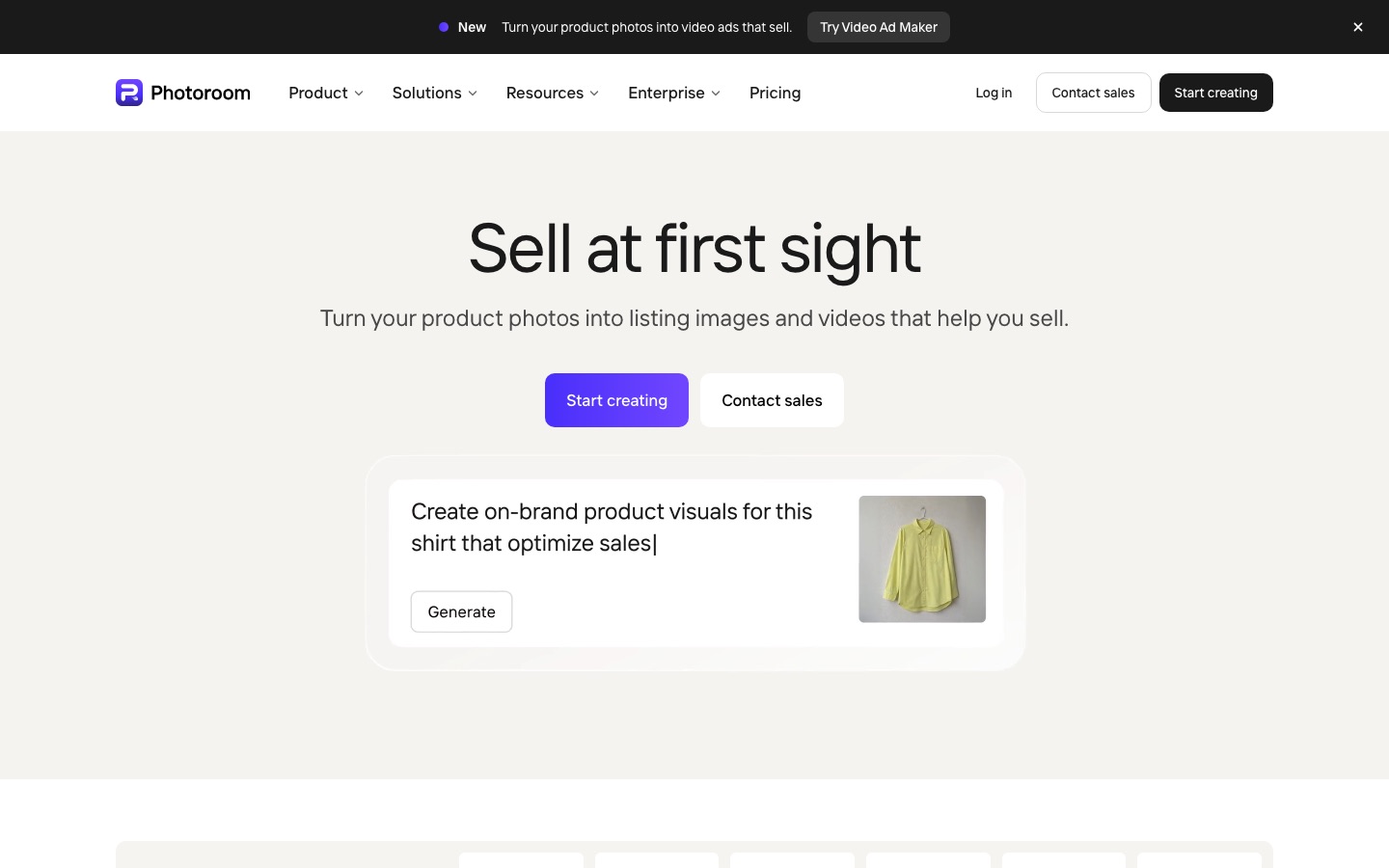
Photoroom is the default choice for small sellers because it does the boring work extremely well and the creative work well enough. Background removal, retouch, AI shadows, expand and resize cost no AI credits on paid plans. Generative tools (AI backgrounds, product staging, AI fashion models, ghost mannequin, flat lay) use credits, and since February 2026 they can run in batches of up to 250 images. Max adds product video and Shopify publishing with SEO metadata.
Pricing per the official Photoroom pricing page: Pro is $12.99/mo ($89.99/yr) with 8,000 AI credits and 1,000 exports, Max is $34.99/mo with 25,000 credits, 3,000 exports and 2K output, and Ultra is $99/mo with 4K. The API costs $0.02 per background removal. We cover the details, and the billing complaints, in our full Photoroom review.
Pros: excellent mobile app, credit-free core tools, batch AI, custom brand models, Shopify tools.
Cons: two shared allowances (credits and exports), 2K and 4K gated by plan, frequent billing complaints.
Best for: Shopify, Etsy and marketplace sellers with a real catalog.
2. Pixelcut: best budget and mobile pick

Pixelcut covers most of what Photoroom does for less. Per its pricing page, Pro costs $10 a month ($8 yearly) and includes unlimited background removal and upscaling, 600 AI credits, generous daily limits on generative fill, expand and AI backgrounds, 1,000 batch exports, three seats and a commercial license. Business ($30/mo, $24 yearly) raises credits to 3,600 and seats to 10. It also bundles third-party models such as Nano Banana and Flux, plus a virtual try-on tool for clothing.
Pros: cheapest serious option, unlimited cutouts, no watermark even on free exports.
Cons: less mature catalog and Shopify tooling than Photoroom; web app trails the mobile app.
Best for: solo sellers, resellers and social sellers on a budget.
3. Flair: best for art-directed brand scenes
Flair works like a design canvas: drop in your product, drag props and backgrounds around, and generate a scene that follows your layout instead of a random prompt. You can train custom models on your product for better consistency and generate ad variants and short videos. Per Flair's pricing, the free plan gives 5 images, Pro is $8 a month, Pro+ is $26 a month with 80 images, a company commercial license and up to 8 custom models, and Scale is $38 a month for 150 images. Note that instant and ad generations use four times the image quota.
Pros: real compositional control, custom product models, good for hero images.
Cons: more effort than one-click tools; per-image cost is high on smaller plans.
Best for: DTC brands and marketers who care about art direction.
4. Pebblely: simplest themed scenes
Pebblely does one thing: put your product into one of 40+ themed backgrounds (surfaces, seasons, nature, kitchen) or a custom prompt, with realistic shadows and reflections. Plans are priced by image count: Lite at $9 for 30 images a month, Basic at $19 for 200 images with bulk generation, and Pro at $39 for 500. It is quick to learn, but complex or reflective products can warp, so check every output.
Pros: dead simple, predictable pricing, bulk generation from Basic.
Cons: limited scene variety and editing; not a full editor.
Best for: Etsy and Shopify sellers who want nicer secondary images without learning a tool.
5. Nano Banana Pro: best general model for creative edits
Nano Banana Pro is Google DeepMind's Gemini 3 Pro Image model. Upload a product photo to the Gemini app and describe the scene, and it produces some of the most convincing lighting, reflections and label text of any model. It is also built into many other tools, including Pixelcut and Adobe Firefly. Gemini offers limited free use, with more on Google AI Pro ($19.99/mo in the US); developers pay per image through the Gemini API (check Google's pricing page).
Pros: top-tier realism and text rendering, conversational edits, accessible free.
Cons: no batch processing, marketplace presets or cutout tools; regenerates the whole frame, so details can drift.
Best for: hero shots, social content and creative concepts, not 500-SKU catalogs.
6. Adobe Firefly: best commercially safe option
Adobe Firefly is the pick for teams already in Photoshop and Creative Cloud. Firefly's own models are trained on licensed and public domain content, and Adobe says their output is safe for commercial use, with IP indemnification for eligible enterprise customers. Generative Fill and Generative Expand in Photoshop let you extend or restyle a real product photo while keeping full manual control. Firefly offers free daily generations, and Firefly Standard includes 2,000 credits a month (see the Firefly plans page for local pricing). Partner models are also available but carry different usage terms. Read our Adobe Firefly review for more.
Pros: commercial safety story, Photoshop precision, partner models in one plan.
Cons: raw generation trails the best models; no ecommerce-specific batch workflow.
Best for: brand and agency teams with design skills.
7. ProductShot AI: best for marketplace listing sets
ProductShot AI is built around listing images: white-background mains, centered marketplace layouts, studio shots, lifestyle scenes and ad creative from one upload, plus an apparel studio for on-model shots, in-hand shots, relighting and mockups. New accounts get free credits, and subscriptions start at $19.90 a month. Credit costs vary by tool, and the pricing page leans on countdown sales, so compare the real per-image cost.
8. PhotoFig: best for WooCommerce catalogs
PhotoFig is a browser studio focused on keeping hundreds of listings visually consistent: automatic cutouts with a manual brush for glass and hair, AI backgrounds and shadows, 4x upscaling, batch workflows and catalog resizing. Its WooCommerce integration sends approved images back to your store. There is a free monthly allowance, and paid plans start at $9.95 a month, with the API on the higher plans.
9. Limli: best for fashion and lifestyle shoots from one photo
Limli turns one product image into a full shoot through four workflows: Fashion, Still Life, UGC and Cinema. In fashion mode you can lock a preset model or your own face and keep the same person across angles and settings, and finished shots can become short videos. Plans start at $19 a month after a free trial.
10. remove.bg: best pure background remover
remove.bg does not generate scenes, but it is still one of the most reliable cutout engines, especially around hair, fur and fine edges, with a Photoshop plugin and a high-volume API. Free previews are low resolution; full-resolution downloads use credits, with subscriptions from about $9 a month. For more free options, see our list of the best AI background removers.
11. Canva Magic Studio: best for turning product photos into ads
Canva Magic Studio is not a product photo specialist, but once you have a clean cutout it is the fastest way to turn it into social posts, banners and ads, with background removal, Magic Edit, Magic Expand and brand kits. Canva has a free plan, and Pro costs about $15 a month. See our Canva Magic Studio review.
Other tools worth knowing
GenImagePro offers studio and lifestyle presets for Amazon, Etsy and Shopify listings from $9.99 a month. Clipdrop bundles quick cleanup, relighting and background tools. Recraft is strong for brand-consistent mockups and vector graphics. Claid.ai, which is not yet in our directory, is a popular API-first option for large catalogs. And if you sell clothing at scale, specialists like Botika and FASHN go deeper on models and fit.
What AI product photos cost per image
Headline prices hide very different per-image costs. Here is a rough comparison using each plan's list price and allowance, assuming you use the full allowance:
| Plan | Monthly price | Allowance | Approx. cost per image |
|---|---|---|---|
| Photoroom Pro (exports) | $12.99 | 1,000 exports | About $0.013 |
| Photoroom API, background removal | Pay per image | Per call | $0.02 |
| Photoroom API, AI editing | Pay per image | Per call | $0.10 |
| Pebblely Basic | $19 | 200 images | About $0.10 |
| Pebblely Lite | $9 | 30 images | About $0.30 |
| Flair Pro+ | $26 | 80 images | About $0.33 |
Real costs run higher, because you will rarely keep the first generation of a scene.
How to make AI product photos that sell (and stay accurate)
Shoot a good source photo. Use soft daylight, a plain background and a steady phone. The AI keeps your product pixels, so blur and color casts carry through.
Cut out and clean up first. Remove the background, fix dust and tags, and correct white balance before any generative step.
Make the main image plain. Amazon requires a pure white background (RGB 255, 255, 255) for main images, and most marketplaces favor clean packshots. Keep AI scenes for secondary images, ads and social.
Generate scenes in batches with the same settings. Use one style, angle and shadow setting per collection so the catalog looks consistent.
Check every image against the real product. Zoom in on logos, label text, stitching, buttons and proportions. Fix or discard anything that changed.
Export in the right size. Most marketplaces want square images of at least 1,000 pixels on the long side for zoom; check each platform's current guidelines.
Common mistakes
Using a general image model for catalog work. It redraws your product, so labels and shapes drift across a set.
Generating misleading scenes. A tiny candle shown filling a room, or a color that does not exist, leads to returns and bad reviews.
Ignoring the license. Several free plans restrict commercial use. Check before you list.
Paying for the wrong allowance. If you mostly need cutouts, pay for exports, not generative credits.
FAQ
What is the best AI for product photography?
For most online sellers, Photoroom is the best AI product photography tool because it combines background removal, AI scenes, AI models, batch editing and Shopify publishing, from $12.99 a month. Pixelcut is the cheaper alternative, and Flair is better for art-directed brand images where composition matters.
Is there a free AI product photo generator?
Yes. Photoroom, Pixelcut and Flair all have free plans, Adobe Firefly offers free daily generations, and the Gemini app lets you edit product photos with Nano Banana Pro for free within limits. Free plans cap exports or generations, and some restrict commercial use, so check the license before you use images in a store.
Can AI create product photos from a picture of my product?
Yes, that is how most product photo generators work. You upload a photo of the real product, the tool cuts it out and generates a new background, scene or model around it. Dedicated tools keep your product pixels intact, while general image models redraw the whole frame, which can alter logos and text.
Are AI product photos allowed on Amazon?
Amazon's main image must show the actual product on a pure white background, so a clean AI cutout is fine, but a generated scene is not suitable as the main image. Lifestyle images can be used as secondary images, provided they accurately represent the product. Always check Amazon's current image requirements for your category.
Can ChatGPT make product photos?
ChatGPT can edit an uploaded product photo into a new scene with its built-in image generation, and results can look excellent. Like other general models, it regenerates the image, so check labels and proportions closely, and it lacks batch processing, cutout tools and marketplace presets that dedicated product photo apps provide.
How much does AI product photography cost?
Most sellers pay $8 to $35 a month. Photoroom Pro costs $12.99 for 1,000 exports, about a cent per image, while generative scene tools like Pebblely and Flair work out to roughly $0.10 to $0.35 per image at list price. APIs charge per call, from $0.02 for background removal.
Is Photoroom better than Pebblely?
They do different jobs. Photoroom is a full editor and catalog studio with cutouts, batch editing, AI models and Shopify publishing. Pebblely is a simpler scene generator priced by image count. Many sellers use Photoroom for everyday listings and a scene tool like Pebblely or Flair for occasional lifestyle shots.
Bottom line
Start with Photoroom if you run a store, or Pixelcut if every dollar counts: both handle the cutouts and clean packshots that make up most of a catalog, and both now generate scenes and models too. Add Flair, Nano Banana Pro or Firefly when you need standout hero images, and keep a strict habit of checking every AI image against the real product. Accuracy is what turns a beautiful AI photo into a sale instead of a return.
Browse more AI photo editors and generators in the AI image tools category, or see our guides to the best AI image editors and the best AI tools for small business. If you build a product photo tool we have missed, you can submit it for a listing.