Best AI Study Tools (2026): 12 Apps That Help You Actually Learn
The best AI study tools turn your own notes, slides and lectures into flashcards, quizzes and explanations, and quiz you instead of doing the work for you. Here are the 12 worth using in 2026, from free Gemini Notebook and ChatGPT study mode to Quizlet, Adobe Student Spaces and Unstuck AI, with prices and a study workflow built on learning science.
Quick answer: the best AI study tools in 2026 are free. Use Gemini Notebook (formerly NotebookLM) to turn your course materials into cited study guides, flashcards, quizzes and audio reviews, and use ChatGPT study mode, Gemini Guided Learning or Claude learning mode as a tutor that asks you questions instead of handing over answers. Add Quizlet for spaced flashcard review and Adobe Acrobat Student Spaces if you want a free all-in-one study space. Pay only if you need lecture recording or unlimited practice.
Good AI study tools do one thing well: they make you retrieve and apply information, which is how memory actually sticks. Bad ones summarize everything so you feel productive while learning little. We ranked these tools on how well they support active recall, how much they cost, how faithfully they stick to your materials, and public feedback from students. Prices and features come from official pages and recent price checks as of October 2026. We did not run controlled tests, and plans change often, so check before you subscribe.






Quick picks: the best AI study tool for each job
Best overall (free): Gemini Notebook. Study guides, flashcards, quizzes and Audio Overviews grounded in your own sources.
Best AI tutor: ChatGPT with study mode, free on every plan.
Best visual explanations: Gemini Guided Learning, with diagrams, videos and quizzes.
Best for writing-heavy subjects: Claude learning mode.
Best flashcards: Quizlet, with adaptive Learn mode.
Best free all-in-one study space: Adobe Acrobat Student Spaces.
Best for recorded lectures: Unstuck AI or Solvely.
Best for YouTube and PDF summaries: NoteGPT.
Best single-PDF study pack: PDF Notes AI.
Best for listening to readings: Speechify.
Best for exploring a new topic: Google's free Learn About.
Summary table: AI study tools compared
| Tool | Best for | Free plan | Starting price (Oct 2026) |
|---|---|---|---|
| Gemini Notebook | Studying your own materials | Yes, generous | Higher limits with Google AI plans |
| ChatGPT | Tutoring with study mode | Yes | Go $8/mo, Plus $20/mo |
| Gemini | Guided Learning, visuals | Yes | AI Plus $4.99/mo, AI Pro $19.99/mo |
| Claude | Learning mode, essays | Yes | Pro $20/mo ($17 annual) |
| Quizlet | Flashcards and practice tests | Yes, with caps | Plus about $7.99/mo or $35.99/yr |
| Adobe Acrobat Student Spaces | All-in-one study space | Free | Free |
| Unstuck AI | Lectures to notes and quizzes | Yes, limited | Check official site |
| Solvely | Homework plus exam prep | Yes, limited | Unlimited from $12.99/mo |
| NoteGPT | YouTube and PDF summaries | Yes, small quota | From $9.99/mo |
| PDF Notes AI | One reading into a study pack | Free preview | Check official site |
| Speechify | Listening to readings | Yes | Check official site |
| Learn About | Exploring new topics | Free | Free |
What makes an AI study tool actually good?
Decades of learning research point to a few techniques that work: retrieval practice (testing yourself), spaced repetition (reviewing just before you forget), elaboration (explaining ideas in your own words) and interleaving (mixing problem types). A good AI study tool makes these easier. Look for:
Grounding in your sources. Tools that cite your notes and readings drift less from what your course actually covers.
Questions, not just summaries. Quizzes, flashcards and Socratic tutoring beat passive rereading.
Adaptivity. The best tools focus on what you get wrong.
Honest free tiers. Many apps lure you in and then cap the useful features.
Integrity by design. Tools that explain steps and ask you to try first help you learn and keep you on the right side of school rules.
Study from your own materials
1. Gemini Notebook (NotebookLM): best overall AI study tool
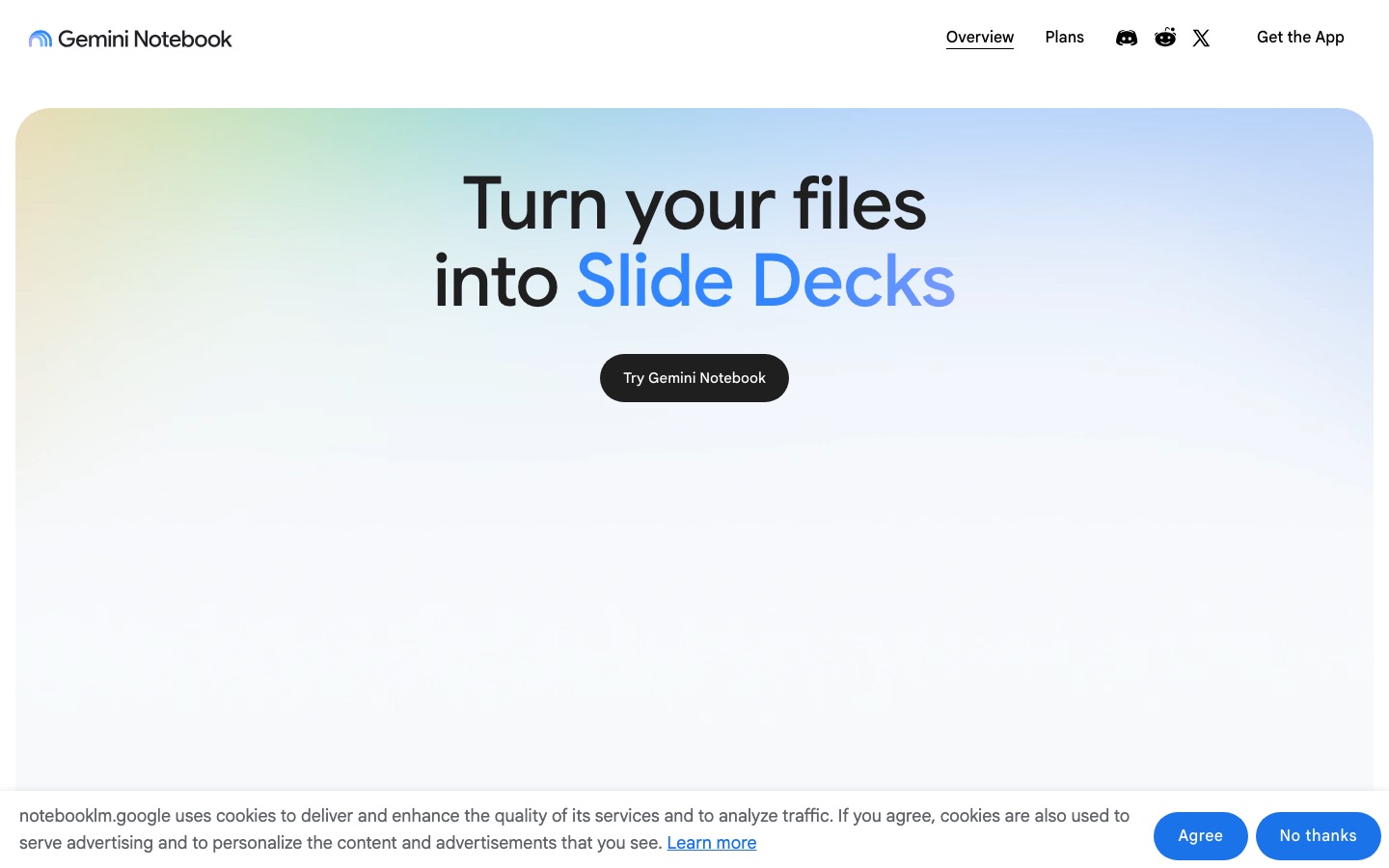
Gemini Notebook, Google's renamed NotebookLM, is the most useful free study tool available. Create a notebook per course, add lecture slides, PDFs, Google Docs, websites and YouTube lectures, and it answers only from those sources with clickable citations. From the Studio panel you can generate study guides, flashcards, quizzes, mind maps, briefing documents, and Audio and Video Overviews, which turn a week of readings into a podcast-style review you can listen to on the bus. The free plan allows 100 notebooks with up to 50 sources each, which covers almost every student.
Pros: free, cited, many study formats from one set of sources.
Cons: only as good as the sources you add; little manual editing of generated outputs.
New to it? Our step-by-step NotebookLM guide shows how to set up a course notebook.
2. Adobe Acrobat Student Spaces: best free all-in-one study space
Adobe Acrobat Student Spaces is a free study workspace inside Acrobat on the web. Add files, a topic or a deadline, and it builds flashcards, quizzes, study guides, mind maps, cheat sheets, audio podcasts, video summaries and presentations, all tied to the sources you uploaded. Prompts like "prepare for an exam" help pick the right format, and it includes citation management. It overlaps heavily with Gemini Notebook; choose whichever ecosystem you already use. Get started at Adobe's Student Spaces page.
3. PDF Notes AI: best for turning one reading into a study pack
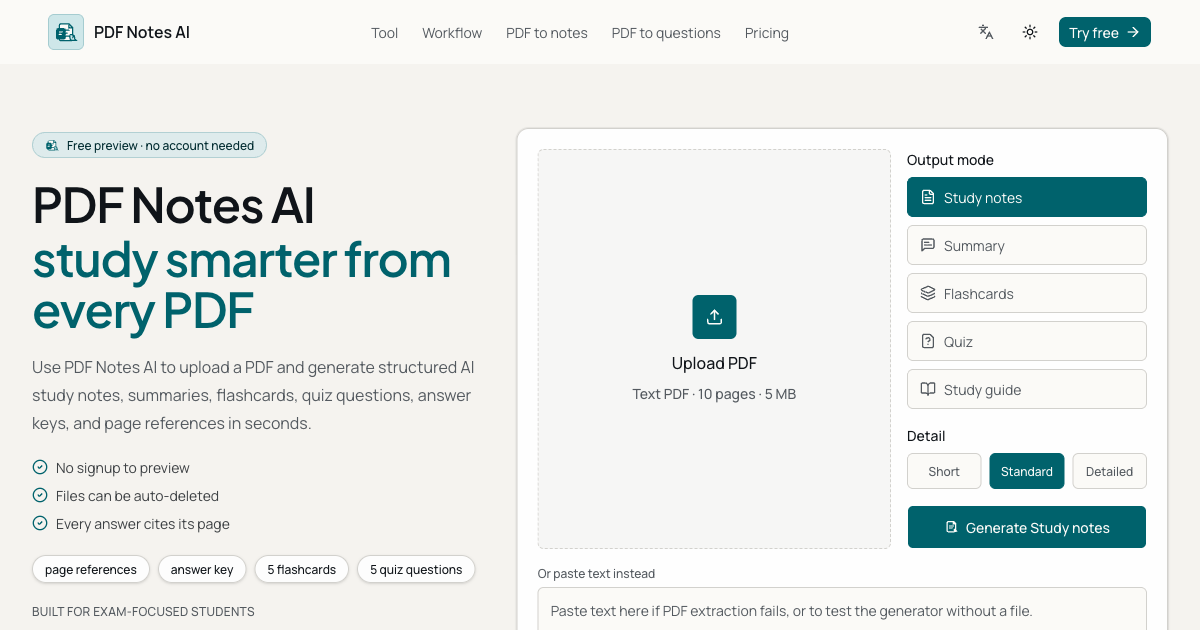
PDF Notes AI is narrow on purpose. Upload a text-based PDF or paste text, and it produces structured notes, flashcards, multiple-choice and short-answer quizzes with explanations, and a study guide, each tagged with page references so you can check every point. You can try a free preview without signing up; paid upgrades add OCR for scanned pages, longer documents and exports. It works best one chapter at a time.
AI tutors that make you think
4. ChatGPT study mode: best AI tutor
ChatGPT study mode, which OpenAI introduced in 2025, changes how ChatGPT responds: instead of giving the answer, it asks what you already know, breaks the topic into steps, gives hints and checks your understanding with questions. It is available on the free plan as well as paid ones, and you can switch it on from the tools menu in a new chat. Upload your lecture notes or a problem set and ask it to quiz you. The paid Go ($8/mo) and Plus ($20/mo) plans raise limits on uploads and messages.
Try a prompt like: I have a biology exam on cellular respiration in 3 days. Quiz me one question at a time, starting easy. If I get it wrong, give me a hint before the answer. Our how to use ChatGPT guide has more.
5. Gemini Guided Learning: best for visual learners
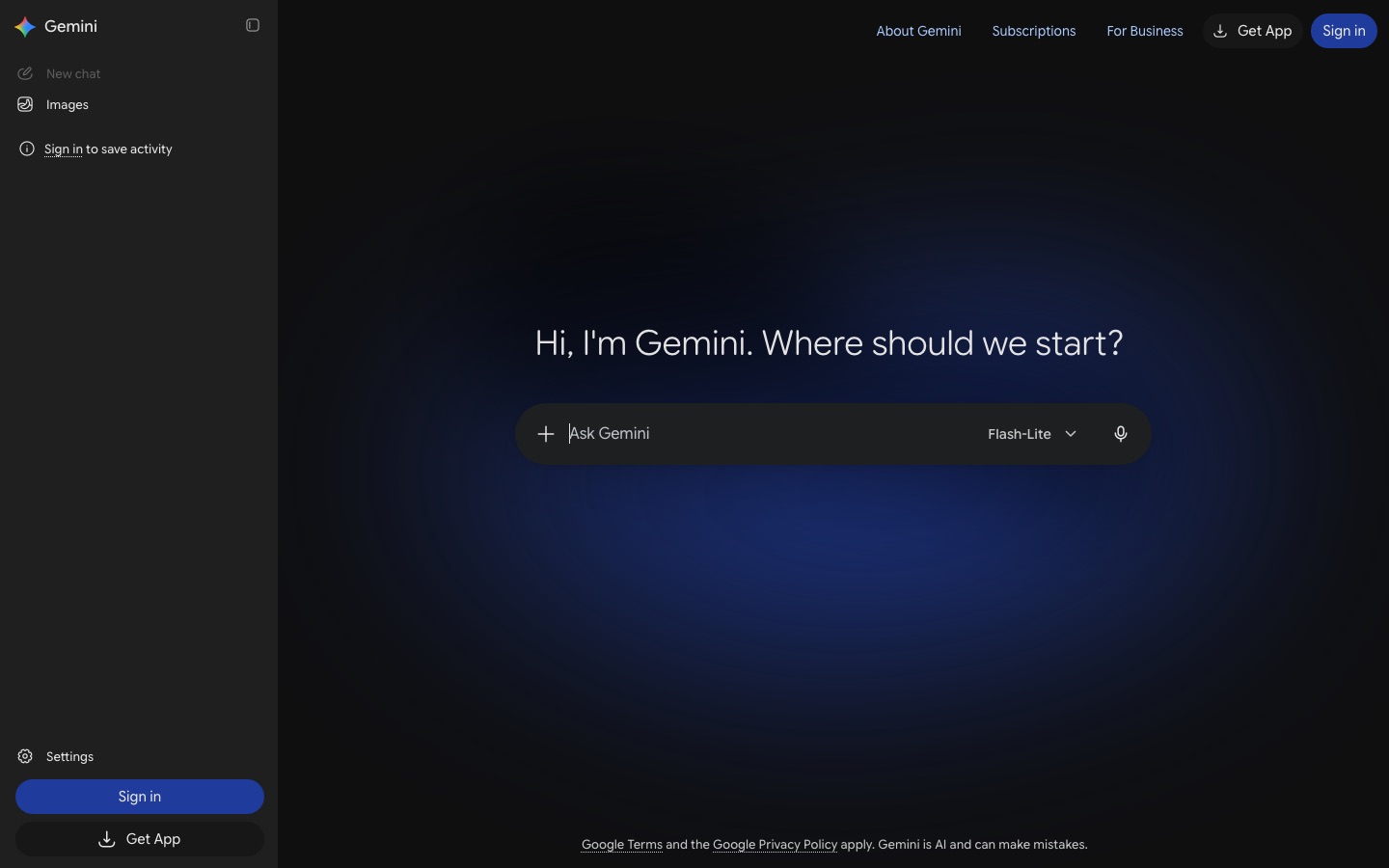
Gemini Guided Learning, found in the tools menu of the Gemini app, builds a structured lesson around your question with diagrams, images, YouTube videos and short quizzes along the way. Students often describe it as more visual than ChatGPT's text-heavy approach. It works on the free plan. Google AI Plus ($4.99/mo) and AI Pro ($19.99/mo) add stronger models and higher limits; Google has also run student discounts on AI Pro, so check the current offer on the Google AI plans page.
6. Claude learning mode: best for essays and reasoning
Claude offers a learning style that guides you toward your own answer with Socratic questions; Anthropic opened it to all users in 2025 after first launching it for Claude for Education. Claude is especially good at writing-heavy subjects: it can critique your argument, ask you to defend a claim, or help you outline an essay without writing it for you. Put your readings in a Project so it can reference them across chats. The free plan is enough for most students; Pro is $20/mo or $17/mo annually.
Flashcards and practice
7. Quizlet: best for flashcards and spaced review
Quizlet is still the default flashcard app, with a huge library of user-made sets and AI tools that turn pasted notes into flashcards, study guides and practice tests. Its Learn mode adapts to the terms you miss, which is a simple form of spaced repetition. The downside is the paywall: free users get capped Learn rounds and practice tests, and most AI features need Quizlet Plus, which recent price checks put at about $7.99/mo or $35.99/yr (Plus Unlimited costs more). Watch out for the annual trial, which converts to a full year.
Pros: huge shared library, many study modes, works everywhere.
Cons: free tier keeps shrinking; user-made sets can contain errors.
Prefer free, serious spaced repetition? Anki (not listed on AI BirdView) remains the favorite of medical and law students. You can ask any AI assistant to turn your notes into Anki-ready question and answer pairs.
Lectures, videos and readings
8. Unstuck AI: best for recorded lectures
Unstuck AI records lectures and produces transcripts and notes, then turns those and your uploaded slides or textbooks into summaries, flashcards and custom quizzes. A classes feature keeps everything for each course together, and you can chat with your files. It runs on the web and iPhone, and the company says more than two million students have used it. A free tier is available, with paid plans for heavier use. Always check your school's rules on recording lectures.
9. Solvely: best for homework plus exam prep
Solvely started as a homework solver and now records and transcribes lectures, turns notes, slides and YouTube links into study guides, flashcards and adaptive quizzes, and builds exam prep plans with mock tests and cheat sheets. It covers math, sciences, humanities and tests like the SAT and ACT, on web, mobile and as a browser extension. There is a free version, and the Unlimited plan starts at $12.99/mo. Use its solver to check work, not replace it; our AI homework helpers guide explains why.
10. NoteGPT: best for YouTube and PDF summaries
NoteGPT began as a YouTube summarizer and is now a broad study workspace: transcripts, summaries, mind maps and chat for videos, audio and PDFs, plus flashcards and slides. A browser extension adds summaries right on YouTube. It is handy if you learn from long video lectures. The free quota runs out quickly; paid plans start at $9.99/mo. Summaries are a starting point, so follow up with self-quizzing.
11. Speechify: best for listening to readings
Speechify reads PDFs, web pages, Google Docs and photos of printed pages aloud in natural voices, at speeds you control. It is a real help for students with dyslexia or ADHD, for English learners, and for anyone who wants to review readings while commuting. A free tier offers basic voices; premium voices and features need a subscription. See more options in our text to speech tools roundup.
12. Learn About: best for exploring a new topic
Google's Learn About is a free experiment that answers a question with an interactive guide instead of a wall of text. You can ask it to simplify, go deeper on a subtopic or pull in images, videos and articles. It is great for getting oriented before a lecture or when a textbook explanation is not clicking. Google cautions that answers may contain mistakes, so cross-check with course materials.
A 5-step AI study workflow that works
Collect your sources for a course in one place: Gemini Notebook or Adobe Student Spaces, plus lecture transcripts from Unstuck AI if your school allows recording.
Get oriented, briefly. Read the AI study guide or listen to an Audio Overview once. Do not stop here: summaries alone create an illusion of knowing.
Test yourself. Generate a quiz or ask a tutor mode to question you:
Ask me 10 questions on chapters 3 and 4, mixing easy and hard, and do not reveal answers until I respond.Explain it back. Use the Feynman technique:
I will explain photosynthesis as if to a 12-year-old. Point out anything I get wrong or leave out.Space your reviews. Move the cards you missed into Quizlet or Anki and review them over the next few days, then do a timed practice exam before the test.
Rule of thumb: if the AI is doing the thinking, you are not studying. Use it to ask you questions, not to answer them for you.
Mistakes to avoid
Collecting summaries instead of practicing. Rereading AI notes feels good but does little for exam performance.
Trusting answers without checking. AI makes mistakes, especially in math and niche topics. Compare with your notes or textbook.
Uploading material you should not share. Respect copyright and your school's policies on lecture recordings and course files.
Crossing integrity lines. Using AI to study is widely accepted; submitting AI-written work usually is not. Check each course's policy.
Paying for overlapping apps. Most students need one source-grounded tool, one tutor and one flashcard app.
For research-heavy courses, our Elicit vs Consensus vs SciSpace comparison covers finding and reading papers, and our wider guide to the best AI tools for students covers writing, citations and presentations. For class notes, see the best AI note-taking apps.
FAQ
What is the best AI tool for studying?
For most students, Gemini Notebook (formerly NotebookLM) is the best AI tool for studying. It is free, works only from the course materials you upload, cites every answer, and turns your sources into study guides, flashcards, quizzes and audio reviews. Pair it with ChatGPT study mode or Gemini Guided Learning when you need a tutor to explain a concept.
What is the best free AI study tool?
Gemini Notebook and Adobe Acrobat Student Spaces are both free and turn your files into flashcards, quizzes and study guides. ChatGPT study mode, Gemini Guided Learning and Claude learning mode are all usable on free plans for tutoring. Together they cover nearly everything a student needs without paying.
Can AI make flashcards from my notes?
Yes. Gemini Notebook, Adobe Student Spaces, Quizlet, Unstuck AI and PDF Notes AI all generate flashcards from uploaded notes or PDFs. Review the cards before studying, since AI sometimes picks trivial details or phrases answers ambiguously, and edit them so the questions test what your exam will actually ask.
Is ChatGPT study mode free?
Yes, study mode is available to ChatGPT users on the free plan as well as paid plans. Start a new chat and choose study mode from the tools menu. It responds with questions, hints and step-by-step guidance rather than direct answers, which makes it a better learning tool than standard chat.
Is using AI to study cheating?
Using AI to explain concepts, quiz yourself or make flashcards is generally accepted and is no different from using a tutor or study guide. Submitting AI-generated work as your own, or using AI during a closed exam, usually breaks academic integrity rules. Policies vary by school and course, so check the syllabus.
Is Quizlet still free?
Quizlet has a free plan with flashcards and limited use of Learn mode and practice tests, but most AI features and unlimited study modes now require Quizlet Plus, about $7.99 a month or $35.99 a year according to recent price checks. Prices can differ through mobile app stores.
Final verdict
The best AI study tools are the ones that make you work. Start with Gemini Notebook for your course materials and ChatGPT study mode, Gemini Guided Learning or Claude learning mode as a tutor, all free. Use Quizlet or Anki for spaced flashcard review, and Adobe Acrobat Student Spaces if you want a free all-in-one space. Pay for Unstuck AI or Solvely only if lecture recording or unlimited practice saves you real time. Whatever you choose, spend most of your study time answering questions, not reading summaries.
Find more learning apps in our AI education tools category, and research helpers in research. Built a study tool students should know about? Submit it for a listing.