Best AI Note-Taking Apps (2026): 9 Picks for Notes, Meetings and Study
The best AI note-taking app depends on what you are capturing: a team wiki, personal ideas, meetings, lectures or voice memos. We compare Notion AI, Mem, Granola, Gemini Notebook, Reflect, Otter, Fathom, NoteGPT and TalkNotes on features, free plans and price.
The best AI note-taking apps in 2026 are Notion AI for teams that keep their knowledge in one workspace, Mem for individuals who want notes that organize themselves, and Granola for meeting notes without a bot in the call. Students and researchers should start with the free Gemini Notebook (formerly NotebookLM), and anyone who wants private, local notes should look at Reflect.
"AI note-taking app" now covers three different jobs: apps where you write and organize notes with AI help, meeting notetakers that capture calls for you, and study tools that turn sources into notes, flashcards and summaries. This guide covers the best pick for each, with current plans and prices. Our picks are based on official pricing pages, product documentation and public user feedback as of October 2026, not hands-on benchmark testing.




Quick picks
Best AI notes app for teams: Notion AI.
Best AI notes app for individuals: Mem.
Best AI meeting notes without a bot: Granola.
Best free AI notes for study and research: Gemini Notebook.
Best private, local-first notes: Reflect.
Best live transcription notes: Otter.ai.
Best free meeting notetaker: Fathom.
Best for turning videos and PDFs into notes: NoteGPT.
Best for voice memos: TalkNotes.
Best AI note-taking apps compared
US list prices as of October 2026, per user per month, from each vendor's official pricing page. Yearly billing is cheaper where noted.
| App | Best for | Free plan | Starting paid price |
|---|---|---|---|
| Notion AI | Team docs, wikis and meeting notes | Yes (AI trial only) | Business $20/mo for full AI |
| Mem | Self-organizing personal notes | Yes (25 notes and messages/mo) | Plus $9/mo |
| Granola | Bot-free meeting notes | Yes (30 days of history) | Business $14/mo |
| Gemini Notebook | Study and research notes | Yes (100 notebooks) | Google AI Plus or Pro |
| Reflect | Private, local Markdown notes | Free on Mac | iPhone and iPad subscription |
| Otter.ai | Live transcripts and summaries | Yes (300 min/mo) | Pro $8.33/mo yearly |
| Fathom | Free unlimited meeting recording | Yes (unlimited recordings) | Premium $16/mo yearly |
| NoteGPT | Video, PDF and audio summaries | Yes | Pro $9/mo yearly |
| TalkNotes | Voice memos to structured text | Trial | About $9.99/mo on promotion |
How we picked
Capture: how easily notes get in, from typing, meetings, voice, web clips or files.
AI that saves time: summaries, automatic organization, Q&A over your notes and action items, not just a chatbot bolted on.
Retrieval: can you find and ask about old notes months later?
Privacy and ownership: where notes live, export options and whether you can opt out of model training.
Price: what the useful AI features actually cost.
AI notes apps for writing and organizing
1. Notion AI: best AI note-taking app for teams
Notion AI puts AI inside the workspace many teams already use for docs, wikis, projects and meeting notes. The Notion Agent can draft and edit pages, build and fill databases, and answer questions across your workspace. AI Meeting Notes records and summarizes calls straight into a page, and Enterprise Search looks across connected apps like Slack, Google Drive and Jira.
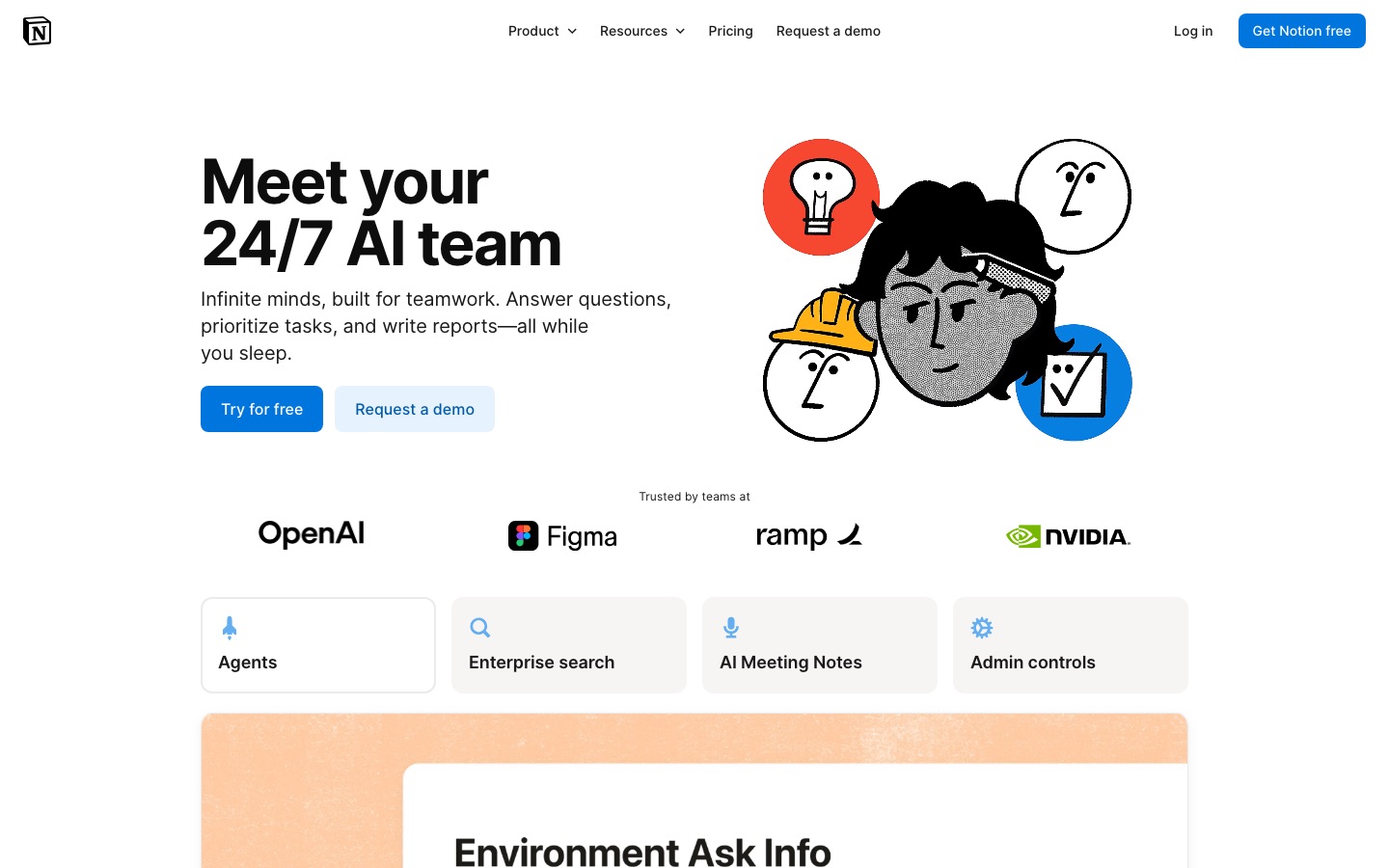
Key features: Notion Agent, AI Meeting Notes, Enterprise Search, Research mode, Custom Agents, databases with AI autofill.
Pricing: Free and Plus ($10/member/mo) include only a limited AI trial; Business at $20/member/mo includes Notion Agent, AI Meeting Notes and Enterprise Search; yearly billing saves up to 20%. Custom Agents use Notion credits at $10 per 1,000 a month, per the Notion pricing page.
Pros: one home for notes, docs and projects, powerful databases, strong team sharing.
Cons: full AI requires Business, can feel heavy for quick personal notes.
Best for: teams and power users who want notes connected to projects and wikis.
Our Notion AI review covers whether the Business upgrade is worth it.
2. Mem: best AI notes app for individuals
Mem is built for people who hate filing. You capture notes, ideas and meeting recordings, and Mem organizes and connects them automatically so you can ask questions later ("what did I decide about the pricing page?") instead of hunting through folders. Voice Mode records meetings and turns them into notes, Deep Search finds related ideas, and the Mem Agent can track tasks and run routines.
Key features: AI chat over your notes, Voice Mode for meetings and memos, Deep Search, templates, tasks and projects, Markdown export.
Pricing: Free with 25 messages, 25 new notes and 3 hours of Voice Mode a month; Plus $9/mo; Pro $29/mo with routines and connections; higher Pro tiers up to $199/mo, per Mem's pricing page.
Pros: no organization system to maintain, good voice capture, fast recall.
Cons: monthly caps on notes and messages on every plan, not built for team wikis.
Best for: founders, consultants and writers with lots of scattered ideas.
3. Reflect: best private, local-first AI notes
Reflect is an open-source notes app built around daily notes and backlinks, with your notes stored as local Markdown files in a folder you choose and synced through iCloud Drive or Git. AI is optional: you connect your own API key, requests go straight to your provider, and notes you mark private are excluded. You can ask questions linked to your notes, summarize, improve writing, transcribe voice memos and pull out action items.
Key features: daily notes, backlinks and a note graph, web clipping, audio memos, bring-your-own-key AI.
Pricing: free on Mac; the iPhone and iPad app is a paid subscription through the App Store; AI usage is billed by your model provider, per Reflect's site.
Pros: you own your files, open source, AI only touches what you allow.
Cons: Apple-only, no team features, you manage your own API key.
Best for: privacy-minded Mac users and people who like Obsidian-style linked notes.
AI notetakers for meetings
4. Granola: best AI meeting notes without a bot
Granola captures audio straight from your computer or phone, so no bot joins the call. You type rough notes during the meeting, and afterward Granola merges them with the transcript into clean, structured notes using templates you choose. You can chat across past meetings, get pre-meeting briefs and send follow-up emails, and paid plans push notes to Notion, Slack, HubSpot and Zapier.
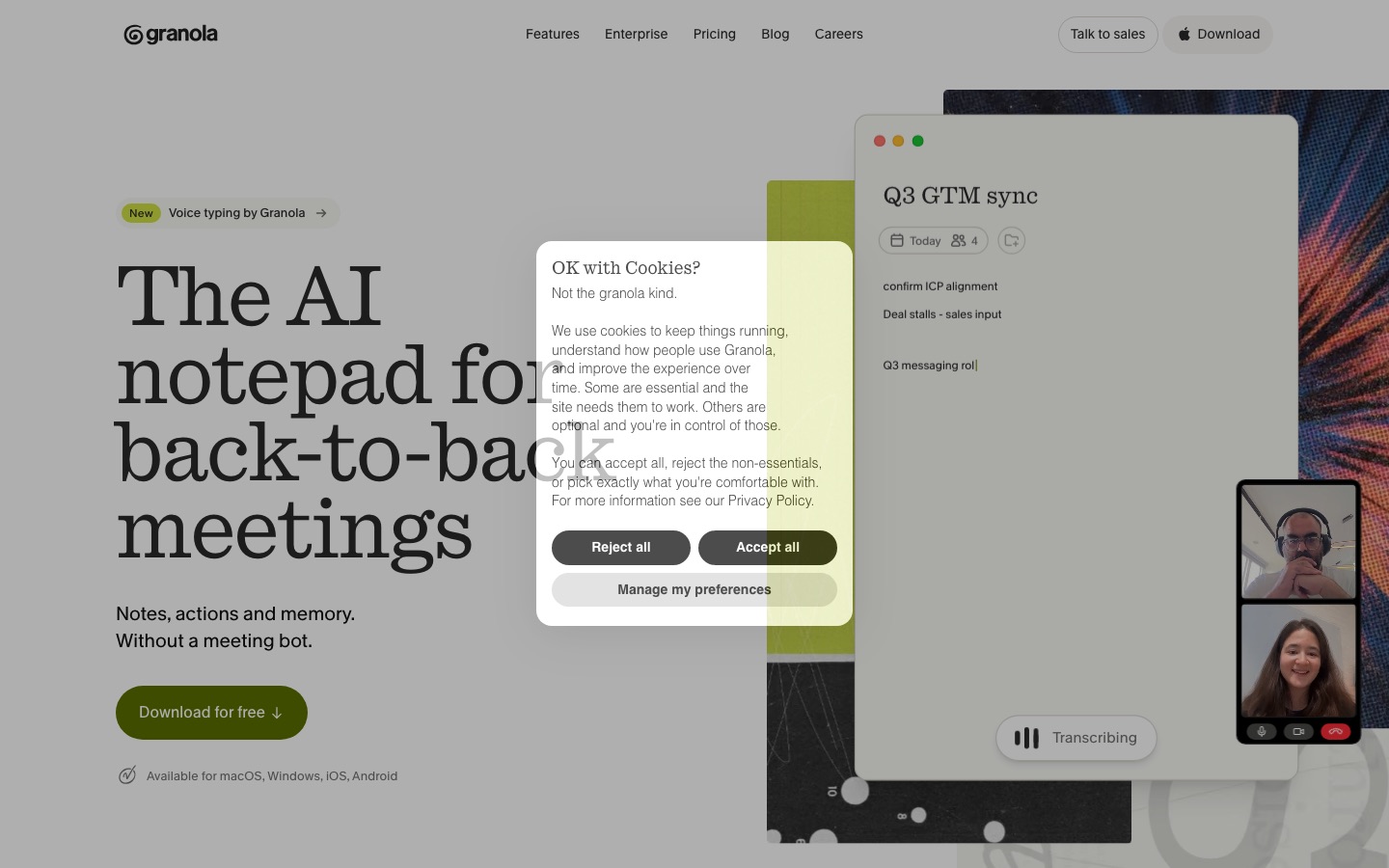
Key features: bot-free capture, notes enhanced from your own jottings, templates and recipes, cross-meeting chat, API and MCP access on Business.
Pricing: Basic free with 30 days of meeting history; Business $14/user/mo with unlimited history and integrations; Enterprise $35/user/mo with SSO and HIPAA workspaces, per Granola's pricing page.
Pros: feels natural in client calls, keeps your own notes at the center, desktop, iOS and Android apps.
Cons: the free plan's 30-day history is short, no video recording.
Best for: consultants, investors, recruiters and anyone in back-to-back external calls.
See our Granola review for a deeper look.
5. Otter.ai: best live transcription notes
Otter.ai joins Zoom, Google Meet and Teams calls (or records in person) and produces a live transcript, a summary, action items and searchable notes. Otter AI Chat answers questions about one meeting or many, and an MCP server lets other AI tools read your meeting data.
Pricing: Basic free with 300 minutes a month and 30 minutes per conversation; Pro $16.99/mo or $8.33/mo yearly with 1,200 minutes; Business $30/mo or $19.99/mo yearly with unlimited meetings, per the Otter pricing page. Otter often runs promotional discounts.
Pros: reliable live transcripts, easy sharing, good for lectures and interviews too.
Cons: tight free limits, a bot joins most calls.
Best for: students and professionals who want full transcripts, not just summaries.
6. Fathom: best free AI meeting notetaker
Fathom records, transcribes and summarizes your calls with unlimited recordings on its free plan, which makes it the easiest free choice for meeting notes. You can choose bot-free capture (in beta) or a meeting bot, create clips and search across calls. In September 2026 Superhuman announced it is acquiring Fathom, so expect tighter links with Superhuman Mail and Go over time.
Pricing: Free with unlimited recordings and instant summaries; Premium $20/mo or $16/mo yearly; Team $19/user/mo or $15 yearly (2-user minimum); Business $34/user/mo or $25 yearly with CRM sync, per Fathom's pricing page.
Pros: the most generous free plan, fast summaries, clips and playlists.
Cons: advanced summaries and action items need Premium, roadmap may shift after the acquisition.
Best for: anyone who wants free meeting notes today.
Compare Fathom with its main rival in Fathom vs Fireflies, or see every option in our best AI meeting transcription tools guide.
AI notes for study, research and voice
7. Gemini Notebook: best free AI notes for study and research
Gemini Notebook, which Google renamed from NotebookLM in July 2026, is less a notes app than a notes generator grounded in your sources. Add PDFs, Google Docs, slides, websites, YouTube videos or audio, and it answers questions with citations to the exact passage. It can also create study guides, briefing docs, mind maps, flashcards, quizzes and Audio or Video Overviews from the same material.
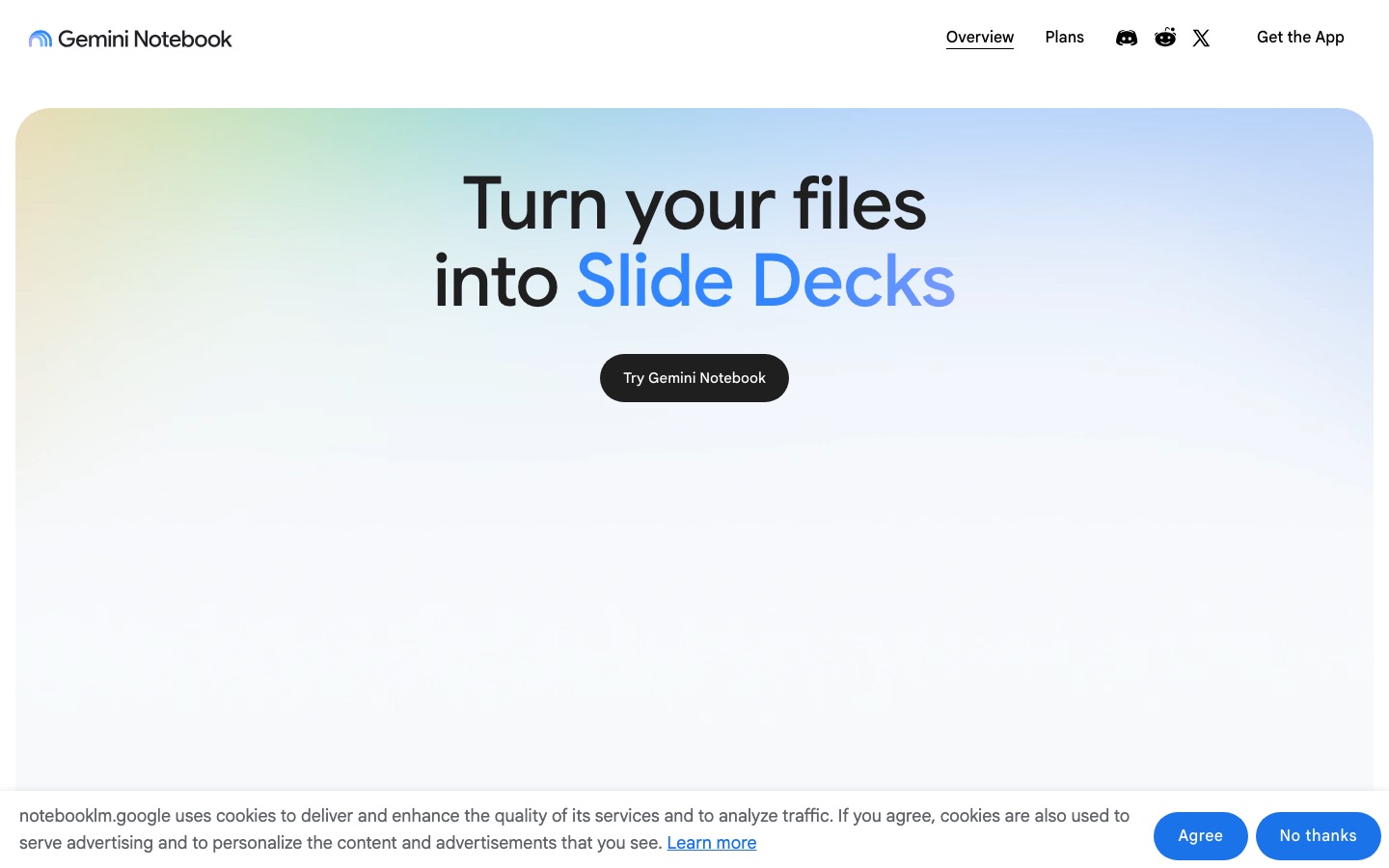
Pricing: free with any Google account, including 100 notebooks with up to 50 sources each; Google AI Plus, Pro ($19.99/mo) and Ultra raise notebook, source and usage limits. Usage is measured by compute and refreshes every 5 hours.
Pros: answers only from your sources with citations, excellent study outputs, generous free tier.
Cons: not a place to write everyday notes, no meeting capture.
Best for: students, researchers and anyone turning a pile of reading into notes.
Our step-by-step guide on how to use NotebookLM shows how to build a study notebook, and our best AI study tools roundup covers flashcard and quiz apps.
8. NoteGPT: best for turning videos and PDFs into notes
NoteGPT summarizes YouTube videos, PDFs, audio and video files into notes, with transcripts, mind maps, translation and AI chat. You can paste a lecture link and get a structured summary with timestamps, then save it to your notes workspace or turn it into slides.
Pricing: free plan; Pro $9/mo billed yearly ($108/yr) or $9.99 monthly; Unlimited $19.92/mo yearly; Max for heavy users, per NoteGPT's pricing page. Refunds only within 24 hours of first purchase.
Pros: fast summaries of long videos and papers, unlimited basic quotas on paid plans.
Cons: less suited to long-term knowledge management, credit system for premium models.
Best for: students and self-learners who study from YouTube and PDFs.
9. TalkNotes: best for voice memos
TalkNotes turns rambling voice recordings into structured, ready-to-use text: a to-do list, a blog draft, an email or meeting minutes. You record on iOS, Android or the web, pick an output style, and it transcribes and rewrites. It is the fastest way to capture ideas on a walk or in the car.
Pricing: currently shown at $9.99/mo or $99/yr as a promotional price (regular price higher); check TalkNotes' site for current terms.
Pros: great for thinking out loud, custom writing styles, mobile apps.
Cons: not a full notes database, limited organization.
Best for: people who think better by talking than typing.
If you mainly want dictation into any app rather than voice memos, see our Wispr Flow review.
Also worth considering
Tactiq: live meeting transcripts in your browser without a bot.
Notta: meeting transcription and translation in 58 languages.
Jotted: a botless meeting recorder for Windows with local transcripts.
Superhuman Docs: formerly Coda, docs and tables with built-in AI for teams.
ClickUp Brain: AI across tasks, docs and chat if your team runs on ClickUp.
Apple Notes, OneNote, Evernote and Obsidian: classic notes apps that now offer AI writing, transcription or summary features, built in or through plugins.
How to choose an AI note-taking app
Start with what you capture most
If most of your notes come from meetings, pick a notetaker first (Granola, Fathom or Otter) and send the output to wherever you store everything else. If most come from reading and lectures, start with Gemini Notebook or NoteGPT. If they come from your own head, choose a writing app like Mem, Notion AI or Reflect.
Decide where your notes should live
Teams benefit from one shared workspace, which favors Notion AI. Individuals who care about ownership should prefer apps with clean exports, such as Reflect's local Markdown files or Mem's Markdown export. Avoid scattering notes across five apps; pick one home and connect the others to it.
Check the AI limits, not just the price
Many apps meter AI: Mem caps messages and notes, Notion reserves full AI for Business, Otter limits minutes, and NoteGPT uses premium credits. Estimate your real monthly usage before comparing prices.
Think about privacy and consent
Meeting notetakers record other people. Tell participants, follow local consent laws and your company's policies, and check whether the vendor trains on your data. Granola offers a per-user opt-out from model training on every plan, Notion Enterprise adds zero data retention with its AI providers, and Reflect sends nothing to an AI provider unless you set it up.
Tips for better AI notes
Write rough notes anyway. Tools like Granola produce far better summaries when you jot key points during the meeting.
Use templates. A consistent template (decisions, action items, open questions) makes AI summaries comparable over time.
Ask, do not search. Use AI chat to query old notes in plain English instead of guessing keywords.
Review action items. AI often misses who owns a task or invents a deadline; fix them before sharing.
Prune regularly. Archive dead projects so AI answers draw from current information.
Connect your calendar. Pre-meeting briefs and automatic meeting titles work best when your notes app sees your schedule.
FAQ
What is the best AI note-taking app?
Notion AI is the best AI note-taking app for teams, Mem is best for individuals who want automatic organization, and Granola is best for meeting notes without a bot. For students, the free Gemini Notebook (formerly NotebookLM) is the strongest choice because it turns your own sources into cited notes, study guides and quizzes.
What is the best free AI note-taking app?
Gemini Notebook is the best free option for study and research notes, and Fathom is the best free meeting notetaker, with unlimited recordings. Mem, Granola, Otter and Notion all have free plans, but their AI features are capped. Reflect is free on Mac if you bring your own AI API key.
Is there an AI that takes notes for you in meetings?
Yes. Granola, Fathom, Otter.ai, Notion AI Meeting Notes and Mem's Voice Mode all capture meetings and write summaries with action items. Granola and Tactiq work without a bot joining the call, while Otter and Fathom usually join as a participant unless you choose bot-free capture.
What is the best AI note-taking app for students?
Gemini Notebook is the best starting point because it is free and builds study guides, flashcards and quizzes from your lecture slides and readings. Otter.ai is useful for recording lectures, NoteGPT summarizes YouTube lessons, and Notion's free plan is good for organizing class notes.
Is Notion AI better than Mem?
Notion AI is better for teams and anyone who wants notes connected to projects, databases and wikis. Mem is better for individuals who want to capture quickly and let AI organize everything without folders. Notion's full AI needs the $20 Business plan, while Mem starts at $9 a month.
Are AI note-taking apps safe for private notes?
Most reputable apps encrypt data and offer settings to opt out of model training, but your notes are still processed in the cloud. For the most privacy, use a local-first app like Reflect with your own API key, keep sensitive notes marked private, and check each vendor's data policy.
Can AI turn voice memos into notes?
Yes. TalkNotes turns recordings into structured text such as to-do lists or drafts, Mem's Voice Mode files memos into your notes, and Reflect can transcribe audio memos with your own API key. Wispr Flow is better if you want to dictate directly into any app.
Final verdict
Pick by job, not by hype. For a team knowledge base, choose Notion AI and budget for the Business plan. For your own ideas, Mem is the most hands-off, and Reflect is the most private. For meetings, Granola is the most pleasant and Fathom is the best free option. For study, start with Gemini Notebook. Most people will be well served by one notes home plus one meeting notetaker. To round out your setup, see our Motion vs Reclaim AI comparison for planning and the best AI productivity tools for everything else.
Find more note-taking, meeting and study tools in the AI productivity category and the AI education category. If you build an AI notes app we have missed, you can submit it for a listing.