Notion AI Review (2026): Agents, Credits and Whether It Is Worth It
Notion AI is now an agent platform built into your workspace, with Custom Agents, AI Meeting Notes, Enterprise Search and a new credit system. Our Notion AI review explains what each plan really includes, what credits cost, where it shines, and when ChatGPT, ClickUp Brain or Superhuman Docs fits better.
Notion AI review, short version: Notion AI is worth it if your team already keeps its docs, wikis, projects and meeting notes in Notion. Its agents can read and edit your whole workspace, build databases, run on schedules, and pull context from Slack, Google Drive and 150+ connected tools, which no outside chatbot can match. It is not worth it as a standalone AI assistant: you need the Business plan at $20 per member per month (annual) for the full feature set, and heavy agent use now runs on credits.
2026 was the year Notion AI turned from a writing helper into an agent platform. Custom Agents launched in February and went to paid general availability in May, AI Meeting Notes can now trigger agents, skills sync to Claude and ChatGPT, and on October 19 Notion rebuilt its agents with their own computer and browser and introduced a new credit system. This review is based on Notion's pricing page, release notes, help center documentation and public user feedback. We did not run lab benchmarks.

Quick verdict
Best for: teams that run their knowledge, projects and meetings in Notion and want AI that acts on that context.
Standout features: Notion Agent, Custom Agents that run on triggers and schedules, AI Meeting Notes, Enterprise Search across connected apps.
Price: full AI on Business ($20 per member per month annual, $24 monthly) and Enterprise. Free and Plus only get a limited trial.
Credits: Business seats include monthly Standard and Select credit allowances. Custom Agents and extra usage draw on Notion credits at $10 per 1,000 per month.
Biggest weakness: pricing complexity, and value drops sharply if your work does not already live in Notion.
Skip it if: you want a general chatbot, work solo on a tight budget, or your team lives in Google Workspace or Microsoft 365.
What is Notion AI, and what changed in 2026?
Notion AI is the AI layer inside Notion, the all-in-one workspace for docs, wikis, databases and projects. It started in 2023 as an inline writing assistant. With Notion 3.0 in September 2025 it became an agent that can carry out multi-step work across your pages and databases. In 2026, the major changes were:
Notion 3.2 (January): AI notes and agents on mobile and updated model choices.
Notion 3.3 (February): Custom Agents, autonomous agents that run on triggers or schedules, launched as a free beta.
May 4: Custom Agents reached general availability and moved to credit-based billing.
July 31: finished AI Meeting Notes can automatically trigger Custom Agents, for example to update a tracker or post a recap.
August: suggested line-level edits and a simplified model picker.
Notion 3.7 (September 15): a skills library, skills exported as SKILL.md files for Claude Code, Codex and Cursor, custom MCP connections, sub-agents, and an iOS Notion Agents app.
Notion 3.8 (October 13): 150+ MCP connections (HubSpot, Stripe, Cloudflare and more), a Skills API, version history with attribution, and new models including Claude Opus 5.5 and Sonnet 5.5.
October 19: agents rebuilt with their own computer and browser, tasks that can run up to 24 hours, an Auto model router, the option to connect a ChatGPT plan, and a new credit system for all AI usage.
Notion AI features: a deep tour
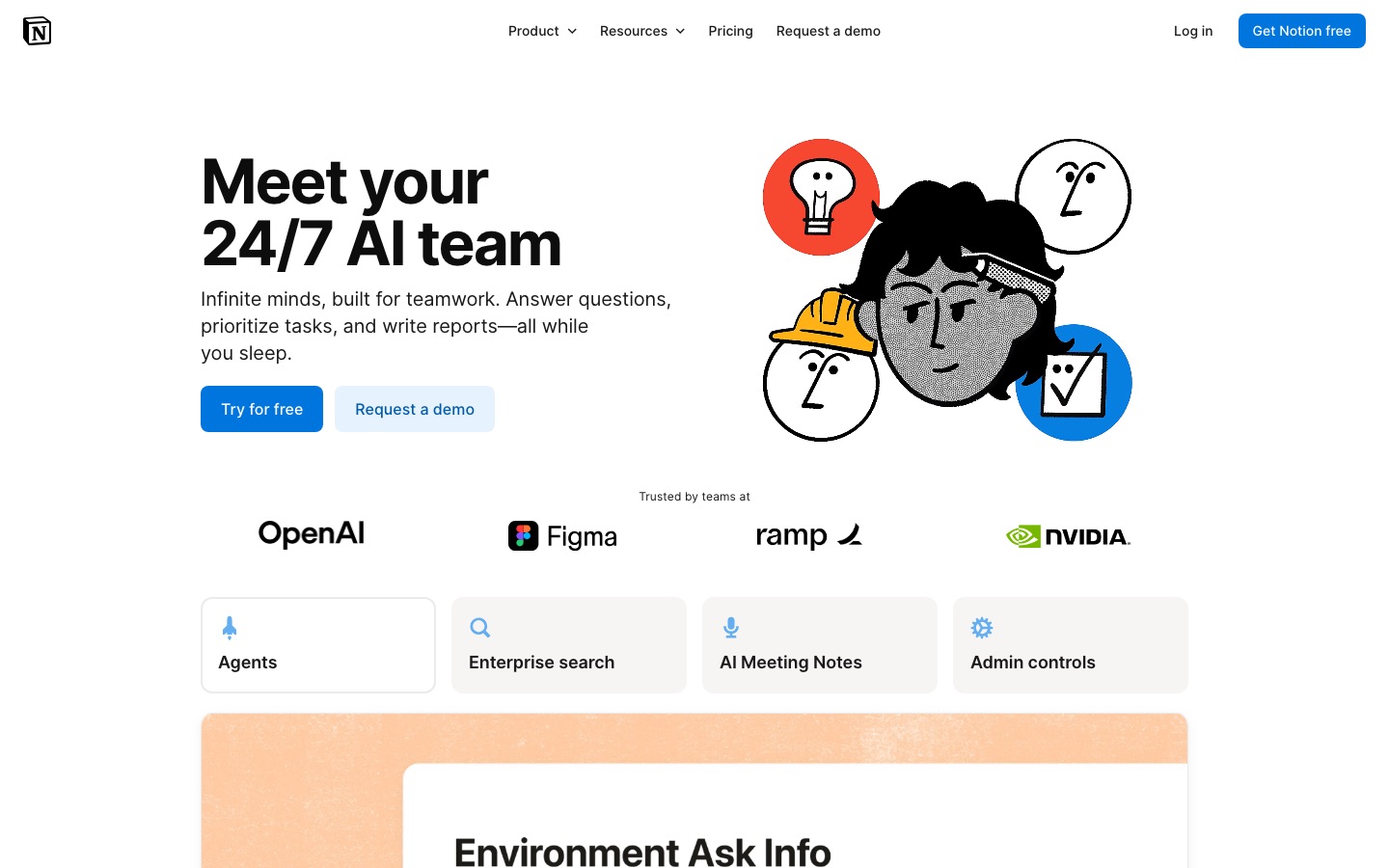
Notion Agent
Notion Agent is the assistant you open from the sidebar or with a shortcut. Unlike a chatbot, it can act: create pages, build and fill databases, reorganize a wiki, draft a project plan from meeting notes, or update dozens of database rows at once. It knows the pages you can access, and it can search connected apps. You can give it instructions and memory.
Since October 19, agents have their own computer and browser, so they can research the web, work with files and run long tasks (Notion says up to 24 hours) while you do something else. A "Review for me" mode and suggested edits keep you in control of what changes.
Custom Agents
Custom Agents are the headline feature of the year. You configure an agent once with instructions, access to specific pages, databases and tools, and a trigger: a schedule, a new database item, a finished meeting note, or a Slack message. It then runs without you. Typical uses include triaging requests, writing weekly status reports, answering repeated Slack questions from your wiki, and turning meeting notes into tasks.
Custom Agents can call sub-agents, use skills shared across the team, and connect to external tools through MCP. They can be embedded and built programmatically with the Agent SDK (public beta). They consume credits, so admins control which models they use and how much they can spend.
AI Meeting Notes
AI Meeting Notes transcribes calls and in-person meetings and writes a summary with action items into a Notion page, with no bot joining the call. Because the notes land next to your projects, you can link them to databases, tag owners and, since July, have a Custom Agent act on them automatically. It is convenient if you want one fewer tool, but dedicated notetakers like Granola and Fathom still offer more meeting-specific features. Read our Granola review for a comparison of the bot-free approach.
Note one change: from December 1, 2026, AI Meeting Notes starts drawing on Standard credits. Notion estimates about 10 credits for a one-hour meeting.
Enterprise Search and Research mode
Enterprise Search (beta) answers questions across Notion and connected apps such as Slack, Google Drive, GitHub, Jira and others, with citations. Research mode writes longer, sourced reports from your workspace and the web. For companies with knowledge scattered across tools, this is what makes Notion AI feel like a company brain.
Models, Auto routing and bring your own AI
Notion runs on frontier models from several providers. The model picker in October 2026 included options like Claude Opus 5.5 and Sonnet 5.5 and recent GPT models, with scorecards for speed, intelligence and cost. The default Auto router picks a model per task, and Notion claims it delivers frontier-level results at about 90% lower average cost. That is Notion's own claim. Business and Enterprise can also connect a ChatGPT plan to cover AI usage, and Enterprise can test bring-your-own-key in private alpha.
Writing help, autofill and everyday AI
The original features remain: draft, rewrite, summarize and translate inline, ask questions about a page, and use AI autofill to tag or summarize database rows. They work well, but alone they are not worth $20 a seat when ChatGPT or Claude cost about the same. For automation beyond Notion, see our n8n vs Zapier vs Make comparison.
Skills and MCP: Notion as context for other AI
The 2026 updates also push Notion outward. The Notion MCP server lets Claude, ChatGPT, Cursor and other agents read and update your workspace, with admin controls. Skills written in Notion can be exported as SKILL.md files or synced through the Skills API to Claude, ChatGPT and GitHub. If your team uses several AI tools, Notion can be the shared source of instructions and knowledge.
Notion AI is only as smart as your workspace. Clean, well-linked pages make the agents shine; a messy workspace makes them guess.
Notion AI pricing (as of October 2026)
Notion no longer sells AI as a separate add-on for new customers. Full AI comes with the Business and Enterprise plans. Prices per member per month:
| Plan | Price (annual / monthly) | AI included | Other key limits |
|---|---|---|---|
| Free | $0 | Limited trial of Notion Agent, Meeting Notes, Enterprise Search, Research | 7-day page history, 5 MB uploads |
| Plus | $10 / $12 | Same limited trial | 30-day history, 5 GB per file uploads |
| Business | $20 / $24 | Notion Agent, AI Meeting Notes, Enterprise Search, monthly credit allowances | 90-day history, SAML SSO |
| Enterprise | Custom | Everything in Business, zero data retention with LLM providers, advanced admin and model controls | Custom history, SCIM, audit log |
How the new credit system works
Since October 19, 2026 (for new workspaces) and November 2 (for existing ones), every Business and Enterprise member gets two separate monthly allowances, according to Notion's help center and independent explainers:
Standard credits (reported as about 1,500 per member per month) cover Notion Agent on Auto and, from December 1, AI Meeting Notes.
Select credits (reported as about 500 per member per month) cover manually picked models and Custom Agents you own.
Notion credits are bought by the workspace for extra usage, workspace-funded agents and some high-cost models: $10 per 1,000 credits per month. They are off by default.
Allowances reset monthly and do not roll over or transfer. Notion's rough estimates are about 5 credits for a simple task, 10 for a medium one and 25 for a complex one. If credits run out, agents pause rather than billing you unexpectedly. Check Settings, Notion AI, Usage to see your real allowance, since it can vary by plan and contract.
Is it good value? For a team already paying for Business, the included allowances cover typical daily use, and Custom Agents can replace real hours of manual work. For a solo user on Plus, upgrading to Business purely for AI costs roughly double, which is hard to justify against a $20 general chatbot.
Pros and cons
Pros
Works on your real context: pages, databases, meeting notes and 150+ connected apps.
Agents that act, not just answer: building databases, updating rows, posting recaps.
Custom Agents run on triggers and schedules, including after meetings.
Strong model choice with an Auto router and admin model controls.
Meeting notes, search and writing in one place, which can replace several tools.
Open to other AI through MCP, skills export and the Skills API.
Cons
Full AI requires Business, and Free and Plus only get a trial.
Credit system is complex, with three credit types and frequent changes.
Value depends on workspace hygiene: messy pages produce mediocre answers.
Agents can still make confident mistakes, so review changes before accepting them.
Lock-in: the deeper you build agents into Notion, the harder it is to leave.
Limitations and common complaints
Pricing confusion
The most common complaint in 2026 is billing. Users went from a simple $8 to $10 add-on, to AI bundled into Business, to free-beta Custom Agents, to paid credits in May, to a new two-allowance system in October. Teams that only wanted the writing assistant feel pushed into Business. If you are budgeting, start agents on a small workspace credit limit and watch usage for a month.
Quality depends on your workspace
Notion AI answers from what it can find. Duplicate pages, outdated docs and vague titles lead to wrong or mixed answers. Teams that get the most out of it usually spend time archiving stale pages and adding clear owners and dates before rolling out agents.
Agents need supervision
Public feedback praises the agents' reach but notes they sometimes misread instructions or edit more than intended. Notion's suggested edits and review mode help, and version history with attribution (added in October) makes it easier to see what an agent changed and roll it back.
Privacy and data retention
Notion says it does not train models on your workspace data. On Free, Plus and Business, the pricing page lists 30-day retention with LLM providers, while Enterprise gets zero data retention. Regulated teams should check this before sending sensitive content through AI.
Notion AI vs the alternatives
| Tool | Best for | AI included from | Key difference |
|---|---|---|---|
| Notion AI | Teams already in Notion | $20/member/mo (Business, annual) | Agents act on your docs and databases |
| ChatGPT | General assistant | Free tier; paid plans on openai.com | Smarter general chat, no workspace of record |
| ClickUp Brain | Task-heavy project teams | Check clickup.com | AI across tasks, docs and chat |
| Superhuman Docs | Doc-plus-app builders (formerly Coda) | Free tier; check pricing | Docs, tables and automation |
| Microsoft Copilot | Microsoft 365 companies | Check microsoft.com | Works across Word, Excel, Outlook, Teams |
| Mem | Individuals' notes | Free tier; check pricing | Self-organizing personal notes |
Notion AI vs ChatGPT
ChatGPT is the better general thinker and writer, and it is cheaper for one person. Notion AI is better when the job involves your team's documents: it can find, cite and edit them, and agents can keep running when you are offline. Many teams use both, and the new option to connect a ChatGPT plan to Notion blurs the line. Our Claude vs ChatGPT comparison helps if you are choosing an assistant.
Notion AI vs ClickUp Brain
ClickUp Brain is stronger if your team's work is mostly tasks, sprints and assignments. Notion is stronger for documentation, wikis and flexible databases. Pick the AI that matches where your team already works rather than switching platforms for AI alone.
Notion AI vs Microsoft Copilot and Gemini
If your company runs on Microsoft 365, Microsoft Copilot works across Word, Excel, Outlook and Teams. Google Workspace teams get Gemini in Docs and Gmail. Both make more sense than Notion AI unless you are moving your knowledge base to Notion anyway. For research over your own files, NotebookLM is a free alternative; see how to use NotebookLM.
Who should use Notion AI?
Startups and product teams on Notion: specs, roadmaps, meeting notes and wikis in one place, with agents doing the busywork.
Operations and support teams: Custom Agents that triage requests and answer repeated questions from the wiki.
Managers: weekly status reports and meeting follow-ups written automatically from project databases.
Not for: teams on Google Workspace or Microsoft 365 that do not use Notion, or anyone who just wants a chatbot.
FAQ
Is Notion AI free?
Partly. Free and Plus workspaces get a limited trial of Notion Agent, AI Meeting Notes, Enterprise Search and Research mode. The full feature set comes with the Business plan ($20 per member per month annual, $24 monthly) and Enterprise. Custom Agents and extra usage use credits on top of the seat price.
Is Notion AI worth it in 2026?
Yes, if your team already works in Notion. Agents that read and edit your docs, Custom Agents on schedules and meeting notes that trigger follow-ups can save real hours. If you do not use Notion as your main workspace, a general assistant like ChatGPT or Claude is better value.
How much does Notion AI cost?
There is no separate Notion AI add-on for new customers. You get it with the Business plan at $20 per member per month billed annually ($24 monthly) or Enterprise. Business seats include monthly Standard and Select credits, and extra Notion credits cost $10 per 1,000 per month.
What are Notion Custom Agents?
Custom Agents are autonomous AI agents you configure once with instructions, access to specific pages and tools, and a trigger like a schedule, a new database item, a finished meeting or a Slack message. They then run on their own, for example to triage requests or write weekly reports. They launched in February 2026 and use credits.
What AI model does Notion AI use?
Notion uses several providers. In October 2026 its model picker included Claude Opus 5.5 and Sonnet 5.5 and recent OpenAI GPT models, among others. By default, an Auto router picks a model per task to balance quality and cost. Admins on Business and Enterprise can restrict which models are available.
Does Notion AI train on my data?
Notion says it does not use your workspace content to train models. Its pricing page lists 30-day data retention with LLM providers on Free, Plus and Business, and zero data retention on Enterprise. Check Notion's security pages and your contract if you handle regulated data.
Can Notion AI take meeting notes?
Yes. AI Meeting Notes transcribes and summarizes calls and in-person meetings into a Notion page without a bot joining, on Business and Enterprise (Free and Plus get a trial). From December 1, 2026 it uses Standard credits, about 10 per one-hour meeting by Notion's estimate.
Final verdict
Notion AI in 2026 is one of the most capable workplace AI products available, because it is attached to the place where many teams already keep everything. Notion Agent, Custom Agents, AI Meeting Notes and Enterprise Search turn a wiki into something that works for you, and MCP and skills make Notion a source of context for other AI tools too.
The trade-offs are cost and complexity. You need Business for the real thing, credits add a variable line to your bill, and the product changes monthly. If your team is in Notion, upgrade, start with one narrow Custom Agent, and measure the time saved. If not, start with a general assistant and our guide to the best AI productivity tools, or compare options in the best AI note-taking apps.
Browse more AI workspace, notes and automation tools in the AI productivity tools category and the AI agents category. If you build a workspace tool we have missed, you can submit it for a listing.