Motion vs Reclaim AI (2026): Which AI Calendar Should Plan Your Week?
Motion is an all-in-one AI planner that schedules your tasks and projects for you. Reclaim AI is a cheaper calendar layer that defends focus time, habits and meetings on Google or Outlook. Here is how they compare on pricing, scheduling, tasks, teams and integrations in 2026.
Short verdict: in the Motion vs Reclaim AI decision, pick Motion if you have too many tasks and projects and want software that builds your whole day for you, including team projects, docs and meeting notes. Pick Reclaim AI if your problem is too many meetings and you want to keep your current calendar and task app, protect focus time and habits, and pay far less (there is a free plan, and paid seats start at $10). Motion replaces tools. Reclaim sits on top of the tools you already have.
Both apps changed a lot over the past year. Motion now sells itself as an AI "SuperApp" for work with projects, docs, dashboards and an AI notetaker, all metered by monthly AI credits. Reclaim, which is owned by Dropbox, has repackaged its features as a library of AI scheduling agents and added new pricing for meeting attendees. This comparison is based on the official pricing pages, product documentation and public user feedback as of October 2026, not hands-on benchmark testing. Confirm prices before you buy, because both vendors have adjusted plans several times.


Quick verdict by use case
Solo professional with a long to-do list: Motion. Its auto-scheduler turns tasks with deadlines into calendar blocks and replans when things slip.
Meeting-heavy manager who needs focus time: Reclaim AI. Focus Time, Buffer Time and Smart Meetings are its core strengths.
Tight budget: Reclaim AI. The free Lite plan is usable, and Starter costs $10 per seat per month billed yearly.
Small team running projects: Motion. It has projects, Gantt timelines, capacity planning and workflows that Reclaim does not try to offer.
You love Asana, Todoist, Jira, ClickUp or Linear: Reclaim AI. It schedules tasks from those apps instead of replacing them.
You use iCloud Calendar: Motion. Reclaim supports Google Calendar and Outlook only.
You want a polished mobile app: Motion has native iOS and Android apps; Reclaim's mobile experience is widely described as limited compared with its web app.
What Motion and Reclaim AI actually do
Motion: an AI planner that replaces your task manager
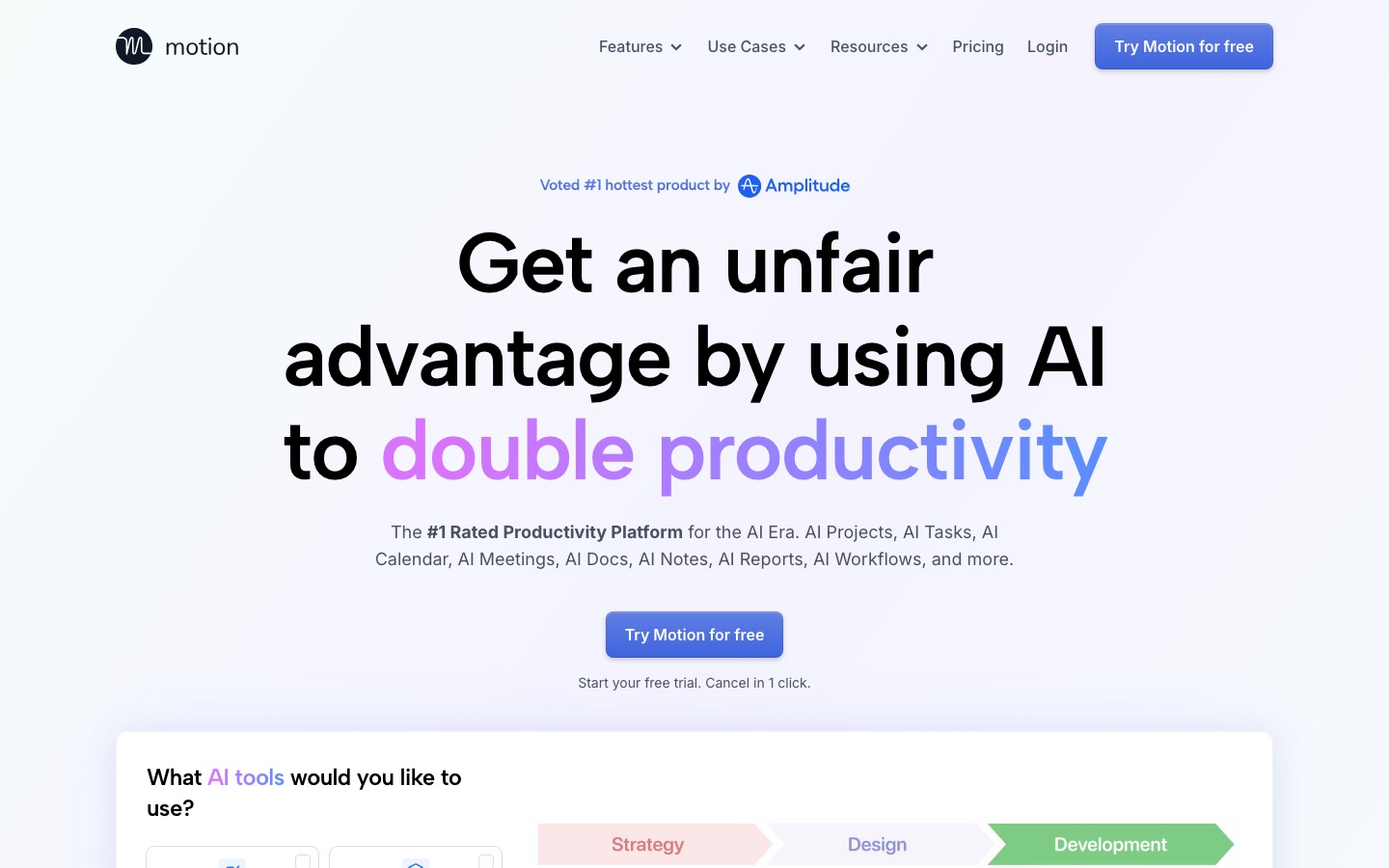
Motion started as an AI calendar that automatically placed your tasks into open time. In 2026 it is a full work platform. According to Motion's homepage, it bundles an AI Task Manager, AI Calendar, AI Meeting Assistant with booking links, AI Project Manager, Gantt charts, workflow templates built from your SOPs, AI Docs, an AI Meeting Notetaker that writes summaries and follow-up emails, AI Chat and dashboards.
The core idea has not changed: you give Motion tasks with a duration, deadline and priority, and it decides when you will work on each one. When a meeting lands on your calendar or a task runs long, Motion reshuffles everything else. You stop deciding what to do next and just follow the plan.
Reclaim AI: a smart layer on top of your calendar
Reclaim does not want to be your task manager or your docs tool. It connects to Google Calendar or Outlook and uses AI to defend time. You set goals such as "10 hours of focus time a week" or "gym three times a week, ideally before 9 am", and Reclaim places flexible blocks that move as your schedule changes. It also adds buffers after meetings, finds the best time for team meetings and syncs multiple calendars so personal events block work availability.
Reclaim's homepage now frames these as prebuilt AI agents in an agent library, for example agents that prevent burnout, protect deep work, plan your day, protect travel time or defend a weekly no-meeting day. Reclaim says it is used by more than 600,000 people across 70,000 companies.
Choose Motion if you have too many tasks. Choose Reclaim if you have too many meetings.
Motion vs Reclaim AI pricing (as of October 2026)
Prices below come from the official Motion pricing page and the Reclaim pricing page. Motion shows different prices on its Individuals and Teams tabs; the individual figures below are also reported by independent pricing trackers. All prices are per seat per month in US dollars.
| Plan | Motion | Reclaim AI |
|---|---|---|
| Free | No free plan. 7-day trial, card required | Lite: $0. 1 user, 1 week of scheduling range, 1 calendar sync, 1 scheduling link |
| Entry paid | Pro AI: $19 yearly or $29 monthly on team plans; about $29 yearly or $49 monthly for individuals. 7,500 AI credits per seat | Starter: $10 yearly or $12 monthly. Up to 10 seats, 8 weeks of range, 3 syncs, 3 links |
| Mid tier | Business AI: $29 yearly or $49 monthly on team plans; about $39 yearly or $69 monthly for individuals. 15,000 AI credits per seat | Business: $15 yearly or $18 monthly. Up to 100 seats, 12 weeks of range, unlimited syncs and links |
| Top tier | Contact sales for large rollouts | Enterprise: $22 yearly only. SSO, SCIM, unlimited agents |
| Extra usage | Credits beyond your allowance: 25 cents per 100 (Pro AI) or 19 cents per 100 (Business AI) | Attendee User packs for people in Smart Meetings who do not have a seat |
| Annual discount | Up to 33% | About 20% |
The price gap is big. A solo user on Motion Pro AI pays roughly $348 a year upfront, while Reclaim Starter costs $120 a year and Reclaim Lite costs nothing. For a team of five on yearly billing, Motion Pro AI is about $95 a month and Reclaim Business about $75. Motion's help center also says canceling does not trigger a refund, so use the full 7-day trial before committing to an annual plan.
Motion's credits matter too. AI Chat, the meeting notetaker, AI docs and other generative features consume credits. Light users rarely hit the limit, but heavy users of the notetaker and chat report bills creeping above the base price once they buy extra credits.
Reclaim's newer quirk is the Attendee User model. People who join your three-or-more-person Smart Meetings without a paid seat count as Attendee Users, sold in packs (for example, 3 for $8 a month on Starter billed yearly). Reclaim says these were free during a launch promotion, so check whether they apply to your team.
Motion vs Reclaim AI, feature by feature
Auto-scheduling and daily planning
Motion is the more aggressive planner. It considers every task, its deadline, priority, estimated duration and your working hours, then fills your calendar. If it cannot fit everything before a deadline, it warns you in advance. This works brilliantly for people who drown in tasks, and badly for people who dislike software moving their day around. A common complaint in public reviews is that constant rescheduling can feel chaotic until you tune priorities and working hours.
Reclaim is gentler. Tasks and habits are flexible blocks that start out "free" on your calendar and turn "busy" as the time approaches or as your schedule fills up, so colleagues cannot book over them. You keep more control over the shape of the day, and Reclaim mostly guards time rather than dictating order.
Winner: Motion for full autopilot planning; Reclaim if you want guardrails, not a dictator.
Tasks and projects
Motion includes a real task and project manager: projects with stages, dependencies, Gantt charts, workflow templates, custom fields, dashboards, time tracking and team capacity planning on Business AI. For a small agency or startup, it can replace Asana or Todoist plus a separate calendar tool.
Reclaim keeps it simple. It has its own lightweight task list, but its real strength is integrations: it pulls tasks from Asana, Todoist, Jira, ClickUp, Linear and Google Tasks and schedules them into your week. If your team already lives in Jira or ClickUp, Reclaim adds time-blocking without asking anyone to switch tools.
Winner: Motion for built-in project management; Reclaim for working with the task app you already use.
Focus time, habits and buffers
This is Reclaim's home turf. You set a weekly focus goal, and Reclaim defends it, rescheduling focus blocks when meetings move. Habits handle recurring personal or work routines (lunch, workouts, weekly reviews, email triage) with ideal times and flexible windows. Buffer Time automatically adds breaks or travel time around meetings, and agents can protect a no-meeting day.
Motion supports recurring tasks and working-hours rules, but its habits and focus features are less flexible than Reclaim's. Reviewers consistently rate Reclaim higher for routines and wellbeing-style scheduling.
Winner: Reclaim AI.
Meetings and scheduling links
Both offer booking links. Motion's AI Meeting Assistant creates links and fits external meetings around your planned tasks, and its notetaker can join calls to produce summaries and follow-up drafts. Reclaim's Smart Meetings find the best time for recurring team meetings and move them when conflicts appear, and its Scheduling Links are positioned as a Calendly alternative with priority-based availability.
For internal team meetings that constantly need rescheduling, Reclaim's Smart Meetings are excellent. For one person who wants booking links, a notetaker and task planning in one place, Motion is more complete.
Winner: tie. Reclaim for team meeting logistics, Motion for an all-in-one setup.
Calendar support and integrations
| Feature | Motion | Reclaim AI |
|---|---|---|
| Calendars | Google, Outlook, iCloud | Google Calendar, Outlook |
| Task apps | Built-in tasks and projects; Zapier and API for others | Asana, Todoist, Jira, ClickUp, Linear, Google Tasks |
| Communication | Slack, Gmail, Outlook, Zoom, Google Meet, Microsoft Teams | Slack, Zoom, Google Meet, Raycast |
| CRM | HubSpot, Salesforce | Not a focus |
| Apps | Web, desktop, iOS, Android, Siri | Web app plus calendar integrations; mobile is limited |
| AI notetaker | Yes, uses credits | No |
| Docs and wiki | Yes | No |
| Time analytics | Dashboards and reports | Time tracking, Deep Work Index, workforce analytics |
Winner: Motion for breadth; Reclaim for task-app integrations.
Teams and admin
Motion Business AI adds team capacity planning, advanced dashboards, timelines, permissions, central billing and priority support. It is built for teams that want one system for work and time. Reclaim's team value is different: Smart Meetings, a team out-of-office calendar, delegated access for executive assistants on Business, and workforce analytics that show how much focus time and meeting load each person has. Reclaim Enterprise adds SSO and SCIM.
Winner: Motion for running projects as a team; Reclaim for protecting team time without changing tools.
Ease of use and learning curve
Reclaim is faster to adopt. You connect a calendar, set working hours and a focus goal, and it starts working within minutes. Motion has a steeper learning curve, because its scheduler is only as good as the durations, deadlines and priorities you feed it. Public feedback suggests most Motion users need a week or two of tuning before the plan feels trustworthy.
Winner: Reclaim AI.
Pros and cons
Motion
Pros: true auto-scheduling of tasks, full project management with Gantt and workflows, AI notetaker and docs built in, iCloud support, native mobile apps.
Cons: no free plan, individual pricing is high, AI credits can add cost, annual plans are non-refundable, constant replanning can feel overwhelming.
Reclaim AI
Pros: generous free plan, low paid prices, best-in-class focus time and habits, Smart Meetings, works with the task tools you already use, quick setup.
Cons: no real project management, Google and Outlook only, limited mobile experience, the new Attendee User pricing adds complexity for teams.
Who should pick which
Choose Motion if...
You have dozens of tasks with deadlines and spend too much time deciding what to do next.
You want one tool for tasks, projects, calendar, docs and meeting notes.
You run a small team and want capacity planning and timelines tied to real calendars.
You use iCloud Calendar or want strong native mobile apps.
Choose Reclaim AI if...
Meetings eat your week and you need protected focus time.
You want habits, buffers and breaks scheduled automatically.
Your team already uses Asana, Jira, ClickUp, Linear or Todoist and will not switch.
You want something free or close to it.
Consider something else if...
If your bottleneck is email rather than your calendar, an inbox assistant will save more time; see our best AI email assistants guide and our Superhuman review. If you mostly need a place to capture and find information, read our best AI note-taking apps roundup or the Notion AI review. For a broader stack, our best AI productivity tools guide shows how calendar, email and notes tools fit together.
FAQ
Is Motion or Reclaim better?
Motion is better if you want an AI to plan all your tasks and projects and you are willing to pay for it. Reclaim is better if you want to protect focus time, habits and meetings on your existing calendar, keep your current task app and spend little or nothing. Most solo users with heavy meeting loads are happier with Reclaim.
Is Reclaim AI free?
Yes. Reclaim's Lite plan is free forever for one user, with one week of scheduling range, one calendar sync, one scheduling link and limited integrations. It includes Focus Time, Habits, Buffer Time and Smart Meetings. Paid plans start at $10 per seat per month billed yearly and extend the range to 8 or 12 weeks.
Does Motion have a free plan?
No. Motion offers a 7-day free trial that requires a payment method, then bills automatically unless you cancel. Pro AI starts at $19 per seat per month on yearly team billing, and individual plans cost more. Motion's help center says canceling does not trigger a refund, so test it fully during the trial.
Is Motion worth the money?
Motion is worth it for people who manage many tasks with deadlines and would otherwise spend an hour a day planning, or for small teams that can drop a separate project tool. It is not worth it if you mainly need focus time and meeting scheduling, because Reclaim does that for a fraction of the price.
Does Reclaim AI work with Outlook?
Yes. Reclaim supports both Google Calendar and Outlook Calendar on every plan, including the free Lite plan. It does not support iCloud Calendar. Motion supports Google, Outlook and iCloud, which makes it the better pick if your personal calendar lives in Apple's ecosystem.
Can Motion replace Asana or Todoist?
For many individuals and small teams, yes. Motion includes tasks, projects, dependencies, Gantt charts, workflows and dashboards, and it schedules that work onto your calendar automatically. Large teams with complex Asana or Jira setups usually keep those tools and use Reclaim to schedule tasks from them instead.
What are good alternatives to Motion and Reclaim?
Popular alternatives include Akiflow, Sunsama, Morgen and Clockwise-style team schedulers for calendar planning, and Notion AI or ClickUp Brain if you mainly need AI inside a project workspace. For email-driven work, Fyxer AI and Superhuman handle inbox triage and scheduling replies.
Final verdict
Motion is the stronger product if you want an AI to take over planning completely and you will use its projects, docs and notetaker; the price makes sense only if it replaces other paid tools. Reclaim AI is the better choice for most individuals and meeting-heavy teams: it is cheaper, quicker to set up, excellent at protecting focus time and habits, and it works with the calendar and task apps you already have. Start with Reclaim's free plan. If you still find yourself manually deciding what to work on every morning, try Motion's 7-day trial.
Explore more planners and assistants in the AI productivity category, or browse every listing in the AI tools directory. If you build an AI calendar or scheduling tool we have missed, you can submit it for a listing.