Best AI Email Assistants (2026): 10 Tools That Actually Clear Your Inbox
The best AI email assistant depends on whether you want a new email client, an assistant inside your current Gmail or Outlook, or the AI that is already built in. We compare Superhuman, Fyxer, Shortwave, Gemini, Copilot, Lindy, Lavender and more on drafting, triage, privacy and price.
The best AI email assistants in 2026 are Superhuman if you want the fastest AI email client, Fyxer AI if you want drafts and sorting inside the Gmail or Outlook you already use, and Shortwave if you want an AI-first Gmail client with a free plan. If you only need occasional summaries and drafts, the AI built into your inbox, Google Gemini in Gmail or Microsoft Copilot in Outlook, is the cheapest place to start.
AI email tools now fall into four groups: full email clients rebuilt around AI, assistants that plug into your existing inbox, the AI built into Gmail and Outlook, and general agents that can work across email and other apps. Below we compare ten picks across those groups. Our rankings are based on official pricing pages, product documentation and public user feedback as of October 2026, not hands-on benchmark testing, so check each vendor's page before you buy.






Quick picks
Best AI email client overall: Superhuman.
Best assistant inside your current Gmail or Outlook: Fyxer AI.
Best AI-native client for Gmail with a free plan: Shortwave.
Cheapest AI for Gmail users: Google Gemini through Google AI Plus.
Best for Outlook and Microsoft 365: Microsoft Copilot.
Best for custom email automations and agents: Lindy.
Best for sales and cold email writing: Lavender.
Best for polishing tone and grammar: Grammarly.
Best for replying by voice: Wispr Flow.
Best AI email assistants compared
Prices are US list prices as of October 2026, per user per month, from each vendor's official pricing page.
| Tool | Best for | Free plan | Starting price |
|---|---|---|---|
| Superhuman | Fastest AI email client | No | $25/mo yearly, $30 monthly |
| Fyxer AI | Drafts inside Gmail and Outlook | Yes (no drafting) | $37/mo yearly, $49 monthly |
| Shortwave | AI-native Gmail client | Yes | $30/seat/mo |
| Google Gemini | Built-in AI for Gmail | No (Gmail features need a plan) | $4.99/mo (Google AI Plus) |
| Microsoft Copilot | Outlook and Microsoft 365 | Limited Copilot Chat | Bundled with some Microsoft 365 plans |
| Lindy | Custom email agents | $50 trial credits for 7 days | $29.99/mo |
| Lavender | Sales and cold email | Yes | Check official page |
| Grammarly | Tone and grammar polish | Yes | $12/mo yearly (suite Pro) |
| Wispr Flow | Dictating replies | Yes (2,000 words/week) | $12/mo yearly |
| ChatGPT / Claude | Hard one-off emails | Yes | $20/mo for Plus or Pro |
How we picked
Drafting quality: does it write replies that sound like you, using context from the thread and past emails?
Triage: can it sort, label, summarize and archive so you only see what matters?
Fit: does it work with Gmail, Outlook or both, and does it require switching email clients?
Autonomy and safety: does it send without approval, and can you control what it does?
Price: what the useful AI features actually cost, not just the entry plan.
AI email clients
1. Superhuman: best AI email client overall
Superhuman is a keyboard-driven email client for Gmail and Microsoft 365 with AI layered on top. Split Inbox and Auto Labels sort incoming mail, Write with AI turns a few words into a reply in your voice, and on Business, Auto Drafts writes replies before you open a thread while Ask AI answers questions about your inbox. In 2026 it also added an MCP server so Claude or ChatGPT can work through your mail with your approval.
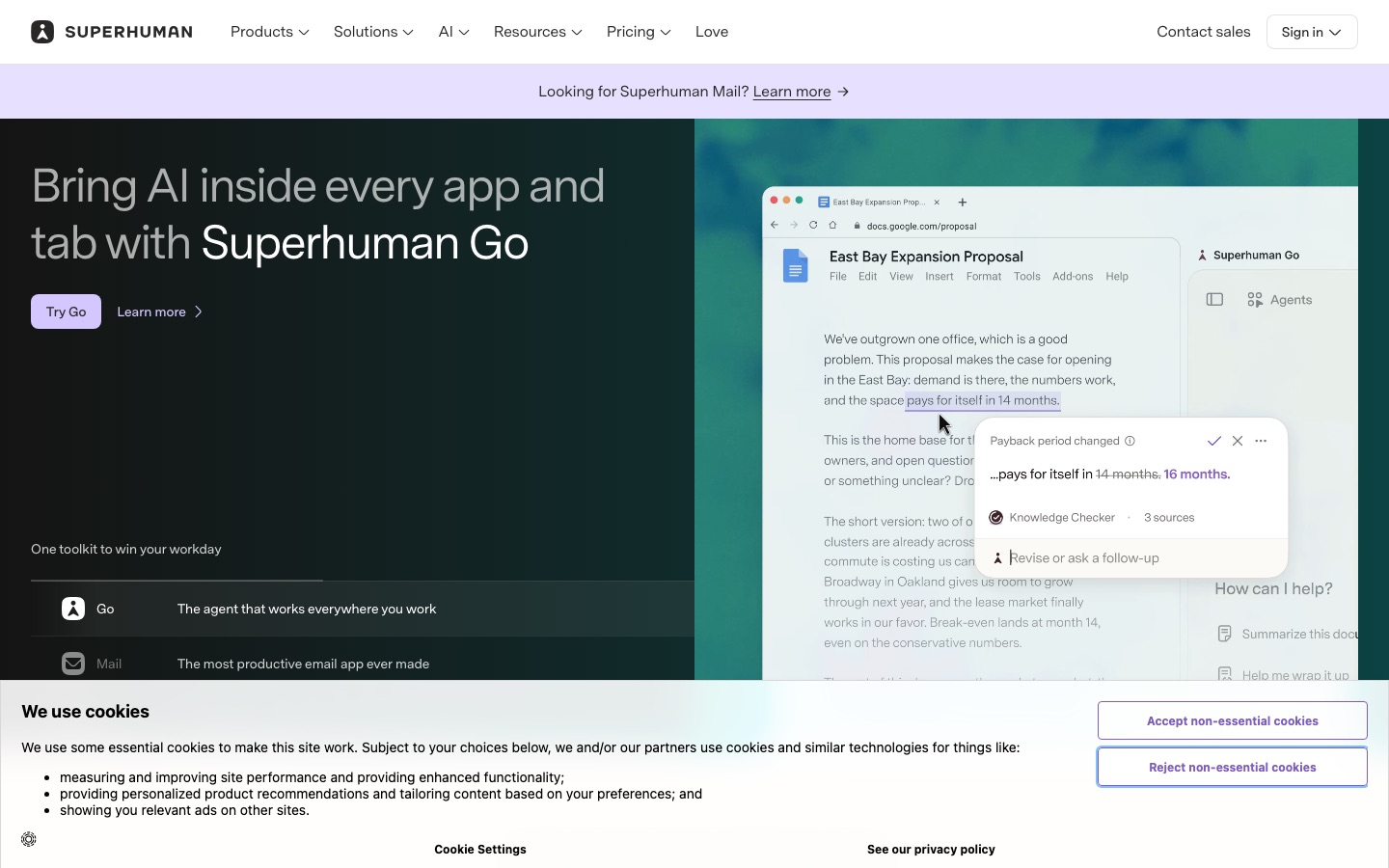
Key features: Split Inbox, Auto Labels and Auto Archive, Write with AI, Instant Reply, Auto Drafts, Ask AI, read statuses, reminders, CRM panels.
Pricing: Starter $30/mo or $25/mo yearly; Business $40/mo or $33/mo yearly (includes Grammarly, Docs and Go), per the Mail plans page.
Pros: unmatched speed, excellent triage, best-in-class drafting on Business, apps on every platform.
Cons: expensive, best AI is Business only, no IMAP or iCloud, no free plan.
Best for: executives, founders and salespeople who process 100+ emails a day.
Read our full Superhuman review for plan details and common complaints.
2. Shortwave: best AI-native Gmail client
Shortwave is an email client built for Gmail and Google Workspace with an AI assistant at its center. You can ask it to find an attachment, summarize a week of threads, draft a reply or organize your inbox, and AI filters sort mail by plain-English rules. Bundles group newsletters and notifications, which keeps the main inbox clean.
Key features: AI assistant over your whole email history, AI search, AI filters, autocomplete, thread summaries, attachment analysis, bundles.
Pricing: free plan with most productivity features and the AI assistant; Business $30, Premier $45 and Max $120 per seat per month, which raise AI model level and usage, per the Shortwave pricing page. 14-day trial on paid plans.
Pros: strong AI search, generous free tier, powered by Anthropic's Claude models on paid tiers.
Cons: Gmail-first, paid tiers are priced on AI usage and add up quickly.
Best for: Gmail power users who want deeper AI than Superhuman offers on Starter.
Assistants inside your current inbox
3. Fyxer AI: best assistant if you do not want to switch apps
Fyxer AI works inside your existing Gmail or Outlook. It labels incoming mail by priority, writes draft replies in your tone so they are waiting in the thread, sends a daily briefing and can record meetings to produce notes and follow-up emails. Because you keep your own inbox, the change is small and adoption is easy.
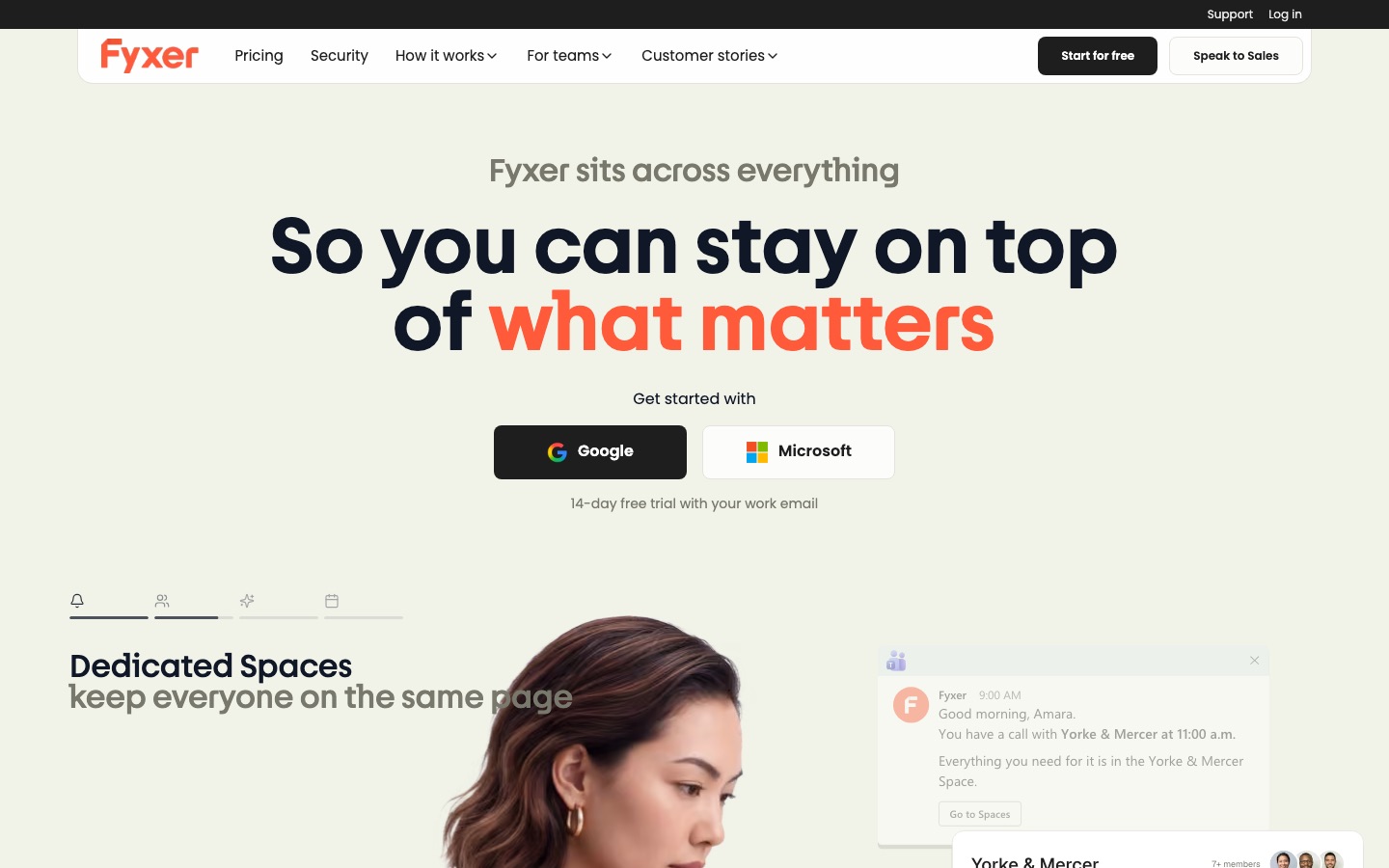
Key features: automatic labeling, draft replies in your voice, daily briefings, meeting notes and follow-ups, shared team context on Team.
Pricing: Free with 400 monthly credits (briefings and audio notes, no email drafting); Pro $49/mo or $37/mo yearly with 3,000 credits; Team $99/mo or $64/mo yearly with 6,000 pooled credits, per the Fyxer pricing page.
Pros: no new app to learn, works with both Gmail and Outlook, drafts appear automatically.
Cons: drafting needs a paid plan, credit-based limits, pricier than Superhuman Starter.
Best for: busy professionals and small teams who like their current email app.
4. Lindy: best for custom email agents and automations
Lindy lets you build AI "employees" that handle email, calls and workflows. A Lindy email agent can triage your inbox, draft replies in your voice, schedule meetings, update a CRM or send a Slack alert when a big customer writes in. Actions with outside impact, like sending email, require your approval by default.
Key features: inbox triage, drafting, meeting scheduling, multi-step workflows across thousands of apps, 2 to 5 connected inboxes depending on plan.
Pricing: free start with $50 in credits that last 7 days; Team from $29.99/mo for 3,000 credits, with top-ups at $10 per 1,000, per Lindy's pricing page.
Pros: far more flexible than a fixed email assistant, approval step for sensitive actions.
Cons: credit-based costs are hard to predict, takes setup time to get right.
Best for: operators and founders who want email to trigger real workflows.
If you would rather build your own email agent, our guide on how to build an AI agent with n8n walks through a Gmail triage example.
5. Lavender: best for sales and cold email
Lavender is an AI email coach for sales teams. It grades your draft as you write, suggests shorter subject lines and clearer asks, pulls personalization from the prospect's profile and shows what has worked in your team's past emails. Its Ora agent can draft sales emails and enrich CRM records. It installs as a browser extension and connects to your email provider.
Key features: real-time email scoring, personalization research, coaching insights, Ora sales agent.
Pricing: free to start; paid plans have been listed from about $27/mo, but check Lavender's site for current tiers.
Pros: specific coaching that improves reply rates over time, fast to install.
Cons: built for outbound sales, not general inbox management.
Best for: SDRs, account executives and founders doing outbound.
For sending at scale, pair it with a cold email platform from our Smartlead vs Instantly vs Lemlist comparison.
AI built into Gmail and Outlook
6. Google Gemini in Gmail: cheapest AI for Gmail users
Google Gemini sits in the Gmail side panel and compose window. It can summarize long threads, draft or rewrite replies, suggest quick answers, and pull details from your Drive and other emails. For many people this covers 80% of what they want from an AI email assistant.
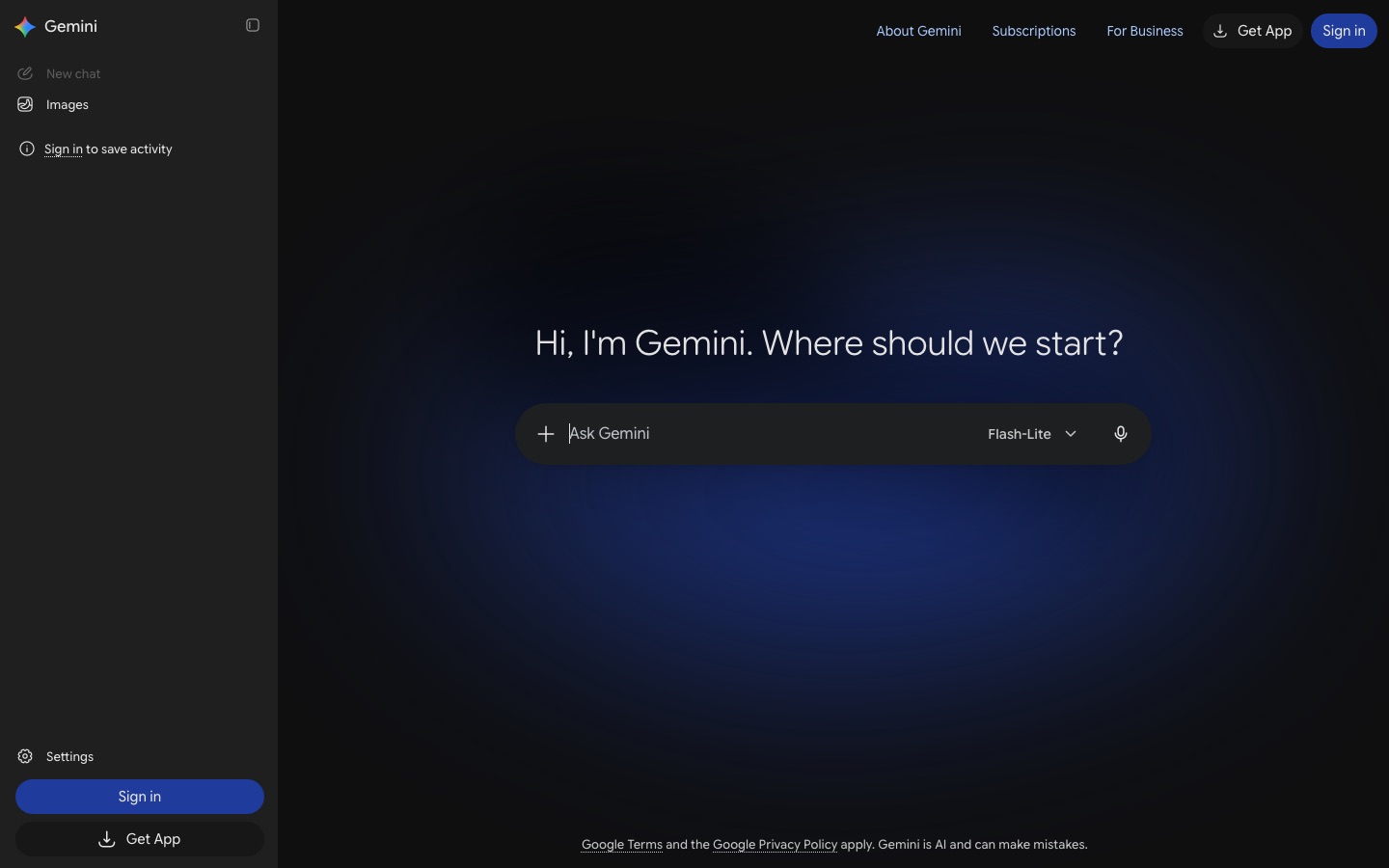
Pricing: Gemini in Gmail comes with Google AI Plus at $4.99/mo, Google AI Pro at $19.99/mo and Ultra from $99.99/mo, per the Google AI plans page. Business users get it through Google Workspace plans.
Pros: no new app, cheap, strong summaries, bundled storage and other Gemini features.
Cons: no auto-drafted replies waiting in threads, weaker triage than dedicated tools, Gmail only.
Best for: Gmail users with moderate email volume.
7. Microsoft Copilot in Outlook: best for Microsoft 365
Microsoft Copilot is built into Outlook for Windows, Mac, web and mobile. It summarizes threads, drafts replies, coaches tone and clarity, and in business plans can pull context from Teams meetings, SharePoint and OneDrive. If your company already pays for Microsoft 365 Copilot, this is the obvious first stop.
Pricing: consumer Copilot features come with some Microsoft 365 personal and family plans; the full Microsoft 365 Copilot add-on for business is priced per user on top of a qualifying plan. Check Microsoft's current pricing page, since bundles changed several times in 2025 and 2026.
Pros: native in Outlook, uses work context from across Microsoft 365, enterprise data protections.
Cons: the business add-on is expensive, features vary by plan and app version.
Best for: companies standardized on Outlook and Microsoft 365.
Writing helpers and general assistants
8. Grammarly: best for polishing tone and grammar
Grammarly, now part of the Superhuman suite, checks every email you write in Gmail, Outlook and almost any browser text box. It fixes grammar, adjusts tone (more confident, friendlier, more concise) and can generate a reply from a short prompt. It does not triage your inbox, but it makes every email you send cleaner.
Pricing: free tier; Pro through the Superhuman suite at $12/mo yearly or $15 monthly, per the Superhuman plans page.
Pros: works everywhere you type, excellent tone suggestions.
Cons: no sorting or auto-drafting, the free tier limits rewrites.
Best for: anyone who writes a lot of client-facing email.
9. Wispr Flow: best for replying by voice
Wispr Flow is dictation that writes clean, formatted text in any app. Talk through your reply and it removes filler words, fixes punctuation and adapts to email style. Speaking is much faster than typing for most people, so it is one of the cheapest ways to get through a backlog of replies that need a real human answer.
Pricing: free up to 2,000 words a week; Pro around $12/mo billed yearly.
Pros: works in every email client, very fast for long replies.
Cons: you still decide and dictate every reply; no triage.
Best for: people who write long, thoughtful replies.
See our Wispr Flow review for setup tips.
10. ChatGPT or Claude: best for hard one-off emails
For the email you have been avoiding (a tricky negotiation, a complaint, a delicate rejection) a general assistant like ChatGPT or Claude is often the best tool. Paste the thread, explain the goal and the relationship, and ask for three versions. Both can also connect to your inbox through connectors or MCP servers.
Pricing: free tiers available; ChatGPT Plus and Claude Pro are listed from $20/mo.
Pros: best reasoning and writing for complex messages, useful for much more than email.
Cons: copy and paste workflow unless you set up connectors, no inbox triage.
Best for: occasional high-stakes emails.
Our Claude vs ChatGPT comparison explains which writes better for your style.
Also worth a look
Remail: a browser assistant for writing email replies and reading long threads.
RambleFix: speak freely and get back a polished email in your own voice.
SaneBox, Spark and Canary Mail: popular non-AI-first options for filtering and cross-platform email that have added AI features.
How to choose an AI email assistant
Do you want to switch email apps?
Switching to Superhuman or Shortwave gives you the best AI and speed, but you have to adapt on every device. Fyxer, Gemini, Copilot and Grammarly work inside the inbox you already use, which makes them much easier to stick with.
Gmail or Outlook?
Superhuman, Fyxer and Copilot handle Outlook well. Shortwave and Gemini are Gmail-first. If you use iCloud, Fastmail or another IMAP provider, most of these tools will not work; look at clients like Spark or Canary instead.
How much autonomy do you want?
Most tools draft and wait for you to send. That is the right default. Agents like Lindy can send on their own if you allow it, which is powerful for routine replies (scheduling, receipts, FAQs) but risky for anything with clients. Start with drafts only and expand autonomy slowly.
What about privacy?
Every AI email tool needs access to your mailbox. Check whether the vendor trains models on your data, which security certifications it holds (such as SOC 2), and what your company's IT policy allows. Business and enterprise plans from Superhuman, Microsoft, Google and Fyxer add admin controls; Superhuman Enterprise even supports bring-your-own-key encryption.
Tips to get more from an AI email assistant
Teach it your voice. Add personalization notes (your role, sign-off, typical reply length) and correct its first drafts so it learns.
Start with triage, not drafting. Labels and auto-archive save time on day one, before drafts are reliable.
Review every draft for facts. AI is good at tone and bad at knowing what you actually agreed to.
Use snippets for repeated answers. Templates beat AI for anything you send word for word.
Connect your calendar. Scheduling replies with suggested times are one of the biggest time savers.
FAQ
What is the best AI email assistant?
For most heavy email users, Superhuman is the best AI email assistant thanks to its speed, triage and Auto Drafts. If you want to keep your current Gmail or Outlook, Fyxer AI is the best add-on. Gmail users on a budget should start with Gemini through Google AI Plus at $4.99 a month.
Is there a free AI email assistant?
Yes. Shortwave has a free plan that includes its AI assistant for Gmail. Grammarly's free tier helps with tone and grammar, Fyxer's free plan includes briefings and meeting notes, and ChatGPT or Claude free tiers can draft individual emails. Lindy offers $50 of free credits for a week.
What is the best AI email assistant for Outlook?
Microsoft Copilot is the natural choice if your company already pays for Microsoft 365 Copilot. Otherwise, Fyxer AI works inside Outlook and drafts replies automatically, and Superhuman supports Microsoft 365 accounts if you want a faster client. Grammarly also works in Outlook for tone and grammar.
What is the best AI email assistant for Gmail?
Superhuman and Shortwave are the strongest Gmail clients with AI built in, and Shortwave has a free plan. If you want to stay in Gmail itself, Fyxer AI adds automatic drafts and labels, and Gemini in Gmail adds summaries and writing help from $4.99 a month.
Can AI answer my emails automatically?
It can, but most tools stop at drafts. Superhuman Auto Drafts and Fyxer prepare replies for you to review and send. Agent tools like Lindy can send automatically for rules you approve. For anything involving clients, money or commitments, keep a human review step.
Is it safe to give an AI email assistant access to my inbox?
Reputable vendors connect through OAuth, encrypt your data and publish security certifications such as SOC 2, and business plans add admin settings and data retention controls. Still, read the privacy policy, check whether your data trains models, and follow your employer's IT rules. Avoid unknown extensions that request full mailbox access.
Final verdict
If email is your job, try Superhuman Business for two weeks: nothing else combines speed, triage and drafting as well. If you want results without changing apps, Fyxer AI is the easiest win. Gmail users who want AI-native features for free should start with Shortwave, and everyone else should first turn on the AI already in their inbox, Gemini or Copilot, before paying for anything new. Pair whichever you choose with a calendar planner from our Motion vs Reclaim AI comparison, and see the best AI productivity tools for the rest of your stack.
Browse more inbox, calendar and writing tools in the AI productivity category and the AI writing category. If you are sending newsletters rather than replies, see our best AI email marketing tools. If you build an AI email tool we have missed, you can submit it for a listing.