Best AI 3D Model Generators (2026): 11 Picks for Games, Printing and Design
The best AI 3D model generator depends on the job: Meshy for the most complete all-round workflow, Tripo for clean, game-ready topology, Hunyuan 3D for free daily generations, Hitem3D for 3D printing, and TRELLIS for open source. Here are 11 text-to-3D and image-to-3D picks with pricing, free plans and export tips.
The best AI 3D model generator for most people in 2026 is Meshy, which covers text-to-3D, image-to-3D, texturing, free auto-rigging and exports to Blender, Unity and Unreal, while Tripo AI is the pick for clean, game-ready topology. For free daily generations, use Tencent Hunyuan 3D. For 3D printing, Hitem3D splits models into printable parts and sends them straight to your slicer. Developers who want to run a model themselves should start with Microsoft's open-source TRELLIS.
AI 3D generation took a big step this year: Meshy shipped Meshy 7 and 7.1, Tripo moved to its 3.x models with multi-view input, and Tencent's Hunyuan 3D 3.1 reached global users with free daily quotas. Results are now good enough for props, prototypes and printable figures, though hero characters still need cleanup. This guide ranks 11 tools by job, based on official pricing pages, documentation, changelogs and public user feedback as of October 2026, not hands-on testing.




Quick picks: the best AI 3D model generator for each job
Best overall: Meshy, with Meshy 7.1 image-to-3D, AI texturing and free rigging and remeshing.
Best for game-ready topology: Tripo AI, with Smart Low Poly and multi-view input.
Best free hosted generator: Tencent Hunyuan 3D, with 20 free generations a day.
Best for 3D printing: Hitem3D, with split-to-print and direct slicer export.
Best open source: TRELLIS, Microsoft's TRELLIS.2 image-to-3D model.
Best for reconstructing real objects from a photo: SAM 3D, from Meta.
Best for 3D worlds and scenes: Marble, from World Labs.
Best for comparing engines in one place: Trify3D and Image to 3D AI.
Best for simulation-ready assets: Seed3D, from ByteDance.
Best for Roblox creators: Roblox Cube.
All 11 picks at a glance
Prices are monthly list prices in USD as of October 2026 unless noted. 3D tools price by credits, and several adjusted plans this year, so confirm on each official site.
| Tool | Best for | Free plan | Starting price |
|---|---|---|---|
| Meshy | All-round text and image to 3D | 100 credits/mo, CC BY license | About $20/mo (Pro, 1,000 credits) |
| Tripo AI | Game-ready topology, multi-view | Yes, limited credits | About $20/mo billed yearly (check site) |
| Tencent Hunyuan 3D | Free generations, multi-view input | 20 generations/day | Free; API credits via Tencent Cloud |
| Hitem3D | 3D printing | 100+ sign-up credits | Check site |
| TRELLIS | Open-source image to 3D | Free (self-hosted) | Free |
| SAM 3D | Real objects and people from photos | Free (playground and code) | Free |
| Marble | 3D worlds and environments | Up to 4 worlds | $20/mo (Standard) |
| Trify3D | Several engines in one app | Trial | About $24.90 one-time |
| Image to 3D AI | Hunyuan3D and Tripo in a simple web app | Limited | About $19.90/mo |
| Seed3D | Simulation-ready assets | No | Paid API |
| Roblox Cube | Text-to-3D for Roblox | Free | Free |
How to choose an AI 3D model generator
What is the model for? Games and real-time apps need low polygon counts and clean quad topology. 3D printing needs a watertight, solid mesh. Product visualization and AR need accurate textures (PBR materials) and GLB or USDZ export. Film and concept art care most about detail.
Text or image? Image-to-3D is more reliable because the model sees exactly what you want. A good workflow is to make a reference image first with an image generator, then convert it. Text-to-3D is faster for quick props.
Do you need rigging and animation? Meshy rigs and animates humanoids for free; Tripo also offers rigging. Others give you a static mesh.
Hosted or local? Hosted tools are easier and come with editors. Open models like TRELLIS and Hunyuan3D 2.1 run free on your own GPU, but need a powerful card and technical setup.
What license do you need? Free tiers often limit commercial use or require attribution. Meshy's free assets are CC BY 4.0, for example, while paid plans are private and customer-owned.
Hosted text-to-3D and image-to-3D generators
1. Meshy: best overall AI 3D model generator
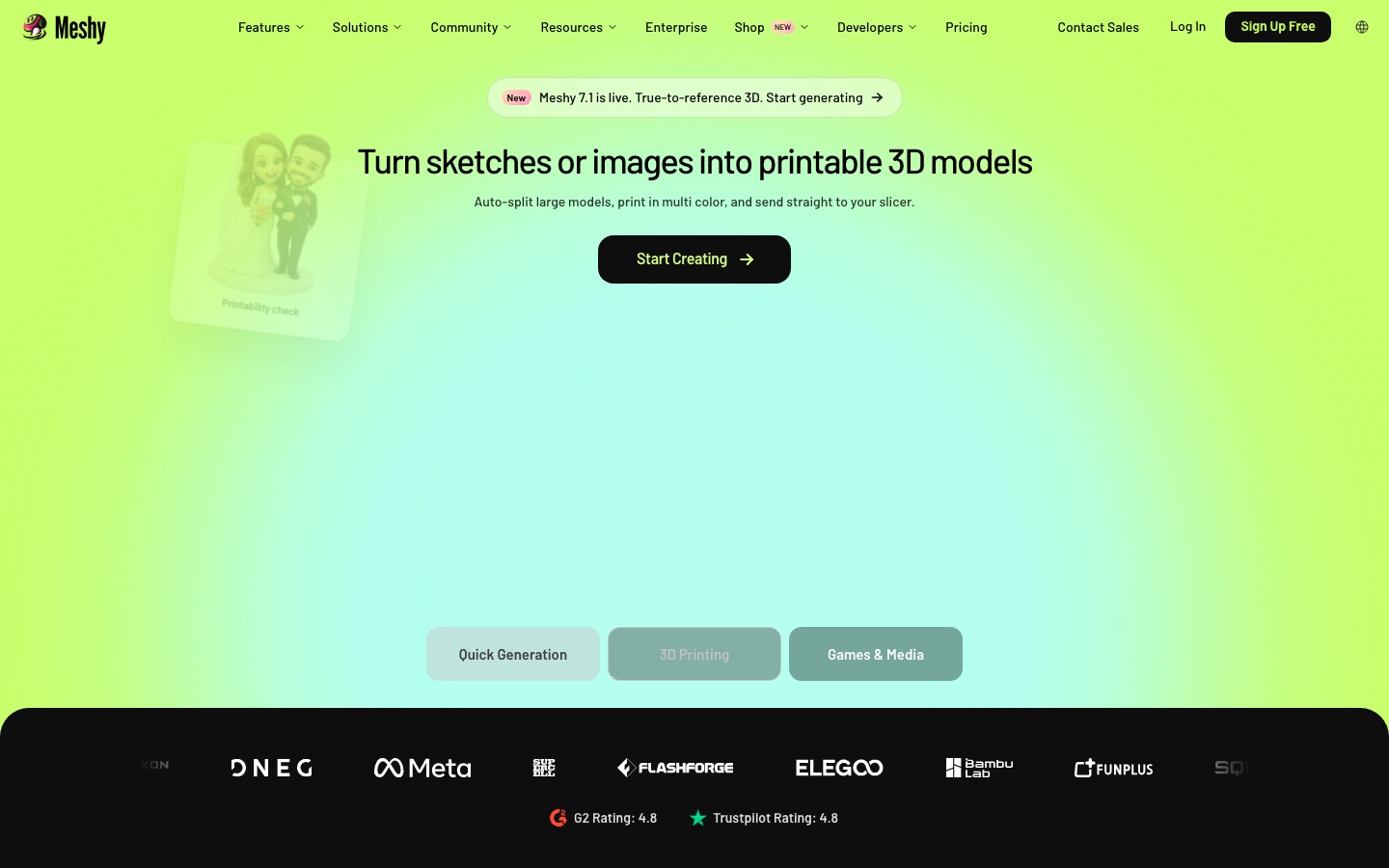
Meshy is the most complete standalone 3D generator. It does text-to-3D, image-to-3D (single or multi-image), AI texturing and retexturing, remeshing to a target polygon count, and auto-rigging with preset animations for humanoid characters. Plugins connect it to Blender, Unity and Unreal, and there is an API. The model lineup moved fast in 2026: Meshy 6 arrived in January, Meshy 7 (an image-to-3D model focused on matching the reference image's geometry) shipped on August 10, and Meshy 7.1 followed on September 10 with higher-resolution Ultra 4K output.
Per the Meshy pricing documentation, text-to-3D with Meshy 6 costs 20 credits (10 for Meshy 6 Lite), image-to-3D costs 20 credits (25 for Ultra 2K or 4K), AI texturing costs 10, and rigging and remeshing are free. The free plan includes 100 credits a month with a CC BY 4.0 license, which allows commercial use with attribution, and limits downloads to Meshy 6 Lite models. Pro is about $20 a month for 1,000 credits, with private, customer-owned assets; Premium, Ultra and team Studio plans add more credits and parallel tasks.
Pros: every step from generation to rigging in one app, strong textures, free rigging and remeshing, good integrations.
Cons: Ultra quality costs more credits, free downloads are limited, and complex multi-part objects can still fuse together.
Best for: indie game developers, 3D printing hobbyists and designers who want one tool.
2. Tripo AI: best for game-ready topology
Tripo AI, from VAST, is the favorite of many game developers because it pays attention to topology, the structure of the mesh that decides whether a model animates and performs well. Its 3.x models generate from text, a single image or a sketch, and the Multi View mode takes four reference angles (front, left, back, right) for hero assets. Tripo Studio adds Smart Low Poly, which reduces polygons while keeping the silhouette, custom face limits, quad mesh output for clean deformation, HD textures and rigging.
Tripo's prices have shifted several times in 2026, and third-party trackers list the Pro plan at about $20 a month billed yearly, with Team and Max tiers above it and credit packs on top. Check the official Tripo pricing page before you budget, and note that web app credits and API credits are separate.
Pros: clean topology, Smart Low Poly, multi-view input, a mature API.
Cons: pricing has changed often; free outputs are limited.
Best for: game studios, AR and VR developers, and anyone who needs assets that animate.
3. Tencent Hunyuan 3D: best free hosted generator
Tencent Hunyuan 3D turns prompts, reference photos or sketches into textured models, with topology tools and OBJ or GLB export. Tencent took the platform global in November 2025 and has since rolled out its Hunyuan 3D 3.1 engine, which accepts multiple view images for better accuracy. When Tencent launched the global platform, it announced 20 free generations a day for users, which makes it the most generous free option among the big generators.
Developers can call the Hunyuan 3D API through Tencent Cloud, which lists a one-time free allowance of 200 credits. The newest 3.x engines are not open source, but Tencent released Hunyuan3D 2.1 weights in 2025; its project notes put shape generation at about 10 GB of VRAM and shape plus texture at about 29 GB.
Pros: a free daily quota, strong quality, multi-view input, open older versions you can self-host.
Cons: free quotas and terms can change; check the license for commercial use.
Best for: students, hobbyists and anyone testing AI 3D before paying.
4. Hitem3D: best for 3D printing
Hitem3D, branded Hi3D on its site, is built around printing. Its Hi3D 3.0 model converts an image into a model with smart geometry completion, then Split to Print cuts complex models into parts with connectors for assembly, and multi-color printing detects color regions. You can send models straight to Bambu Studio, OrcaSlicer, Elegoo, Snapmaker and Creality, export STL, OBJ, 3MF, GLB or USDZ, or have Hi3D print and ship the model for you.
New users get 100+ free credits, failed tasks are refunded, and plans include 3 to 15 free retries. The Hitem3D website points to its pricing page for current plan prices.
Pros: printing workflow built in, slicer integrations, multi-color support, a print service.
Cons: less suited to game assets; plan prices not shown on the homepage.
Best for: 3D printing hobbyists, figure and miniature makers, and Etsy sellers.
Open-source and research models
5. TRELLIS: best open-source AI 3D model generator
TRELLIS is Microsoft Research's open-source 3D generation project. Its latest release, TRELLIS.2, is a 4 billion parameter image-to-3D model that produces textured meshes up to 1536 cubed resolution with full PBR materials (base color, roughness, metallic and opacity), exportable as GLB. On an NVIDIA H100, the TRELLIS.2 project page reports about 3 seconds at 512 resolution and about 60 seconds at 1536. Read the repository's license and disclaimers before commercial use.
Pros: free, high-quality PBR output, runs locally, private.
Cons: needs a powerful GPU and technical setup; no editor.
Best for: developers, researchers and studios building their own pipeline.
6. SAM 3D: best for reconstructing real objects from a photo
SAM 3D is a pair of open models Meta released on November 19, 2025. SAM 3D Objects reconstructs shape, texture and pose of objects from a single real photo, even in cluttered scenes, and SAM 3D Body estimates 3D human pose and shape. You can try both free in Meta's Segment Anything Playground, or download code and checkpoints. Meta notes moderate output resolution, so it suits scanning-style use (a chair in your living room, a product on a shelf) more than detailed hero assets.
Pros: works on everyday photos, free, open code.
Cons: moderate detail; one object at a time.
Best for: AR, robotics, e-commerce prototypes and quick object capture.
Specialized and multi-engine tools
7. Marble: best for 3D worlds and scenes
Most tools here make single objects. Marble, from World Labs, generates whole explorable 3D environments from a prompt, a photo, a video or a rough 3D layout, which you can edit, expand and export. Per the World Labs documentation, the free plan allows up to 4 world generations, Standard is $20 a month for up to 12, and Pro is $35 for up to 25 with commercial rights and high-quality textured mesh export. A Max tier covers up to 75.
Pros: unique scene-level generation, multiple input types.
Cons: commercial rights start at Pro; worlds are not game-optimized geometry.
Best for: previs, virtual production, level blockouts and VR scenes.
8. Trify3D and Image to 3D AI: best for comparing engines
Different models win on different objects, so it helps to try more than one. Trify3D generates with several engines, including Tripo3D, Meshy and Rodin, adds PBR textures and exports for games, printing and product work, from about $24.90 one-time per our listing. Image to 3D AI runs Hunyuan3D and Tripo3D behind a simple web interface, with multi-view input, texture tools and file conversion, from about $19.90 a month.
9. Seed3D: best for simulation-ready assets
Seed3D is ByteDance Seed's model for turning one image into a detailed mesh with PBR textures, aimed at games, digital content and physics simulation for robotics and embodied AI. It is offered as a paid model through ByteDance's platforms rather than as a consumer app.
10. Roblox Cube: best for Roblox creators
Roblox Cube is Roblox's foundation model for generating 3D meshes from text. It is built into Roblox Studio, and Roblox has released the code and weights as open source. It is the most direct way for Roblox creators to generate props.
11. Animation and avatars: Krikey, DeepMotion and Avaturn
Once you have a character, these tools make it move. Krikey AI turns text into 3D character animation from about $12 a month, DeepMotion converts video into motion capture from about $15 a month, and Avaturn turns a selfie into a rigged 3D avatar for Blender, Unity and Unreal.
Hyper3D Rodin, CSM, Sloyd and Kaedim also appear in rankings but are not yet in our directory.
Feature comparison of the top AI 3D generators
| Feature | Meshy | Tripo AI | Hunyuan 3D | Hitem3D | TRELLIS |
|---|---|---|---|---|---|
| Text to 3D | Yes | Yes | Yes | Via text to image | Image only (TRELLIS.2) |
| Image to 3D | Yes, multi-image | Yes, multi-view | Yes, multi-view | Yes | Yes |
| Texturing | Yes, AI retexture | Yes, HD textures | Yes | Yes | PBR built in |
| Rigging | Free auto-rig | Yes | Check site | No | No |
| Low-poly / retopology | Free remesh | Smart Low Poly | Topology tools | Print optimization | No |
| 3D printing tools | Exports | Exports | Exports | Split, multi-color, slicers | No |
| Free option | 100 credits/mo | Limited | 20/day | Sign-up credits | Self-hosted |
How to get better AI 3D models
Start with a clean reference image. One object, centered, on a plain background, in a three-quarter view with soft, even light. Our guides to the best free AI image generators and best AI background removers help with this step.
Use multi-view when it matters. Front, side and back images (Tripo Multi View, Hunyuan 3D, Meshy multi-image) fix the hidden back side that single images have to guess.
Avoid thin, fine and transparent parts. Hair strands, chains, glass and engraved text are where AI meshes visibly soften or break.
Generate parts separately for complex objects, then assemble them, rather than hoping the model separates a sword from a hand.
Set the polygon budget early. Use remeshing or Smart Low Poly for games; keep high detail for printing and renders.
Pick the right format. GLB for web and AR, FBX for game engines and animation, OBJ for broad compatibility, STL or 3MF for printing, USDZ for Apple AR.
Using AI 3D models for 3D printing
AI models look great on screen but often fail in a slicer. Before printing, check that the mesh is watertight (no holes), has no inverted faces, and has walls thick enough for your printer and material (check your printer's recommended minimum). Hitem3D handles splitting and orientation for you; for other tools, run the file through your slicer's repair function or Blender's 3D Print Toolbox. Expect to sand, prime and paint, and plan supports for overhangs like arms and hat brims.
FAQ
What is the best AI 3D model generator?
Meshy is the best all-round choice in 2026, with Meshy 7.1 image-to-3D, AI texturing, free rigging and remeshing, and a free plan of 100 credits a month. Tripo AI is best for game-ready topology. Hunyuan 3D offers the most free generations, Hitem3D is best for 3D printing, and TRELLIS is the strongest open-source model.
Is there a free AI 3D model generator?
Yes. Tencent Hunyuan 3D announced 20 free generations a day, Meshy gives 100 free credits a month with a CC BY license, and Hitem3D gives sign-up credits. Microsoft's TRELLIS.2, Meta's SAM 3D and Hunyuan3D 2.1 are free to run yourself if you have a capable GPU. Free tiers usually limit downloads or commercial rights.
Can AI turn a picture into a 3D model?
Yes. Image-to-3D is the most reliable way to use AI for 3D. Upload a clear photo or render of a single object on a plain background to Meshy, Tripo, Hunyuan 3D or Hitem3D and you get a textured model in about a minute. Multiple views from different angles give more accurate backs and sides.
Can AI make 3D printable models?
Yes, with some cleanup. Hitem3D is built for printing, with split-to-print, multi-color support and direct export to slicers like Bambu Studio and OrcaSlicer. Meshy and Tripo export STL and OBJ too. Always check for holes, thin walls and overhangs, and run a repair pass before slicing.
Can I use AI 3D models in Blender, Unity or Unreal?
Yes. Most generators export GLB, FBX or OBJ, which all three programs import. Meshy has plugins for Blender, Unity and Unreal, and Tripo and Meshy both offer rigging for animated characters. For real-time use, reduce polygons with remeshing or Smart Low Poly first, and check that textures came across correctly.
Are AI-generated 3D models free to use commercially?
It depends on the plan. Meshy's paid plans give private, customer-owned assets, while its free assets use CC BY 4.0, which requires attribution. Marble grants commercial rights from Pro. Open models have their own licenses, and some research releases restrict commercial use, so read the terms before selling assets or prints.
Bottom line
Start with Meshy if you want one tool that goes from prompt to rigged, textured model, or Tripo AI if clean topology for games matters most. Try Hunyuan 3D first if you want to test free, use Hitem3D when the model is headed for a printer, and run TRELLIS yourself when you need privacy and control. Generate a strong reference image first, and every tool gets better.
Browse every AI 3D and design tool we track in the AI design category, and see our guides to the best AI video generators and best AI interior design tools for related creative work. Building a 3D tool we have missed? Submit it for a listing.