Best AI Social Media Tools (2026): 12 Picks for Every Team and Budget
The best AI social media tool for most creators and small businesses is Buffer, thanks to a free plan with an AI Assistant and simple per-channel pricing. Teams should look at Sprout Social or Hootsuite, content generation at Predis.ai or PostPop, automation at FeedHive, and LinkedIn-first professionals at exeedin. Here are 12 picks with current pricing.
The best AI social media tool for most creators and small businesses in 2026 is Buffer: its free plan covers 3 channels with an AI Assistant in the composer, and paid plans start at $5 per channel. Marketing teams that need a shared inbox, listening and reporting should choose Sprout Social or Hootsuite. If your bottleneck is making the content rather than scheduling it, use Predis.ai or PostPop, and if most of your growth happens on LinkedIn, use a specialist like exeedin.
AI now shows up in every part of social media work: drafting captions, generating images and carousels, picking posting times, predicting performance, replying to comments and summarizing reports. This guide ranks 12 tools by the job they do best, based on official pricing pages, product documentation and public user feedback as of October 2026, not hands-on testing. Every pick links to its full listing in our AI tools directory.
Disclosure: exeedin is built by the founder of AI BirdView. We based this guide on exeedin's own website and documentation, compared it against official information from the other tools, and noted where exeedin falls short.






Quick picks: the best AI social media tool for each job
Best overall and best free plan: Buffer.
Best for in-house teams and customer care: Sprout Social.
Best for large teams with listening: Hootsuite.
Best for automation and AI performance prediction: FeedHive.
Best for evergreen, category-based scheduling: SocialBee.
Best for agencies and multi-location brands: Vista Social.
Best AI generator for posts, videos and ads: Predis.ai.
Best budget all-in-one for small teams: Ocoya.
Best for on-brand carousels from a topic: PostPop.
Best for design: Canva Magic Studio.
Best for short-form video clips: OpusClip.
Best for LinkedIn: exeedin.
All 12 picks at a glance
Starting prices are monthly list prices as of October 2026 unless noted. Several vendors show annual-billing prices by default, so check the billing toggle on each official site.
| Tool | Best for | Free plan | Starting price |
|---|---|---|---|
| Buffer | Simple scheduling, solo and small teams | Yes, 3 channels | $5 per channel/mo |
| Sprout Social | Teams, inbox, reporting | No (30-day trial) | $79/seat/mo annual ($99 monthly) |
| Hootsuite | Large teams, listening | No (14-day trial) | From $99/mo (annual billing) |
| FeedHive | Automation, AI prediction | No (7-day trial) | $15/mo |
| SocialBee | Evergreen categories, AI Copilot | No (14-day trial) | $29/mo ($24 annual) |
| Vista Social | Agencies, reviews, DMs | No (14-day trial) | $99/mo |
| Predis.ai | AI posts, videos and ads | No (3-day trial) | $19/mo |
| Ocoya | Budget all-in-one | No (7-day trial) | $29/mo |
| PostPop | Branded carousels | Yes, 8 posts/mo | About EUR 19/mo |
| Canva Magic Studio | Design and templates | Yes | Pro, check Canva's site |
| OpusClip | Clips from long videos | Yes | $15/mo |
| exeedin | LinkedIn posts in your voice | No (3-day trial) | $49/mo ($39 annual) |
How to choose an AI social media tool
Most tools fall into one of three groups, and the right one depends on where your time goes:
Schedulers and management suites (Buffer, Sprout Social, Hootsuite, SocialBee, Vista Social, FeedHive) publish to many networks, and add AI for captions, replies and reports. Choose these if you already have content and need to ship it reliably.
AI content generators (Predis.ai, PostPop, Canva, Ocoya) turn a prompt, product link or topic into finished posts, carousels and videos. Choose these if making the content is the bottleneck.
Specialists (OpusClip for video clips, exeedin for LinkedIn) go deep on one format or one network.
Then check four things: which networks it supports (LinkedIn profiles vs pages, TikTok, Threads, Bluesky), how pricing scales (per channel, per seat or per brand), what the AI limits are (credits that reset monthly vs unlimited), and whether it can post for you or only exports files. Many teams end up with two tools: one generator and one scheduler.
The 12 best AI social media tools in detail
1. Buffer: best overall and best free plan
Buffer is the simplest serious scheduler. It publishes to Bluesky, Facebook, Google Business Profile, Instagram, LinkedIn (profiles and pages), Mastodon, Pinterest, Substack, Threads, TikTok, X and YouTube. The AI Assistant sits in the composer and rewrites, shortens, expands and adapts a post for each network's style.
Pricing: free plan with 3 channels, 10 scheduled posts per channel and 1 user; Essentials $5 per channel per month and Team $10, billed annually per Buffer's page. 14-day trial on paid plans.
Pros: genuinely useful free plan, transparent pricing, clean interface, API and MCP for AI assistants.
Cons: lighter analytics and inbox than team suites; free plan limits AI replies to a few suggestions a week.
Best for: creators, freelancers and small businesses. Buffer is also our pick for small teams in the best AI tools for small business.
2. Sprout Social: best for in-house teams and customer care
Sprout Social is the standard for teams that treat social as both marketing and customer service. Its Smart Inbox gathers messages from every network, publishing includes optimal send times, and reporting is presentation-ready. AI comes in two forms: the Trellis AI agent (100 credits per seat per month on every plan) for briefings, report summaries and drafted replies, and AI Assist for enhancing posts (Professional) and replies (Advanced).
Pricing: Essentials $79 per seat per month billed annually ($99 monthly); Standard $199, Professional $299 and Advanced $399 per seat. Trellis Plus adds 1,000 credits for $28 per seat. 30-day free trial.
Pros: best-in-class inbox and reporting, strong listening, mature mobile apps.
Cons: per-seat pricing adds up fast; best AI features sit on higher tiers.
Best for: in-house social teams, customer care and agencies with clients who expect polished reports.
3. Hootsuite: best for large teams with listening
Hootsuite is the social media veteran. It built its AI reputation on OwlyWriter AI for captions and ideas, and its plans page now presents Wisdom, an AI assistant included in every plan that drafts, recommends and analyzes, with an in-app assistant and MCP connectors. The wider suite covers publishing, the inbox, analytics, listening (advanced Lumen listening on Enterprise) and employee advocacy.
Pricing: Standard from $99/mo (10 social accounts), Professional from $199/mo (unlimited accounts, AI smart replies, forecasting), Advanced up to $399/mo, Enterprise custom. Displayed prices assume annual billing. 14-day trial.
Pros: huge network and integration coverage, listening and advocacy in one platform.
Cons: expensive for small teams; trial accounts have daily posting limits.
Best for: mid-size and enterprise marketing teams that need listening and governance alongside publishing.
4. FeedHive: best for automation and AI prediction
FeedHive treats social media as a system you can automate. It includes an AI writing assistant, AI image and hashtag generation, AI performance prediction for drafts, post conditions, and a visual workflow builder for recurring pipelines. An MCP server, REST API and CLI let Claude or ChatGPT draft and queue posts in your workspace.
Pricing: Creator $15/mo (4 accounts, 2,500 AI credits), Brand $22/mo (10 accounts), Business $69/mo (100 accounts), Agency $239/mo. 7-day trial.
Pros: strong automation, AI-first composer, agent-friendly.
Cons: Creator caps scheduled posts at 30 and scheduling 14 days ahead; learning curve for workflows.
Best for: solo creators and startups who post often and want rules, not reminders.
5. SocialBee: best for evergreen, category-based scheduling
SocialBee organizes posts into content categories (tips, promotions, evergreen, curated) and rotates them on a schedule, so your feed stays balanced. Its AI Copilot can set up a whole strategy from your website: recommended platforms, categories, a posting schedule and editable posts. The AI post generator writes captions, hashtags and images.
Pricing: Bootstrap $29/mo ($24 annual, 5 profiles), Accelerate $49/mo ($40 annual, 10 profiles), Pro $99/mo ($82 annual, 25 profiles), plus agency tiers. Unlimited AI content generation. 14-day trial.
Pros: evergreen recycling, AI strategy setup, Canva integration.
Cons: fewer users per workspace on lower tiers.
Best for: small businesses and consultants who want a steady, balanced feed with little daily effort.
6. Vista Social: best for agencies and multi-location brands
Vista Social packs publishing, engagement, analytics, listening and review management into one platform. Ask Vista with MCP works as an AI command center, AI credits cover captions and replies, and higher plans can train the AI on your knowledge for grounded answers. Review management and DM automations suit local and multi-location businesses.
Pricing: Professional $99/mo (15 profiles, 1,000 AI credits), Advanced $199/mo (30 profiles), Scale $449/mo (70 profiles); yearly saves 20%. 14-day trial, no card.
Pros: review management, employee advocacy add-on, broad apps.
Cons: no free plan; X integration is a paid add-on.
Best for: agencies, franchises and in-house teams that want enterprise features at mid-market prices.
7. Predis.ai: best AI generator for posts, videos and ads
Predis.ai turns a line of text, a product link or an image into branded posts, carousels, videos and ads, with copy and visuals together. It adds competitor analysis, AI avatars for UGC-style video ads, content in 19+ languages, and publishing on higher tiers.
Pricing: Core $19/mo (1 brand, 1,300 credits), Rise $40/mo (4 brands, auto posting), Enterprise+ $212/mo. 3-day trial; a card is charged when it ends unless you cancel.
Pros: fast creative volume, ad and ecommerce focus, Shopify integration.
Cons: credit-based; Core cannot auto-post; non-refundable after the trial.
Best for: ecommerce brands and performance marketers who need many variations. Compare in our best AI ad generators.
8. Ocoya: best budget all-in-one for small teams
Ocoya combines AI copy, a design studio, scheduling, a social inbox with AI replies and visual workflows. It publishes to an unusually broad list, including Bluesky, Threads, Mastodon, Telegram, Discord, Slack and Google Business, and offers an MCP server and API.
Pricing: Starter $29/mo (1 user, 5 profiles, 300 AI credits), Team $79/mo (5 users, 20 profiles), Agency $199/mo. 7-day trial; a card is required.
Pros: create, schedule and respond in one place; wide destination list.
Cons: AI credits are modest on Starter.
Best for: small marketing teams and ecommerce shops that want one affordable hub.
9. PostPop: best for on-brand carousels from a topic
PostPop does one job carefully: you enter a topic and it writes and designs a post or carousel in your brand colors, fonts and logo, using a brand kit built from your website. It exports every size for Instagram, LinkedIn, X and Facebook at once, turns carousels into vertical videos, and flags statistics for you to check rather than inventing them.
Pricing: free plan with 1 brand kit, 8 posts a month and a watermark; Creator EUR 190/yr (EUR 228 if paid monthly); Agency EUR 590/yr.
Pros: consistent branding, honest about stats, free plan.
Cons: does not schedule or publish; you export to your scheduler.
Best for: founders and consultants who post carousels weekly. Pair it with Buffer for publishing.
10. Canva Magic Studio: best for design
Canva Magic Studio puts AI inside the design tool most social teams already use: Magic Write for copy, Dream Lab image generation, Magic Grab and Magic Expand for photo edits, Magic Switch for resizing and translating designs, and brand kits for consistency.
Pricing: free plan with limited AI; Pro and team plans add brand kits and more AI usage. Check Canva's site for current prices.
Pros: templates for every format, total creative control, integrates with most schedulers.
Cons: AI usage is shared across features; you still design manually.
Best for: anyone who wants polished visuals without a designer. See Picsart vs Canva.
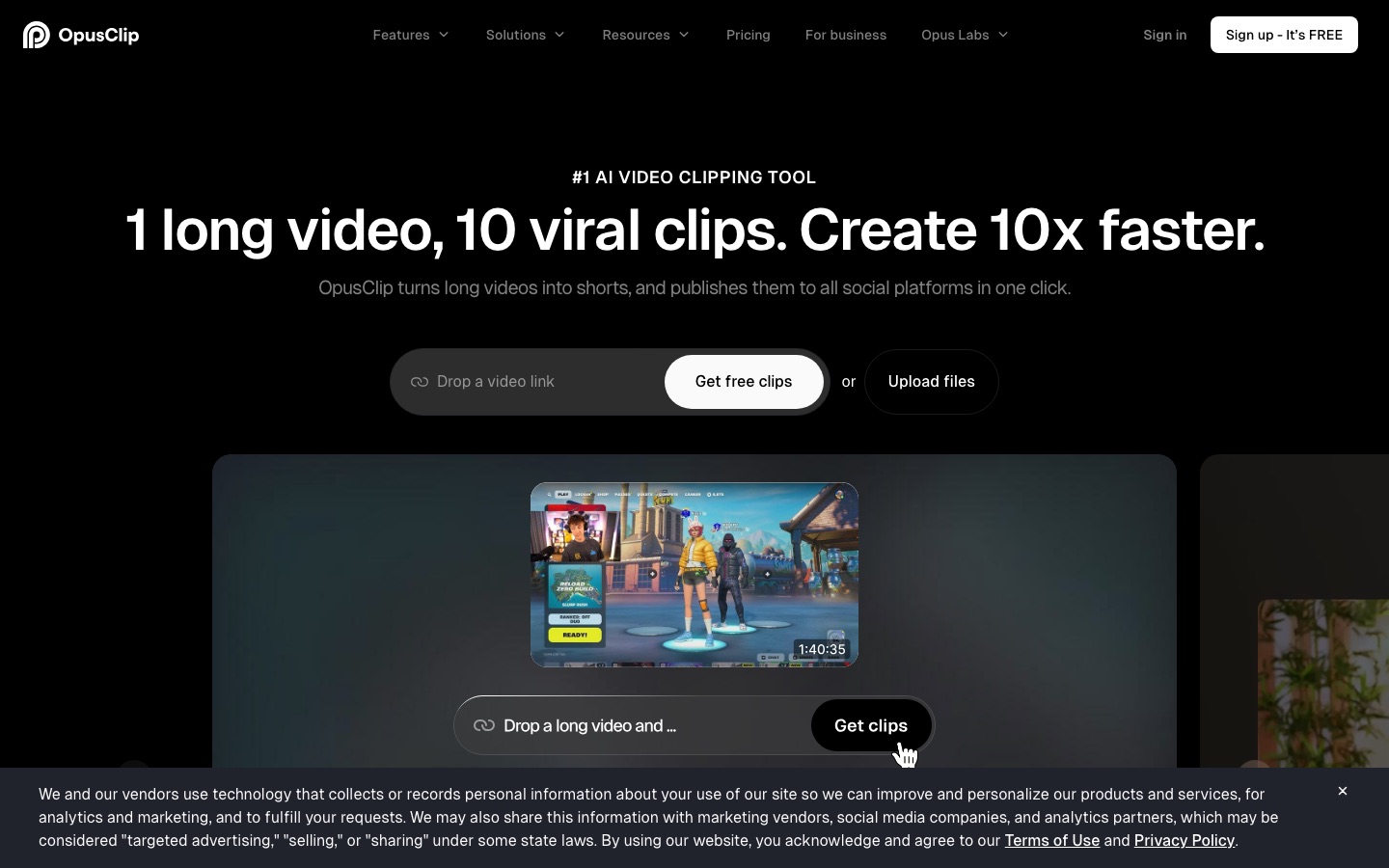
11. OpusClip: best for short-form video clips
OpusClip cuts long videos into short, captioned clips by finding the most engaging moments and reframing them for vertical formats. Pro adds a scheduler for YouTube Shorts, TikTok, Instagram, Facebook, X, Pinterest, Threads and Bluesky.
Pricing: free plan; Starter $15/mo; Pro $29/mo; Business custom.
Pros: a month of clips from one recording, automatic captions.
Cons: clips need a human review; credit limits on lower plans.
Best for: podcasters, YouTubers and webinar hosts. See Vizard vs OpusClip vs Munch and Captions vs Submagic.
12. exeedin: best for LinkedIn
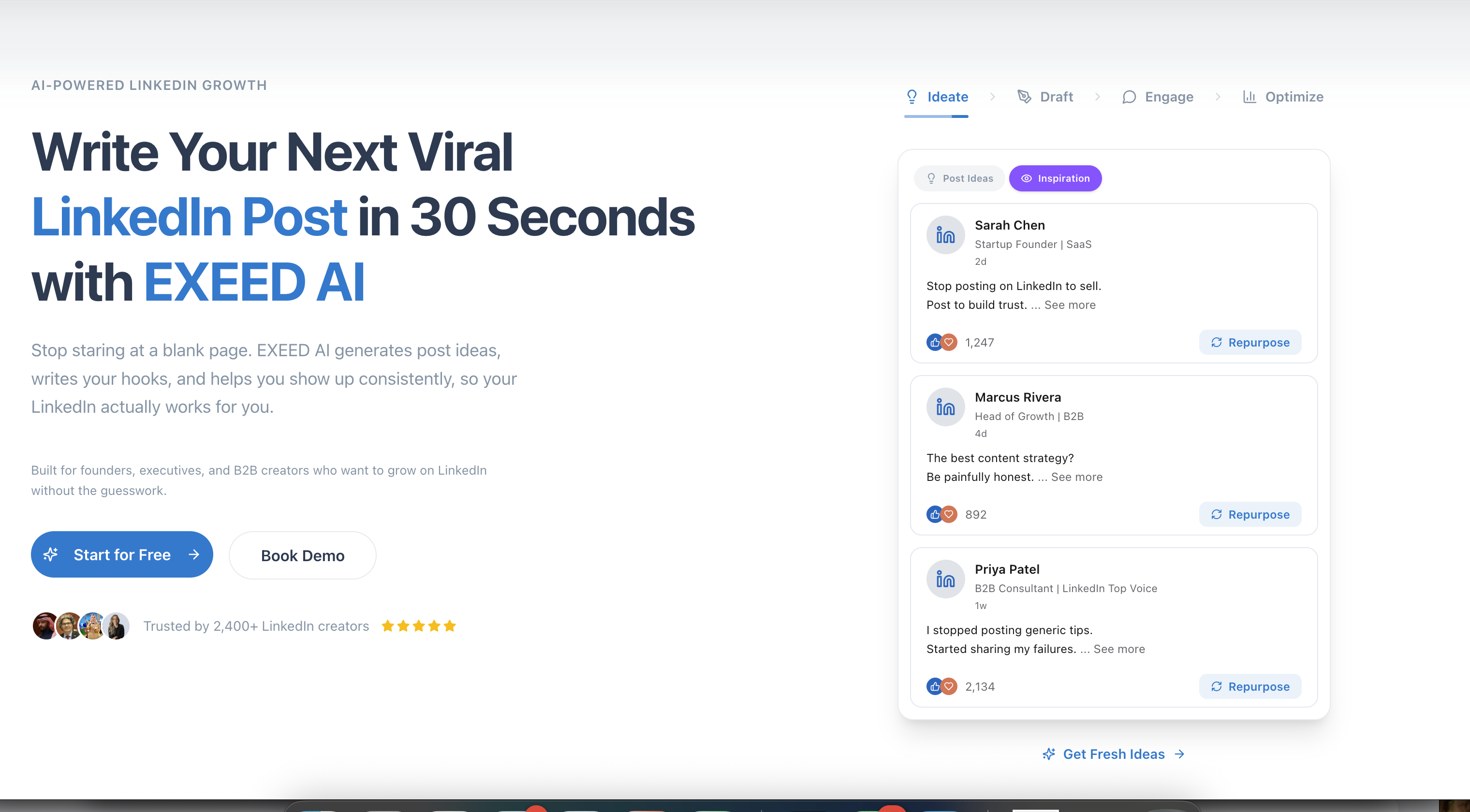
General schedulers treat LinkedIn as one more channel. exeedin is built only for it: an AI ghostwriter that learns your voice, writes posts and 10 hooks per run, adds sourced statistics, turns a YouTube video into 3 posts, designs PDF carousels, suggests comments in three styles and publishes on a schedule you approve, all runnable from a chat with its Ghost assistant.
Pricing: Creator Tools $49/mo ($39 annual), unlimited; Business $59 per seat per month. 3-day trial, no card.
Pros: unlimited, voice-matched LinkedIn writing; research and repurposing built in.
Cons: LinkedIn only; no free plan.
Best for: founders, consultants and B2B teams whose growth happens on LinkedIn. Read our exeedin review and the best AI LinkedIn tools.
Also worth a look
Munch Studio: turns your website, videos and recordings into a steady stream of on-brand posts, from $38/mo billed annually with a 7-day trial.
ShapelessAI: AI marketing agents that draft from what performs in your market and publish to 12 networks after your approval.
Riffi: a Brand Brain that remembers your voice and assets for carousels, videos and memes, plus scheduling.
Taplio: a LinkedIn suite with a viral library and lead tools; see exeedin vs Taplio.
Recommended stacks by team size
Solo creator, $0 to $20 a month: Buffer free or Essentials, Canva free, OpusClip free for clips.
Founder building a personal brand: exeedin for LinkedIn, Buffer for other networks, PostPop for carousels.
Small business: SocialBee or Ocoya, plus Canva Pro.
Ecommerce brand: Predis.ai for creative volume plus a scheduler.
Agency: Vista Social or Sprout Social, with Canva for design.
Enterprise team: Hootsuite or Sprout Social for governance, listening and reporting.
Tips for using AI on social media well
Set up the brand kit and voice first. Every tool here gets better once it knows your colors, tone and audience.
Generate in batches, edit one by one. Create a week of drafts in one sitting, then add a specific detail to each.
Adapt per network. A LinkedIn post, an Instagram caption and a Threads reply need different lengths and tones.
Check every claim and statistic an AI adds.
Recycle what works. Use analytics or evergreen categories to reshare your best posts.
FAQ
What is the best AI tool for social media?
For most creators and small businesses, Buffer is the best AI social media tool in 2026, with a free plan covering 3 channels, an AI Assistant in the composer and paid plans from $5 per channel. Teams that need an inbox, listening and reporting should choose Sprout Social or Hootsuite, and LinkedIn-first professionals should use exeedin.
Is there a free AI social media tool?
Yes. Buffer's free plan includes the AI Assistant and 3 channels, Canva's free plan includes limited Magic Studio AI, PostPop's free plan creates 8 branded posts a month with a watermark, and OpusClip has a free plan for video clips. Most other suites offer trials of 3 to 30 days instead of free plans.
Can AI manage my social media completely?
AI can draft posts, design visuals, suggest posting times, draft replies and summarize reports, and some tools publish automatically once you approve. It should not run unattended: you still need to set strategy, add real experiences, check facts and respond to sensitive comments. The best setups keep a human approving every post.
What is the best AI tool for creating social media posts?
Predis.ai is the strongest all-round AI generator for posts, carousels, videos and ads, especially for ecommerce. PostPop is best for clean, on-brand carousels from a topic, Canva Magic Studio for design control, and exeedin for LinkedIn text posts in your own voice.
Is Hootsuite or Buffer better?
Buffer is better for individuals and small teams: it is simpler, has a free plan and costs $5 per channel. Hootsuite is better for larger teams that need social listening, advanced analytics, governance and employee advocacy, with plans starting around $99 a month on annual billing. Sprout Social competes with Hootsuite at the team level.
Which AI social media tool is best for agencies?
Vista Social and Sprout Social are the strongest agency picks, with multi-profile plans, client reporting and approval workflows. SocialBee's agency tiers and FeedHive's Agency plan are cheaper options. For LinkedIn ghostwriting agencies specifically, exeedin's Business plan gives each client account its own seat and voice.
Final verdict
Start with Buffer if you want one simple, affordable scheduler with useful AI, and move up to Sprout Social or Hootsuite when you need a team inbox, listening and reporting. Add a generator when content is the bottleneck: Predis.ai for ads and video, PostPop for carousels, Canva Magic Studio for design. And if LinkedIn drives your business, a specialist like exeedin will beat any general scheduler. For the wider picture, see our guide to the best AI marketing tools.
Browse more social, content and growth tools in the AI marketing category and design tools in the AI design category. If you build a social media tool we have missed, you can submit it for a listing.