ChatGPT vs Midjourney (2026): Which AI Image Generator Should You Use?
ChatGPT Images 2.5 wins on text, instructions, editing by conversation and value, because image generation comes bundled with a full assistant. Midjourney V8.2 still wins on pure aesthetics and style control. Here is how they compare on quality, pricing, limits, commercial rights and workflow in 2026.
Short verdict: in the ChatGPT vs Midjourney matchup, pick ChatGPT if you need images that follow instructions exactly, contain readable text, or get edited through conversation, and you also want a writing and research assistant in the same $20 plan. Pick Midjourney if the look of the image matters most: concept art, editorial imagery, mood boards and anything where taste, lighting and style consistency beat literal accuracy. Many professionals use both, with ChatGPT for layouts and text-heavy graphics and Midjourney for hero visuals.
Both products changed a lot in 2026. OpenAI launched ChatGPT Images 2.0 (the gpt-image-2 model) in April, retired the DALL-E name, then shipped ChatGPT Images 2.5 on September 8 with faster generation and more precise edits. Midjourney released V8 in March, and V8.2 has been the default model since July 24, with a new edit model and a Thinking Mode now in testing. This comparison is based on official announcements, documentation, pricing pages and public user feedback as of October 2026. We have not run our own benchmark tests.

Quick verdict by use case
Text inside images (posters, menus, infographics, thumbnails): ChatGPT, clearly.
Artistic quality, lighting and a distinctive style: Midjourney.
Editing an existing photo by describing the change: ChatGPT, with Midjourney's V8.2 editor close behind.
Consistent style across a whole project: Midjourney, thanks to style references, personalization and moodboards.
Free use: ChatGPT. Midjourney has no free plan or trial.
Best value if you need more than images: ChatGPT Plus, which bundles chat, research, coding and images for $20 a month.
High volume image exploration: Midjourney Standard, with unlimited Relax mode and 24 image draft grids.
Developers who need an API: ChatGPT's image models are in the OpenAI API. Midjourney has no public API.
ChatGPT vs Midjourney at a glance
| ChatGPT (Images 2.5) | Midjourney (V8.2) | |
|---|---|---|
| What it is | General AI assistant with built-in image generation | Dedicated AI image and video generator |
| Current image model | ChatGPT Images 2.5 (API: GPT-Image-2.5 Flare and Sunburst) | V8.2 default, Niji 7 for anime |
| Free plan | Yes, with limited images | No |
| Cheapest paid plan | Go, $8/mo (ads in the US) | Basic, $10/mo ($8/mo billed yearly) |
| Main paid plan | Plus, $20/mo | Standard, $30/mo |
| Interface | Chat in web, desktop and mobile apps | Web app (Discord optional) |
| Text rendering | Excellent, including non-Latin scripts | Good for short quoted text |
| Max resolution | Up to 2K in ChatGPT | Native 2K with --hd |
| Editing | Conversational edits, comment-based edits, Sketch | Edit model with up to 4 reference images, targeted pixel edits |
| Style control | Prompt and reference images | Style references, personalization, moodboards, --stylize |
| Transparent backgrounds | Yes | No native option |
| Private images | Yes, by default | Stealth Mode on Pro and Mega only |
| Video | No (Sora app discontinued) | Image to video with Animate |
| API | Yes | No public API |
Pricing compared (as of October 2026)
The two products are priced differently because they are different products. ChatGPT is a general assistant where images are one feature among many, with usage limits that OpenAI does not publish as fixed numbers. Midjourney sells GPU time for images and video only. Check the official ChatGPT pricing page and Midjourney's plan comparison before you subscribe.
| Tier | ChatGPT | Midjourney |
|---|---|---|
| Free | $0. Image generation with tight, dynamic limits, ads in the US | None |
| Entry | Go: $8/mo. Higher limits than Free, ads in the US | Basic: $10/mo or $8/mo yearly. About 3.3 Fast GPU hours, no Relax mode |
| Main tier | Plus: $20/mo. Ad-free, higher image limits, thinking mode for images | Standard: $30/mo or $24/mo yearly. 15 Fast hours plus unlimited Relax images |
| Power tier | Pro: $100, $200 or $500/mo, much higher limits | Pro: $60/mo or $48/mo yearly. 30 Fast hours, Stealth Mode |
| Top tier | Business from $20/user/mo (annual) | Mega: $120/mo or $96/mo yearly. 60 Fast hours, Stealth Mode |
What you really pay per image
For a casual user who wants a few images a week, ChatGPT's free plan or Go plan is the cheapest way in, and Plus gives most people more images than they will ever need. For a heavy image user, Midjourney Standard is hard to beat: Relax mode queues jobs without using your Fast hours, so you can generate hundreds of images a month for $30. Unused Midjourney Fast hours do not roll over, and HD jobs and video burn GPU time much faster than standard images.
ChatGPT's limits are the weak spot for heavy users. OpenAI describes image limits as dynamic and based on load, so a burst of generations can hit a temporary cap even on Plus. If you need predictable volume for production work, Midjourney's metered hours or OpenAI's pay-per-use API are easier to plan around.
Image quality and style
This is still Midjourney's home turf. Public feedback and most 2026 comparisons agree that Midjourney produces the more striking image from a short prompt: richer lighting, better texture, more confident composition. V8.2 kept the artistic feel of V7 while improving prompt understanding, hands and faces, and it renders natively at 2K when you add --hd. Midjourney also gives you more ways to steer taste: --stylize, style reference codes (--sref), personalization profiles trained on your own preferences, and moodboards.
ChatGPT has closed much of the gap. Images 2.0 brought a reasoning step that plans a layout before drawing, and Images 2.5 improved fidelity, so photos look more natural and people more recognizable. Its default look is cleaner and more literal, which is a strength for product mockups and explainers but can feel flat for art. If you ask ChatGPT for "something beautiful", you get something competent. If you ask Midjourney, you usually get something you would hang on a wall.
Winner: Midjourney for aesthetics and art direction.
Prompt adherence and text in images
ChatGPT is the clear winner when the image has to contain specific things in specific places. The gpt-image-2 family led public text-to-image leaderboards for prompt accuracy after launch, and OpenAI highlighted much better text rendering, including Japanese, Korean, Chinese, Hindi and Bengali. You can ask for a menu with eight dishes and prices, a slide with a labeled diagram, or a YouTube thumbnail with a five word headline, and get it right far more often than with any older model.
Midjourney V8 understands full sentences much better than older versions, and it handles short quoted text such as a two word sign. Long passages of text, dense infographics and exact counts of objects are still where it slips. Midjourney's Thinking Mode, in testing on its alpha site since October 8, checks an image against the prompt for missing objects, layout, anatomy and text and then regenerates, which suggests Midjourney knows this is the gap to close.
Winner: ChatGPT, by a wide margin for text-heavy and instruction-heavy images.
Editing and iteration
ChatGPT: edit by talking
ChatGPT's biggest workflow advantage is that editing is just more conversation. Upload a photo or generate an image, then say "make the jacket red", "remove the person on the left" or "turn this into a 16:9 banner". Images 2.5 added comment-based edits that change only the part of the image you point to, better consistency across many rounds of edits, an @Sketch option for drawing directly in the chat, and templates for formats like posters and merch. It can also produce several consistent images from one prompt, which helps with storyboards and social carousels.
Midjourney: edit with references and selections
Midjourney's V8.2 edit model lets you change an image with plain instructions and up to four reference images, and a September update made edits change only the pixels you select, so you can make repeated edits without the image degrading. You also get Vary, Remix, inpainting and outpainting in the web editor, and draft mode returns a 24 image grid at half the GPU cost, which is the fastest way to explore many directions before committing.
Winner: ChatGPT for quick, precise edits in plain language. Midjourney for exploring many variations and keeping a style locked.
Consistency of characters and style
For a brand or a comic where every image must share one look, Midjourney's toolset is deeper. Personalization profiles, saved style codes and moodboards make a style repeatable across months of work, and image references in V8.2 handle recurring characters. ChatGPT keeps a character or product consistent within a conversation and across a batch from one prompt, and it remembers context, but there is no equivalent of a saved style code you can reuse anywhere.
Winner: Midjourney.
Ease of use and interface
ChatGPT is easier for beginners. There are no parameters to learn, it is available on web, desktop and mobile, and it will rewrite a vague prompt into a better one for you. Midjourney now runs in a full web app at midjourney.com, so you no longer need Discord, but you still get the best results by learning a handful of parameters such as --ar, --stylize, --sref and --p. Our guide on how to use Midjourney covers them in an afternoon.
Winner: ChatGPT.
Speed, limits and volume
Images 2.5 made ChatGPT noticeably faster than Images 2.0, according to OpenAI, but you generate one image or a small batch at a time and limits are not published. Midjourney's Fast mode returns a grid in seconds, Relax mode is unlimited on Standard and above, and paid plans support several jobs at once. For a designer who wants to see 100 directions in an hour, Midjourney is simply built for volume.
Winner: Midjourney for volume, ChatGPT for one-off images.
Commercial use, privacy and licensing
Both let you use images commercially, with different conditions. OpenAI's terms assign you ownership of the output you create, on free and paid plans, and ChatGPT images carry C2PA metadata that marks them as AI generated. Your images are private to your account. Midjourney grants commercial rights to paid subscribers, but companies with more than $1 million in gross annual revenue must use Pro or Mega, and every image is public in the Midjourney gallery unless you pay for Stealth Mode on Pro or Mega.
Neither tool gives you copyright protection by default. In the US, purely AI-generated images generally cannot be registered for copyright, so if you need a protected logo or brand asset, have a designer rework it. If you need indemnified, commercially safe output for a big brand, look at Adobe Firefly, which we compare in Adobe Firefly vs Midjourney.
Winner: ChatGPT for privacy on any plan.
Video, transparent backgrounds and extras
Midjourney can animate any image into a short clip with its Animate button, with extend and loop options, which is handy for social posts and mood films. ChatGPT no longer includes video generation after OpenAI discontinued the Sora app in April 2026. On the other hand, ChatGPT can generate images with transparent backgrounds, ready to drop into a slide or website, and Midjourney has no native transparency, so you need a separate tool from our list of the best AI background removers.
ChatGPT also wins on everything around the image: it can write the ad copy, research the topic, read a PDF and turn it into an infographic, or generate a whole set of social graphics with captions. Developers can use the same models through the OpenAI API, where GPT-Image-2.5 Flare is the fast default and Sunburst is the slower, more precise option. Midjourney has no public API.
Who should pick which
Choose ChatGPT if...
You need posters, infographics, thumbnails, menus or slides with accurate text.
You want to edit photos by describing changes in plain language.
You already pay for, or would use, ChatGPT for writing, research or coding.
You want private images and a free way to start.
You need an API for an app or automation.
Choose Midjourney if...
Visual quality, mood and style matter more than literal accuracy.
You make concept art, illustration, fashion, editorial or advertising key visuals.
You generate in volume and can use Relax mode on Standard or higher.
You want a repeatable style through style codes and personalization.
You want to animate images into short clips.
Use both if...
A common professional workflow is to use ChatGPT to brainstorm concepts and write detailed prompts, generate hero imagery in Midjourney, then bring the best image back into ChatGPT to add text, resize it for different formats or build a layout around it. At $20 plus $30 a month, the pair costs less than most single creative suites.
Alternatives worth a look

Nano Banana Pro: Google's image model in Gemini, very strong at photo editing and photorealism. See ChatGPT vs Gemini.
Adobe Firefly: trained on licensed content and built into Photoshop, the safest pick for brand teams.
Ideogram: typography and logos, compared in Midjourney vs Ideogram vs Flux.
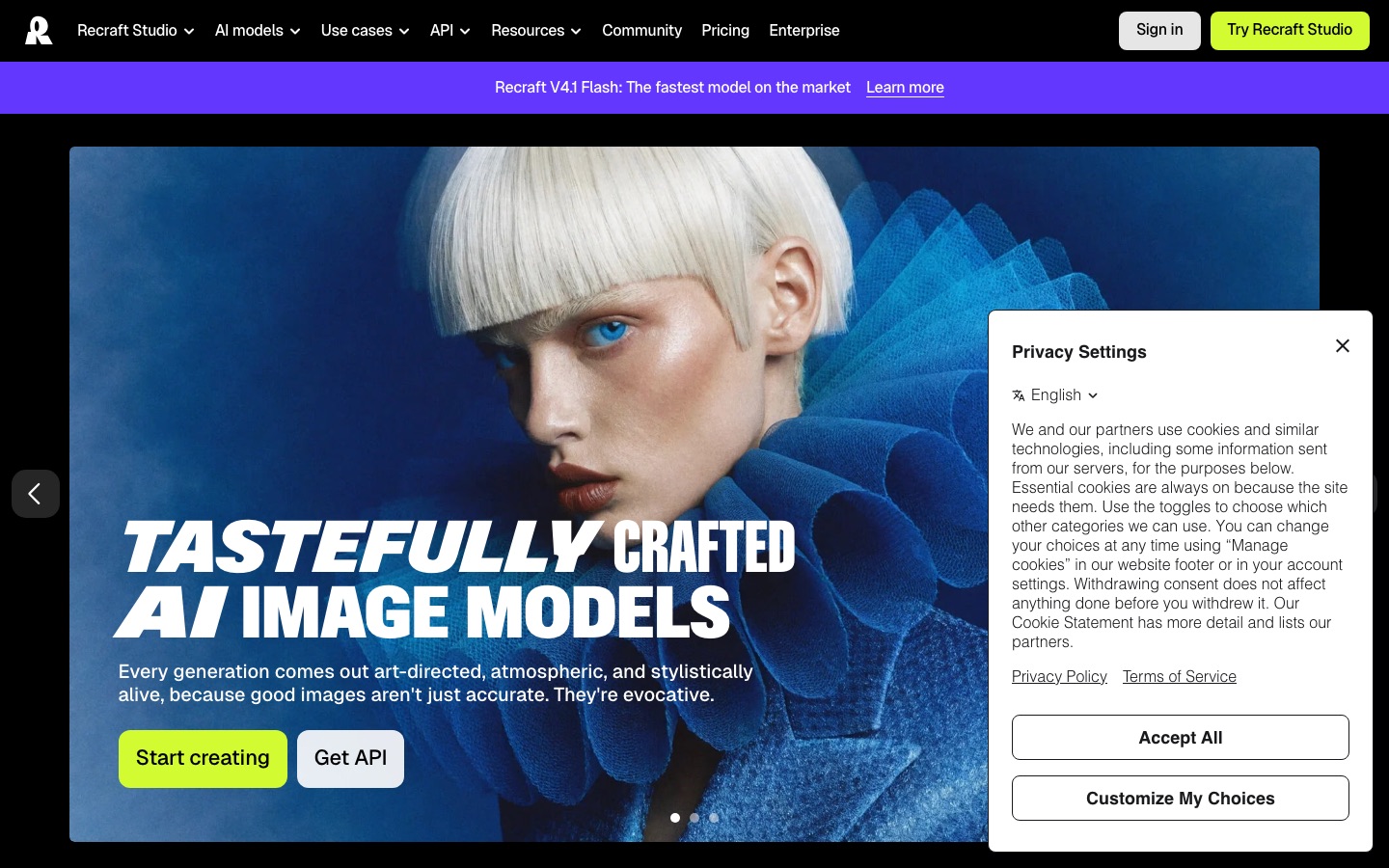
Recraft: vector output, icons and brand-consistent illustration.
Leonardo AI: a real free plan and custom models. See Freepik AI vs Midjourney vs Leonardo AI.
Want to start without paying? Our guide to the best free AI image generators ranks the most generous free tiers.
FAQ
Is ChatGPT better than Midjourney for images?
It depends on the job. ChatGPT is better at following detailed instructions, rendering text and editing images through conversation. Midjourney is better at producing beautiful, stylized images and keeping a consistent look across many images. For posters and diagrams pick ChatGPT. For concept art and hero visuals pick Midjourney.
What image model does ChatGPT use in 2026?
ChatGPT uses ChatGPT Images 2.5, which OpenAI released on September 8, 2026 as an upgrade to Images 2.0 (gpt-image-2) from April. In the API the same generation is offered as GPT-Image-2.5 Flare and GPT-Image-2.5 Sunburst. The older DALL-E 3 model has been retired.
Can I use ChatGPT images commercially?
Yes. OpenAI's terms say you own the images you create, including on the free plan, as long as you follow its usage policies. Images include C2PA metadata showing they are AI generated. Purely AI-generated images may not qualify for copyright protection, so check local law for logos and key brand assets.
Is Midjourney free?
No. Midjourney has no free plan or free trial in 2026. The cheapest option is Basic at $10 a month, or $8 a month billed yearly, with about 3.3 hours of Fast GPU time. Standard at $30 a month adds unlimited Relax mode images, which is the best value for regular use.
How many images can you make with ChatGPT for free?
OpenAI does not publish a fixed number. Free users can generate images, but limits are dynamic and depend on demand, so you may hit a cap after a handful of images and need to wait. Go, Plus and Pro raise the limits, and Plus adds the thinking mode for more complex images.
Is Midjourney still the best AI image generator?
For pure aesthetics, many artists still rate it first. For overall usefulness, ChatGPT Images 2.5 and Google's Nano Banana models now beat it on text, instruction following and photo editing. The best AI image generator for you depends on whether you value style, accuracy or editing most.
Does Midjourney have an API?
No. Midjourney does not offer a public API, and its terms prohibit automating the service. If you need image generation inside an app, use the OpenAI API, Google's Gemini API, Leonardo AI, Ideogram or a multi-model platform with a documented API.
Final verdict
ChatGPT is the better choice for most people in 2026. Images 2.5 follows instructions, writes legible text, edits in plain language and comes bundled with an assistant you will use for much more than images, starting free. Midjourney remains the better pure image generator when taste matters: V8.2 makes the most striking pictures, gives you the deepest style controls and handles high volume through Relax mode. If you are a designer or artist, pay for Midjourney Standard and keep ChatGPT for text and edits. If images are just part of your work, ChatGPT Plus covers it.
Compare every image generator, editor and upscaler we track in the AI image tools category, or read our Midjourney review and ChatGPT review for deeper dives. If you build an image tool we have missed, you can submit it for a listing.