Kling AI Review (2026): Kling 4.0, Pricing and Honest Limits
Kling AI is the value leader in AI video: Kling 4.0 makes 3 to 30 second clips with stereo audio and lip sync, and paid plans cost less per second than Runway or Luma. It also has some of the worst customer reviews in the category. Here is what you get, what it costs, and when to pick something else.
Verdict: this Kling AI review lands on a clear answer. Kling AI is the best value AI video generator you can buy in late 2026, and Kling 4.0 is the reason: 3 to 30 seconds per generation, two-channel audio with lip-synced dialogue, up to 10 keyframes and 15 references, at a lower cost per second than Runway or Luma. It suits solo creators, social teams and marketers who need a lot of footage with sound. Skip it if you need reliable customer support, strict data residency, or a full editing suite, because Kling's service record is poor and its strength is generation, not post-production.
Kling is built by Kuaishou, the Chinese short-video company, and it went from a surprise demo in 2024 to one of the most used video models in the world. Its models now also run inside Runway, Luma, Higgsfield and many aggregators. This review is based on Kling's published model specs and plan details, model documentation from API partners, and public user feedback as of late October 2026. We did not run our own benchmarks. Kling's pricing varies by region and promotion, so confirm numbers on the official Kling AI site before you buy.

Kling AI at a glance
What it is: a web and mobile app for text-to-video, image-to-video, video editing and image generation, running Kuaishou's Kling models.
Current models: Kling 4.0 (October 2026), Kling 4.0 Flash, Kling 3.0 and the Omni (O-series) models.
Best for: high-volume creators, ads and social content, talking characters, long single takes.
Skip it if: you need responsive support, a production timeline with pro export, or a vendor outside China for compliance reasons.
Pricing: free credits with watermarked 720p output; paid plans reported from about $7 to $10 a month for 660 credits, up to about $160 to $180 for 26,000 credits.
Biggest complaints: queues, credits lost on failed generations, cancellation and refund problems, over-eager moderation.
What is new in Kling 4.0
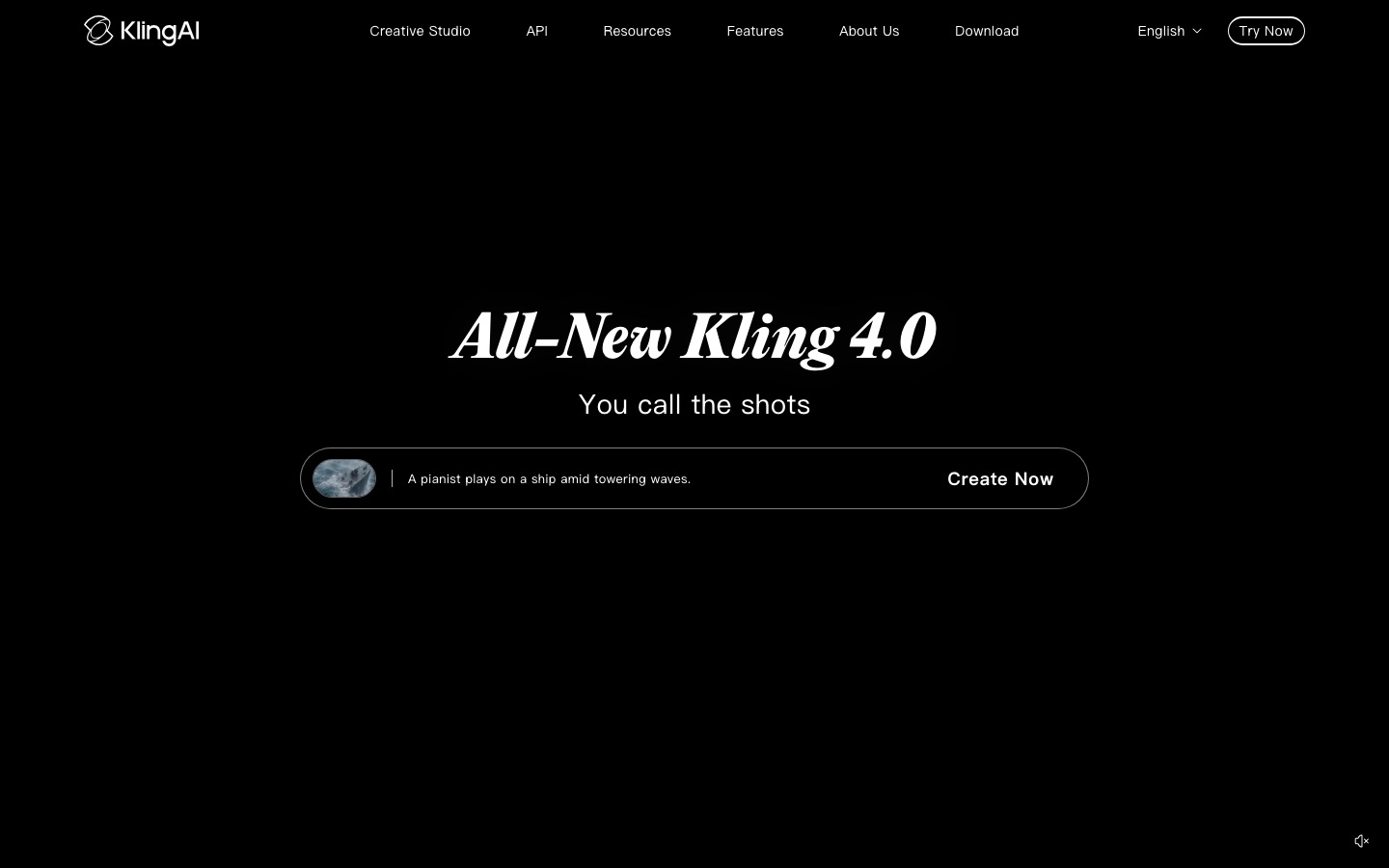
Kling announced 4.0 on September 28, 2026, gave early access to the lighter Kling 4.0 Flash model on the Ultra yearly plan, and rolled out the full model in mid-October. Here is what the published specs (as listed by Kling and its API partner fal) include:
Length: 3 to 30 seconds in a single generation, double Kling 3.0's 15-second cap.
Resolution: 720p, 1080p and 4K, with 21:9, 16:9, 1:1 and 9:16 aspect ratios.
Audio: two-channel stereo with improved lip sync. Dialogue and on-screen text cover languages including English, Chinese, Japanese, Korean, Spanish, Portuguese, German and French.
Keyframes: up to 10 keyframe images, plus first and last frame control.
Omni Reference: up to 15 references per generation, including up to 10 images, up to 5 videos (30 seconds combined) and a voice sample.
Video editing: feed in up to 5 clips and change characters, products, backgrounds, motion or style.
Prompts: up to 8,000 tokens, which helps with detailed multi-beat scenes.
Coming soon: 10-bit HDR at 1080p and 4K, video extension up to 2 minutes, and developer API access.
Kling 4.0 Flash is the fast, cheap tier: 3 to 20 seconds, 720p only, 8-bit SDR and first-frame image input. It is the model to use for drafts before you spend credits on a full 4.0 render.
Key features in depth
Text-to-video and image-to-video
The core loop is simple: write a prompt or upload an image, pick a model, length, resolution and aspect ratio, and generate. Kling's reputation rests on motion: running, dancing, fights, vehicles and animals with believable weight and physics. Kling 4.0's launch notes focus on steadier large-scale motion and continuity in fast action and complex camera moves. Image-to-video is the most reliable way to get exactly the look you want, because the first frame is fixed.
Native audio and lip sync
This is Kling's biggest advantage over Runway's and Luma's in-house models, which output silent video. Kling 3.0 introduced native audio, and 4.0 moves to stereo with tighter lip sync, so you can prompt a character to say a line and get matching mouth movement, ambience and sound effects in one pass. Expect to reroll dialogue shots, and have a native speaker check non-English lines.
Omni Reference and character consistency
Keeping the same person, product or outfit across shots is the hardest problem in AI video. Kling's Omni Reference lets you attach faces, products, locations, reference videos for camera motion and a voice sample to a single generation. With up to 15 references, you can build a recurring character for a series or keep a product's logo and shape correct across an ad.
Keyframes and Motion Control
Up to 10 keyframes let you pin specific moments in a 30-second clip, which turns a lottery into a shot list. Kling's Motion Control models transfer movement from a reference video to your character, useful for dance trends and choreographed action.
Video editing
Kling 4.0's edit mode changes an existing clip: expressions, camera, style, background or characters. It is capable, but it is not a full editor. There is no professional timeline with color tools and pro codecs like Runway's, so plan to finish in a regular editor such as CapCut or Descript.
Image generation, apps and agents
Kling also generates images, has iOS and Android apps for quick iteration, and offers access for AI agents through MCP and a command-line tool. A separate developer API is sold in prepaid packages, but Kling 4.0 was not yet on the API price list in October 2026.
Kling AI pricing (as of October 2026)
Kling's prices are confusing, because it runs first-month discounts, regional pricing and frequent promotions. The figures below are list prices reported in mid-October 2026 for the US site. Other sources quote slightly higher monthly prices (about $10, $37, $92 and $180), so check the live page in your region.
| Plan | First month | Monthly after that | Yearly | Credits per month | Key limits |
|---|---|---|---|---|---|
| Free | $0 | $0 | $0 | Small free allowance | 720p, watermark, no commercial use, one job at a time |
| Standard | $6.99 | $8.80 | $79.20 | 660 | 1080p and 4K, no watermark, commercial use |
| Pro | $25.99 | $32.56 | $293.04 | 3,000 | Priority access to new features |
| Premier | $64.99 | $80.96 | $728.64 | 8,000 | Same features as Pro, more credits |
| Ultra | $127.99 | $159.99 | $1,429.99 | 26,000 | Beta invites; yearly plan had early Kling 4.0 Flash access |
How credits translate into video
Kling bills per second, and the rate depends on model, resolution and audio. For Kling 3.0, published rates are:
| Kling 3.0 mode | 720p | 1080p |
|---|---|---|
| Without audio | 6 credits/sec | 8 credits/sec |
| With native audio | 9 credits/sec | 12 credits/sec |
| Voice control add-on | +2 credits/sec | +2 credits/sec |
| Native 4K (subscribers) | n/a | 30 credits/sec at 4K |
So a 10-second 1080p clip with sound costs 120 credits, and the Standard plan's 660 credits cover about 55 seconds of that. That works out to roughly $0.16 to $0.18 per second with audio at regular Standard prices, cheaper than Runway Gen-4.5 (about $0.29 per second, silent) on its entry plan. Kling had not published official per-second rates for Kling 4.0 when we checked; partner sites reported about 10 credits per second at 720p and 15 at 1080p, which would make a full 30-second 1080p clip about 450 credits. Confirm in the app before a big batch.
Credits expire. Subscription credits reset each billing period and do not roll over.
Top-ups are sold separately (reported at about $1 for 66 credits), but buying credits does not lift free plan limits.
Paid plans can run several generations at once; the free tier runs one at a time and waits in a slower queue.
Is Kling AI free?
Yes, with limits. Non-subscribers get a small allowance of free credits (long cited as 66 a day, though Kling has changed how and when they are granted, so check your account). Free output is capped at 720p, carries a Kling watermark and is not licensed for commercial use. It is enough to test prompts and see whether Kling's look fits your project, but not for client work. Free users also report long queues and "busy" messages at peak times.
Commercial use, safety and privacy
Commercial rights: included from the Standard plan up, along with watermark removal. Free output is non-commercial.
Moderation: Kling filters violent, sexual and some political content. Users report false positives on ordinary images, and TechCrunch has reported that politically sensitive prompts about China return errors.
Privacy: Kling is operated by Kuaishou, a Chinese company. Read the privacy policy, avoid uploading confidential footage or other people's faces without consent, and check with your compliance team if you work in a regulated industry.
Pros and cons
Pros
Longest single clips among major generators: up to 30 seconds with Kling 4.0.
Native stereo audio and lip sync from the in-house model.
Lowest cost per second of the big three at list prices, sound included.
Strong motion and physics in action-heavy shots.
Deep control: 10 keyframes, 15 references, Motion Control and edit mode.
Cheap entry point and a free tier for testing.
Cons
Poor customer service record and frequent billing complaints.
Confusing pricing with promos, regional prices and expiring credits.
Queues and failures at peak times, with credits sometimes lost.
Over-cautious moderation and political filtering.
Thin post-production tools compared with Runway.
Several 4.0 features still "coming soon", including HDR, extension and the API.
Common complaints from public user feedback
Kling's Trustpilot page (klingai.com) showed a TrustScore of about 1.2 out of 5 from roughly 430 reviews when we checked in October 2026, with most reviews one-star. Trustpilot notes Kling does not invite reviews, so the sample skews negative, and app store ratings tell a more mixed story. Still, the themes repeat:
Paying for failures: users say credits are deducted for generations that fail or ignore the prompt, then spent again on fixes.
Expiring credits: yearly subscribers have reported unused credits removed at renewal.
Queues: credit-pack buyers without a subscription describe being stuck in the free queue for hours.
Cancellation and refunds: reports of hard-to-find cancel options and refused refunds after a purchase.
Support: emails and in-app chat going unanswered.
How to protect yourself: pay monthly before committing to a year, use Kling 4.0 Flash or 720p for drafts, screenshot your credit balance before big batches, and cancel through the same channel you paid with (web, Apple or Google).
Kling vs the alternatives





Kling vs Runway
Kling wins on value, length and audio. Runway wins on editing (Aleph 2.0), team workflow, Premiere and Resolve plugins, and HDR and ProRes export, and it hosts Kling 4.0 inside its own app at a higher credit price. Read our Runway review or the three-way Runway vs Kling vs Luma comparison.
Kling vs Luma
Luma Agents is the pick for HDR and EXR pipelines and for restyling real performances with Modify Video. Its Ray3.2 model does not generate audio for new shots and has no free plan, so Kling is the better general-purpose generator.
Kling vs Seedance and Hailuo
Seedance 2.5 from ByteDance, available in Dreamina and many aggregators, also makes clips up to 30 seconds with native audio and is Kling's closest rival on length. Hailuo AI, from MiniMax, is known for expressive character acting. Both are worth testing with the same prompt before you commit to a yearly plan.
Kling vs Gemini Omni
Gemini Omni is Google DeepMind's video model with audio, inside Gemini and Google Flow. It is a good option if you already pay for a Google AI plan and prefer a US vendor.
| Tool | Longest clip | Native audio | Free option | Best for |
|---|---|---|---|---|
| Kling AI | 30 sec | Yes, stereo | Yes, watermarked 720p | Value and long takes |
| Runway | About 10 sec (Gen-4.5) | Via other models | 125 one-time credits | Editing and teams |
| Luma Agents | 10 sec (20 modifying) | Via other models | No | HDR and VFX |
| Seedance 2.5 | 30 sec | Yes | Varies by app | Multi-shot clips with sound |
For the full field, see our ranking of the best AI video generators and our guide on how to make AI videos.
Who should use Kling AI
Social and short-form creators who need many clips with sound every week.
Performance marketers testing ad variations, where cost per second matters more than finishing tools.
Storytellers who want long single takes and recurring characters through Omni Reference.
Runway or Luma users who want cheaper Kling generations in Kling's own app.
If you are making presenter or training videos rather than cinematic shots, an avatar platform is a better fit; see our HeyGen review.
FAQ
Is Kling AI good?
For generation quality and value, yes. Kling 4.0 makes 3 to 30 second clips with stereo audio and lip sync, strong motion and detailed reference control, at a lower price per second than Runway or Luma. Its weak points are customer support, billing complaints, moderation false positives and a thin editing toolset.
Is Kling AI free?
Kling has a free tier with a small allowance of credits, often cited as 66 a day. Free videos are capped at 720p, carry a watermark and cannot be used commercially. Paid plans start at roughly $7 to $10 a month for 660 credits, depending on promotions and region.
How long can Kling 4.0 videos be?
Kling 4.0 generates 3 to 30 seconds per clip, and Kling 4.0 Flash up to 20 seconds at 720p. Kling has announced video extension up to 2 minutes as coming soon. Until then, longer videos are built by stitching or extending clips in an editor.
Is Kling AI safe to use?
Kling is a legitimate product from Kuaishou, a large listed Chinese company, and is widely used. Use the official site or app stores, avoid third-party sites that impersonate Kling, read the privacy policy, and do not upload confidential material or other people's likeness without consent.
Can I use Kling AI videos commercially?
Yes, on paid plans. Standard and higher remove the watermark and include commercial rights. Free plan output is not licensed for commercial use. You are still responsible for prompts that copy real people, trademarks or copyrighted characters.
Is Kling better than Runway?
For raw generation, often yes: longer clips, native sound and a lower cost per second. Runway is better as a production workspace, with Aleph 2.0 editing, an agent, team plans and pro export. Runway can also run Kling 4.0, so some teams use both.
Why do Kling AI generations fail?
The common causes are moderation filters (faces, celebrities, violence, politics), peak-time queue overloads and very complex prompts. Simplify the prompt, remove references to real people, try 720p or Flash first, and generate off-peak. Users report failed jobs sometimes still cost credits, so check your history.
Final verdict
Kling AI is the best price-to-quality AI video generator in late 2026. Kling 4.0's 30-second clips with stereo dialogue, 10 keyframes and 15 references make it the most capable pure generator for most creators, and its entry plan is cheap. The catch is everything around the model: confusing pricing, expiring credits, queues and weak support. Pay monthly, draft with Flash, finish in a real editor, and Kling will likely give you more usable footage per dollar than anything else.
Browse every AI video generator and editor we track in the AI video category. Building a video tool we have missed? Submit it for a listing.