How to Make AI Videos (2026): From Script to Final Cut
A complete, step-by-step workflow for making AI videos in 2026: choose the right type of video, write the script with ChatGPT or Claude, generate a consistent look, animate shots with Kling, Runway or Gemini Omni, add an ElevenLabs voiceover, and edit everything together in CapCut.
Quick answer: how to make AI videos. Decide what kind of video you need, write a script with ChatGPT or Claude, turn it into a shot list, generate a still image for each shot, animate the stills with an AI video generator such as Kling, Runway or Gemini Omni, record a voiceover with ElevenLabs, then cut everything together with music and captions in CapCut. A polished 60-second video takes a few hours and can cost under $50 a month in tools.
No single app does all of this well yet. The best results still come from a pipeline where each tool does one job. This guide walks through that pipeline step by step, with example prompts, tool choices for each stage and realistic costs. Tool details and prices come from official pricing pages and documentation as of October 2026, not our own hands-on testing, so confirm current prices before you subscribe.





The AI video workflow at a glance
1. Pick the video type: cinematic shots, a talking avatar, or script-to-video with stock footage.
2. Script: ChatGPT or Claude, edited by you.
3. Shot list: one line per shot with framing, action and duration.
4. Look: generate first-frame images so every shot shares one style and character.
5. Animate: image-to-video in Kling, Runway or Gemini Omni.
6. Voice: ElevenLabs or your own recording.
7. Music and sound: Suno, stock libraries or a generator's native audio.
8. Edit: CapCut or another editor for timing, captions, transitions and export.
Step 1: Decide what kind of AI video you are making
"AI video" covers three very different jobs, and the right tools depend on which one you mean:
| Video type | What it looks like | Best tools | Typical use |
|---|---|---|---|
| Generated cinematic shots | New footage created from prompts and images | Kling, Runway, Gemini Omni | Ads, music videos, short films, B-roll |
| Avatar presenter | A realistic person reads your script on camera | HeyGen, Synthesia | Training, explainers, sales, translated videos |
| Script-to-video | Stock or generated clips assembled around a voiceover | invideo AI, Pictory, Fliki | YouTube explainers, listicles, social posts |
This guide focuses on the first type, because it gives you the most creative control and the techniques carry over to the others. If you want a presenter, follow our guide on how to use HeyGen. If you want quick narrated videos from a script, our invideo vs Pictory vs Fliki comparison will help you pick.
Step 2: Write the script with ChatGPT or Claude
Start with the words, not the visuals. A script sets the length, the pacing and how many shots you need. Roughly 150 spoken words equals one minute of video.
Example prompt for ChatGPT or Claude:
Write a 60-second voiceover script for a short video about why octopuses are considered one of the smartest animals. Audience: curious adults on YouTube Shorts. Hook in the first 5 seconds, three surprising facts, one-line ending that invites a follow. About 150 words. Then split it into 8 to 10 shots and, for each shot, give: the narration line, a visual description, the camera move and a duration in seconds.
Check every fact. Language models still get details wrong. Verify claims before you build visuals around them.
Rewrite in your own voice. Read it aloud and cut anything you would not say. This is also what keeps your video from feeling generic.
Keep sentences short. AI voices and viewers both handle short sentences better.
Need help with prompts? See our guides on how to use ChatGPT and how to use Claude.
Step 3: Turn the script into a shot list
AI video generators make short clips, usually 5 to 10 seconds, and up to 30 seconds with Kling 4.0. Plan your video as a sequence of short shots, the way a film editor would. A simple shot list has five columns:
| # | Narration | Visual | Camera | Length |
|---|---|---|---|---|
| 1 | "This animal can taste with its arms." | Octopus arm curling over a rock, extreme close-up | Slow push-in | 4 sec |
| 2 | "It has nine brains." | Octopus gliding over a coral reef | Tracking shot, side view | 5 sec |
| 3 | "And it can vanish in a second." | Octopus changing color to match sand | Locked-off, overhead | 5 sec |
Plan 10% to 20% more shots than you need. Some generations will fail, and spare B-roll makes editing much easier.
Step 4: Create a consistent look with first-frame images
The biggest difference between amateur and polished AI video is consistency: the same character, palette and lighting from shot to shot. The most reliable way to get it is to generate a still image for each shot first, then animate the stills.
Write a style line you will reuse in every image prompt, such as
natural history documentary still, deep blue water, soft caustic light, shallow depth of field, 16:9.Generate each shot's image with an image model. Nano Banana Pro is strong at keeping characters consistent from reference images, and Midjourney is popular for cinematic style.
For a recurring character, generate one reference image you like, then feed it back as a reference for every other shot.
Set the aspect ratio now: 16:9 for YouTube, 9:16 for Shorts, Reels and TikTok.
Our guide on how to use Midjourney covers style references and character references in detail.
Step 5: Animate each shot with an AI video generator
Now upload each still to an image-to-video generator and write a prompt describing only the motion: the camera move, what the subject does and how the environment moves. The image already shows the scene, so do not describe it again.
Example motion prompt: Slow push-in. The octopus uncurls one arm across the rock, suckers gripping. Sand drifts in the current. Calm, documentary pace.
Which video generator to use
| Generator | Strengths | Native audio | Clip length | Starting price (Oct 2026) |
|---|---|---|---|---|
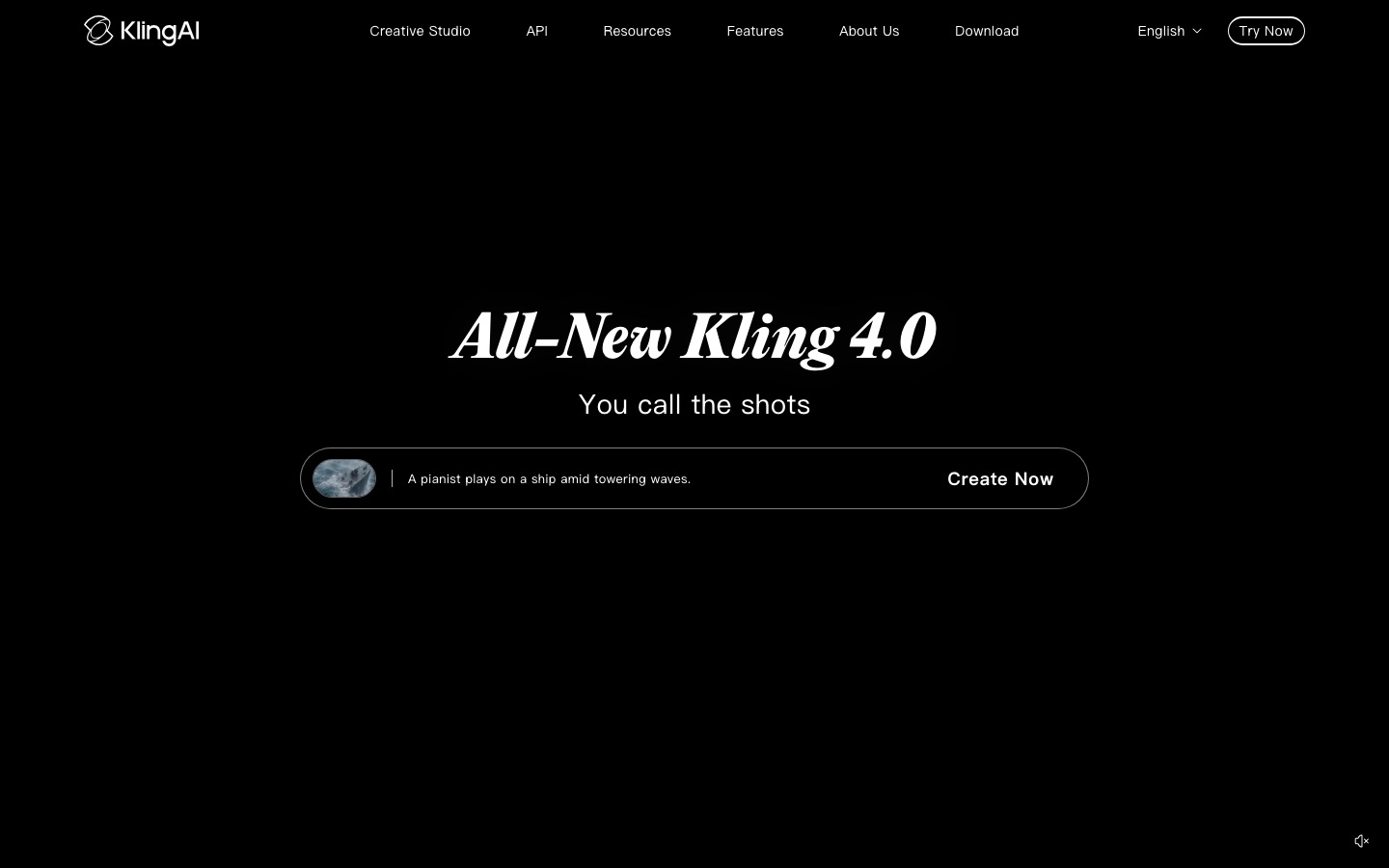
| Kling (Kling 4.0) | Best value, big motion, long takes, lip sync | Yes | 3 to 30 sec | About $10/mo, plus daily free credits |
| Runway (Gen-4.5, Aleph 2.0) | Cinematic camera work, editing real footage, many models in one app | Gen-4.5 no; third-party models yes | About 2 to 10 sec | $15/mo ($12 annual), 125 free credits |
| Gemini Omni (and Veo 3.1) | Realism with synchronized sound, any-input video | Yes | Up to 10 sec per generation | Google AI plans; AI Pro $19.99/mo |
| Hailuo AI | Expressive characters and acting | Yes | Short clips | About $10/mo (check site) |
| Luma | HDR and VFX pipelines, restyling footage | Via third-party models | 5 to 10 sec | $30/mo ($25 annual) |
For most beginners, Kling is the easiest place to start because it is cheap and generates sound. Pick Runway if you also want to edit footage you shot yourself; our step-by-step guide on how to use Runway covers it in depth. Gemini Omni is the pick for photoreal clips with dialogue if you already pay for Google's AI plans. For a deeper comparison, read Runway vs Kling vs Luma and our ranking of the best AI video generators.
Prompting tips that save credits
One action per clip. Multi-step actions in a single generation usually break.
Use camera vocabulary: dolly in, orbit, crane up, handheld, locked-off.
Draft short and cheap (5 seconds, faster models or lower resolution) before rendering the final version.
Generate two or three takes per shot and keep the best; budget credits accordingly.
Avoid on-screen text in generated shots. Add titles and captions in your editor.
Step 6: Record the voiceover with ElevenLabs
A good voice makes AI visuals feel intentional. You have two options: record yourself with a decent USB microphone, or use an AI voice. ElevenLabs is the most popular choice for AI narration.
Sign up at elevenlabs.io and open the text-to-speech tool.
Paste one paragraph of your script at a time. Shorter chunks are easier to fix.
Pick a voice from the library, or clone your own voice (Instant Voice Cloning is on the Starter plan and up).
Generate, listen, and regenerate any line with odd emphasis. Punctuation changes pacing: commas add short pauses, periods add longer ones.
Download each line as a separate file so you can time it to your shots in the editor.
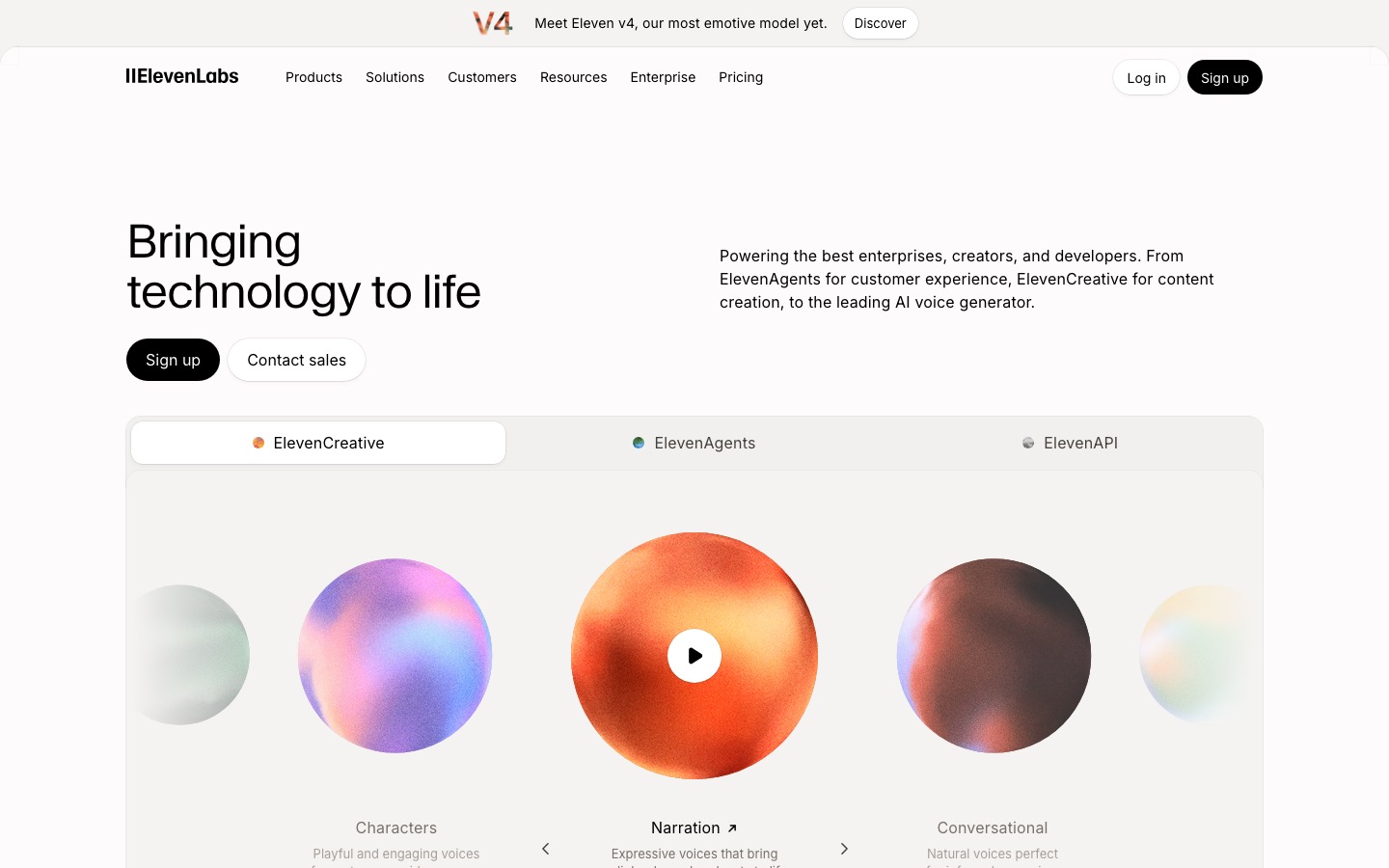
ElevenLabs pricing, per its official pricing page as of October 2026: Free gives about 10 minutes of speech a month, Starter is $6 a month for about 30 minutes with a commercial license, and Creator is $22 a month for about 121 minutes plus Professional Voice Cloning. Our ElevenLabs tutorial goes deeper on voice settings.
If you used a generator with native audio, such as Kling or Gemini Omni, you may already have dialogue and ambient sound. You will still usually want a separate narration track for explainers.
Step 7: Add music and sound effects
Music: Suno generates original tracks from a text prompt; check its plan terms for commercial use. Royalty-free libraries and CapCut's built-in library are the simpler option for social posts.
Sound effects: waves, footsteps and whooshes make generated footage feel real. ElevenLabs and Runway both generate sound effects, and many editors include free libraries.
Mix: duck the music well below the voice, and lower it further under dialogue, so narration stays clear.
Our guide on how to make a song with Suno covers writing music prompts if you want a custom score.
Step 8: Edit everything together in CapCut
Editing is where AI clips become a video. CapCut is the most common choice for beginners because it is free to start, runs on desktop, web and mobile, and has strong auto captions.
Create a new project in your target aspect ratio and import your clips, voiceover files and music.
Lay the voiceover on the timeline first. It sets the rhythm of the whole video.
Drop each clip above its narration line and trim it to fit. Cut on action or on the beat of the music.
Add auto captions, then fix any misheard words. Most viewers watch short-form video with the sound off.
Add titles, lower thirds and your logo as text layers, never inside the generated footage.
Color-match clips that look slightly different with a single filter or adjustment layer across all of them.
Export at 1080p or higher. For YouTube, 4K uploads tend to get better compression.
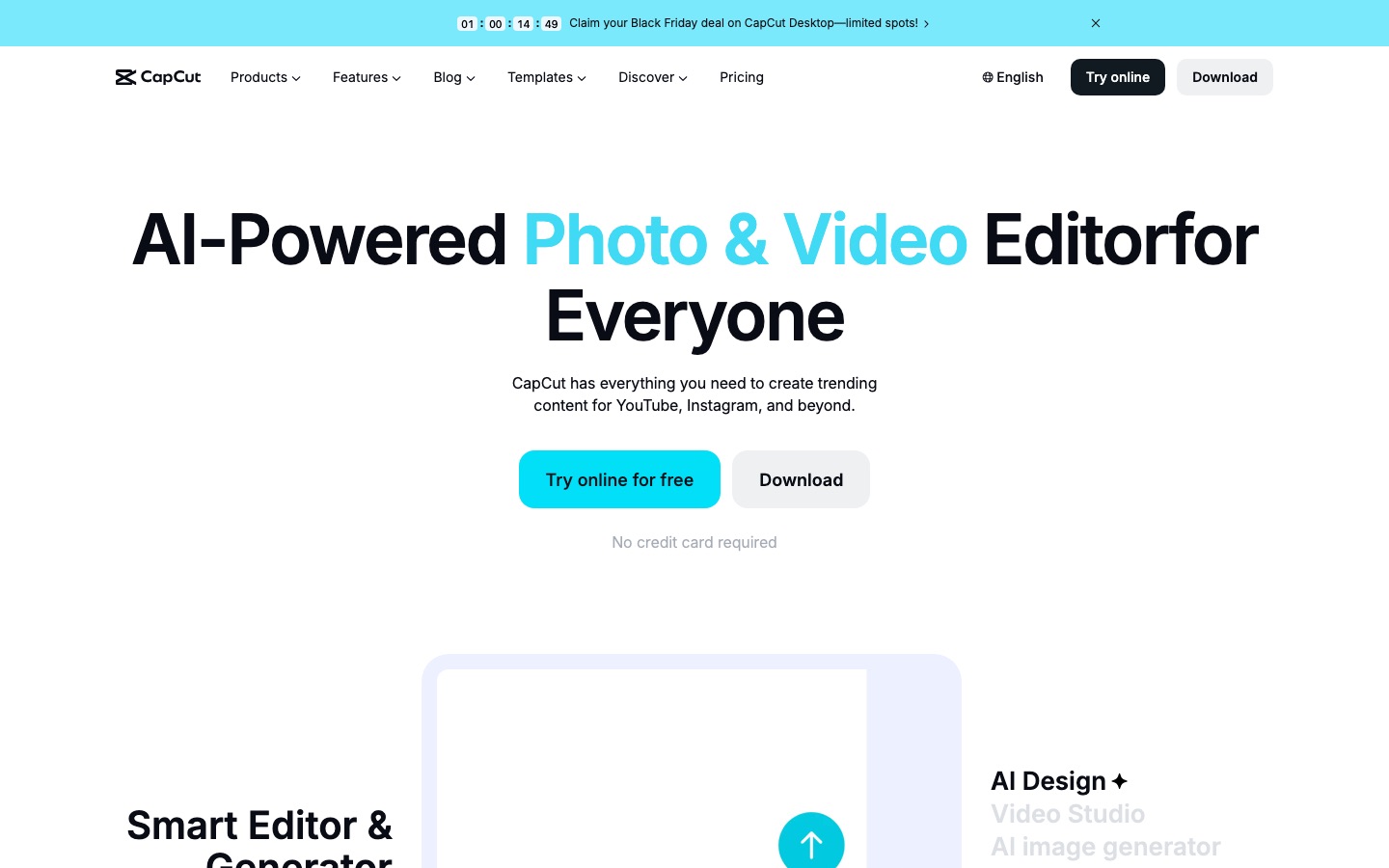
CapCut's paid plans unlock more AI tools and remove watermarks from some effects; prices vary by country, so check the app. Prefer editing by text? Descript lets you cut video by editing a transcript, and our Descript vs CapCut comparison explains the trade-offs. For more options, see the best AI video editors.
Step 9: Export, disclose and publish
Check rights: only upload images, footage and voices you have rights to use, and never clone someone else's voice or likeness without consent.
Disclose realistic AI content. YouTube requires creators to mark realistic altered or synthetic content in YouTube Studio's AI use setting during upload, per its disclosure policy. TikTok and Meta have similar labels.
Repurpose: cut a long video into vertical clips with OpusClip or similar tools.
What a 60-second AI video costs
A realistic monthly tool budget for one creator making a few short videos a month, using list prices as of October 2026:
| Stage | Free route | Budget paid route |
|---|---|---|
| Script | ChatGPT or Claude free plans | ChatGPT Plus or Claude Pro, $20/mo (optional) |
| Images | Free tiers of image generators | Included in Runway or Google AI plans, or a dedicated image plan |
| Video | Kling daily free credits, Runway's 125 one-time credits | Kling Standard, about $10/mo |
| Voice | ElevenLabs Free (about 10 min, no commercial license) | ElevenLabs Starter, $6/mo |
| Editing | CapCut free | CapCut free, or a paid plan for extra AI tools |
| Total | $0, with watermarks and limits | About $16 to $40/mo |
The hidden cost is rerolls. Expect to generate two to four takes for every shot you keep, so a 10-shot video may need 20 to 40 generations.
Common mistakes when making AI videos
Starting with visuals instead of a script. You end up with pretty clips that do not tell a story.
Text-to-video for everything. Image-to-video gives far more consistent characters and framing.
Overlong shots. Two to five seconds per shot keeps short-form videos moving.
No sound design. Silent AI footage with only music feels hollow; add ambient sound.
Ignoring artifacts. Watch every clip full screen for melting hands, warped faces and flickering backgrounds before you publish.
Publishing generic content at volume. Platforms are cracking down on low-effort AI video. Our guide on making faceless YouTube videos with AI explains YouTube's monetization rules.
Troubleshooting
My character looks different in every shot: generate stills from one reference image, reuse the same style line, and use the generator's character or element reference feature.
The clip barely moves: add a clear camera move and subject action, and remove scene description from the motion prompt.
Lip sync looks off: use a model with native audio and lip sync, keep the face large in frame, or use an avatar tool for talking-head segments.
The voiceover sounds robotic: split the script into smaller chunks, adjust punctuation, try a different voice, or record yourself.
Credits run out too fast: draft at lower resolution or with faster models, and only render finals for approved shots.
FAQ
How can I make AI videos for free?
Use free tiers at every step: ChatGPT or Claude for the script, Kling's daily free credits or Runway's 125 one-time credits for clips, ElevenLabs' free plan for about 10 minutes of voice a month, and CapCut's free editor. Expect watermarks, slower queues and no commercial license on some free plans, so upgrade before publishing client work.
What is the best AI video generator for beginners?
Kling is a good first choice because it is inexpensive, makes long clips and generates sound with lip sync. Runway is better if you want editing tools and many models in one workspace. If you just want a narrated video from a script without generating footage, script-to-video tools like invideo AI or Pictory are simpler.
How long does it take to make an AI video?
A simple 30 to 60 second social video can take one to two hours once you have a routine: about 20 minutes for the script and shot list, 30 to 60 minutes generating images and clips, and 30 minutes editing. Longer or narrative videos take much more time, mostly in rerolling shots and editing.
Can AI make a full video from just a text prompt?
Partly. Agent features in Runway, HeyGen's Video Agent and script-to-video tools like invideo AI can produce a complete draft from one prompt, with script, voice, visuals and captions. The results are fine for quick drafts but tend to look generic, so most creators still edit the script, replace weak shots and refine the cut.
Are AI-generated videos allowed on YouTube?
Yes. YouTube allows AI-generated videos and they can be monetized, but realistic synthetic content must be disclosed with the AI use setting in YouTube Studio, and mass-produced, templated or repetitive videos are not eligible for the Partner Program under its inauthentic content policy. Original scripts and real editing make the difference.
Can I use AI videos commercially?
Usually yes on paid plans, but it depends on each tool's terms. Many free plans add watermarks or exclude commercial use, ElevenLabs' free plan has no commercial license, and you still need rights to any images, footage, logos or likenesses you upload. Check the terms page of every tool in your pipeline before client work.
Bottom line
Making AI videos that people actually watch is less about finding one magic tool and more about a repeatable workflow: script first, plan short shots, lock a consistent look with first-frame images, animate with a generator like Kling or Runway, add a real voice and sound, and edit with care. Start with free tiers, learn on a 30-second project, then pay for the one or two tools you lean on most.
Explore more AI video generators, editors and avatar tools in the AI video category, and voice tools in the AI audio category. Built a tool we should list? Submit it for a listing.