invideo vs Pictory vs Fliki (2026): Which AI Video Maker Fits You?
invideo AI, Pictory and Fliki all turn text into finished videos, but they are built for different jobs. invideo is an agentic editor with frontier generation models, Pictory repurposes scripts, articles and recordings for teams, and Fliki is a voice-first maker with thousands of AI voices. Here is how they compare on workflow, voices, stock, pricing and limits.
Short verdict: in the invideo vs Pictory vs Fliki decision, pick invideo AI if you want the most capable all-rounder: an AI agent that drafts and edits on a real multitrack timeline, plus access to generation models like Seedance 2.5, Veo 3.1 and Kling for footage that does not exist yet. Pick Pictory if your job is turning existing material (blog posts, scripts, slides, webinars and Zoom recordings) into branded videos for a team, with Getty and Storyblocks stock and transcript-based editing. Pick Fliki if the voice is the product: narrated explainers, faceless YouTube channels, audiobook-style clips and multilingual content, where its 2,000+ voices in 80+ languages and low entry price matter most.
All three sit in the text-to-video corner of AI video: you start with words, not footage, and the tool assembles scenes, voiceover, music and captions. The differences are in how much creative control you get, where the visuals come from, and how each one meters usage. This comparison is based on the official pricing pages, product pages and help center documentation as of October 2026, plus public user feedback. We did not run our own hands-on test of each tool. For the wider market, see our guide to the best AI video generators.



Quick verdict: which one should you pick?
Best overall and best for ads: invideo AI, for its agent, timeline editor and built-in generative models.
Best for repurposing blogs, webinars and slides: Pictory, with URL, PPT and recording-to-video plus transcript editing.
Best for voiceover-driven videos: Fliki, with 2,000+ voices, voice cloning and translation into 80+ languages.
Best for faceless YouTube channels: Fliki for narration-first channels, invideo for channels that need more visual variety.
Best for teams and brand control: Pictory Teams (10 brand kits) or invideo Plus (up to 10 seats plus free guest seats).
Cheapest paid entry: invideo Starter at $10 per seat a month billed annually, though its credits are tight.
Best free option to test: Fliki's free forever plan, which is watermarked but needs no trial clock. Pictory offers a 14-day trial instead.
invideo vs Pictory vs Fliki at a glance
| invideo AI | Pictory | Fliki | |
|---|---|---|---|
| Core idea | Agentic editor with a real timeline | Repurpose text and recordings into branded video | Voice-first text-to-video |
| Best input | A prompt, script or your own footage | Blog URL, script, PPT, webinar or Zoom recording | Script, idea, blog post or slides |
| Generative video models | Seedance 2.5 and 2.0, plus Veo 3.1, Sora 2, Kling and others listed | AI Studio with image and video models (names on a separate page) | Seedance 2.5, Veo 3.1, Kling 3 Pro, Fabric and others |
| AI voices | Voice cloning, ElevenLabs and MiniMax audio | ElevenLabs voices; voice clones on Professional | 2,000+ voices in 80+ languages; clones from Standard |
| Avatars | AI avatar generator | Talking presenters and digital twins (2 custom on Professional) | Stock avatars on Standard, all avatars on Premium |
| Stock media | 100 to 500 premium stock clips per month by plan | Storyblocks and Getty, 5M to 18M+ videos | Stock images, video clips and music |
| Editing | Multitrack timeline, text commands, multiplayer editing | Scene editor and edit-by-transcript | Scene-based editor |
| Free option | Limited weekly credits, watermark reported | 14-day trial, 3 videos, 720p, watermark | Free forever plan, 720p, watermark |
| Paid from (annual) | $10/seat/mo | $25/mo | About $21/mo (promotions vary) |
How each tool works
invideo AI: an agent plus a real timeline
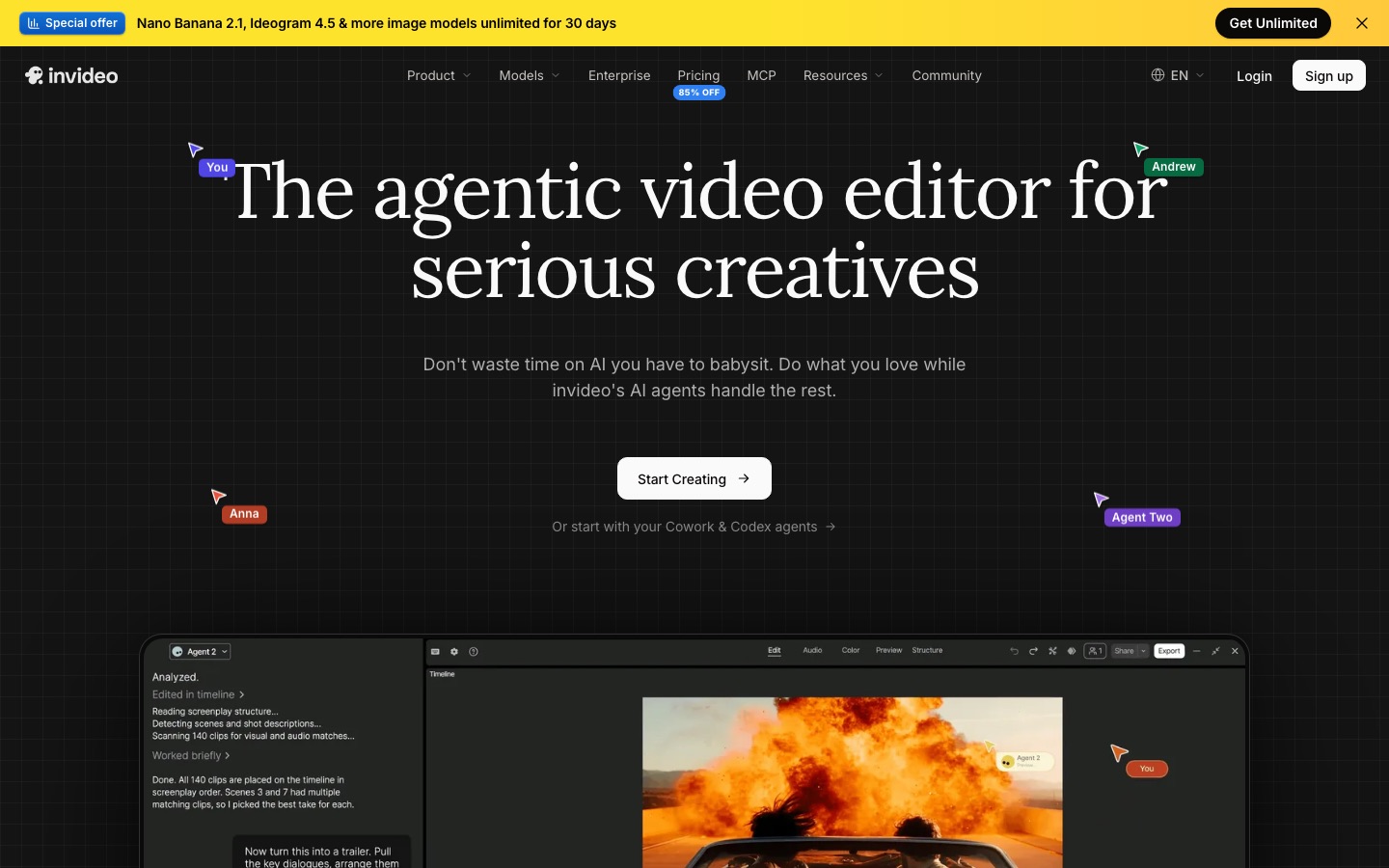
invideo AI now calls itself an agentic video editor. You describe the video you want, and its agent, Agent Two, writes a script, pulls stock, generates missing shots with the model you choose, adds a voiceover and music, and lays everything out on a multitrack timeline. You can then edit by typing instructions ("make the intro punchier", "swap the voice to a British male") or by working on the timeline directly, with color, audio and 3D tools. Agent Two comes in Lite, Pro and Ultra tiers, and invideo says you can also connect outside agents such as ChatGPT Codex, Gemini, Grok and Claude.
The big change from the old invideo is generation. Instead of relying only on stock, paid plans can call frontier models directly inside a project. The pricing page shows Seedance 2.0 Fast and Mini on Starter, and Seedance 2.5 at 1080p plus Seedance 2.0 at 4K on Plus and Max. The site also lists Google Veo 3.1, Sora 2, Kling, Wan, PixVerse and Hailuo. invideo's help center explains that model generations are billed per second at the provider's list price, so one Veo 3.1 4K clip with audio can cost 10+ credits while a Kling 2.6 Standard clip costs about half a credit.
Manual timeline edits (trimming, splitting, rearranging) do not use credits, and neither does exporting. AI assistance and AI media generation do. That makes invideo flexible, but it also means your monthly allowance disappears fast if you generate a lot of footage.
Pictory: repurposing for teams
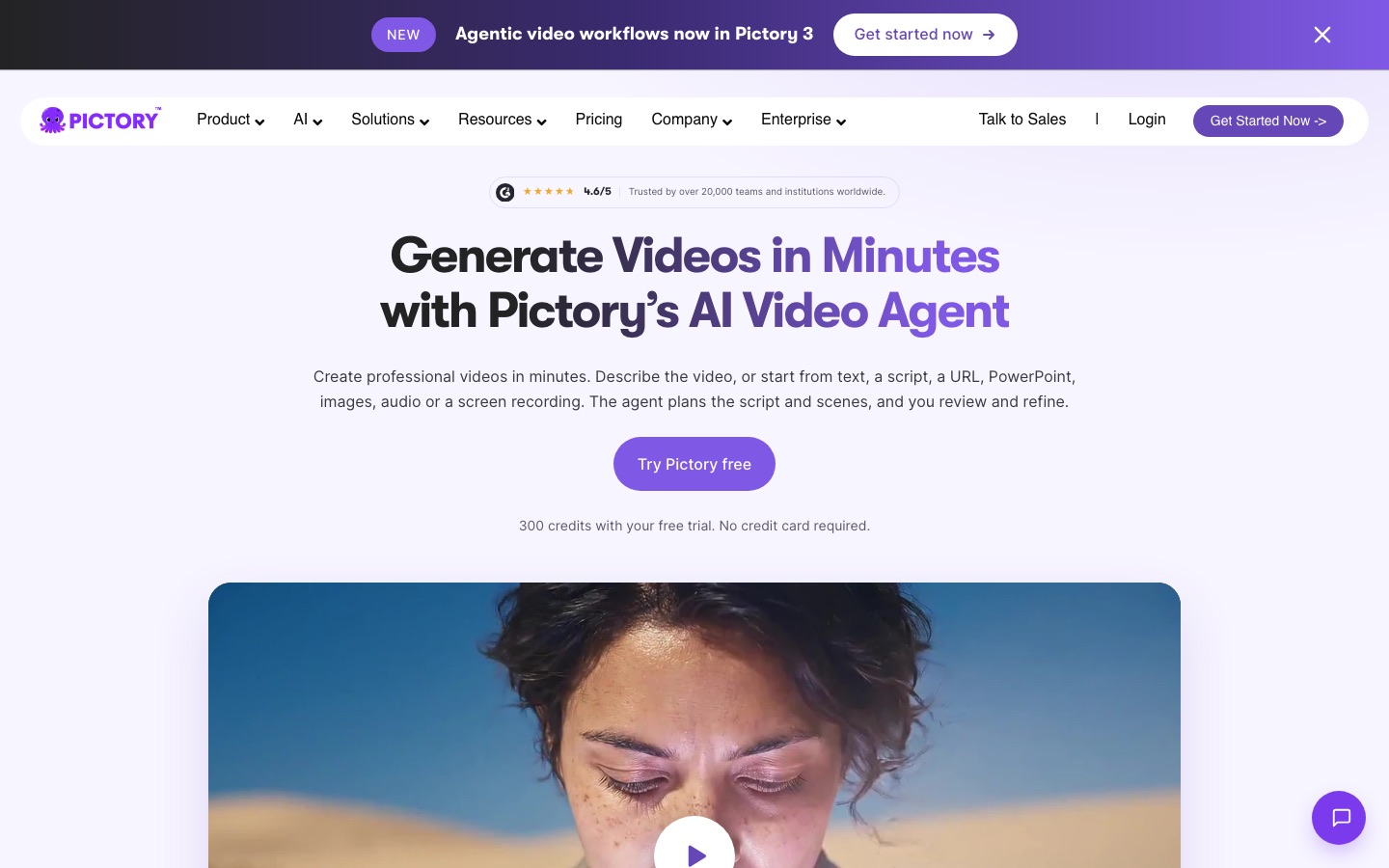
Pictory was built around a simple promise: paste a blog post or script and get a captioned video with matching stock footage. In 2026 that sits inside Pictory 3, which adds an AI video agent. You describe the video, add sources (text, a script, a URL, PowerPoint, images, audio, PDFs or a screen recording), and the agent prepares a script, scenes and a preview. An AI Studio inside the editor generates images and short video clips with sound, extends clips and keeps characters consistent.
Pictory's other signature feature is edit by transcript. Upload a webinar or Zoom call, and you cut the video by deleting words from the transcript, then pull highlight clips for social. Brand kits store colors, fonts and logos, and Pictory can pull them from your website or a logo file. Stock comes from Storyblocks and Getty Images, which is a real advantage for corporate content that has to look professional, and voices come from ElevenLabs. Pictory says it is used by more than 20,000 companies and institutions.
Fliki: voice-first video
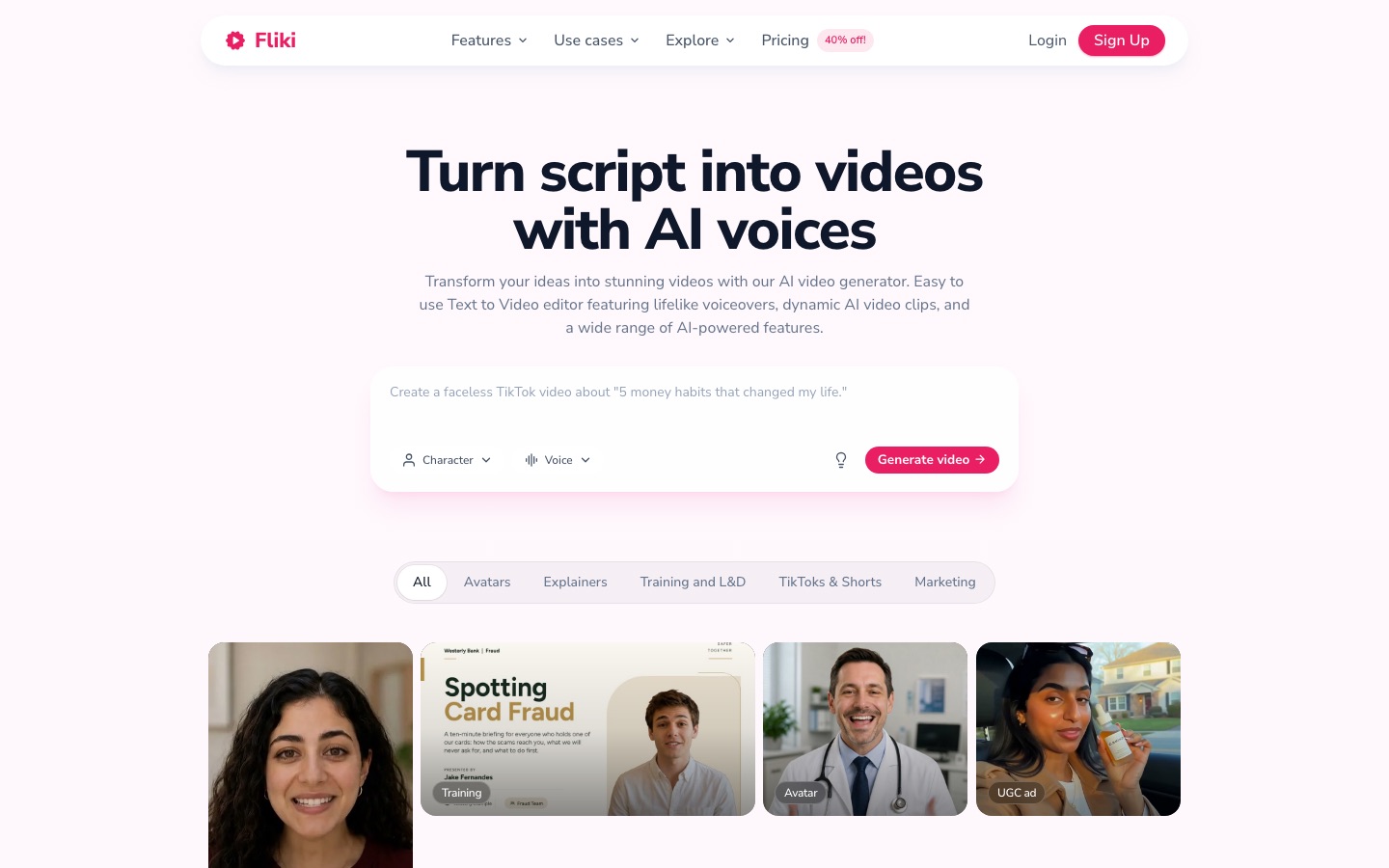
Fliki started as a text-to-speech tool and grew into a video maker, and the voice is still its core strength. You paste a script, a one-line idea, a blog URL or a PowerPoint, and Fliki splits it into scenes, matches each one with stock or AI visuals, and narrates it with one of 2,000+ voices in 80+ languages and dialects. You can clone your own voice from a short sample (Fliki says cloning works in 70+ languages), create a digital twin avatar, and dub finished videos into other languages with translated subtitles.
Fliki has also added generative models. Its homepage lists video models including Seedance 2.5, Veo 3.1, Kling 3 Pro, MiniMax H3 and VEED's Fabric, plus image models such as GPT Image 2.5 and Nano Banana 2. Beyond standard videos, it makes carousels, presentations, motion graphics and video podcasts, and it can cut long videos into short clips.
Text-to-video workflow compared
All three follow the same broad pattern: input, AI draft, scene editing, voice and music, export. The quality of the first draft and how easily you can fix it are what separate them.
From a prompt or idea: invideo is the strongest. Its agent writes, sources, generates and edits, and it understands follow-up instructions well. Fliki's idea-to-video is solid for narrated explainers. Pictory works best when you already have the words.
From a blog post or URL: Pictory and Fliki both summarize an article into scenes. Pictory is more polished for corporate content thanks to Getty and Storyblocks footage and brand kits.
From slides: Pictory and Fliki both convert PowerPoint into narrated video. Fliki lists PPT and Google Slides; on its free plan the workflow is marked as limited.
From long recordings: Pictory leads, with transcript editing and highlight clips for webinars, podcasts and Zoom calls. For heavy clipping work, a dedicated clipper may be better; see our Vizard vs OpusClip vs Munch comparison.
Fixing the draft: invideo gives the most control with a real timeline and text commands. Pictory and Fliki use scene-based editors, which are easier for beginners but less precise.
AI voices, avatars and translation
Voice quality makes or breaks text-to-video, because viewers forgive generic stock footage far more readily than a robotic narrator.
Fliki has the biggest voice library: 300 standard voices on Free, 1,000 standard plus 500 ultra-realistic on Standard, and 2,000+ standard plus 1,000+ ultra-realistic on Premium. Standard includes 1 voice clone and Premium includes 3. Translation into 80+ languages starts on Standard.
Pictory uses ElevenLabs multilingual voices on every plan. Professional adds unlimited standard voices, voice clones, three times more ElevenLabs voices and 2 custom avatars.
invideo offers voice cloning and audio models from ElevenLabs and MiniMax, plus an AI avatar generator and UGC-style ad tools. Voice and avatar generations draw from your credit balance.
Winner: Fliki for voice range and dubbing, invideo for avatar and UGC ad formats. If voice quality is your top priority and you want to build videos elsewhere, read our ElevenLabs review. For presenter-led training videos, avatar specialists usually beat all three; see HeyGen vs Synthesia.
Stock footage and generated visuals
Text-to-video tools live or die on visuals. Pictory has the best licensed stock: Storyblocks and Getty Images, with access to 5 million+ videos on Starter and 18 million+ on Professional, plus 5,000 to 15,000 music tracks. invideo includes a fixed number of premium stock clips per month (100 on Starter, 200 on Plus, 500 on Max) alongside its standard library, but its real edge is generating shots that stock cannot provide. Fliki includes stock images, clips and music on every plan and lets you generate visuals with models like Seedance 2.5 and Veo 3.1.
Generated footage costs credits on all three. If you need many cinematic shots, a dedicated generator may be cheaper; compare options in Runway vs Kling vs Luma.
Winner: Pictory for safe, professional stock; invideo for generated visuals.
Pricing compared (as of October 2026)
Figures below come from the official invideo pricing page, Pictory pricing page and Fliki pricing page. Fliki's page did not display dollar amounts when we checked; it advertised up to 40% off yearly plans as a promotion, so the Fliki figures are the commonly reported list prices. Always confirm at checkout, since all three adjust plans often and invideo prices vary by country.
| Plan | Monthly billing | Annual billing | What you get |
|---|---|---|---|
| invideo Free | $0 | $0 | Limited credits that reset weekly; reviewers report watermarked exports |
| invideo Starter | $20/seat | $10/seat/mo | 400 credits/seat, up to 5 seats, 100 premium stock clips, 200 GB, Seedance 2.0 Fast and Mini, Agent Two Lite |
| invideo Plus | $60/seat | $30/seat/mo | 2,000 credits/seat, up to 10 seats plus 10 guest seats, 200 premium stock, 600 GB, Seedance 2.5 at 1080p, all Agent Two tiers |
| invideo Max | $250/seat | Check page (promotional pricing shown) | 8,000 credits/seat, up to 20 seats, 500 premium stock, 2 TB, lowest cost per credit |
| Pictory Free trial | $0 for 14 days | n/a | 300 credits, up to 10 minutes, 3 videos, 720p, watermark |
| Pictory Starter | $29 | $25/mo | 2,000 credits/mo, up to 30 video minutes/mo, 1080p, no watermark, 1 brand kit |
| Pictory Professional | $59 | $35/mo | 6,000 credits/mo, up to 90 minutes, voice clones, 5 brand kits, 2 custom avatars, 18M+ stock videos |
| Pictory Teams | $199 | $119/mo | 18,000 credits/mo, up to 300 minutes, 3+ users, 10 brand kits, 100 GB |
| Fliki Free | $0 | $0 | Watermark, 720p, 5-minute exports, 300 voices |
| Fliki Standard | About $28 | About $21/mo | 180 credits/mo, 15-minute exports, 1080p, 1 voice clone, translation |
| Fliki Premium | About $88 | About $66/mo | 600 credits/mo, 40-minute exports, all avatars, 3 voice clones, API access |
What the prices mean in practice. invideo is the cheapest way in at $10 a seat on annual billing, but Starter excludes Seedance 2.5 and the stronger Agent Two tiers, so most serious users end up on Plus at $30. Pictory is the clearest for budgeting, because it states video minutes per month and annual plans grant all credits up front. invideo's monthly credits do not roll over. Fliki is affordable for voiceover work, but heavy users will feel the credit limits; its Standard plan's 180 credits go quickly once you add AI visuals.
Limitations and common complaints
invideo
Credit consumption is hard to predict when you switch between models, and frontier models are expensive per second.
The best models and agent tiers start on Plus, so the $10 Starter plan is more limited than it looks.
More power means a steeper learning curve than Pictory or Fliki.
Pictory
Stock-first drafts can look generic unless you swap scenes by hand.
Exports top out at 1080p on every plan.
No API access in the self-serve plans; the API is priced separately.
Fliki
Credit limits are tight on Standard, especially with AI visuals or ultra-realistic voices.
The scene editor is simple, so complex edits need another tool.
Fliki's own pages give inconsistent free plan and Premium length figures, so test before relying on them.
Which should you choose? Use-case picks
Faceless YouTube channel: Fliki if narration carries the channel, invideo if you want generated B-roll and more visual variety. Our guide to making faceless YouTube videos with AI walks through the full workflow.
Marketing and ad creatives: invideo, for UGC ad formats, generated product shots and quick variations.
Content marketing teams repurposing blogs: Pictory, with brand kits, Getty stock and URL-to-video.
Webinars, courses and internal training: Pictory for recordings, or an avatar tool such as Synthesia or HeyGen for presenter-led modules.
Multilingual content: Fliki, for translation and voices in 80+ languages.
Social shorts from long videos: Pictory works, but a clipper like OpusClip is faster.
Alternatives worth a look




Zebracat: marketing videos from text with no editing required.
Synthesia: studio-quality avatar presenters for training and internal comms.
HeyGen: avatars plus lip-synced video translation.
Google Vids: a simple AI video creator for Google Workspace users.
CapCut: a free-first editor with script-to-video and AI generation; read our CapCut review.
FAQ
Which is better, invideo or Pictory?
invideo is better for creating original videos from a prompt, because its agent, timeline editor and generative models like Seedance 2.5 give you more creative control. Pictory is better for repurposing existing content, such as blog posts, slides and webinar recordings, with Getty and Storyblocks stock, brand kits and transcript-based editing for teams.
Is Fliki better than Pictory?
For voiceover-driven videos, yes. Fliki offers 2,000+ voices in 80+ languages, voice cloning from Standard and a free forever plan. Pictory is stronger for corporate repurposing, with licensed Getty and Storyblocks footage, brand kits and edit-by-transcript for long recordings. Many teams choose Fliki for narration and Pictory for webinars and blogs.
Is invideo AI free?
invideo has a free plan with limited credits that reset weekly, according to its help center, and reviewers report a watermark on free exports. It is enough to test the agent and editor. Paid plans start at $20 per seat monthly or $10 per seat per month billed annually, as of October 2026.
How much does Pictory cost?
As of October 2026, Pictory Starter costs $29 a month or $25 a month billed annually, Professional costs $59 monthly or $35 annually, and Teams costs $199 monthly or $119 annually. A 14-day free trial includes 300 credits, up to 10 minutes of video and 3 watermarked 720p videos.
Which AI video maker is best for faceless YouTube videos?
Fliki is the best value when narration carries the video, thanks to its voice library and cloning. invideo is better when you want generated scenes, more visual variety and a real timeline to polish pacing. Whichever you pick, add your own script and fact-checking, since fully automated videos tend to look generic.
Can I use these videos commercially?
Paid plans on all three allow commercial use of exported videos, and paid tiers remove the watermark. Check each tool's terms for stock and music licensing, especially for ads, and review the rules of any generative model you use. Free and trial exports carry watermarks and are best for testing.
Final verdict
invideo AI is the best all-rounder in 2026: the only one of the three that combines an AI agent, a professional-style timeline and frontier generation models, which makes it the pick for ads, YouTube and original content, as long as you budget for credits. Pictory is the safest choice for content and marketing teams that already have the words and recordings, need licensed stock and brand consistency, and want predictable minutes. Fliki is the best value for narrated, multilingual and faceless videos, where its voice library does the heavy lifting. Test each with the same script before committing: the right tool will be obvious within one draft.
Compare every text-to-video maker, AI editor and avatar tool we track in the AI video category. Building a video tool we have missed? Submit it for a listing.