Best AI Browsers (2026): 10 Picks Compared for Research, Agents and Privacy
AI browsers now summarize pages, compare tabs and complete tasks on websites for you. Here are the 10 best AI browsers and browser extensions in 2026, from free Comet to Claude in Chrome, Dia, ChatGPT Atlas, Gemini in Chrome and Brave Leo, with pricing, privacy notes and who each one suits.
The best AI browsers in 2026: Comet is the best free AI browser for most people, Claude in Chrome is the best AI agent if you want to keep Chrome, Dia is the most polished browser for knowledge work, ChatGPT Atlas is the natural pick for ChatGPT users, Gemini in Chrome is the easiest upgrade for Google users, and Brave Leo is the best choice for privacy. If you want AI in any browser without switching, an extension like HARPA AI or Merlin does the job.
An AI browser builds an assistant into browsing itself, so it can read the page you are on, work across your tabs and, in the newer "agentic" browsers, click, type and fill forms for you. This guide compares full AI browsers and the AI layers you can add to Chrome, Edge and Brave. Picks are based on official product pages, help centers and pricing pages, plus public user feedback, as of October 2026. We did not run controlled benchmarks.






Quick picks
Best free AI browser: Comet by Perplexity.
Best AI agent for your existing browser: Claude in Chrome, on paid Claude plans.
Best for knowledge workers: Dia, from the team behind Arc.
Best for ChatGPT users: ChatGPT Atlas from OpenAI.
Best for Google Workspace users: Gemini in Chrome, built into Google Gemini and Chrome.
Best for Microsoft 365 users: Edge with Microsoft Copilot.
Best for privacy: Brave Leo, with no account needed.
Best multi-agent power browser: Opera Neon, at $19.90/mo.
Best automation extension: HARPA AI.
Best multi-model sidebar extension: Merlin AI.
What is an AI browser?
There are three levels of AI in browsers today, and it helps to know which one you need:
AI assistant in a sidebar: summarize the page, ask questions about it, translate, draft replies. Brave Leo, Edge Copilot and most extensions start here.
Tab-aware AI: the assistant can read several open tabs, your history and connected apps, for example comparing three products or briefing you on your day. Comet, Dia and Gemini in Chrome do this well.
Agentic browsing: the AI takes control of the page to navigate, click, type and fill forms, sometimes in the background. Claude in Chrome, Comet, ChatGPT Atlas's agent mode, Gemini's auto browse and Opera Neon all offer this.
Agentic browsing is the most powerful and the riskiest level. Because the AI reads untrusted web pages while signed in to your accounts, hidden instructions on a page can try to redirect it, a problem called prompt injection. Brave's security team wrote in June 2026 that indirect prompt injection remains a fundamental challenge, and Anthropic's own Claude in Chrome page says its defenses "aren't foolproof". Read the safety section below before you let any browser act for you.
The best AI browsers at a glance
| Pick | Type | Best for | Free option | Paid from (as of October 2026) |
|---|---|---|---|---|
| Comet | Browser | Free AI research browsing | Yes | Perplexity Pro $20/mo ($17 annual) |
| Claude in Chrome | Chrome extension (agent) | Agent tasks on sites you use | No | Claude Pro $20/mo ($17 annual) |
| Dia | Browser | Knowledge work across tabs and apps | Browser only, no AI for new Mac users | $10/mo (Better Answers) |
| ChatGPT Atlas | Browser | ChatGPT users | Yes | Agent mode on paid ChatGPT plans |
| Gemini in Chrome | Built into Chrome | Google users | Yes | Auto browse on Google AI Pro and Ultra |
| Edge with Copilot | Built into Edge | Microsoft 365 users | Yes | Higher limits with Microsoft 365 |
| Brave Leo | Built into Brave | Privacy | Yes | Leo Premium; check official page |
| Opera Neon | Browser | Multi-agent power users | No | $19.90/mo |
| HARPA AI | Extension | Automation and page monitoring | Yes, 10 messages/day | €14.30/mo billed annually |
| Merlin AI | Extension | Many models in one sidebar | Yes, daily limits | Check official page |
Full AI browsers
1. Comet: best free AI browser
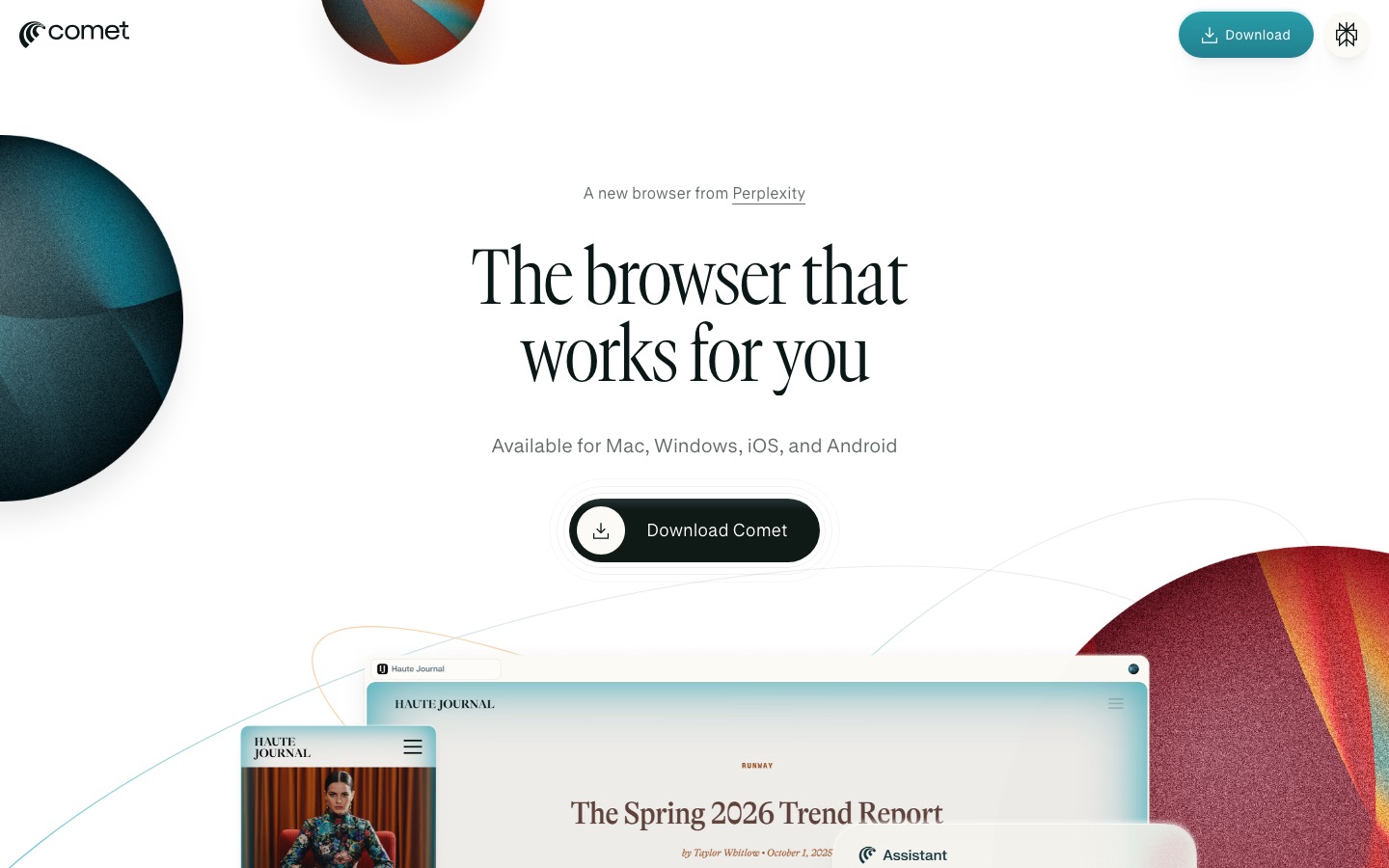
Comet is Perplexity's Chromium-based browser, free for everyone since October 2025. It supports most Chrome extensions, uses Perplexity as its default search, and adds a Comet Assistant that reads the current page, pulls in other tabs when you mention them with @, runs requests in the background and in parallel, and can act on websites. It also has natural-language tab commands, Personal Search, a Gmail connector and an ad blocker.
Privacy is clearly documented: history, passwords, cookies and open tabs stay on your device, and only the context a request needs goes to Perplexity, stored for up to 30 days, per Perplexity's Comet privacy article.
Pros: free, familiar, excellent cited research, per-site blocking of the Assistant.
Cons: agentic tasks are unreliable on complex flows; limits per plan are not published.
Pricing: free; Perplexity Pro ($20/mo) and Max ($200/mo) add stronger models and higher limits.
Platforms: Mac, Windows, Android, with iOS listed on the Comet page.
Best for: students, researchers and anyone who reads and compares all day.
Read our full Comet browser review for features, privacy and limits in detail.
2. Dia: best for knowledge workers
Dia comes from The Browser Company of New York, the team behind Arc, which Atlassian agreed to acquire in 2025. Dia treats AI as part of the browser: ask questions in the address bar, chat with your open tabs, and pull information from connected tools like Slack, Notion, Gmail, Outlook, GitHub, Google Calendar and Figma into one report. A Morning Brief summarizes your calendar, inbox and key links before work, and Profiles separate work and personal browsing.
The big change in 2026 is pricing. Dia's pricing page now lists a free browser with no AI features, Better Answers at $10/mo and Better Days at $100/mo with 20 times more asks. Paid plans began rolling out to most new Mac users on August 17; Windows was not included yet, and existing users keep their free features with at least 30 days' notice before any change.
Pros: the most polished work-focused AI browser, strong app connections, ad and tracker blocking, end-to-end encrypted sync.
Cons: AI now costs money for most new Mac users; usage is metered in Tasks that do not roll over.
Pricing: free browser; Better Answers $10/mo; Better Days $100/mo; extra usage in $20 credit blocks.
Best for: knowledge workers who juggle many tabs, meetings and work apps.
3. ChatGPT Atlas: best for ChatGPT users
ChatGPT Atlas is OpenAI's browser, launched on macOS in October 2025. It puts ChatGPT beside every page, can optionally remember context from your browsing (browser memories), and offers an agent mode that navigates and completes tasks for paid ChatGPT subscribers.
Pros: deep ChatGPT integration, strong agent mode, familiar interface.
Cons: agent features need a paid plan; platform availability has lagged macOS, so check OpenAI's site for Windows and mobile.
Pricing: free download; agent mode on paid ChatGPT plans (Plus is $20/mo).
Best for: heavy ChatGPT users. Our ChatGPT review covers the plans.
4. Opera Neon: best multi-agent power browser
Opera Neon is Opera's agentic browser. It hosts several agents for different jobs, from quick planning to browsing tasks and deep research, supports MCP and command-line workflows, and keeps Opera staples like a built-in ad blocker and free VPN. Opera says logins, passwords, payment details and cookies stay on your device, and that Neon does not use your chats or browsing history for training or advertising, per the Opera Neon site.
Pros: multiple specialized agents, MCP support, strong privacy statements.
Cons: a subscription is required for its agentic features; smaller user base and fewer reviews.
Pricing: $19.90/mo.
Best for: power users who want to experiment with several browser agents.
AI built into browsers you already use
5. Claude in Chrome: best AI agent for your existing browser
Claude in Chrome is Anthropic's extension, so you keep Chrome, your profiles and your logins. Claude can read the page you are signed in to, then navigate, click, type and fill forms to complete multi-step tasks, such as pulling numbers from an analytics dashboard or gathering research across several sites. Drag tabs into Claude's tab group and it works across all of them; tasks can run in the background.
Permissions are granted one site at a time, and purchases, financial actions and other one-way doors wait for your approval. Team and Enterprise admins can set site allowlists and blocklists.
Pros: the most capable browser agent in our list, works on sites without APIs, strong permissions.
Cons: Chrome only; requires a paid Claude plan; Anthropic advises against banking and health workflows.
Pricing: all paid Claude plans, from $17/mo billed annually or $20/mo monthly.
Best for: professionals automating repetitive web work in dashboards, CRMs and admin tools.
Our Claude review covers what each Claude plan includes.
6. Gemini in Chrome: best for Google users
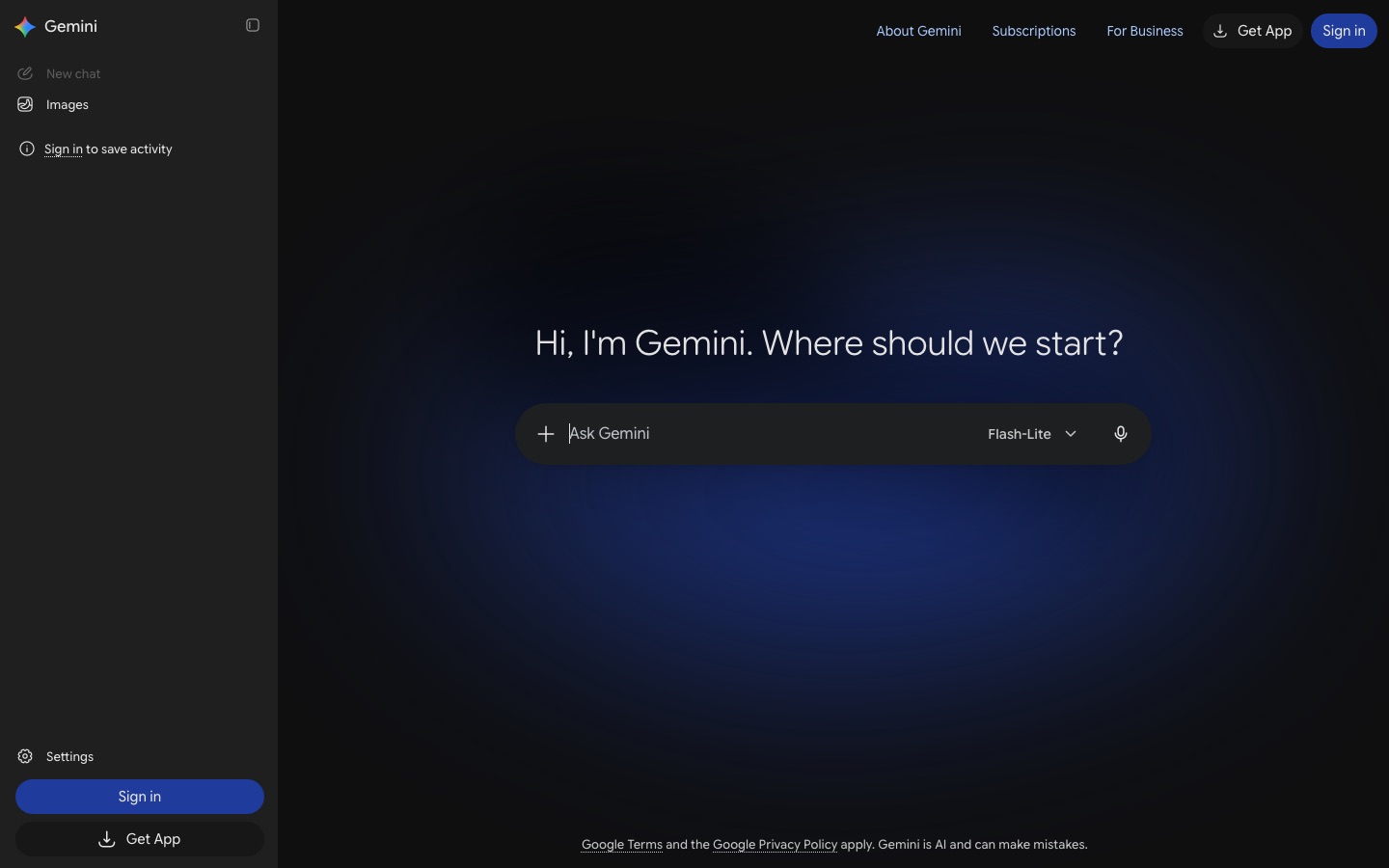
Chrome now has Gemini built in. Click the Gemini icon and it can summarize pages, compare specs and pros and cons across open tabs, pull information from Gmail and Google Flights, draft messages and talk through ideas with Gemini Live. Its agentic auto browse feature carries out tasks like booking appointments, and is rolling out first in preview to Google AI Pro and Ultra subscribers in the US, according to Google's Gemini in Chrome page.
Pros: nothing to install, deep Google app integration, available on Windows, macOS and Chromebook Plus.
Cons: auto browse is limited to paid plans and the US for now; availability varies by region.
Pricing: free; auto browse requires Google AI Pro or Ultra.
Best for: people who live in Chrome, Gmail and Google Docs.
7. Edge with Copilot: best for Microsoft 365 users
Microsoft Edge has Copilot built in. The sidepane summarizes pages and answers questions, multi-tab reasoning compares information across open tabs, Journeys groups your past browsing into topics you can pick up later, and Copilot can summarize YouTube videos and search your history. There is a free tier, and Microsoft says higher limits for agents and complex multi-step tasks require a Microsoft 365 subscription.
Pros: built into Windows' default browser, free tier, ties into Microsoft 365.
Cons: availability varies by market; free-tier usage limits.
Pricing: free tier; higher limits with Microsoft 365.
Best for: Windows and Microsoft 365 users. See our Microsoft Copilot vs ChatGPT comparison.
8. Brave Leo: best for privacy
Brave Leo is the assistant inside the Brave browser on desktop, Android and iOS. It summarizes pages, PDFs and Google Docs, translates, drafts and helps with code, using Brave Search for current answers. No account is needed, Brave says it does not retain chats or train on them, and Bring Your Own Model lets you connect local or remote models. In October 2026 Brave added end-to-end encrypted chats with an open-weight model running in attested secure hardware, in beta, per the Brave announcement.
Pros: strongest privacy story, no login, local models supported, built-in ad blocking.
Cons: fewer agentic features than Comet or Claude in Chrome.
Pricing: free; Leo Premium adds more models and higher limits (our listing records $14.99/mo; check Brave's site).
Best for: privacy-minded readers and anyone who wants AI without an account.
Best AI browser extensions
9. HARPA AI: best automation extension
HARPA AI opens an assistant beside any page with a keyboard shortcut, in Chrome and other Chromium browsers. Beyond summaries of articles, PDFs and YouTube videos and a Gmail helper, it adds page and price monitors, scheduled commands, a library of ready-made commands and scraping that can trigger Make, Zapier or n8n webhooks. You can use HARPA's cloud models, log in with your existing ChatGPT, Claude or Gemini web sessions, bring your own API keys or run local models.
Pros: the most automation-friendly extension, flexible model options, page monitoring.
Cons: pricing in tokens is confusing; power features have a learning curve.
Pricing: free demo with 10 web-session messages a day; "for Everyone" €14.30/mo and "for Pros" €19.60/mo billed annually; a lifetime license at €238, per HARPA's pricing page.
Best for: marketers, recruiters, researchers and sellers who repeat the same web tasks.
If your automations outgrow the browser, our n8n review explains when a workflow platform is the better tool.
10. Merlin AI: best multi-model sidebar
Merlin AI puts models from OpenAI, Anthropic and Google in one browser extension, plus web and iPhone, iPad and Mac apps. Pick a model per chat or let Merlin choose, search the web with sources, run deeper research reports, chat with files and generate images and short videos.
Pros: many models on one subscription, works on any site, good for quick writing help.
Cons: users report usage caps even on plans marketed as unlimited; no real agentic browsing.
Pricing: free plan with daily limits; Pro raises limits (our listing records from $19/mo). Prices differ between web and App Store, so check the official site.
Best for: students and writers who want several chatbots without several subscriptions.
Also worth a look
Sider: a popular sidebar with GPT, Claude, Gemini and DeepSeek, a deep research agent and Wisebase for saved knowledge.
Monica: an all-in-one assistant extension with bilingual page translation, PDF tools and video summaries.
Genspark: the super-agent company also offers its own AI browser.
Browser Use: for developers, an open-source library and cloud platform for building agents that operate real browsers.
How to choose the right AI browser
Start with your main assistant. Perplexity users should try Comet, ChatGPT users Atlas, Claude users Claude in Chrome, Google users Gemini in Chrome, and Microsoft 365 users Edge.
Decide if you need agents. If you mostly read and research, a free tab-aware browser is enough. Pay for agents only if you have repetitive web tasks.
Check privacy defaults. Look for local-by-default data, per-site blocking and clear retention rules.
Count the real cost. Dia, Opera Neon and the extensions meter usage. Run a normal week of tasks before committing to an annual plan.
AI browser safety tips
Block banking, health, brokerage and admin sites from AI assistants and agents.
Approve agent actions one at a time until you trust how a browser behaves on a site.
Never let an agent complete a payment or send a message you have not read.
For agents beyond the browser, such as research agents, coding agents and workflow builders, see our guide to the best AI agents.
FAQ
What is the best AI browser?
For most people, Comet is the best AI browser because it is free, runs Chrome extensions and gives cited answers about any page or set of tabs. Claude in Chrome is the best agent if you want to keep Chrome, Dia is the most polished for work, and Brave Leo is the best for privacy.
What is the best free AI browser?
Comet from Perplexity is the best free AI browser, with a full assistant, tab comparisons and agentic tasks at no cost. Brave with Leo is the best free option for privacy, and Chrome with Gemini and Edge with Copilot are free upgrades to browsers you may already use. Dia's AI now costs money for most new Mac users.
Are AI browsers safe?
They are reasonably safe for reading and research, but agentic features carry real risk. A web page can hide instructions that try to hijack the AI, known as prompt injection, and no vendor claims to have solved it. Block sensitive sites, approve actions one at a time and never let an agent pay or send messages unreviewed.
Is Comet better than ChatGPT Atlas?
It depends on your assistant. Comet is free, built around Perplexity's cited search and runs on Mac, Windows and Android. ChatGPT Atlas is better if ChatGPT already holds your chats, memory and projects, and its agent mode is strong on paid plans. Try the one that matches the assistant you use most.
What is an agentic browser?
An agentic browser can take actions for you, not just answer questions. It navigates pages, clicks buttons, types into fields and fills forms to complete tasks such as gathering research, updating a CRM or comparing prices. Comet, ChatGPT Atlas, Opera Neon, Gemini's auto browse and Claude in Chrome all offer agentic browsing in 2026.
Final verdict
Start with Comet if you want a free AI browser that genuinely speeds up research. Add Claude in Chrome if you have repetitive web tasks and already pay for Claude. Choose Dia if you want the most polished browser for work and are happy to pay $10 a month for its AI. Pick ChatGPT Atlas, Gemini in Chrome or Edge with Copilot to stay inside the ecosystem you already use, and Brave Leo if privacy comes first. Whichever you choose, keep agents away from your bank.
Browse more AI browsers, extensions and assistants in the AI productivity category and browser agents in the AI agents category. Building an AI browser or extension we have missed? Submit it for a listing.