Best AI Podcast Tools (2026): 12 Picks to Record, Edit and Grow
The best AI podcast tools for each stage of a show: Riverside for remote recording, Descript for editing by text, Adobe Podcast and Cleanvoice for audio cleanup, Castmagic for show notes, ElevenLabs and Wondercraft for AI voices, and more. Here are 12 picks with current pricing and free plans.
The best AI podcast tools in 2026 are Riverside for recording remote guests, Descript for editing an episode by editing its transcript, and Adobe Podcast for rescuing bad audio for free. Add Cleanvoice to strip filler words, Castmagic for show notes and social posts, and ElevenLabs if you want AI voices, intros or dubbed episodes. Most shows need two or three of these, not all twelve.
AI now touches every stage of podcasting: recording, cleanup, editing, video, clips, show notes and even fully generated episodes. This guide sorts the best tools by the job they do, with current pricing and free plans. It is based on official pricing pages, product documentation and public user feedback as of October 2026, not hands-on testing. Plans change often, so confirm on each official site before you buy.




Quick picks: the best AI podcast tool for each job
Best for recording remote interviews: Riverside, with local multitrack recording up to 4K.
Best AI podcast editor: Descript, where deleting a word in the transcript deletes it from the audio and video.
Best budget all-in-one studio: Async, formerly Podcastle.
Best free audio cleanup: Adobe Podcast Enhance Speech.
Best for removing ums and mouth sounds: Cleanvoice.
Best for leveling and loudness: Auphonic.
Best for multicam video podcasts in Premiere Pro: AutoPod.
Best for show notes and repurposing: Castmagic.
Best AI voices, intros and dubbing: ElevenLabs.
Best for fully AI-generated shows: Wondercraft.
Best for turning documents into a podcast for free: Gemini Notebook, formerly NotebookLM.
Best for social clips: OpusClip.
All 12 picks at a glance
Starting prices are list prices as of October 2026. Several tools discount annual billing; confirm current terms on each site.
| Tool | Best for | Free plan | Starting price |
|---|---|---|---|
| Riverside | Remote recording, video podcasts | Yes, 2 hours of multitrack, watermark | $29/mo ($24 yearly) |
| Descript | Text-based audio and video editing | Yes, 1 media hour/mo | $24/mo ($16 yearly) |
| Async | Budget browser studio | Yes, lifetime limits | Check site |
| Adobe Podcast | Free speech enhancement | Yes, 1 hour/day | Premium via Firefly Pro, $19.99/mo |
| Cleanvoice | Filler word and noise removal | 30 free minutes | $11/mo for 10 hours |
| Auphonic | Leveling and loudness mastering | Yes, 2 hours/mo | Check site |
| AutoPod | Multicam editing in Premiere Pro | Free trial | $29/mo |
| Castmagic | Show notes, posts, clips | Check site | $19/mo yearly ($239/yr) |
| ElevenLabs | AI voices, GenFM, dubbing | Yes, about 10 min/mo | $6/mo |
| Wondercraft | AI-generated podcasts and ads | Yes, 150 credits | $25/mo ($21 yearly) |
| Gemini Notebook | Audio Overviews from documents | Yes | Free; more with Google AI plans |
| OpusClip | Vertical clips for social | Yes | From $15/mo |
How to choose AI podcast software
Where do you record? Remote guests need a recorder that captures each person locally (Riverside, Async, Adobe Podcast Studio or Descript Rooms). In-person shows can record anywhere and skip this step.
Audio only or video? Video podcasts need 4K recording, multicam editing (Descript or AutoPod) and a clip tool. Audio shows can lean on cleanup tools and spend less.
How much editing do you do? If you cut tangents and retakes yourself, a text-based editor saves the most time. If you only need polish, an automatic cleaner like Cleanvoice plus Auphonic may be enough.
What happens after you publish? Show notes, chapters, newsletters and clips are where AI saves hours every week.
Do you need a human voice at all? For narrated or generated shows, AI voice tools replace the microphone. Be transparent with listeners when you do.
The 12 best AI podcast tools, reviewed
1. Riverside: best for recording remote guests
Riverside records every participant locally on their own device, then uploads the files, so a shaky internet connection does not ruin the audio or video. You get separate tracks per guest, transcripts, a text-based editor, Magic Audio cleanup, AI show notes and Magic Clips for social. Paid plans include an AI editing and repurposing agent, podcast hosting and analytics.
Pricing: the free plan includes 2 hours of one-off multitrack recording at 720p with a watermark. Pro costs $29/mo ($24 yearly) for 5 recording hours a month in up to 4K, and Grow costs $39/mo ($34 yearly) for 15 hours, livestreaming and two shows, according to the Riverside pricing page.
Pros: studio-quality separate tracks, strong for video, recording to publishing in one place.
Cons: monthly recording hour caps, and the editor is lighter than Descript.
Best for: interview shows with remote guests.
2. Descript: best AI podcast editor
Descript turns your recording into a transcript, and editing the text edits the media. Delete a sentence and it is gone from the audio and video. One click removes filler words and long pauses, Studio Sound makes rough audio sound closer to a studio, Automatic Multicam switches between speakers, and the Underlord AI assistant handles chores like chapters, titles and clips. You can also fix a flubbed line by typing it, using a clone of your own voice.
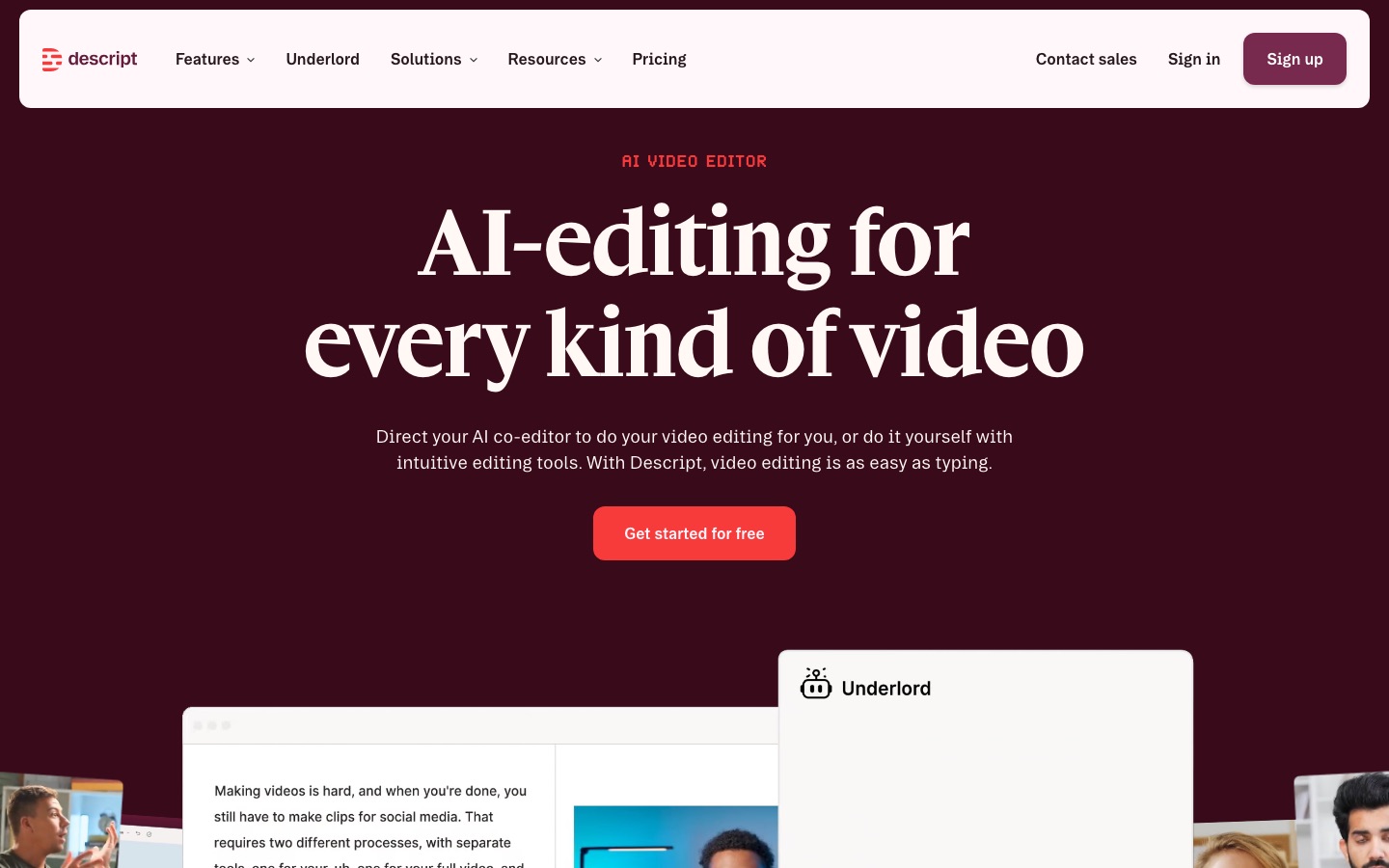
Pricing: Free gives 1 media hour a month with watermarked 720p exports. Hobbyist is $16/mo yearly ($24 monthly) for 10 media hours, Creator $24/mo yearly ($35 monthly) for 30 hours and 4K, per the Descript pricing page. Rooms remote recording hours are included on each plan.
Pros: fastest way to cut an episode, strong video tools, voice correction.
Cons: media hour caps, and large projects can feel slow.
Best for: creators who edit their own shows. See our Descript review and Descript vs CapCut.
3. Async (formerly Podcastle): best budget all-in-one studio
Async, the new name for Podcastle, is a browser studio that combines remote multitrack recording for up to 10 participants, transcript-based editing, Magic Dust audio and video cleanup, 1,000+ AI voices in 15+ languages, royalty-free music and podcast hosting. It covers the whole workflow for less money than buying separate tools.
Pricing: the free plan has small lifetime limits (1 hour of remote recording, 720p video, one export). Paid tiers are Essentials, Pro and Teams, with Pro including 20 recording hours and 4K export, and yearly billing saving 40%. The pricing page did not show dollar amounts when we checked, so see the official site.
Pros: recording, editing, AI voices and hosting in one tab.
Cons: fewer advanced editing tools than Descript; voice cloning is listed in the iOS app.
Best for: new podcasters who want one affordable tool.
4. Adobe Podcast: best free audio cleanup
Adobe Podcast Enhance Speech takes a voice recording with echo, noise or a cheap microphone and makes it sound close to a studio recording. Adobe Podcast also includes a browser recording studio with separate tracks for each guest, transcript editing and a mic check tool.
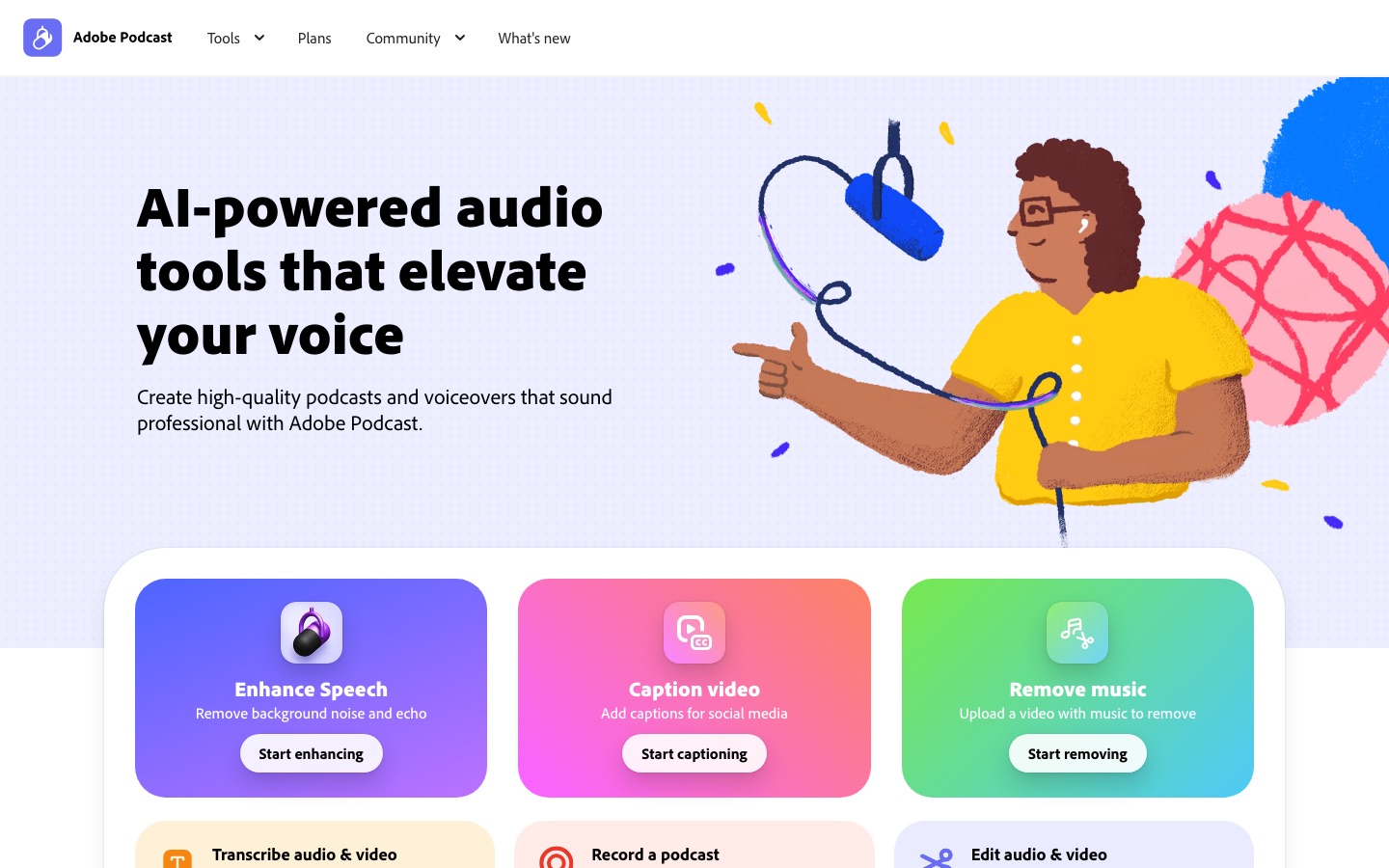
Pricing: free for up to 1 hour of enhancement a day on audio files up to 30 minutes. Premium features (video files, bulk upload, strength control and up to 4 hours a day) come with Adobe Firefly Pro at $19.99/mo.
Pros: remarkable rescues of bad audio, generous free tier.
Cons: at full strength voices can sound processed; file length limits on Free.
Best for: anyone with an echoey room. Compare it in Krisp vs Adobe Podcast vs Cleanvoice.
5. Cleanvoice: best for removing filler words
Cleanvoice is an AI podcast editor for uploaded files. It removes "ums", "uhs", stutters, long silences, mouth sounds and breaths, reduces background noise, and handles multitrack recordings so speakers stay in sync. It also writes transcripts, summaries and show notes, and can export edit markers for your own editor.
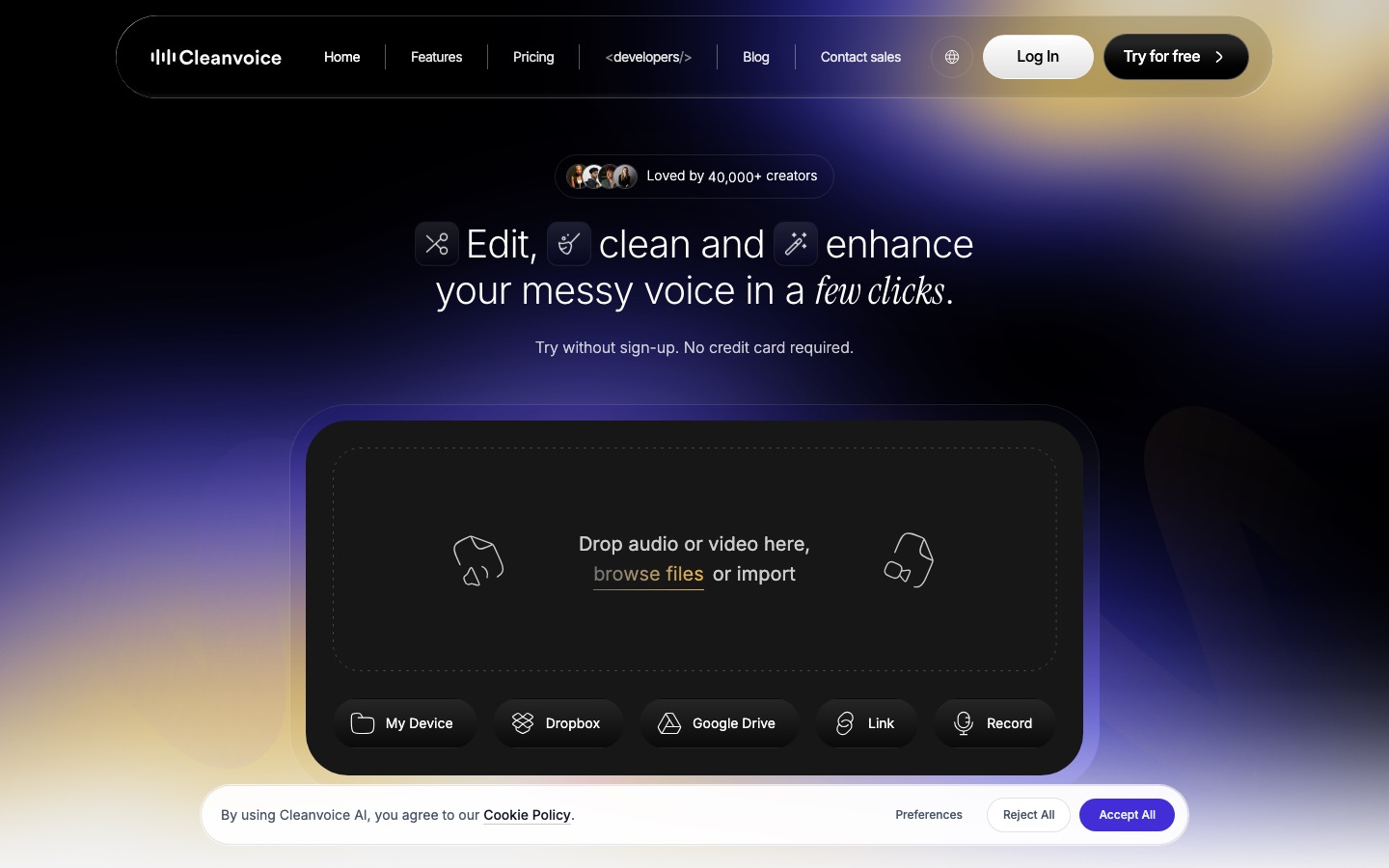
Pricing: 30 free minutes, then $11/mo for 10 hours, $28 for 30 hours or $90 for 100 hours, with unused credits rolling over up to three times the plan limit, per the Cleanvoice pricing page. Pay-as-you-go packs start at $11 for 5 hours.
Pros: saves hours of manual cutting, cheap per hour, works with any editor.
Cons: not a full editor, and aggressive settings can clip natural pauses.
Best for: weekly conversational shows.
6. Auphonic: best for leveling and loudness
Auphonic is the set-and-forget mastering step. It balances speakers who sit at different volumes, reduces noise and hum, and normalizes loudness to the targets podcast platforms expect. It can also transcribe, add chapters and publish to hosts automatically.
Pricing: 2 free hours of processed audio a month, then recurring plans from 9 hours a month and one-time credit packs. Check the Auphonic pricing page for current rates in USD or EUR.
Pros: consistent, broadcast-style loudness with no audio skills needed.
Cons: does not cut content or filler words.
Best for: the final step before upload.
7. AutoPod: best for multicam video podcasts
AutoPod is a set of Premiere Pro plugins. Its Multi-Camera Editor switches between up to 10 cameras based on who is talking, the Social Clip Creator makes 16:9, 4:5 and 9:16 versions, and the Jump Cut Editor removes silences. It turns a two-hour rough cut into minutes of work.
Pricing: $29/mo per our listing, with a free trial. Our AutoPod review has details and alternatives.
Pros: huge time saver for multicam shows.
Cons: Premiere Pro only; no free tier.
Best for: video podcasts with two or more cameras.
8. Castmagic: best for show notes and repurposing
Castmagic turns each episode into show notes, timestamps, titles, newsletters, blog posts, social posts, quotes and clips. You upload files or connect Zoom, Google Drive, RSS or YouTube, and it supports 60+ languages, with custom prompts to match your voice.
Pricing: Hobby costs $239 a year (about $19/mo) for a 30-hour transcription library, Starter $579 a year for 100 hours with API access, and Team $1,669 a year, per the Castmagic pricing page.
Pros: saves hours of writing per episode, unlimited regenerations.
Cons: hours count against a library total; output needs a quick edit.
Best for: shows that market every episode. Swell AI is a similar RSS-based alternative.
9. ElevenLabs: best AI voices, intros and dubbing
ElevenLabs brings realistic AI voices to podcasting. Generate intros, ad reads and narration in Eleven v4, fix lines with a clone of your own voice, dub episodes into 90+ languages, and add music or sound effects. Its Studio editor includes GenFM, which turns a document into a two-host episode.
Pricing: free for about 10 minutes of speech a month (personal use only). Starter is $6/mo with commercial rights and instant cloning, and Creator $22/mo adds a professional voice clone. Read our ElevenLabs review or the step-by-step guide on how to use ElevenLabs.
Pros: best-in-class voices, dubbing, music and effects in one account.
Cons: credits go fast on long episodes.
Best for: narrated shows, multilingual versions and audio branding.
10. Wondercraft: best for fully AI-generated shows
Wondercraft started as an AI podcast generator: paste a script or a document, and it writes and voices a multi-host episode with music and sound design you edit like a doc. It has since grown into a broader studio for business video, audio ads, meditations and voice cloning, but podcast creation remains a core use.
Pricing: free with 150 credits and 720p exports. Creator is $25/mo ($21 yearly) with commercial rights and no watermark, and Pro is $45/mo with team features, according to the Wondercraft pricing page.
Pros: a finished episode without a microphone.
Cons: credit-based, and generated shows need careful fact-checking.
Best for: internal comms, newsletters turned into audio, and branded shows.
11. Gemini Notebook (formerly NotebookLM): best free podcast generator
Gemini Notebook creates Audio Overviews: two AI hosts discuss the sources you upload, such as PDFs, Google Docs, websites or YouTube videos. You can choose formats such as Deep Dive or Brief, steer the focus, and download the result. It is ideal for study material or internal briefings, though not for publishing as your own show.
Pricing: free, with higher limits on Google AI plans. Our guide on how to use NotebookLM covers Audio Overviews step by step.
Pros: free, fast, grounded in your own sources.
Cons: limited voice and style control; not built for a public feed.
Best for: students, researchers and teams.
12. OpusClip: best for social clips
OpusClip cuts a long episode into captioned vertical clips, ranks them with a virality score, and reframes speakers automatically. It is the fastest way to turn a video podcast into a week of Shorts, Reels and TikToks.
Pricing: free plan available, paid from $15/mo. Compare it with rivals in Vizard vs OpusClip vs Munch.
Pros: clips, captions and reframing in minutes.
Cons: picks are hit and miss; review every clip.
Best for: video podcasts growing on social.
Sample AI podcast workflows
Solo or two-host audio show on a budget
Record in Adobe Podcast Studio or Async, run Cleanvoice to remove filler words, finish with Auphonic for loudness, and use Castmagic or a chat assistant for show notes. Total cost can stay under $30 a month.
Remote video interview show
Record in Riverside, edit in Descript (or Premiere with AutoPod for multicam), polish audio with Studio Sound, then cut clips with OpusClip and write notes with Castmagic.
Narrated or generated show
Write the script, voice it with ElevenLabs or Wondercraft, add music and effects, and disclose that the voices are AI generated. For research-based episodes, draft the outline from your sources in Gemini Notebook first.
FAQ
What is the best AI tool for podcasts?
There is no single best tool, because podcasts have several stages. For most creators, Riverside is the best for recording, Descript is the best AI podcast editor, and Adobe Podcast is the best free cleanup tool. Add Castmagic for show notes and ElevenLabs if you need AI voices.
Can AI edit a podcast automatically?
Partly. Cleanvoice and Descript remove filler words and silences automatically, Auphonic levels and masters the audio, and AutoPod or Descript switch cameras in multicam video. You still need to cut tangents, check the story and listen through before publishing, because AI edits can clip natural pauses.
Can I make a podcast with AI for free?
Yes. Gemini Notebook turns documents into a two-host Audio Overview for free, Adobe Podcast cleans audio for free, and the free plans of Descript, Riverside and ElevenLabs are enough to try a full workflow. Free plans add watermarks or limit hours, and ElevenLabs free audio is not licensed for commercial use.
How do I remove ums from a podcast?
Upload your recording to Cleanvoice or Descript and use their filler word removal. Cleanvoice detects ums, uhs, stutters and mouth sounds automatically and lets you review each edit. In Descript, open the transcript, select Remove filler words, and choose which ones to cut. Review the result so the conversation still sounds natural.
Is Riverside or Descript better for podcasts?
They do different jobs. Riverside is better for recording remote guests in high quality, while Descript is better for editing, thanks to transcript editing and multicam. Both can record and edit, but many creators record in Riverside and edit in Descript. Riverside starts at $24/mo yearly, Descript at $16/mo yearly.
Can I use AI voices on my podcast?
Yes, if your plan includes a commercial license. ElevenLabs Starter and above, Wondercraft Creator and above, and paid plans of other voice tools allow commercial use. Only clone voices you have permission to use, and tell listeners when a voice is AI generated, which many platforms and audiences expect.
Final verdict
Build your podcast stack around the stage that costs you the most time. For most shows, that means Riverside for recording, Descript for editing and Adobe Podcast or Cleanvoice for cleanup, with Castmagic handling the writing that follows every episode. If you want AI to do the talking, ElevenLabs gives you the most natural voices and Wondercraft the fastest path to a finished episode. Start on free plans, keep the two or three tools you actually use, and spend the time you save on better guests and better questions.
Browse more recording, voice and transcription tools in the AI audio tools category, or see our roundup of the best AI transcription software. Built a podcast tool we should list? Submit it for a listing.