Best Vibe Coding Tools (2026): 12 Picks for Builders and Devs
The best vibe coding tool depends on who is building: Lovable for non-developers, Replit for an all-in-one workspace with mobile apps, Bolt and v0 for flexible web builds, and Cursor or Claude Code for developers. Here are 12 picks with current pricing, free plans and who each one suits.
The best vibe coding tool for most non-developers in 2026 is Lovable, because it builds a full web app with a database, logins and hosting from a chat. If you want more control and native mobile apps, choose Replit. If you already write code, the best vibe coding tools are Cursor for an AI editor and Claude Code for a terminal agent. Bolt.new and v0 sit in between, for flexible web builds and polished React interfaces.
Vibe coding means describing software in plain language and letting AI write the code, steering by results rather than reading every line. The term was coined by Andrej Karpathy in early 2025, and by 2026 it covers two different kinds of product: app builders that hide the code, and coding tools that put an AI agent inside a developer's workflow. This guide ranks 12 tools across both groups, based on official pricing pages, product documentation and public user feedback as of October 2026, not hands-on benchmark testing. Each pick links to its full listing in our AI tools directory.






Quick picks: the best vibe coding tool for each job
Best overall for non-developers: Lovable, the easiest path to a web app with a backend.
Best all-in-one workspace: Replit, with an agent, a real IDE, hosting and an iOS App Store flow.
Best flexible browser builder: Bolt.new, with framework choice and Expo mobile apps.
Best for React and Next.js UI: v0 by Vercel.
Best for internal tools without code: Base44.
Best for mobile apps from one prompt: Anything, formerly Create.
Best multi-agent builder: Emergent.
Best for marketing websites: Framer AI.
Best AI editor for developers: Cursor.
Best terminal agent: Claude Code.
Best for delegating tasks to the cloud: OpenAI Codex.
Best free way to prototype: Google AI Studio.
All 12 vibe coding tools at a glance
Starting prices are monthly list prices as of October 2026. Almost every tool also meters usage through credits or tokens, so treat the price as a floor and confirm on the official site.
| Tool | Best for | Free plan | Starting price |
|---|---|---|---|
| Lovable | Non-developers, full-stack web apps | Yes, 5 credits a day (30 a month) | $25/mo |
| Replit | All-in-one builds, iOS apps | Not listed on pricing page | $20/mo ($18 annual) |
| Bolt.new | Flexible web builds, Expo | Yes, 1M tokens a month | $25/mo |
| v0 | React and Next.js on Vercel | Yes, 7 messages a day | $30/user/mo |
| Base44 | Internal tools, simple apps | Yes, 25 message credits a month | $16/mo billed annually |
| Anything | iOS, Android and web from one prompt | Yes (check limits) | $19/mo |
| Emergent | Agent teams, web and mobile | Yes, 10 credits a month | $20/mo ($17 annual) |
| Framer AI | Marketing sites and landing pages | Yes, 500 trial AI credits | $10/mo |
| Cursor | Developers in an AI editor | Yes, limited | $8/mo (Grok models only) |
| Claude Code | Terminal and IDE agent | No | $20/mo with Claude Pro |
| OpenAI Codex | Parallel cloud tasks and PRs | Check plan limits | Included with ChatGPT Plus, $20/mo |
| Google AI Studio | Free Gemini prototypes | Yes | Free to start |
How to choose a vibe coding tool
Three questions narrow the list quickly:
Will you ever read the code? If not, pick an app builder (Lovable, Base44, Replit, Bolt). If yes, or if a developer will maintain the app, a coding tool (Cursor, Claude Code, Codex) gives you far more control.
Do you need a backend? Logins, saved data and payments need a database and auth. Lovable, Replit, Bolt, Base44 and Emergent set these up for you. v0 connects to providers through Vercel. Framer is for websites, not apps.
Web or mobile? Lovable and v0 build web apps. Replit, Bolt, Anything and Emergent can build native mobile apps, and Replit has a guided App Store flow.
Then budget for usage. Every builder meters work in credits or tokens, and the most common complaint across all of them is running out because the AI got stuck fixing its own bug.
The best vibe coding tools in 2026, reviewed
1. Lovable: best vibe coding tool for non-developers
Lovable is a chat-based builder that writes React and TypeScript web apps and runs them on Lovable Cloud, a built-in backend with a database, user accounts, storage, edge functions, scheduled jobs and logs. In 2026 it added Chat mode for discussing ideas without code changes, Plan mode for approving a plan first, /goal for builds that run up to 10 hours, Drafts for risky changes, and automatic tests. Git sync to GitHub, GitLab or Bitbucket comes on every plan.
Pricing: Free with 5 daily credits (capped at 30 a month); Pro from $25/mo and Business from $50/mo, per Lovable's plans page.
Pros: easiest full-stack experience, most complete built-in backend, unlimited members on every plan.
Cons: usage-based credits are hard to predict, web apps only, code editing needs a paid plan.
Who it suits: founders, PMs and small businesses building MVPs and internal tools.
Read our full Lovable review or follow our step-by-step guide to building an app with Lovable.
2. Replit: best all-in-one vibe coding platform
Replit combines an AI agent with a full cloud IDE, databases, storage and hosting. Agent 4 added a Design Canvas for exploring UI options and parallel agents that split big jobs into background tasks. Free Mode, launched in August 2026, makes everyday agent work free within your plan's allowance, while Power and Max modes use effort-based pricing. Replit is also the strongest builder for mobile: it creates Expo apps and can publish to TestFlight and the App Store without a Mac.
Pricing: Core $20/mo ($18 annual), Pro $100/mo ($90 annual), per Replit's pricing page. No free plan is listed since September 2026.
Pros: real code access, many languages, native iOS path, checkpoints and 28-day database rollback on Pro.
Cons: paid-mode costs are only known after work runs, so set a budget cap.
Who it suits: technical founders, students and teams who want control without local setup.
More in our Replit review.
3. Bolt.new: best flexible browser builder
Bolt.new comes from StackBlitz, whose WebContainers run a full Node.js environment in your browser tab. It feels closer to a developer workspace than Lovable, with a file tree, terminal output and your choice of JavaScript framework. Bolt Cloud adds hosting, custom domains and Bolt Database, a PostgreSQL database with authentication. Its Expo integration turns projects into iOS and Android apps.
Pricing: Free with 1M tokens a month (300K daily cap); Pro $25/mo with 10M tokens and rollover; Teams $30 per member.
Pros: framework choice, native mobile through Expo, unused paid tokens roll over.
Cons: token use rises on large projects, and it is more technical than Lovable.
Who it suits: tinkerers and developers who want to see what the AI is doing.
4. v0: best for React and Next.js interfaces
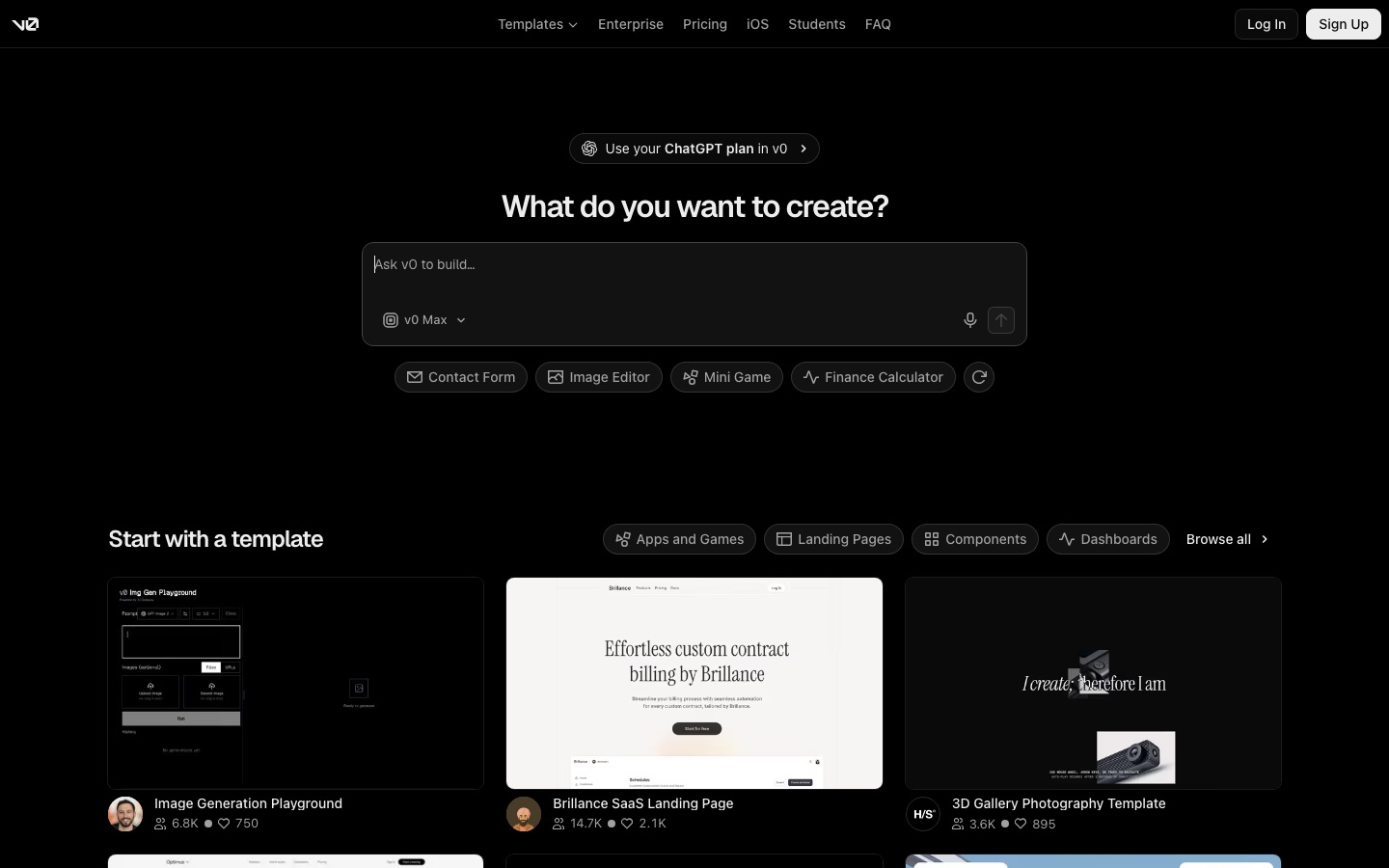
v0 is Vercel's builder. It produces some of the cleanest UI of any tool here, on the Next.js, Tailwind and shadcn/ui stack, and turns screenshots or Figma files into working interfaces. It is built for professional workflows: GitHub sync on every plan, branches and pull requests, and previews that run in Vercel Sandbox. Databases and auth come through integrations such as Neon and Supabase.
Pricing: Free with 7 messages a day; Plus $30 per user with $30 of monthly credits; Business $100 per user, per v0's pricing page.
Pros: best UI quality, Git-native workflow, one-click Vercel deploys.
Cons: per-seat pricing, and backend setup assumes developer knowledge.
Who it suits: React teams, designers who code, and anyone already on Vercel.
See how the top three builders compare in Lovable vs Bolt vs v0.
5. Base44: best for internal tools without code
Base44, owned by Wix, turns plain-language descriptions into working apps, sites and agents, with authentication, a database and analytics built into every plan. It hides the code more than any other builder here, which makes it popular with operations teams building trackers, portals and dashboards. In-app code edits start on Starter, and GitHub integration and model selection start on Builder.
Pricing: Free with 25 message credits a month and up to 5 apps; Starter $16/mo, Builder $40/mo, billed annually.
Pros: very beginner friendly, backend included on every plan, generous integration credits.
Cons: less control over the stack, GitHub only from the $40 tier.
Who it suits: non-technical teams building internal tools.
6. Anything: best for mobile apps from one prompt
Anything, formerly Create, focuses on turning one description into iOS, Android and web versions of an app, with a database and an App Store submission path. Its Max tier runs several agents at once with automated testing and plain-language error explanations.
Pricing: Pro from $19/mo for 20K credits, with larger tiers; check the official site for free plan limits.
Pros: mobile-first, publishing built in.
Cons: smaller community than Lovable or Replit, and credit tiers are less transparent.
Who it suits: creators who want an app in the stores rather than a website.
7. Emergent: best multi-agent builder
Emergent lets you chat with a team of AI agents that design, code, test and deploy full-stack web and mobile apps. Standard adds GitHub integration and private hosting, while Pro adds a 1M token context window, custom agents and system prompt editing for larger projects.
Pricing: Free with 10 credits a month; Standard $20/mo ($17 annual) with 100 credits; Pro $200/mo ($167 annual).
Pros: web and mobile from one place, advanced controls on Pro.
Cons: a small free allowance, and a big jump from Standard to Pro.
Who it suits: builders who want agent-style automation with room to grow.
8. Framer AI: best for marketing websites
Not every vibe coding project is an app. Framer AI is an agent that designs, builds and edits Framer websites with you, with a visual canvas, CMS and hosting. For a homepage or landing page, it beats app builders on polish.
Pricing: Free with 500 trial AI credits and a Framer domain; Basic $10/mo with 1,000 AI credits; Pro $30/mo with 3,000.
Pros: design quality, visual editing, built-in CMS and hosting.
Cons: websites only, no app backend.
Who it suits: marketers, designers and founders launching a site.
9. Cursor: best AI editor for developers
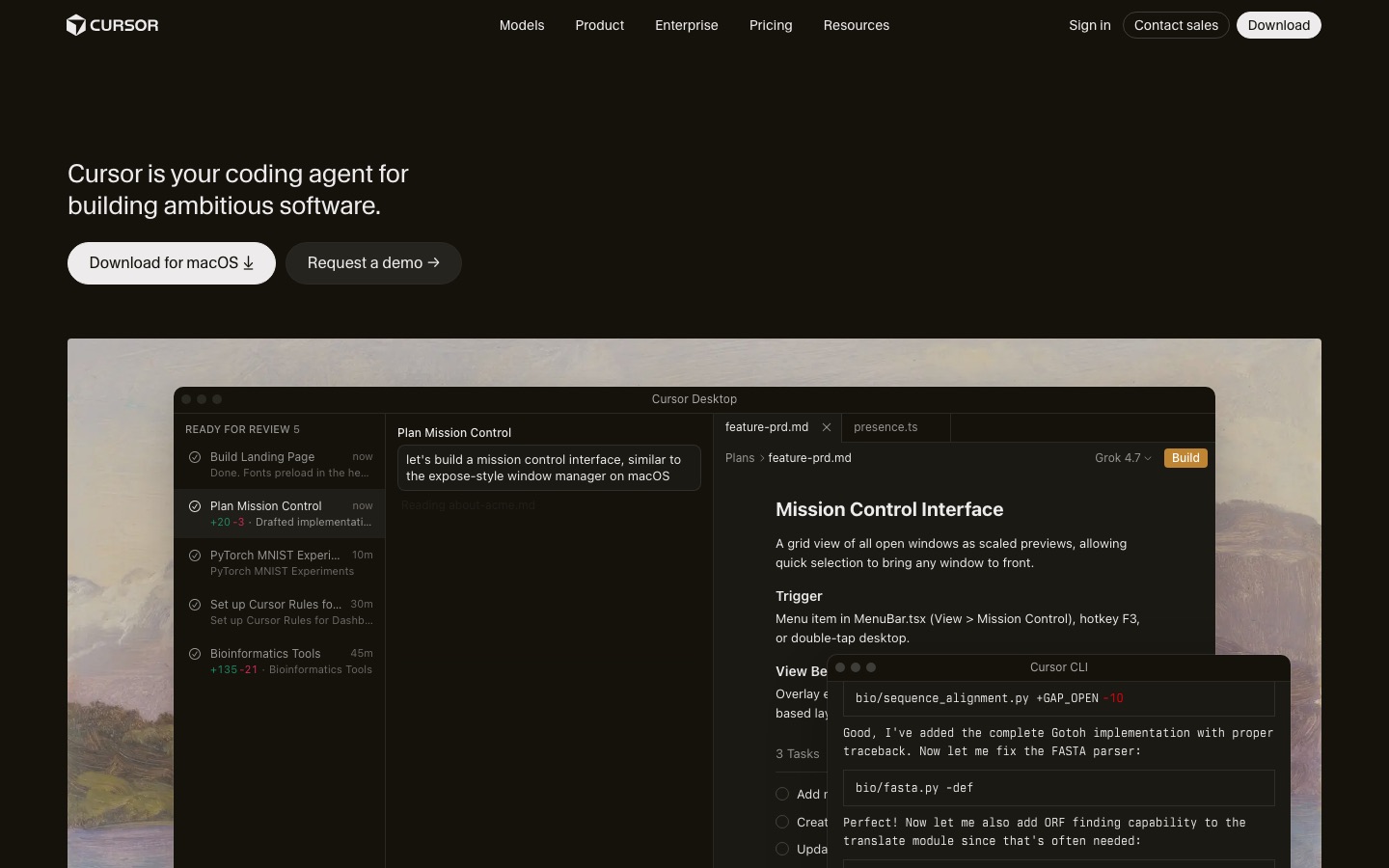
Cursor is the AI-first code editor most developers mean when they talk about vibe coding with real code. Its agent edits many files at once, runs commands and reviews its changes, while tab completions speed up hands-on work. Cursor joined SpaceX in August 2026 and reshaped its plans around Grok models.
Pricing: Free with limited usage; Plus $8/mo (Grok models only); Premium $30/mo adds cloud agents and third-party models at API list price, per Cursor's pricing page.
Pros: works on any codebase and stack, full control, strong completions.
Cons: you handle hosting and databases yourself, and plan changes favor Grok.
Who it suits: developers, or builders graduating from an app builder.
10. Claude Code: best terminal agent
Claude Code is Anthropic's agentic coding tool. It runs in your terminal, IDE, desktop app or browser, reads your whole codebase, edits files, runs tests and uses git. Plan mode and a CLAUDE.md file of project rules keep it on track.
Pricing: included with Claude Pro ($20/mo) and Max, Team and Enterprise plans.
Pros: excellent on large, real codebases; works with any stack.
Cons: no built-in hosting or database; the terminal intimidates beginners.
Who it suits: developers and technical founders.
Start with our guide on how to use Claude Code, or compare it in Claude Code vs Cursor.
11. OpenAI Codex: best for delegating tasks
OpenAI Codex runs coding tasks in isolated cloud sandboxes, several in parallel, and returns tested pull requests. It also works locally through a CLI and IDE extension.
Pricing: included with ChatGPT Plus ($20/mo) and higher plans; usage limits vary by plan.
Pros: parallel tasks, GitHub-native pull requests.
Cons: needs an existing repo and someone to review the output.
Who it suits: developers with a backlog.
We compare it head to head in OpenAI Codex vs Claude Code.
12. Google AI Studio: best free way to prototype
Google AI Studio is Google's browser workspace for Gemini models, and its Build mode turns a prompt into a working web app you can preview, edit and share. It is ideal for trying an idea that uses AI features, such as image understanding or chat, before committing to a paid builder.
Pricing: free to start; API usage at scale is billed through Google. Check the official page for current limits.
Pros: free, fast, and close to Google's latest models.
Cons: less complete backend and hosting than Lovable or Replit.
Who it suits: tinkerers and developers testing AI app ideas.
Other vibe coding tools worth knowing
Devin Desktop: formerly Windsurf, Cognition's agentic IDE with a generous free tier.
Bubble: the veteran no-code platform, now with AI that builds apps for you.
GitHub Copilot: the AI pair programmer inside VS Code and GitHub, with a free tier.
For a wider look at developer tools, see our best AI coding tools guide.
Vibe coding tips that save money and headaches
Plan before you build. Lovable, Replit and Bolt all have a plan mode. Approving a plan costs far less than rebuilding a wrong feature.
One change per prompt. Small requests are cheaper, easier to review and easier to undo.
Roll back instead of re-prompting. If a fix fails twice, restore the last working version and describe the problem differently.
Connect GitHub early. Your code then lives somewhere you control, and you can move to Cursor or Claude Code later.
Set spending limits. Replit budget caps, Lovable check-ins and per-member limits, and v0 model choice all keep bills in check.
Get a security review before launch. AI-built apps often ship loose database permissions. Anything with payments or personal data deserves a human review.
FAQ
What is the best vibe coding tool?
For non-developers, Lovable is the best vibe coding tool in 2026 because it builds a full web app with a database, logins and hosting from a chat. Replit is the best all-in-one alternative with native mobile apps. Developers usually get more from Cursor or Claude Code, which work on any codebase and stack.
What is the best free vibe coding tool?
Lovable's free plan (5 credits a day, up to 30 a month), Bolt's 1M free tokens a month and v0's 7 daily messages are the best free tiers among app builders. Google AI Studio is free to start for Gemini-powered prototypes. Free allowances are fine for testing an idea, but a serious build usually needs a paid plan.
Is vibe coding good for beginners?
Yes. App builders like Lovable, Base44 and Replit let beginners ship working apps without learning to code first, and Replit shows every file the agent writes, which helps you learn. The risk is launching something you do not understand, so keep apps simple and get a review before handling payments or personal data.
Which is better, Lovable or Bolt?
Lovable is better for non-developers who want the backend handled for them, thanks to Lovable Cloud. Bolt is better if you want to see the code environment, pick your framework or build a mobile app through Expo. Both start at $25 a month and have free plans, so try the same small app on each.
Can you build a real business with vibe coding?
Yes, many MVPs, internal tools and small SaaS products are now built this way. The common path is to validate an idea in a builder like Lovable or Replit, sync the code to GitHub, then bring in a developer or an AI editor such as Cursor or Claude Code as the product grows and needs stronger security, testing and performance.
Is vibe coding safe?
It is safe for prototypes and low-risk tools. For production apps, AI-generated code can include weak authentication, exposed API keys or loose database rules. Lovable and Replit now run security checks and tests, but those are not full audits. Have someone review data access, secrets and payments before real users arrive.
Bottom line
If you do not code, start with Lovable; if you want more control or an App Store app, choose Replit; and if you are a developer, pair Cursor or Claude Code with your own stack. Bolt, v0, Base44, Anything, Emergent and Framer AI each win a specific niche. Most of these have free plans, so build the same small app on two of them this week and keep the one whose output you still understand at the end.
Browse every AI app builder, editor and coding agent we track in the AI coding category, or see the latest AI agents. Building a vibe coding tool we have missed? Submit it for a listing.