Best AI YouTube Tools (2026): 15 Tools for Every Step of Making a Video
The best AI YouTube tools cover the whole workflow: vidIQ or GnorixX for ideas and SEO, ChatGPT or Claude for scripts, Descript and Gling for editing, ThumbnailCreator for thumbnails, OpusClip for Shorts and ElevenLabs or YouTube auto dubbing for other languages. Here are 15 picks, a free stack and a paid stack, with current pricing.
The best AI YouTube tools in 2026 are the ones that remove a bottleneck in your own workflow: vidIQ (or the free GnorixX) for ideas and SEO, ChatGPT or Claude for scripts, Descript or Gling for editing, ThumbnailCreator for thumbnails, OpusClip for Shorts, and ElevenLabs or YouTube's free auto dubbing for other languages. You do not need all 15. Most creators get the biggest time savings from one editing tool and one Shorts tool.
This guide is organized by the steps of making a YouTube video, from finding a topic to reaching viewers in other languages, so you can jump to the part that slows you down. Picks are based on official pricing pages, product documentation and public creator feedback as of October 2026, not hands-on testing. Every tool links to its listing in our AI tools directory where we have one.






Quick picks: the best AI tool for each YouTube task
Video ideas and YouTube SEO: vidIQ (from $19/mo) or GnorixX (free keyword explorer).
Research with citations: Gemini Notebook, formerly NotebookLM.
Recording: Riverside, with AI editing and Magic Clips.
Audio cleanup: Adobe Podcast Enhance Speech.
Voiceovers: ElevenLabs.
Editing talking-head videos: Descript for full edits, Gling for fast rough cuts.
Thumbnails: ThumbnailCreator or Canva Magic Studio.
Shorts from long videos: OpusClip.
Captions for Shorts: Submagic.
Other languages: YouTube auto dubbing (free) or HeyGen for lip sync.
Faceless videos: invideo AI.
All picks at a glance
Starting prices are monthly list prices as of October 2026. Many tools are much cheaper on annual billing; check each official page before you subscribe.
| Tool | Best for | Free plan | Starting paid price |
|---|---|---|---|
| vidIQ | Ideas, keywords, AI coach | Yes, 150 AI credits/mo | $19/mo ($199/yr) |
| TubeBuddy | Thumbnail A/B tests, bulk SEO | Yes | Check site |
| GnorixX | Keyword research, title packaging | Yes, core tools | Credit packs (check site) |
| ChatGPT / Claude | Scripts, outlines, titles | Yes | About $20/mo |
| Gemini Notebook | Source-grounded research | Yes | Google AI plans |
| Riverside | Recording and AI repurposing | Yes, 2 hours one-off, 720p | $29/mo ($24 annual) |
| Adobe Podcast | Fixing voice audio | Yes | From about $9/mo |
| ElevenLabs | Voiceovers and dubbing | 10k credits/mo | $6/mo |
| Descript | Editing by transcript | 60 min/mo, watermark | $24/mo ($16 annual) |
| Gling | Rough cuts for YouTubers | 1 hour/mo, watermark | $20/mo ($10 annual) |
| ThumbnailCreator | AI thumbnails from your video | 7-day trial | $29/mo ($14.50 annual) |
| Canva Magic Studio | Thumbnail design | Yes | Canva Pro (check site) |
| OpusClip | Shorts from long videos | Yes, watermarked | $15/mo |
| Submagic | Animated Shorts captions | Free trial | $19/mo ($12 annual) |
| invideo AI | Faceless script-to-video | Check site | $20/mo ($10 annual) |
Step 1: Ideas, keyword research and YouTube SEO
1. vidIQ: best AI tool for YouTube ideas and SEO
vidIQ (not yet in our directory) is the most widely used AI growth tool for YouTubers. It suggests daily video ideas based on your channel, finds keywords, shows trends, and includes an AI Coach that answers strategy questions with your channel data. Per the vidIQ pricing page, the free plan gives 150 AI credits a month and AI Coach tips; Boost is $19 a month ($199 a year) with 2,000 credits, keyword ideas, thumbnail generation and daily ideas; Max is $49 ($468 a year) with 6,000 credits and up to 11 hours of Shorts clipping.
Pros: ideas tailored to your channel, solid keyword data, generous free tier.
Cons: credit limits on heavy AI use, and scores are estimates, not guarantees.
Best for: creators who struggle to pick topics that people actually search for.
TubeBuddy (also not yet listed) is the long-standing alternative. Its Legend plan adds thumbnail A/B testing, bulk editing and full SEO tools, and Pro covers Keyword Explorer and basic title optimization. Its pricing page shows a 20% discount for annual billing; check current prices on the site.
2. GnorixX: best free YouTube keyword tool
GnorixX is a newer YouTube SEO suite with a free Keyword Explorer (real search queries, viewer questions and long-tail topics), a Title Scorer that simulates mobile truncation, and credit-based tools that compare video angles, write a 15-second hook and outline, and package three title options, a chaptered description and thumbnail concepts. No channel permissions are needed.
Pros: free core tools, focused on packaging, no channel access required.
Cons: smaller data footprint than vidIQ, and premium tools use credits.
Best for: small channels doing keyword research on a budget.
Step 2: Research and scripting
3. ChatGPT and Claude: best AI script writers for YouTube
General assistants are still the best YouTube script writers, because you can feed them your style, past scripts and research. ChatGPT is strong at brainstorming titles, hooks and variations; Claude is often preferred for long, natural-sounding scripts that keep a consistent voice. Both have free plans and paid plans around $20 a month. Our Claude vs ChatGPT comparison covers the differences.
A prompt that works: Write a 9-minute YouTube script on [topic] for [audience]. Open with a 15-second hook that states the payoff, use short spoken sentences, add [B-ROLL] notes, and end with a question that invites comments. Match the tone of this sample: [paste 300 words of your script].
Pros: flexible, cheap, good at titles and hooks as well as scripts.
Cons: generic output unless you give examples and real facts, and they can state wrong facts confidently.
Best for: every creator, as a drafting partner rather than an autopilot.
4. Gemini Notebook: best for research-heavy videos
Gemini Notebook (formerly NotebookLM) answers only from the sources you upload, with citations, so it is ideal for documentaries, explainers and video essays where facts matter. Add papers, articles, transcripts and YouTube links, then ask for timelines, key quotes or an outline. Our NotebookLM tutorial walks through it.
Step 3: Recording and audio
5. Riverside: best for recording with AI built in
Riverside records studio-quality local tracks for you and remote guests, then adds text-based editing, an AI editing agent, eye contact correction, silence and filler-word removal, transcripts and Magic Clips. Per the Riverside pricing page, Free gives a one-off 2 hours of multi-track recording at 720p; Pro is $29 a month ($24 annual) with 4K; Grow is $39 ($34 annual) and adds AI thumbnails and social scheduling.
Pros: best remote recording quality, repurposing included.
Cons: recording-hour caps, and AI translation uses credits.
Best for: interview shows, video podcasts and remote collaborators.
6. Adobe Podcast: best for rescuing bad audio
Adobe Podcast Enhance Speech makes a laptop or phone recording sound close to a studio mic in one click, in the browser. Viewers forgive soft video far more than bad audio, so this is one of the highest-impact free tools here. Paid plans start at about $9 a month for longer files and batch processing.
Step 4: Voiceovers
7. ElevenLabs: best AI voiceover for YouTube
ElevenLabs has the most natural AI voices, which matters for faceless channels and narrated explainers. You can clone your own voice (instant cloning from Starter, professional cloning from Creator), pick from a large voice library, and dub finished videos into 90+ languages. Starter is $6 a month for 30,000 credits and Creator $22 for 121,000, both with a commercial license. For alternatives, see our best AI text to speech tools.
Pros: best voice quality, cloning, dubbing and sound effects in one account.
Cons: credits go fast on long scripts, so long-form narrators need Creator or higher.
Best for: faceless channels, narrators and anyone who hates recording voiceovers.
Step 5: Editing
8. Descript: best AI video editor for YouTubers
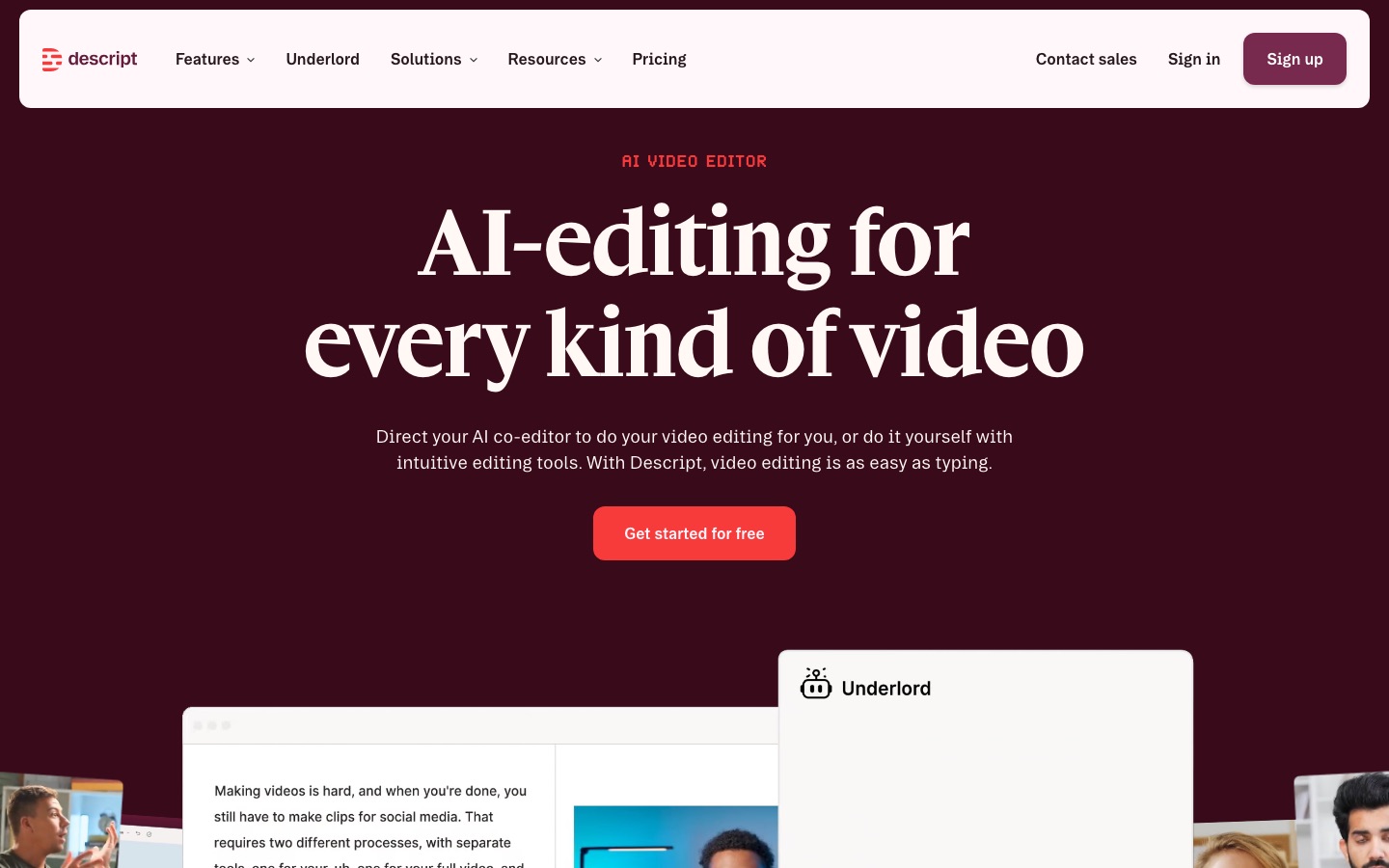
Descript turns your video into a transcript you edit like a document: delete a sentence and the footage is cut. It removes filler words, cleans audio, generates captions and translates them. Per the Descript pricing page, the free plan includes 60 media minutes a month (720p, watermarked), Hobbyist is $24 ($16 annual) for 10 hours and Creator is $35 ($24 annual) for 30 hours. See Descript vs CapCut if you are choosing between them.
Pros: fastest workflow for talking-head videos, captions included.
Cons: weaker for heavy motion graphics, media-hour limits.
Best for: tutorial, commentary, podcast and education channels.
9. Gling: best for fast rough cuts
Gling is built for YouTubers who record long takes: it automatically removes silences, filler words and bad takes, adds AI captions and SRT subtitles, suggests titles, and exports an XML timeline to Premiere Pro, Final Cut Pro or DaVinci Resolve so you can finish in your usual editor. Per the Gling pricing page, Plus is $20 a month ($10 annual) for 10 hours and Pro is $40 ($20 annual) for 30 hours; the free plan is 1 hour with a watermark.
Pros: saves hours on the most tedious part of editing, works with pro editors.
Cons: a rough-cut tool, not a full editor.
Best for: creators who edit in Premiere, Final Cut or Resolve.
Step 6: Thumbnails
10. ThumbnailCreator: best AI YouTube thumbnail generator
ThumbnailCreator analyzes your actual video from its URL, finds a strong moment and generates several thumbnail variations, with face swap, style cloning from a reference, AI text editing and a thumbnail analyzer. Per the ThumbnailCreator pricing page, Starter is $29 a month ($14.50 annual), Creator $49 ($24.50 annual, 100 thumbnails a month on monthly billing) and Teams $99, all with a 7-day free trial.
Pros: thumbnails grounded in your footage and face, many variations to test.
Cons: pricey for small channels on monthly billing; vendor CTR claims are not independently verified.
Best for: channels publishing weekly that want more thumbnail options to test.
11. Canva Magic Studio: best for designing thumbnails yourself
Canva Magic Studio adds AI image generation, background removal, Magic Edit and Magic Expand to Canva's YouTube thumbnail templates. It is the best fit if you like designing thumbnails yourself and want a consistent brand look across your channel. Whatever tool you use, run YouTube's built-in Test and Compare feature in Studio to test up to three thumbnails on a video.
Step 7: Shorts and captions
12. OpusClip: best for turning long videos into Shorts
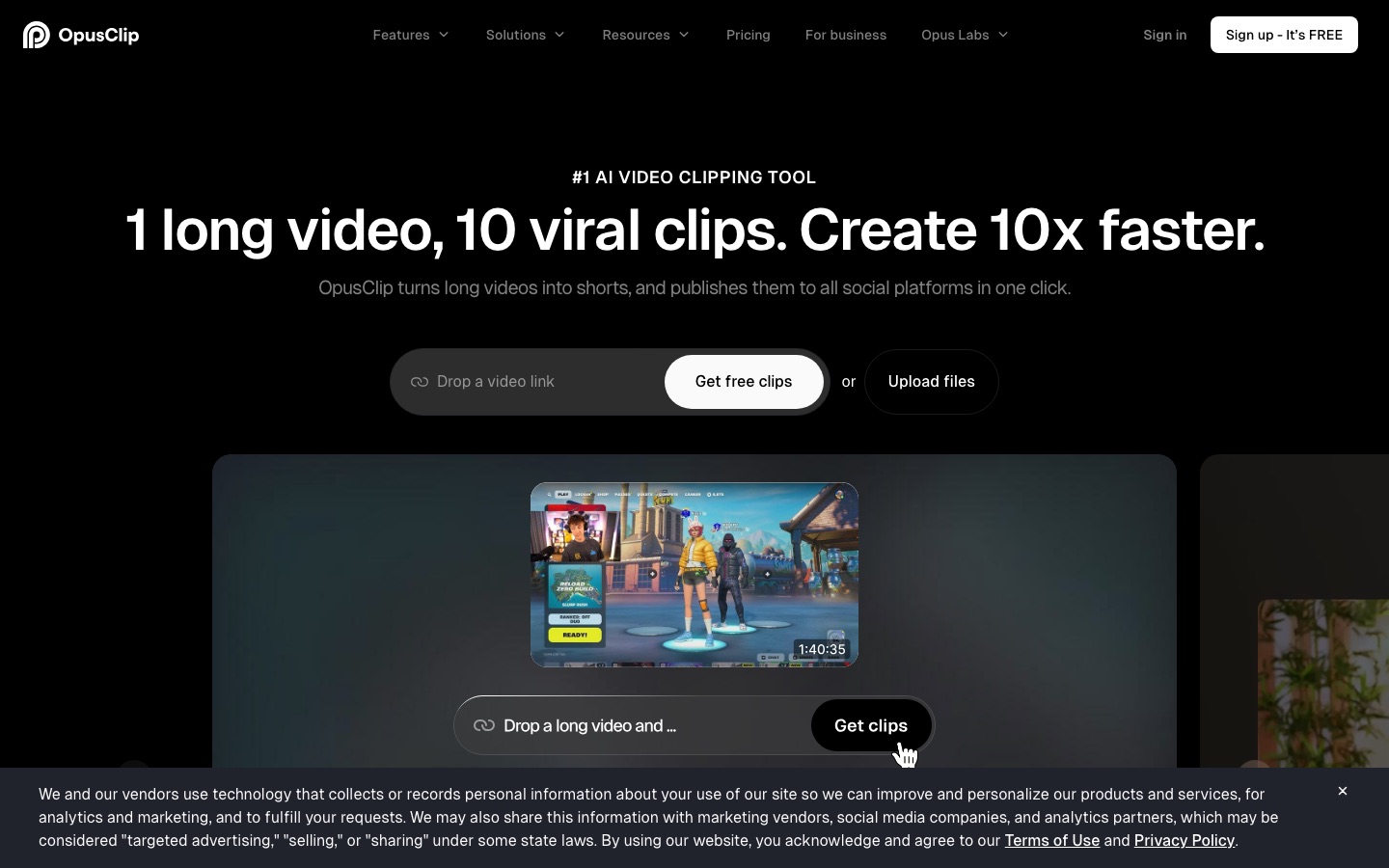
OpusClip finds the most engaging moments in a long video, reframes them vertically, adds animated captions and gives each clip a virality score. Per the OpusClip pricing page, the free plan exports watermarked clips that expire after 3 days, Starter at $15 a month removes the watermark and auto-posts to YouTube Shorts, TikTok and Instagram, and Pro at $29 adds deeper curation, a scheduler and AI B-roll. Our Vizard vs OpusClip vs Munch comparison covers alternatives like Vizard.
Pros: a month of Shorts from one long video, auto-posting.
Cons: AI picks need human review, and some clips lack context.
Best for: podcasts, streams, interviews and long tutorials.
13. Submagic: best captions for YouTube Shorts
Submagic adds the bold, word-by-word animated captions, emoji, zooms, B-roll and sound effects that keep Shorts viewers watching. Starter is $19 a month ($12 annual) for 15 videos up to 2 minutes, which covers most Shorts creators. For long-form subtitles and SRT files, see our best AI subtitle generators.
Step 8: Reaching other languages
14. YouTube auto dubbing and HeyGen: best for multilingual channels
Start with YouTube's own auto dubbing. Per YouTube Help, it is enabled by default for eligible channels, adds dubbed audio tracks viewers can select, and is testing experimental lip sync on select channels. Videos over 120 minutes are not eligible, and dubs cannot be edited directly.
When you need more control or convincing lip sync, HeyGen translates video into 175+ languages and dialects with your cloned voice, and ElevenLabs handles multi-speaker videos. Upload the result as an extra audio track in YouTube Studio rather than a separate video. Our best AI video translators guide compares 11 options.
Step 9: Faceless and generated videos
15. invideo AI: best for faceless YouTube videos
invideo AI turns a prompt or script into a finished video with voiceover, music, stock and generated footage, then lets you edit by text command or on a timeline. Starter is $20 a month ($10 annual) per seat and Plus is $60 ($30 annual). For a complete workflow, read our guide on how to make faceless YouTube videos with AI, and for cinematic B-roll see the best AI video generators.
A warning: YouTube's monetization policies exclude mass-produced, repetitive content, and YouTube requires creators to disclose realistic altered or synthetic content in Studio. Faceless channels that win add original research, opinion and editing on top of AI output.
Honorable mentions
ytZolo: an all-in-one toolkit for thumbnails, titles, scripts, voiceovers and music.
CopyrightChecker: checks music for copyright issues before you upload.
Video To Blog: turns your videos into SEO blog posts to capture search traffic outside YouTube.
Synthreel: hands-free animated YouTube videos from script to scheduled upload.
CapCut: a free-first editor with trending templates for Shorts.
Sample AI YouTube stacks
| Stage | Free stack | Paid stack (about $100/mo) |
|---|---|---|
| Ideas and SEO | GnorixX, vidIQ free | vidIQ Boost ($19) |
| Scripts | ChatGPT or Claude free | Claude or ChatGPT paid (about $20) |
| Audio | Adobe Podcast free | Adobe Podcast free |
| Editing | Descript free (60 min) | Descript Hobbyist ($16 annual) |
| Thumbnails | Canva free + Test and Compare | ThumbnailCreator Starter ($14.50 annual) |
| Shorts | OpusClip free (watermarked) | OpusClip Starter ($15) |
| Languages | YouTube auto dubbing | YouTube auto dubbing + ElevenLabs Starter ($6) |
How to choose AI tools for your channel
Time yourself on one video. Note which step takes longest: research, scripting, editing, thumbnails or Shorts.
Fix the biggest bottleneck first with one tool, and use it for a month before adding another.
Prefer tools that keep your voice and face. Audiences subscribe to people; use AI to remove busywork, not personality.
Check commercial rights on free plans, especially for voices, music and generated footage.
FAQ
What is the best AI tool for YouTube?
There is no single best tool, because YouTube work has many stages. vidIQ is the best AI tool for ideas and SEO, Descript for editing talking-head videos, OpusClip for turning long videos into Shorts, ThumbnailCreator for thumbnails and ElevenLabs for voiceovers. Start with whichever step takes you the longest.
What AI tools do YouTubers use?
Common choices are vidIQ or TubeBuddy for keyword research, ChatGPT or Claude for scripts, Descript, Gling or CapCut for editing, Canva or AI thumbnail generators for thumbnails, OpusClip or Submagic for Shorts and captions, and ElevenLabs for voiceovers. Many also use YouTube's free auto dubbing and Test and Compare.
Can I monetize AI-generated YouTube videos?
Yes, if the videos follow YouTube's policies. YouTube does not ban AI, but it does not monetize mass-produced, repetitive content, and it requires you to disclose realistic altered or synthetic media. Channels that add original commentary, research and editing on top of AI tools are the ones that get monetized.
What is the best free AI tool for YouTube?
YouTube's own tools are the best free starting point: auto captions, auto dubbing and thumbnail Test and Compare. Beyond those, Adobe Podcast's free Enhance Speech, GnorixX's free keyword explorer, vidIQ's free plan and the free tiers of ChatGPT, Claude and Descript cover most needs.
What is the best AI YouTube thumbnail generator?
ThumbnailCreator is the most YouTube-specific option, generating variations from your actual video and face, from $14.50 a month billed annually. Canva Magic Studio suits creators who prefer designing thumbnails themselves, and vidIQ Boost includes thumbnail generation. Always test thumbnails with YouTube's Test and Compare feature.
Can AI make a YouTube video for me?
Yes. Tools like invideo AI and Synthreel turn a prompt or script into a finished video with voiceover, footage and music, and HeyGen can put an avatar of you on camera. The results work best as drafts you edit, since fully automated videos tend to be generic and risk monetization problems.
Final verdict
The best AI YouTube tools are the ones that free you to do the creative work only you can do. For most channels, a strong starter set is vidIQ for ideas, Claude or ChatGPT for scripts, Descript or Gling for editing, ThumbnailCreator or Canva for thumbnails, OpusClip for Shorts, and YouTube auto dubbing for new audiences. Add one tool at a time, measure the hours saved, and keep your own voice front and center.
Browse every editing, clipping and generation tool we track in the AI video category, and growth tools in AI marketing. Building a YouTube tool we have missed? Submit it for a listing.